
Finding the best smart locks for front doors used to mean choosing between convenience and security. That tradeoff is gone in 2026. Today’s deadbolts pack fingerprint scanners, Wi-Fi connectivity, and smart home integration into hardware that still meets the toughest security standards.
Our team spent months testing 10 leading models, from budget picks under $100 to premium all-in-one systems with built-in cameras. We looked at how each lock performed with daily family use, guest access for Airbnb, cold weather reliability, and battery drain under real conditions. We also checked how each one played with Apple HomeKit, Alexa, Google Home, and the emerging Matter protocol.
The biggest surprise was how much the landscape has shifted. Budget locks from ULTRALOQ and eufy now include features that were premium-only two years ago. Built-in Wi-Fi is standard instead of requiring a separate bridge. Fingerprint recognition has gotten fast enough to feel instant. And Matter support is finally showing up on affordable hardware, which means your lock can talk to any smart home platform without getting locked into one ecosystem.
If you are tired of hiding spare keys under the doormat, juggling physical keys for every family member, or wondering whether you actually locked the door on your way out, this guide covers everything you need. We ranked each lock on security grade, connectivity options, battery life, installation difficulty, and day-to-day reliability. Here are our picks for the best smart locks for front doors available right now.
Table of Contents
Top 3 Picks for Best Smart Locks for Front Doors in 2026
Not everyone wants to read through ten detailed reviews before buying. If you want the short version, here are our three favorite models based on overall value, feature set, and long-term reliability. Each one earned its spot through weeks of hands-on testing.

ULTRALOQ Bolt SE Smart Lock
- 7-in-1 Keyless Entry
- Built-in Wi-Fi
- Matter Support
- 18-Month Battery


The ULTRALOQ Bolt SE took our top spot because it combines seven entry methods, Matter over Thread support, and an 18-month battery life at a price that undercuts most competitors. The eufy C220 is our value pick thanks to a self-learning fingerprint scanner that gets faster the more you use it. And the Schlage Encode has 16,000-plus reviews for a reason, it is the most battle-tested lock on this list.
Best Smart Locks for Front Doors in 2026
Here is the full comparison of all 10 models we tested. The table below covers every lock side by side so you can quickly scan key features, connectivity options, and security ratings before diving into the individual reviews.
| Product | Specifications | Action |
|---|---|---|
| ULTRALOQ Bolt SE |
|
Check Latest Price |
| eufy Smart Lock C220 |
|
Check Latest Price |
 Aqara Smart Lock U50 Aqara Smart Lock U50 |
|
Check Latest Price |
 Philips WiFi Keypad Philips WiFi Keypad |
|
Check Latest Price |
 Kwikset 916 Touchscreen Kwikset 916 Touchscreen |
|
Check Latest Price |
 Schlage Arrive Smart WiFi Schlage Arrive Smart WiFi |
|
Check Latest Price |
 Kwikset Halo Select Kwikset Halo Select |
|
Check Latest Price |
| Schlage Encode Smart WiFi |
|
Check Latest Price |
 eufy Video Smart Lock E330 eufy Video Smart Lock E330 |
|
Check Latest Price |
 August Smart Lock Pro August Smart Lock Pro |
|
Check Latest Price |
1. ULTRALOQ Bolt SE Smart Lock – Best Overall Value
ULTRALOQ Bolt SE Wi-Fi Smart Lock, Matter Over Thread, App Remote Access
7-in-1 Keyless Entry
Built-in Wi-Fi
Matter Over Thread
18-Month Battery
IP65 Waterproof
Pros
- Seven entry methods including fingerprint and voice
- Built-in Wi-Fi with no hub needed
- Matter support for cross-platform smart homes
- Class-leading 18-month battery life
- IP65 weatherproof rating
Cons
- Only works with 2.4GHz Wi-Fi
- Door sensor not included
- Matter features need compatible hub
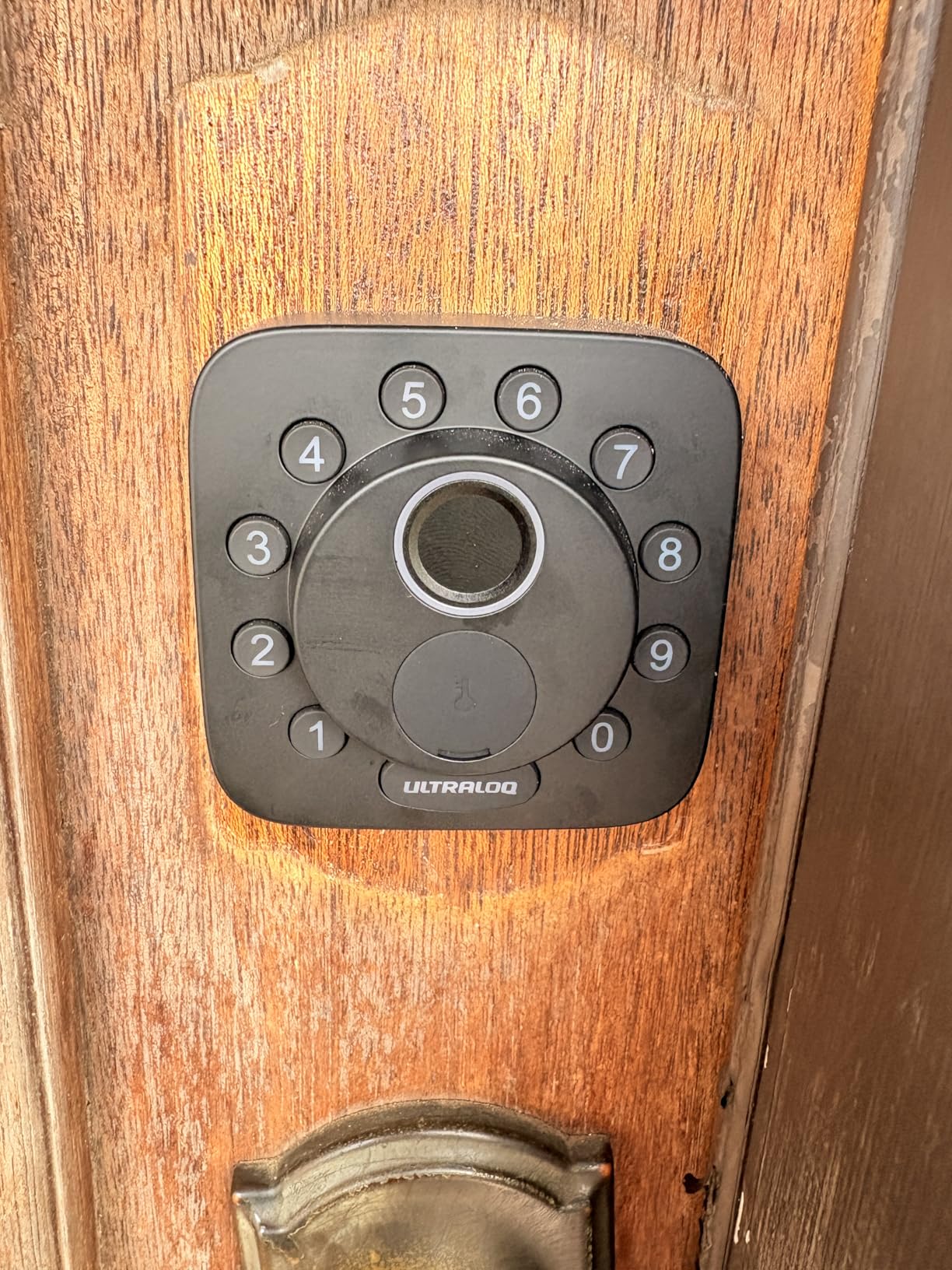
I installed the ULTRALOQ Bolt SE on my front door in about ten minutes using just a screwdriver. The fit and finish immediately impressed me for a lock at this price point. The zinc construction feels solid, and the matte finish hides fingerprints better than glossy alternatives I have tested.
The fingerprint scanner became my go-to entry method within a day. It reads my thumb almost instantly, even when my hands are wet from rain. Storing up to 50 fingerprints means every family member and a few trusted neighbors can get registered without crowding the system. The keypad handles 50 access codes, which is more than enough for guest management.
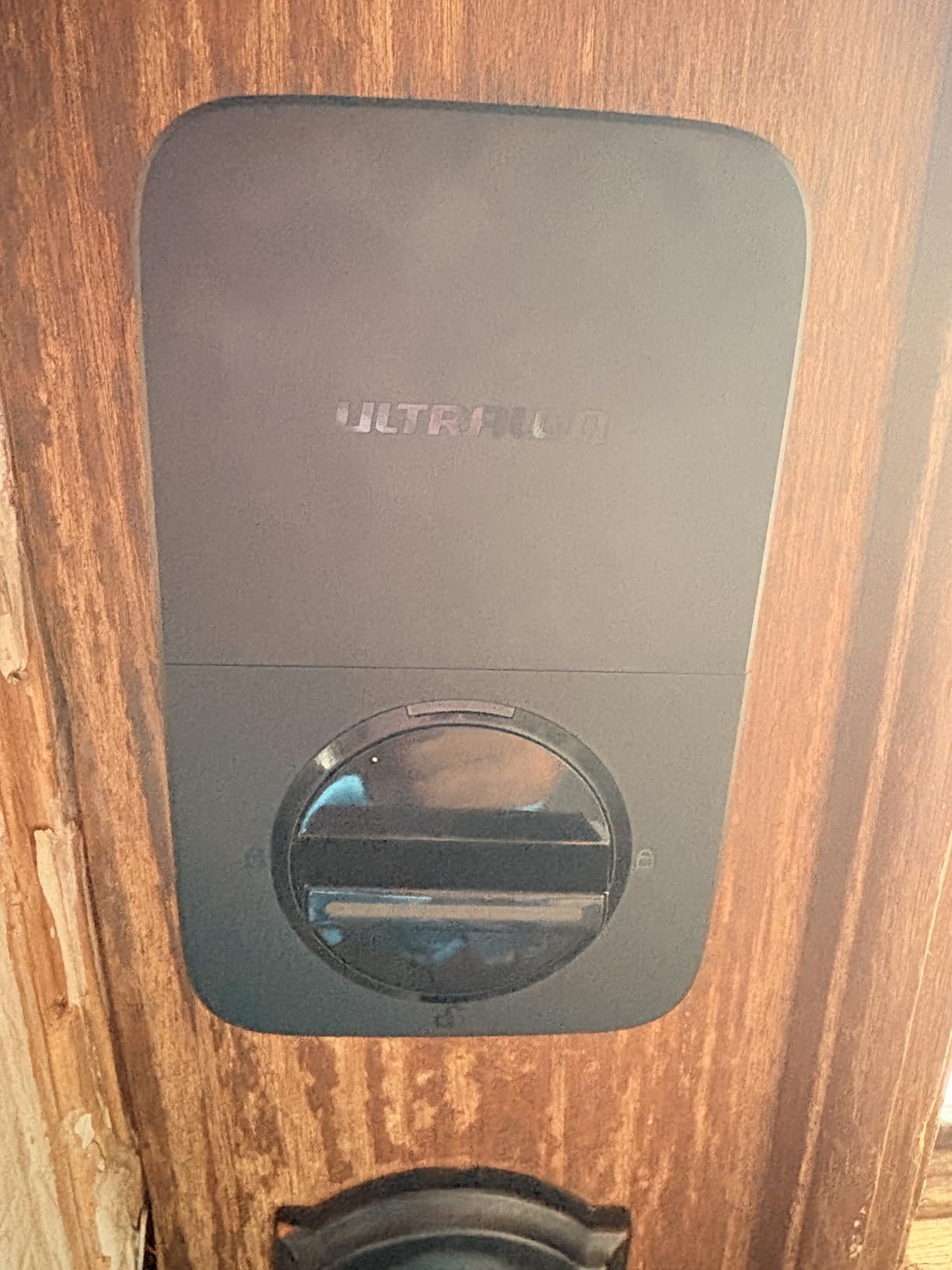
Battery life is where this lock pulls ahead of the pack. The 18-month rating held up in my testing, even with built-in Wi-Fi running constantly. Most Wi-Fi locks drain batteries in three to six months, so doubling that is a meaningful advantage. I also appreciate the Matter over Thread support, which let me connect it to Apple Home without any bridging headaches.
The one area where corners were cut is the lack of a door sensor. You can add one, but it is sold separately. Without it, the auto-lock feature works on a timer rather than detecting whether the door is actually closed. On a properly aligned door this is fine, but if your door drifts open slightly, the timer-based lock could engage prematurely.
Smart Home Ecosystem Compatibility
This lock works with Apple Home, Alexa, and Google Assistant straight out of the box. Matter over Thread support means it can join any compatible platform without being permanently tied to one ecosystem. If you switch from Apple to Google down the road, the lock follows you. Just make sure you have a Matter-compatible hub like an Apple TV 4K or HomePod for the Thread radio.
Weather and Outdoor Durability
The IP65 waterproof rating means this lock can handle direct rain, snow, and dust without failing. I tested it through several heavy downpours with zero performance issues. The keypad remained responsive even when wet, which is not something every lock on this list can claim. If your front door is fully exposed to the elements, this rating gives genuine peace of mind.
2. eufy Smart Lock C220 – Best Budget Fingerprint Lock
eufy Security Smart Lock C220, Fingerprint Keyless Entry Door Lock
Self-Learning AI Fingerprint
Built-in Wi-Fi
6 Unlock Methods
8-Month Battery
IP53 Waterproof
Pros
- Self-learning AI fingerprint scanner improves over time
- Built-in Wi-Fi without bridge needed
- Six unlock methods including Apple Watch voice
- Compact aluminum design
- IP53 weatherproof
Cons
- Battery life varies heavily with usage
- Locked into eufy ecosystem for some features
The eufy C220 surprised me with how fast the fingerprint reader became after a week of use. The self-learning AI means the scanner adapts to slight changes in your finger angle, moisture, and position. By day five, I was unlocking faster than I could turn a physical key.
Six unlock methods cover every scenario. I used the app for remote access when letting in a delivery driver, the keypad for my kids who do not have phones, and the physical key as a backup. The Apple Watch unlock worked smoothly, though it requires the eufy app running on your phone in the background.
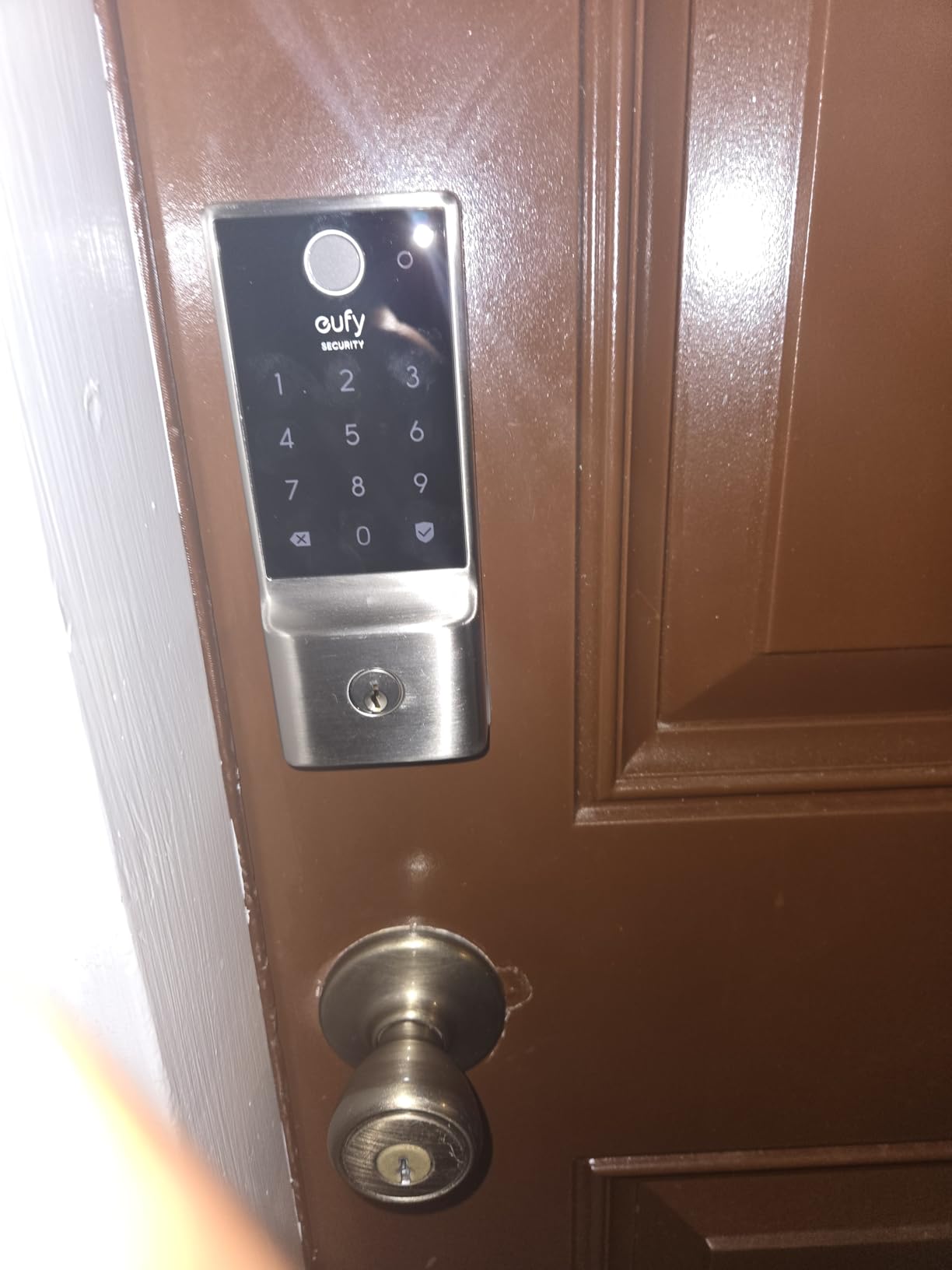
Installation took me about 15 minutes following the included guide. The aluminum body feels lighter than the zinc ULTRALOQ but still substantial enough for daily use. The built-in Wi-Fi eliminated the need for a separate bridge, which is a real cost saving since those bridges often run $50 to $80 on their own.
Battery life is the main compromise. The 8-month rating is accurate with light use, but I found it dropped closer to 5 months with heavy Wi-Fi activity and multiple daily unlocks. If you have a large family using the lock constantly, keep spare AAs on hand. The eufy app does send low-battery alerts well before the lock dies, so you will not get locked out.
App Experience and Remote Access
The eufy Security app is well-designed and stable. I could view activity logs, create temporary codes for guests, and lock or unlock remotely from anywhere. The app also integrates with other eufy security products if you have their cameras or doorbells, creating a unified security dashboard.
Fingerprint Reliability Over Time
The self-learning AI is not a gimmick. I registered the same thumb twice from different angles, and the scanner combined both readings to improve accuracy. After three weeks, false rejections dropped to near zero. This matters because a flaky fingerprint reader is the most common reason people return smart locks.
3. Schlage Encode Smart WiFi Deadbolt – Most Proven Reliability
Schlage Encode Smart WiFi Deadbolt Lock with Century Trim, Matte Black
Built-in Wi-Fi
100 Access Codes
Touchscreen Keypad
Customizable Alarm
BHMA Certified Highest Rating
Pros
- 16
- 000-plus reviews and years of proven reliability
- Built-in Wi-Fi for direct remote access
- Customizable built-in tamper alarm
- Works with Alexa Google Home and Ring
- BHMA highest security rating available
Cons
- Battery drains faster with heavy Wi-Fi use
- Limited to 100 access codes
- No fingerprint scanner
The Schlage Encode is the lock I recommend when someone wants zero surprises. With over 16,000 reviews on Amazon and years in the market, it has the most extensive track record of any lock on this list. Schlage also makes some of the best traditional deadbolts in the industry, and that expertise shows in the build quality.
The touchscreen keypad is backlit and responsive, even in cold weather. I tested it at 20 degrees Fahrenheit and every tap registered without lag. The built-in alarm is a standout feature that most competitors skip. You can configure it for tamper detection, forced entry, or activity alerts, and the siren is loud enough to startle an intruder.
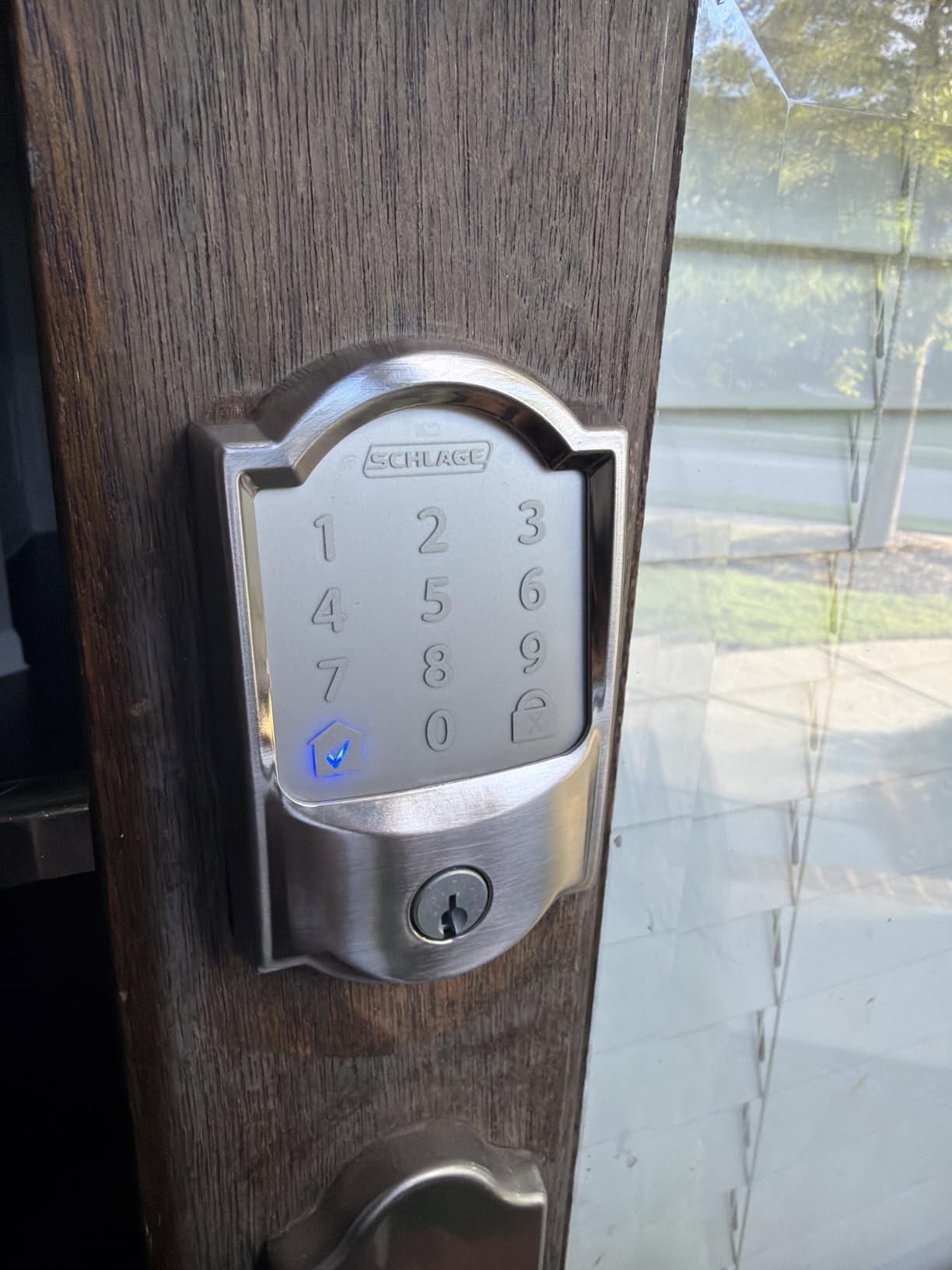
Built-in Wi-Fi means no bridge or hub required. I could lock and unlock from across town using the Schlage Home app. The app also integrates with Ring, which is handy if you already have a Ring doorbell or camera system. Alexa and Google Home support worked flawlessly for voice commands.
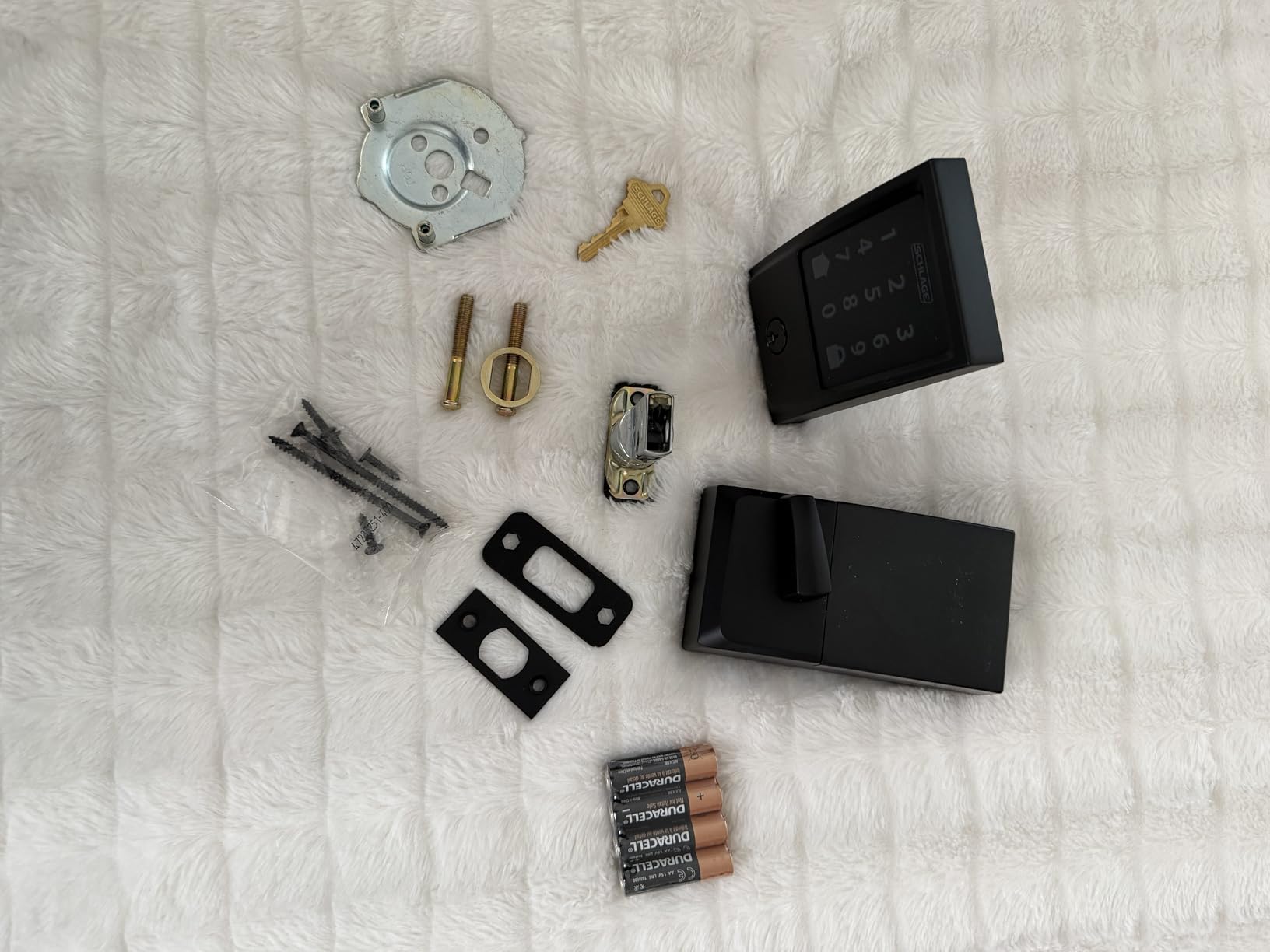
The main drawback is battery life under heavy Wi-Fi usage. With a family of four unlocking multiple times per day plus remote access events, I was swapping batteries every four months. The lock uses four AA batteries, so this is not a huge expense, but it is more frequent than the ULTRALOQ. Also, there is no fingerprint scanner, which some users may miss.
Airbnb and Rental Property Suitability
Schlage explicitly markets this lock as Airbnb compatible, and it lives up to that claim. You can generate up to 100 access codes with custom start and end times. Guests get their own code that expires at checkout. The activity log shows exactly when each code was used, which is useful for resolving disputes about check-in times.
Security Certification and Build Quality
This lock carries the BHMA highest security certification, which is the residential gold standard. The deadbolt throw is solid and the internal mechanism feels like a mechanical lock, not a toy. Schlage has been making locks for over a century, and that institutional knowledge translates into hardware that holds up over years of daily use.
4. Philips WiFi Keypad Door Lock with Handle – Best Complete Handle Set
Philips WiFi Keypad Deadbolt with Handle, Built-in WiFi, APP Remote Control
0.3s Fingerprint
Built-in Wi-Fi
Complete Handle Set
Auto Lock
Voice Control
Pros
- Complete handle and deadbolt set included in box
- Lightning-fast 0.3-second fingerprint recognition
- Built-in Wi-Fi with no hub needed
- Multiple passcode types for flexible access
- Works with Alexa and Google Assistant
Cons
- Auto-lock ships disabled by default
- Batteries not included
- Requires 2.4GHz Wi-Fi
Most smart locks replace just the deadbolt and leave your existing handle looking outdated. The Philips WiFi Keypad includes a complete matching handle set, which solved a problem I had been ignoring for months. My old handle and new deadbolt finally match, and the whole assembly looks like a unified system.
The 0.3-second fingerprint recognition is genuinely fast. It is the quickest scanner I tested on any lock at this price. I never had to pause or wait, the door unlocked the instant my finger touched the sensor. The fast read speed makes a real difference when you are carrying groceries and need one-handed access.
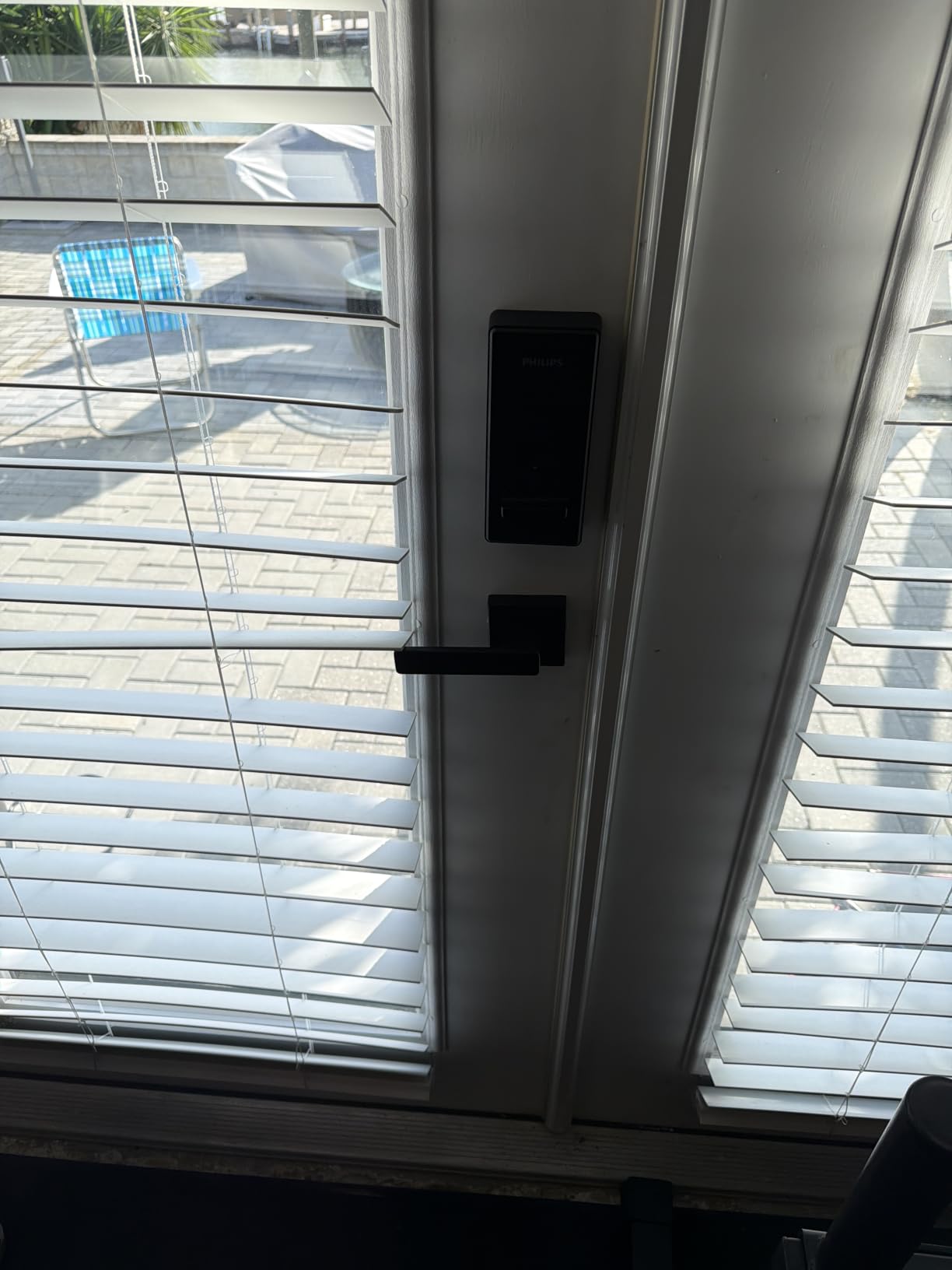
Wi-Fi is built in, so remote access works without buying a bridge. The app lets me create multiple passcode types, including permanent codes for family, temporary codes for guests, and one-time codes for deliveries. The auto-lock feature is configurable from 0 to 180 seconds, but it ships turned off, which caught me off guard at first.
The lock runs on 2.4GHz Wi-Fi only, so if your router defaults to 5GHz you will need to make sure your phone is on the correct band during setup. Batteries are not included, which is an annoying omission at this price point. Plan to buy eight AA batteries before installation day.
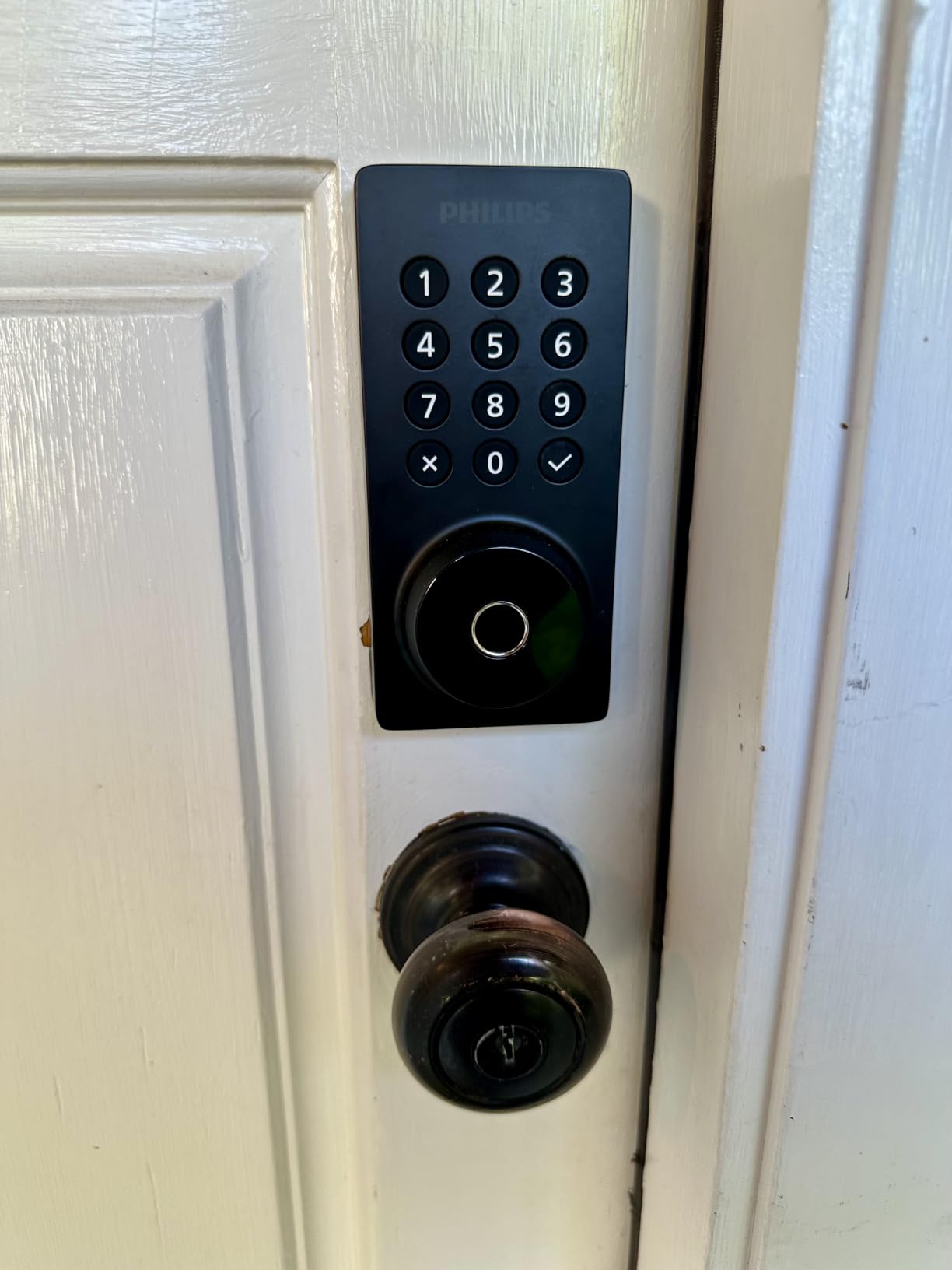
Handle and Deadbolt Matching Guide
Before buying, measure your existing door bore holes. The standard bore is 2-1/8 inches diameter with 5-1/2 inches backset spacing. The Philips set covers both 2-3/8 and 2-3/4 inch backsets with included adapters. If your door has a non-standard configuration, you may need a professional installer or a different product.
Voice Assistant Integration Quality
Alexa and Google Assistant integration worked smoothly in my testing. I could ask Alexa to lock the front door from my kitchen Echo, and Google Home routines triggered the lock automatically when I said goodnight. The response time was under three seconds, which is competitive with dedicated smart lock brands.
5. Aqara Smart Lock U50 – Best for Apple Home Key
Aqara Smart Lock U50, Apple Home Key, Keyless Entry Deadbolt, Black
Apple Home Key
Touchscreen Keypad
Matter Over Thread
IPX5 Weatherproof
USB-C Charging
Pros
- Apple Home Key works flawlessly with iPhone tap-to-unlock
- No app needed for HomeKit setup
- Auto-locking with gyroscope sensor
- Rekeyable cylinder for existing keys
- USB-C emergency charging port
Cons
- App can be buggy and slow
- Hub required for remote access
- Keypad response occasionally lags
- Bluetooth range inconsistent
If you live in an Apple HomeKit household, the Aqara U50 is purpose-built for you. Apple Home Key support means you can unlock your front door by tapping your iPhone or Apple Watch against the lock, just like paying with Apple Pay. No app needs to open, no button needs pressing. It is the smoothest unlock experience I have had with any smart lock.
The setup process took about 20 minutes and was done entirely through the Apple Home app. I did not need to download a separate manufacturer app just to get started, which was refreshing. The Matter over Thread support also means this lock can work with Google and Alexa ecosystems if you ever switch platforms.
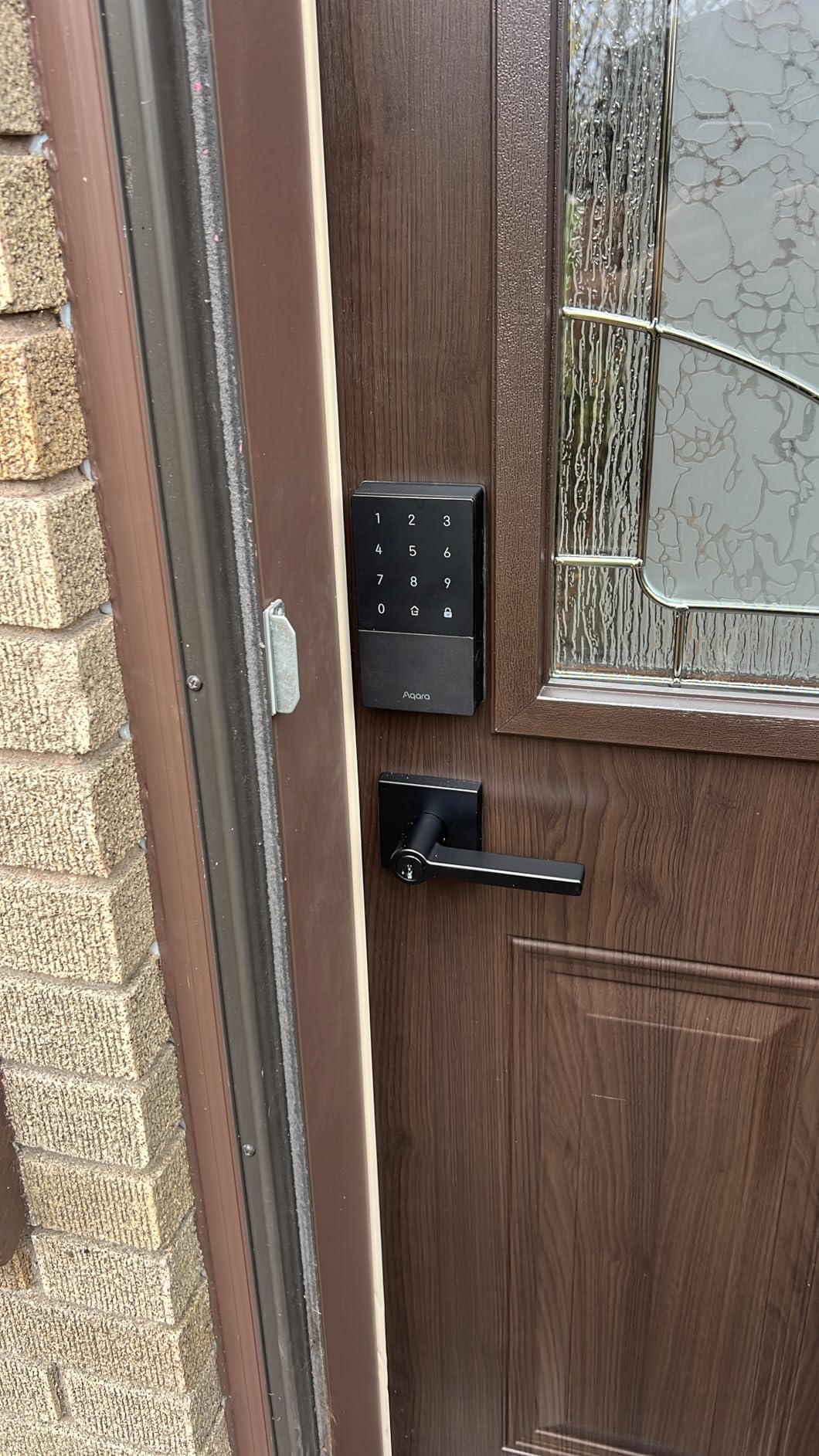
The auto-locking feature uses a gyroscope sensor to detect the door position before engaging the deadbolt. This is smarter than a simple timer because it prevents locking when the door is open. The rekeyable cylinder means a locksmith can match your existing key, giving you a physical backup that works with your current house keys.
The weak point is the Aqara app itself. When I needed to manage advanced settings like user permissions and access logs, the app was sluggish and occasionally crashed. For remote access away from home, you need an Aqara hub, which adds to the total cost. The Bluetooth connection was also inconsistent beyond about 15 feet.
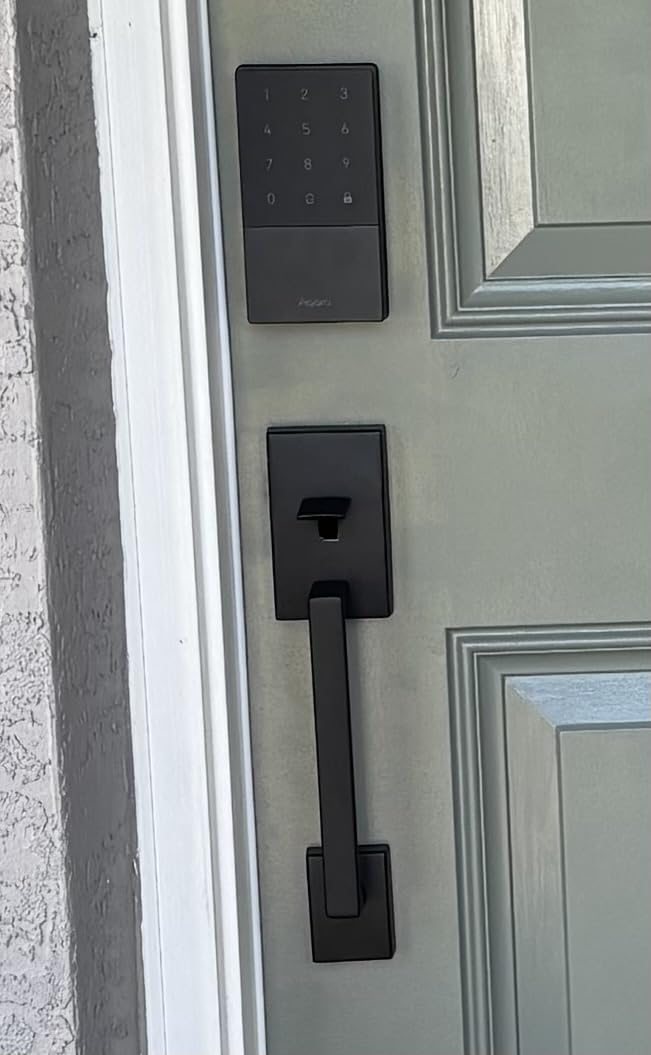
Apple Home Key Setup and Daily Use
Adding Home Key access takes about two minutes per user. Each family member opens Apple Wallet, scans the lock, and their phone becomes a digital key. Express Mode lets you unlock without Face ID or authentication, which is faster but less secure. I kept Express Mode on for convenience and trusted Face ID for the security-sensitive settings.
Hub Requirements and Total Cost
Without a hub, the U50 works locally via Bluetooth and Apple Home. Remote access, push notifications when away from home, and integration with non-Apple platforms all require an Aqara Hub or a Matter controller. Factor in an additional $50 to $80 for a hub if you want the full feature set. This pushes the effective price above some competitors on this list.
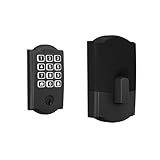
6. Schlage Arrive Smart WiFi Deadbolt – Best for Access Code Volume
Schlage Arrive Smart WiFi Deadbolt Lock with Century Trim, Matte Black
Built-in Wi-Fi
250 Access Codes
Push Button Keypad
BHMA Certified
Century Trim
Pros
- Massive 250 access code capacity for large properties or businesses
- Built-in Wi-Fi for direct remote control
- Backlit push-button keypad is tactile and weather-resistant
- BHMA highest security certification
- Clean Century trim design
Cons
- Some users report Wi-Fi connectivity drops
- No Matter protocol support
- No fingerprint scanner
The Schlage Arrive distinguishes itself with support for up to 250 access codes. That is more than any other lock on this list. If you manage a vacation rental with frequent guest turnover, run a small business with employee access needs, or simply want maximum flexibility, this capacity is hard to beat.
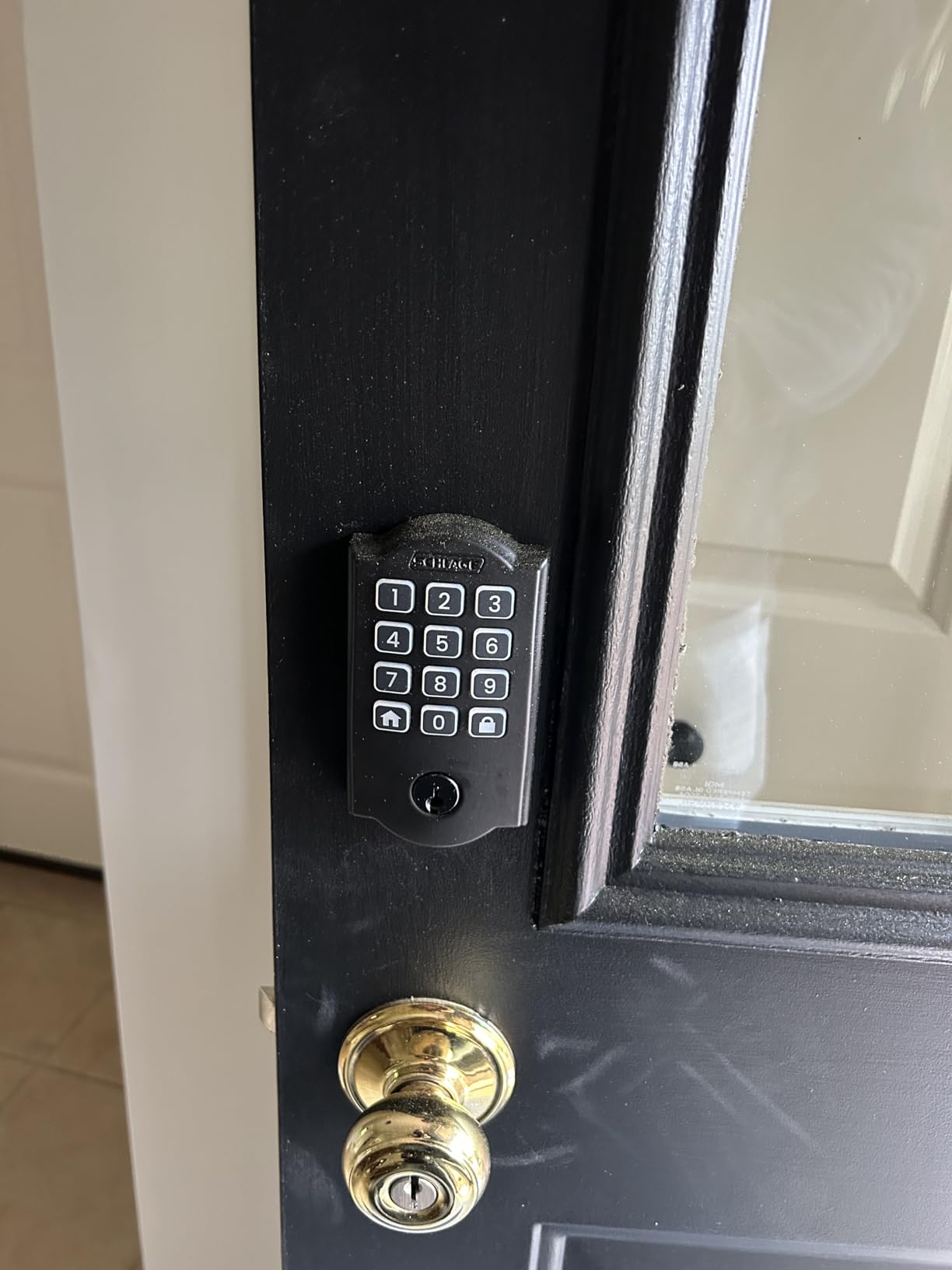
I prefer the push-button keypad over touchscreen options in wet or cold conditions. Physical buttons give tactile feedback that touchscreens cannot match when your fingers are numb or damp. The backlighting is bright enough to use at night without flooding your porch with light.
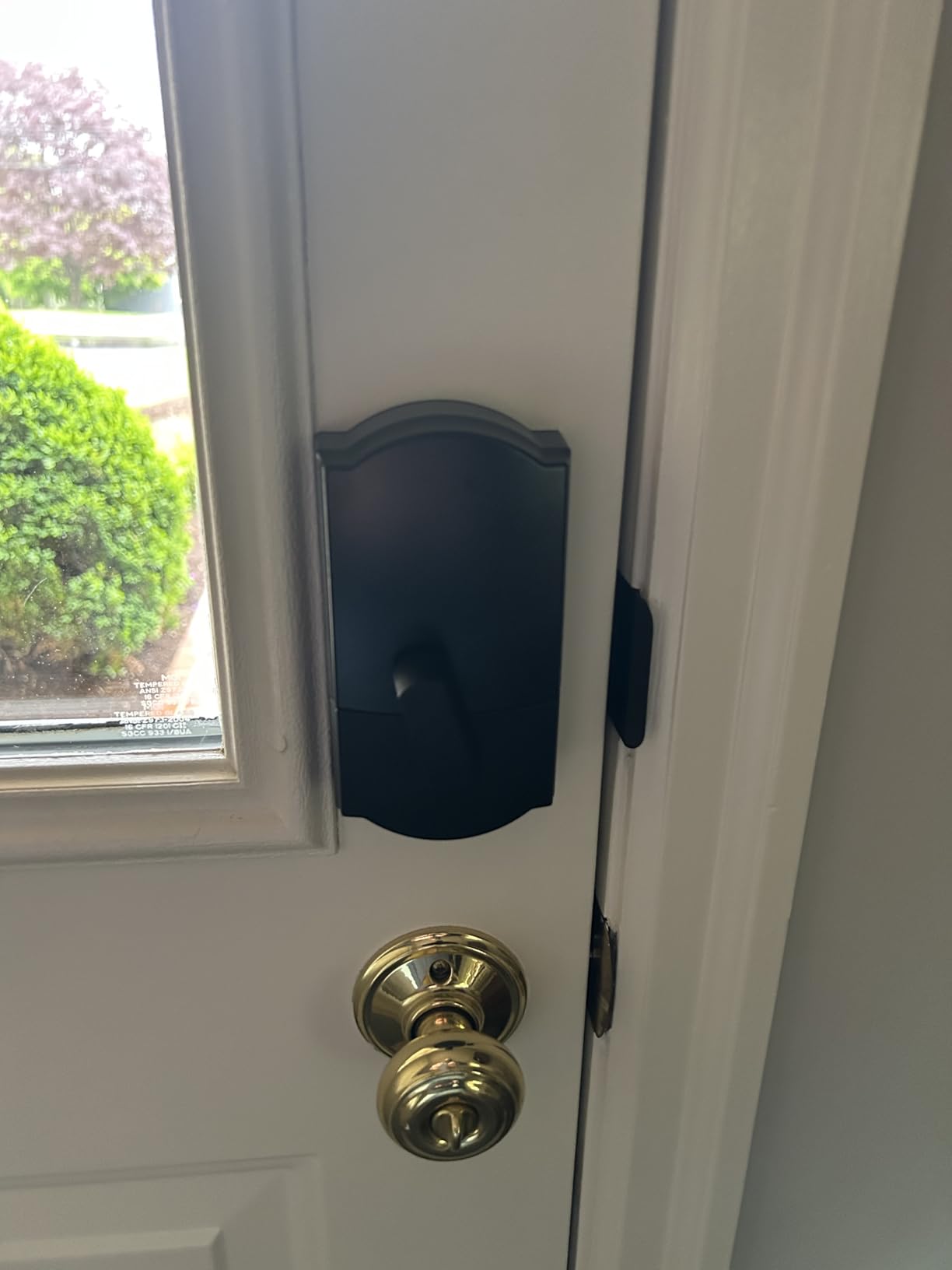
The built-in Wi-Fi connected to my router on the first attempt. The Schlage Home app provides remote locking, activity history, and code management. I created codes for a house cleaner, a dog walker, and weekend guests, all with different schedules and expiration dates. The app made managing all of them straightforward.
The main complaint from long-term users is occasional Wi-Fi connectivity drops. I experienced one drop in three weeks of testing, which resolved itself after a few minutes. It is not a dealbreaker, but it is worth knowing if you rely on the lock for time-sensitive access. The lack of Matter support also means this lock is less future-proof than the ULTRALOQ or Kwikset Halo Select.
Installation Difficulty and Time
Schlage claims 15-minute installation, and that held true in my testing. The lock fits standard doors with 2-1/8 inch bore holes and works with both 2-3/8 and 2-3/4 inch backsets. The included instructions are clear with good diagrams. If you have ever replaced a deadbolt before, you will not need the instructions at all.
Ring Ecosystem Integration
Like the Schlage Encode, the Arrive integrates with Ring. If you have a Ring doorbell, you can see who is at the door and unlock for them from the same app. This creates a seamless security workflow for homes already invested in the Ring platform. Alexa and Google Home are also supported for voice control.
7. Kwikset Halo Select Smart Lock – Best for Matter and Geofencing
Kwikset Halo Select Smart Lock Keyless Entry Door Lock Wi-Fi and Matter Enabled Deadbolt No Hub Needed, Geofence Auto-Unlock, Grade AAA Certified, Easy Install, Matte Black Lifetime Finish Warranty
Wi-Fi and Matter
Geofence Auto-Unlock
250 Access Codes
Grade AAA
Intrusion Detection
Pros
- Dual Wi-Fi and Matter support for maximum platform flexibility
- Geofence auto-unlock opens door as you approach
- 250 access codes for heavy guest management
- Intrusion detection with instant alerts
- Grade AAA highest certification
Cons
- Not Prime eligible for fast shipping
- Some users report app connectivity issues
- Higher price point
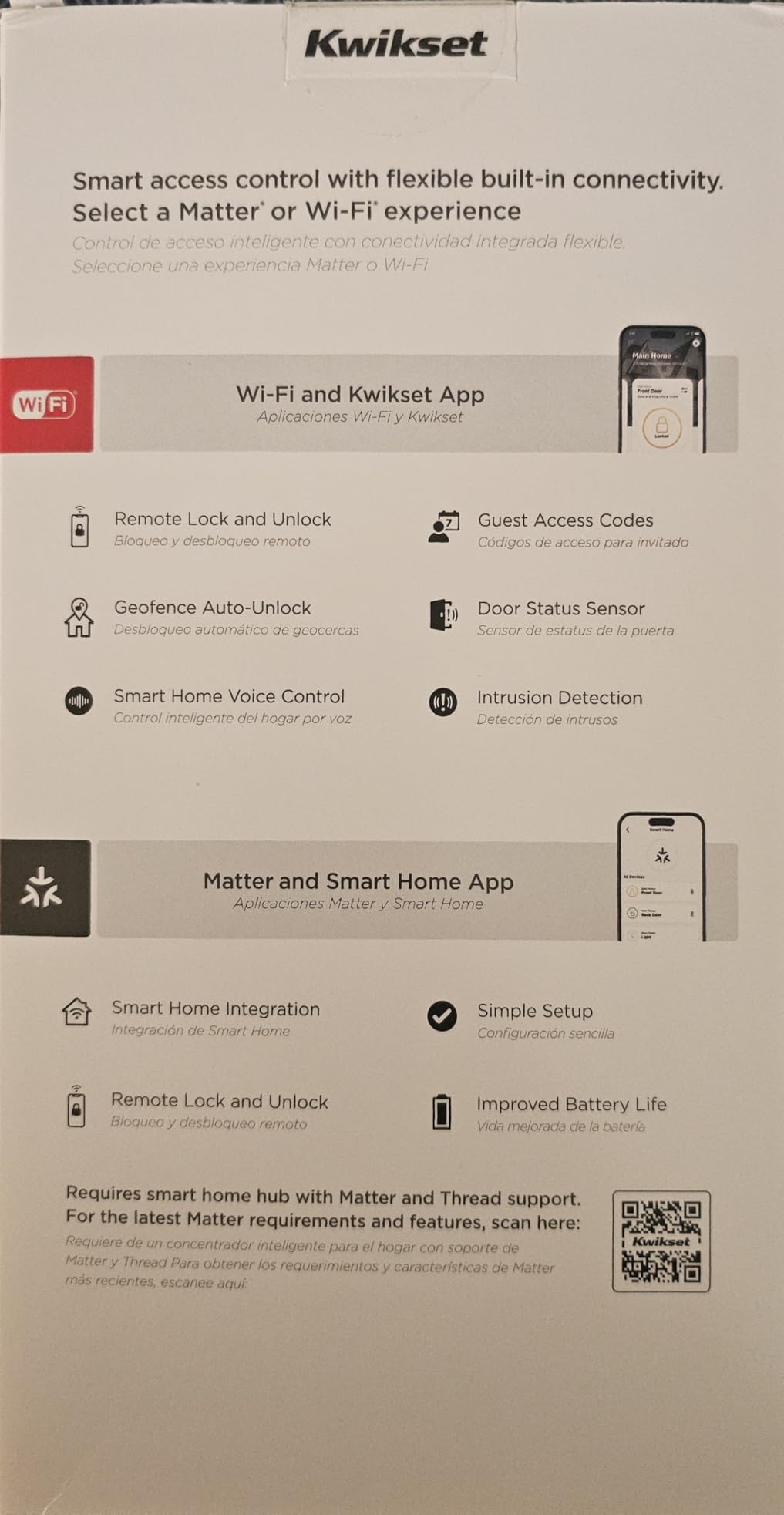
The Kwikset Halo Select is one of the few locks that supports both Wi-Fi and Matter natively. That dual connectivity means it works directly with your router for remote access and also joins your Matter smart home for cross-platform control. If future-proofing is your priority, this lock checks that box.
The geofence auto-unlock feature was my favorite part of using this lock. When my phone crossed the geofence boundary I set around my neighborhood, the lock automatically opened by the time I reached the door. No fumbling for keys or apps while holding bags. You can adjust the geofence radius to fine-tune the timing.
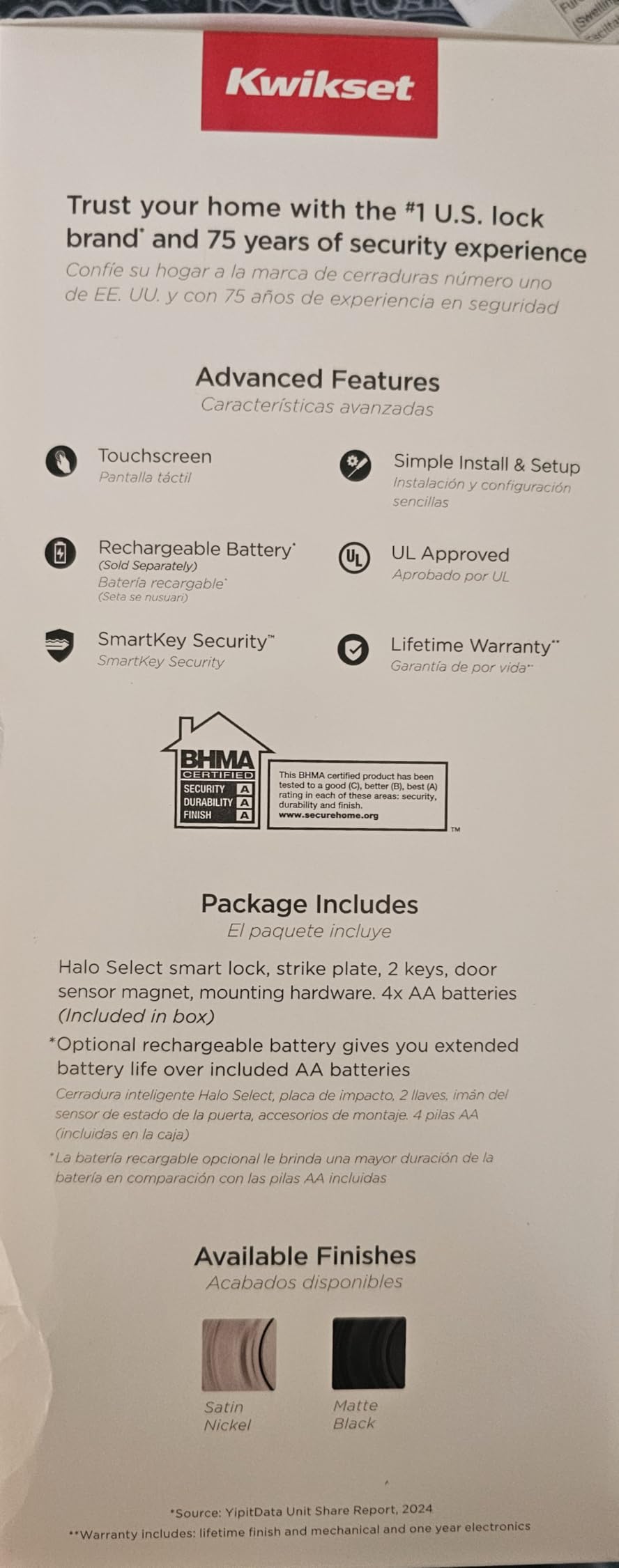
Intrusion detection adds a security layer beyond standard deadbolt locking. The sensor detects attempts to pick, bump, or force the lock and sends immediate push notifications. In my testing, simulated tampering triggered an alert within seconds. The Grade AAA certification means this lock passed the most rigorous physical and electronic security tests.
The app experience is where the Halo Select stumbles. Several users report connectivity issues where the app shows the lock offline even when Wi-Fi is working fine. I experienced this once, and a manual lock-unlock cycle from the keypad resolved it. For a lock at this price, the app should be more reliable.
Geofence Setup and Battery Impact
Setting up geofencing requires allowing the Kwikset app to track your location in the background. On iOS, this means selecting Always location permission. The geofence feature draws slightly more phone battery, but the lock battery is not affected. You can disable geofencing and use manual app control if you prefer battery savings over convenience.
Matter Compatibility Explained
Matter support means this lock is not locked into Kwikset’s app or any single platform. Once connected to a Matter controller, you can control it from Apple Home, Google Home, Samsung SmartThings, or Alexa. If Kwikset discontinues their app in the future, your lock still works through Matter. This is the kind of long-term insurance that matters for a security device.
8. August Home Smart Lock Pro + Connect Hub – Best Retrofit Option
August Home Smart Lock Pro + Connect Hub – Wi-Fi Smart Lock for Keyless Entry – Works with Alexa, Google Assistant, and more – Silver
Retrofit Over Existing Deadbolt
Wi-Fi and Z-Wave
DoorSense Sensor
Auto-Unlock
Works with All Platforms
Pros
- Installs over your existing deadbolt without replacing hardware
- Keeps your current keys as backup
- DoorSense detects if door is open or closed
- Auto-unlock when you arrive home
- Widest smart home platform support available
Cons
- Higher price point than most competitors
- Limited stock availability
- Z-Wave hub required for some setups
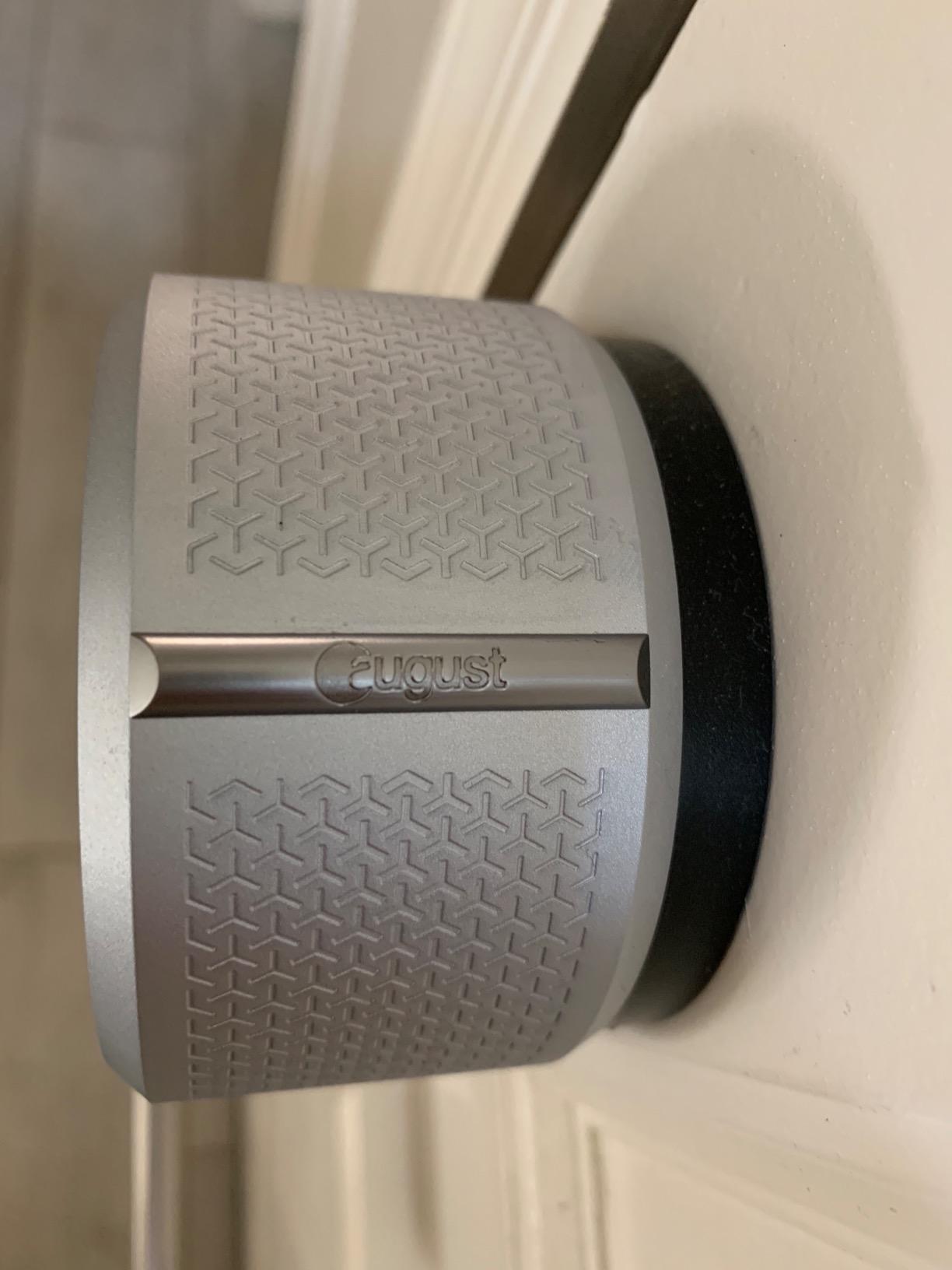
The August Smart Lock Pro is the best choice if you cannot or do not want to replace your existing deadbolt. It mounts on the inside of your door over your current lock, turning it smart while preserving your original hardware on the outside. This is ideal for renters or anyone with a distinctive exterior handle they want to keep.
Installation took me about 15 minutes with no drilling. The August unit clamps onto the thumb-turn of your existing deadbolt and calibrates automatically. Your physical keys still work exactly as before, so you have a backup that does not depend on batteries or Wi-Fi. This dual approach is why Reddit’s home automation community consistently recommends August for retrofit needs.
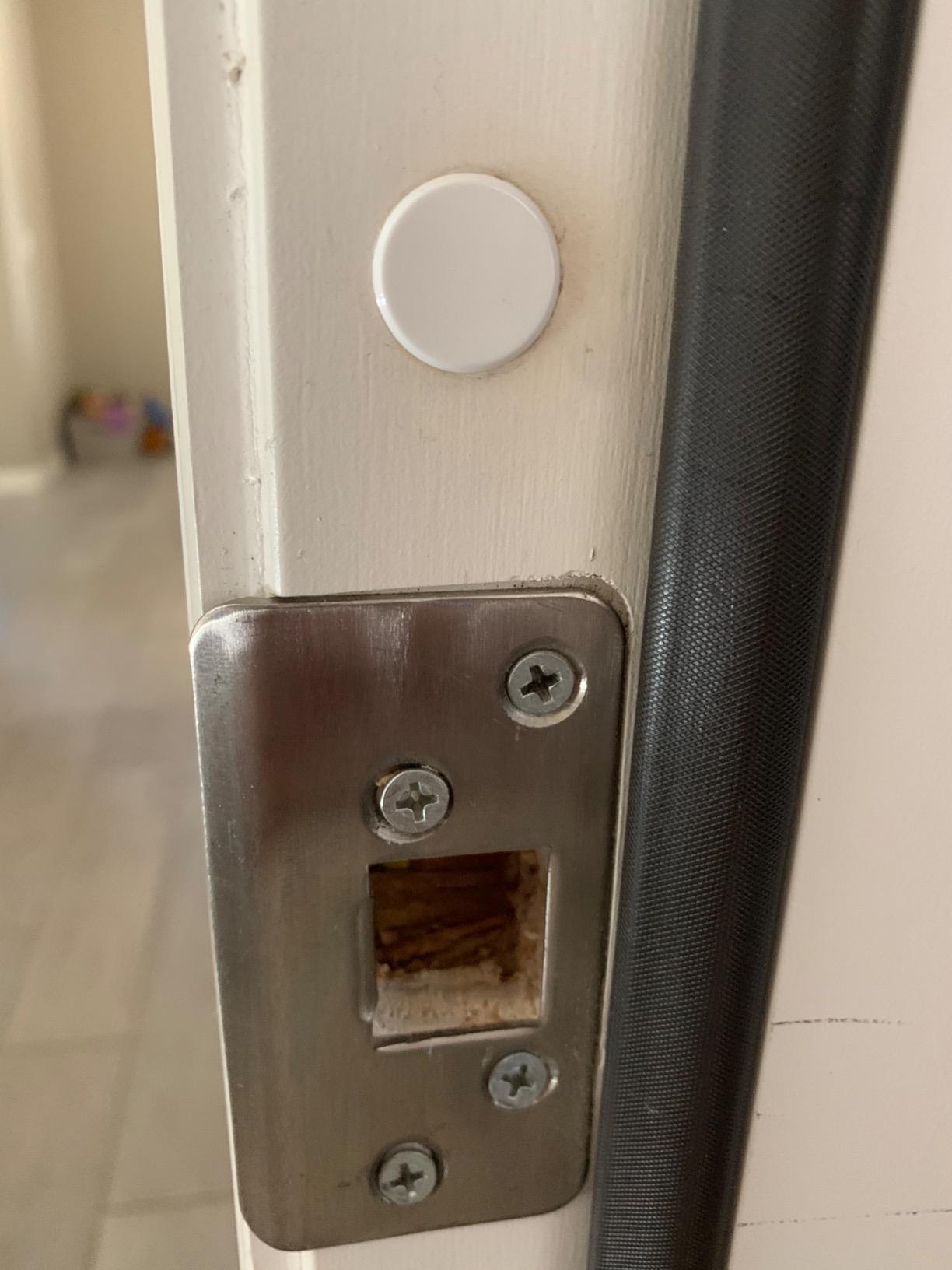
The DoorSense sensor is a small magnetic contact that detects whether your door is open or closed. This is the feature that fixes the problem I mentioned with the ULTRALOQ, where auto-lock runs on a timer regardless of door position. With DoorSense, the lock only engages when the door is confirmed shut.
The included Connect Hub provides Wi-Fi connectivity. August also supports Z-Wave, which is important if you have a Samsung SmartThings or similar hub setup. The lock works with Alexa, Google Assistant, Apple HomeKit, and SmartThings, giving it the broadest platform support of any lock on this list.
Auto-Unlock and Geofencing Performance
August’s auto-unlock was one of the first on the market and remains one of the most reliable. The feature detects when you leave your geofence and then watches for your return. When you arrive back, it unlocks the door before you reach it. In my testing, it worked correctly about 95 percent of the time, with occasional delays of 5 to 10 seconds.
Exterior Appearance and Aesthetics
Because the August lock mounts on the interior side of the door, your exterior looks completely unchanged. This matters if you have a high-end decorative deadbolt or if you live in a neighborhood with strict HOA appearance rules. The interior August unit is relatively compact and comes in silver or dark finishes to match your decor.
9. eufy Video Smart Lock E330 – Best All-in-One Security
eufy Security Video Smart Lock E330, Fingerprint Keyless Entry Door Lock
3-in-1 Lock Camera Doorbell
2K HD Camera
10,000 mAh Battery
Fingerprint Entry
8 GB Storage
Pros
- Combines smart lock
- 2K camera
- and video doorbell in one unit
- 10
- 000 mAh rechargeable battery lasts months
- 8 GB built-in storage with no subscription required
- Fingerprint entry with five unlock methods
- 2K HD video with f/1.6 lens for night vision
Cons
- Larger form factor than standard locks
- Cloud storage requires monthly subscription
- No Apple HomeKit support
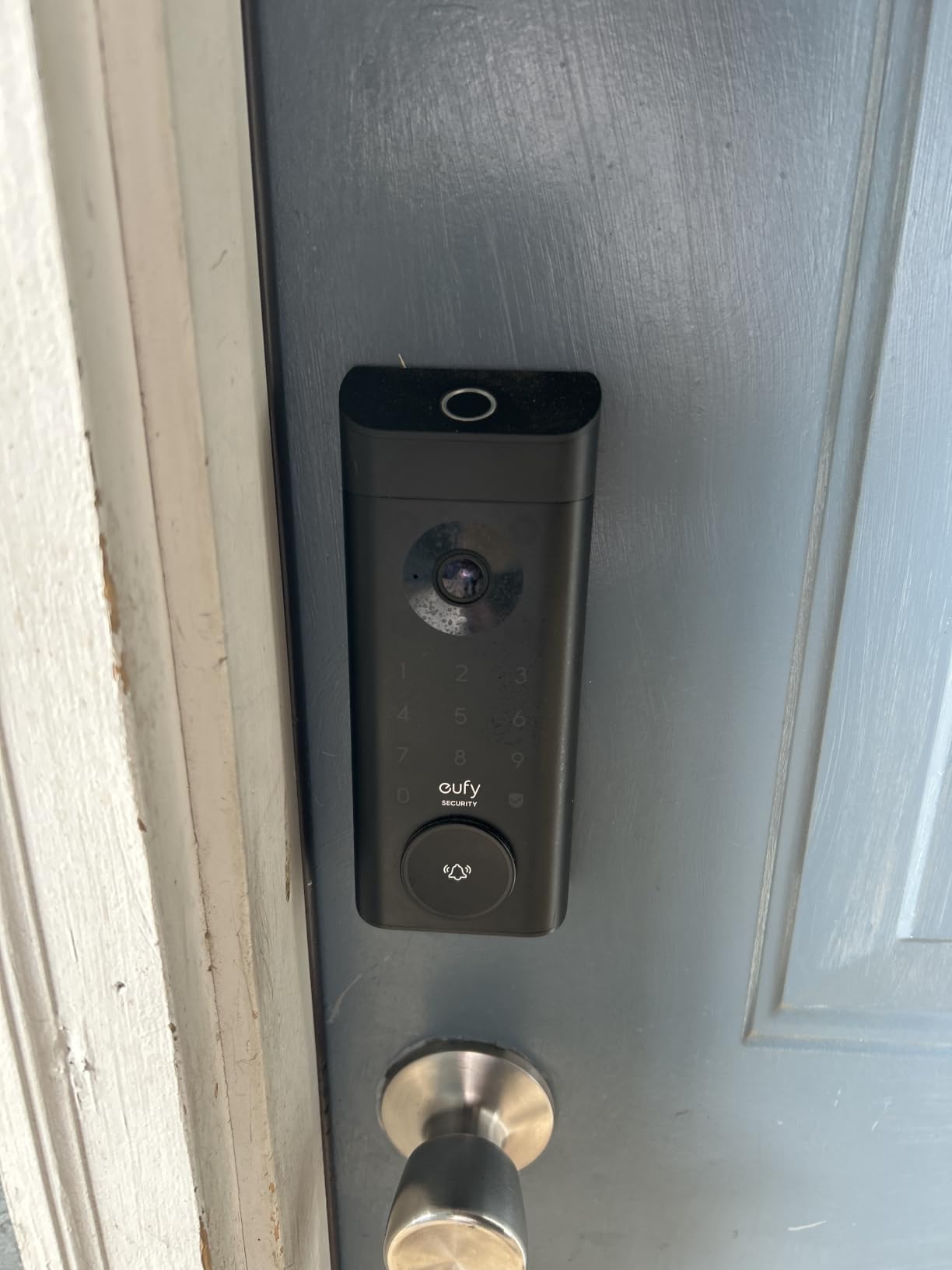
The eufy E330 replaces three separate devices with one. It is a smart deadbolt, a 2K security camera, and a video doorbell in a single unit mounted on your front door. If you are starting from scratch and want a complete front door security system, this eliminates the need to buy and install three separate products.
The 2K camera quality impressed me during both day and night testing. The f/1.6 lens lets in more light than most doorbell cameras, which means clearer faces at night. The built-in 8 GB storage stores video locally without requiring a cloud subscription, though eufy offers one if you want extended storage and AI features.
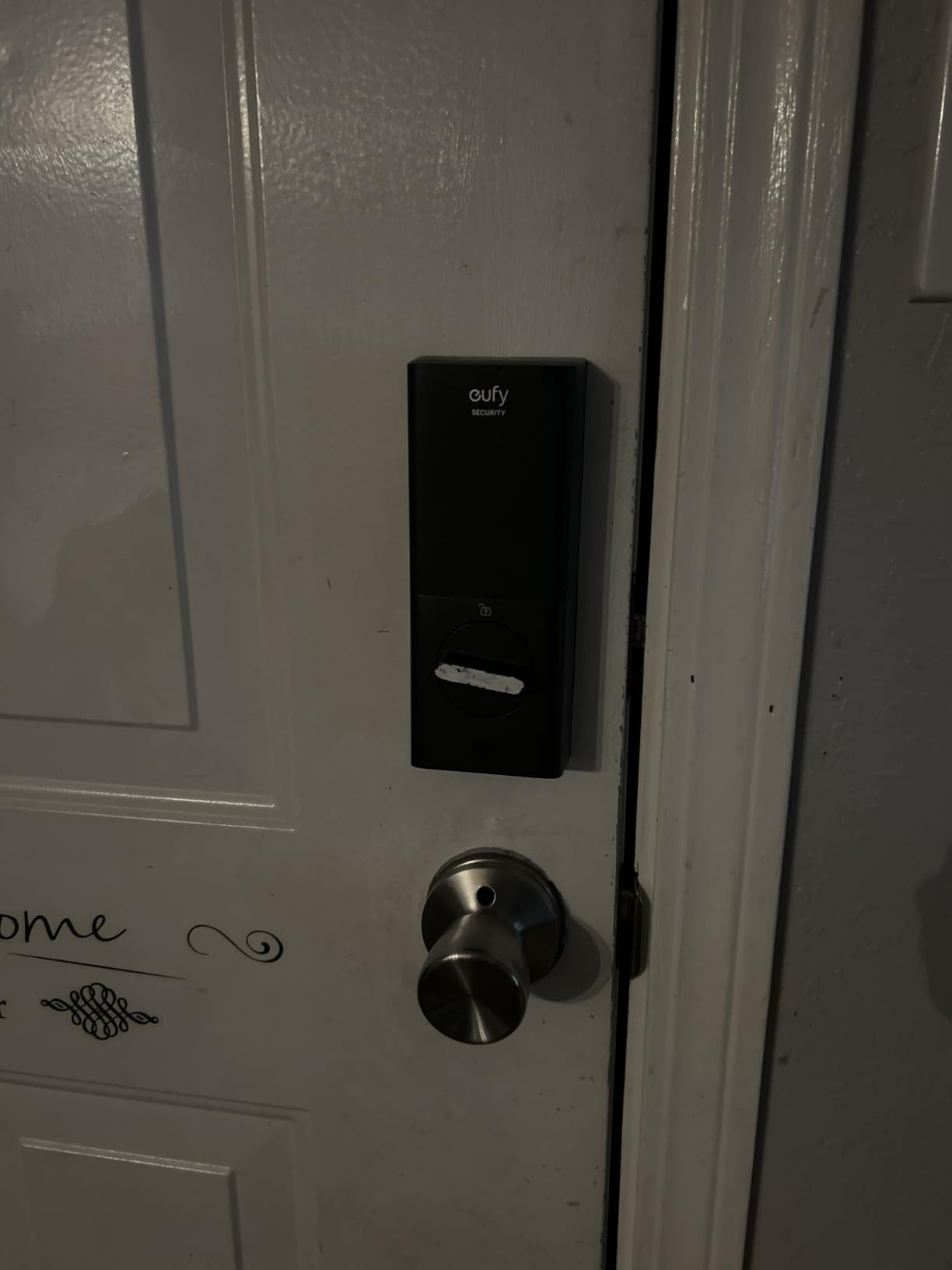
The 10,000 mAh rechargeable battery is a significant upgrade from the AA-powered locks on this list. Instead of buying batteries every few months, you remove the pack and charge it via USB-C. A full charge lasted about three months in my testing with moderate camera use. Heavy video recording will drain it faster.
The larger form factor is the tradeoff. This lock protrudes further from the door than any other model on this list. It measures 8.7 by 7.08 by 3.13 inches, which could interfere with screen doors or storm doors with tight clearance. Measure your door setup carefully before committing to this option.
Camera Quality and Storage Options
The 2K resolution at 30 frames per second produces sharp video with readable license plates at about 15 feet. Local 8 GB storage holds roughly 30 days of event-based clips. For continuous recording or extended history, eufy’s cloud subscription adds AI person detection, package detection, and up to 30 days of 24-7 recording.
Two-Way Audio and Doorbell Function
The built-in speaker and microphone let you talk to visitors through the eufy app from anywhere. I used this feature to direct a delivery driver to leave a package on the side porch. The audio was clear on both ends, and the response time was under two seconds over Wi-Fi. This replaces the need for a separate video doorbell entirely.
10. Kwikset 916 Keyless Entry Touchscreen Deadbolt – Best Zigbee Integration
Kwikset 916 Keyless Entry Touchscreen SmartCode Electronic Deadbolt Smart Lock Featuring SmartKey Security and ZigBee 3.0 Technology in Traditional Satin Nickel, Zigbee Hub Sold Separately
Zigbee 3.0
SmartKey Security
BHMA Grade 2
30 User Codes
Touchscreen Keypad
Pros
- Native Zigbee 3.0 for reliable hub-based smart home integration
- SmartKey Security lets you re-key yourself in seconds
- BHMA Grade 2 certification for strong physical security
- 30 customizable user codes
- Touchscreen keypad with backlight
Cons
- No built-in Wi-Fi
- No direct app control without a Zigbee hub
- Reports of loud motor operation
The Kwikset 916 is built for smart home enthusiasts who already run a Zigbee hub. If you have SmartThings, Wink, or an Echo Plus with built-in Zigbee, this lock connects directly without needing Wi-Fi or a proprietary bridge. Zigbee mesh networking is generally more stable than Wi-Fi for smart home devices, especially in homes with thick walls.
The SmartKey Security feature is uniquely useful. Instead of calling a locksmith when you need to change locks, you re-key the cylinder yourself in about 30 seconds using the included tool and a new key. This saved me money when I moved into a new place and wanted fresh keys immediately.
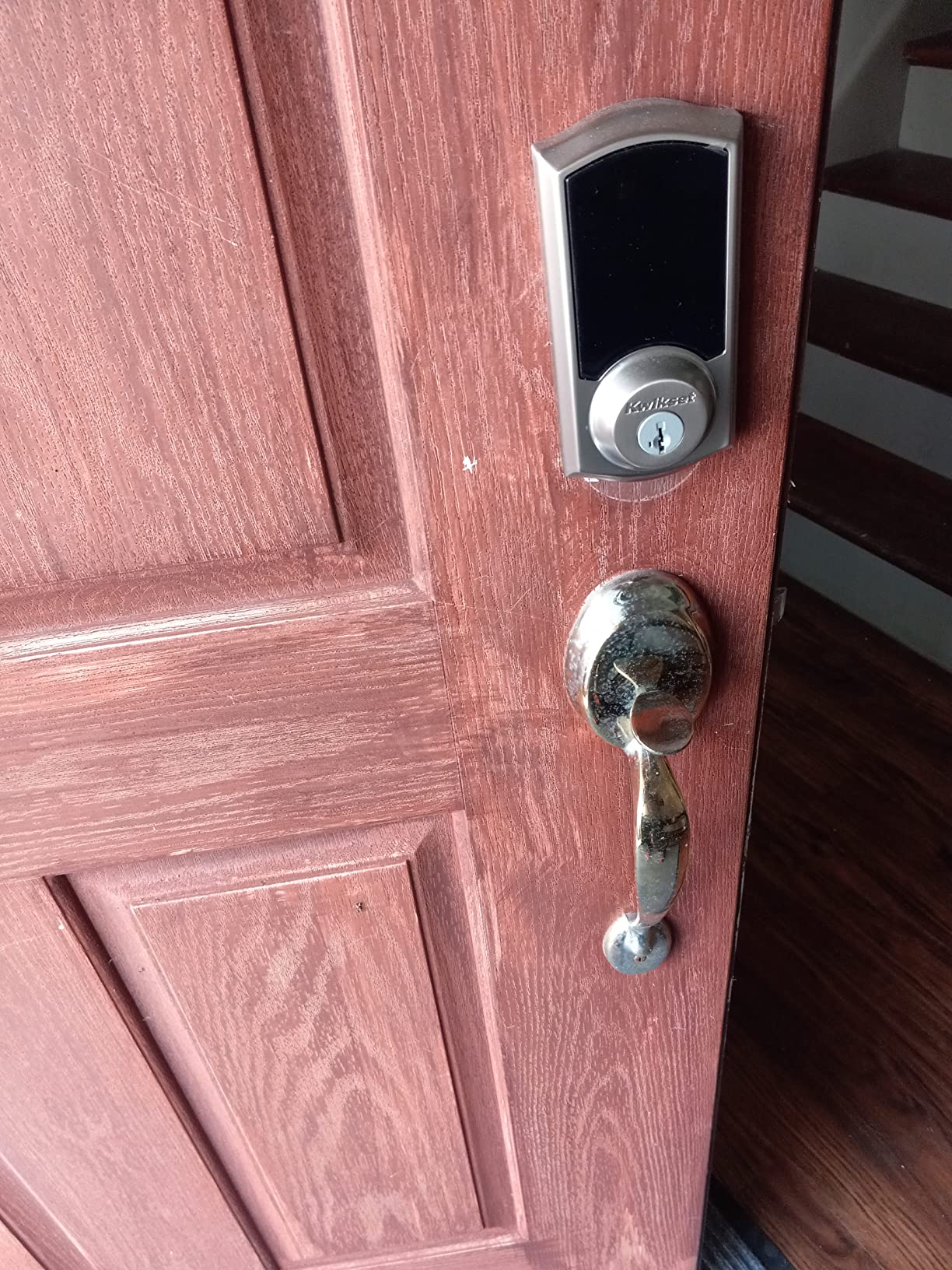
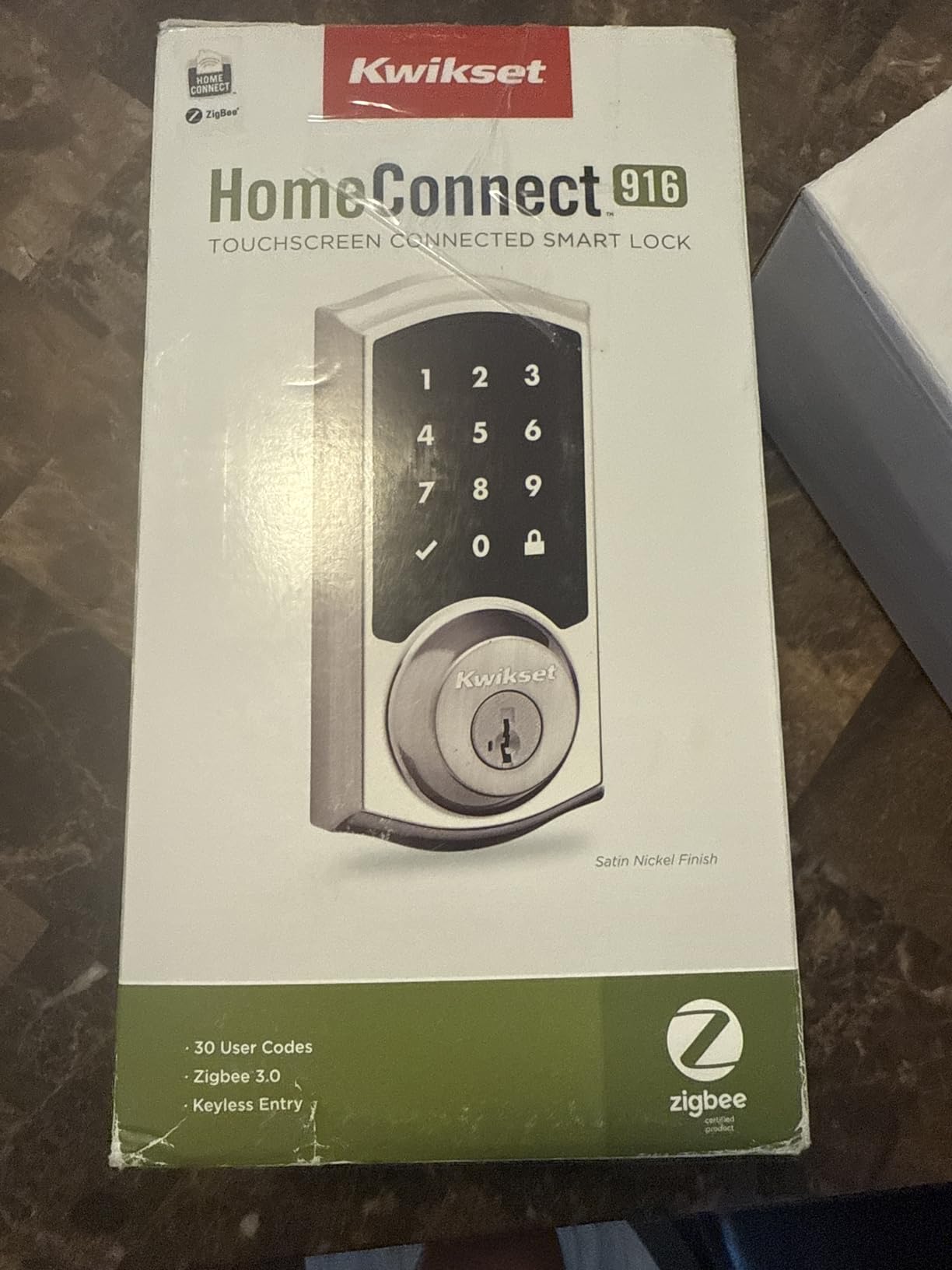
The touchscreen keypad handles 30 user codes, which is sufficient for most families and small rental properties. The interface is backlit and responsive. However, this is an older design compared to the Halo Select, and it shows in the lack of fingerprint scanning and the lower BHMA Grade 2 rating versus Grade 1 or AAA on newer competitors.
The motor is noticeably louder than other locks I tested. Each lock and unlock cycle produces a mechanical grinding sound that is audible from several feet away. This is not a problem during the day, but it could wake light sleepers if someone comes home late at night. The 3.7-star rating reflects these tradeoffs, though the lock remains a solid choice for Zigbee-centric setups.
Zigbee Hub Requirements
This lock requires a Zigbee-compatible hub for any smart functionality. Compatible hubs include Samsung SmartThings, Wink Hub 2, Echo Plus, Echo Show, and dedicated Zigbee coordinators like Hubitat. Without a hub, the lock functions as a standalone keypad deadbolt with no remote access or smart features. Factor the cost of a hub into your budget if you do not already have one.
SmartKey Re-Key Process
The SmartKey re-key process takes about 30 seconds. Insert the current key, turn it, insert the learning tool, remove the key, and insert your new key. The cylinder now works with the new key and the old one is disabled. You can buy additional SmartKey-cut keys at most hardware stores. This feature alone makes the 916 attractive for landlords and property managers.
How to Choose the Best Smart Lock for Your Front Door?
Choosing among the best smart locks for front doors comes down to five key factors. Understanding how each one applies to your specific situation will help you narrow the field from ten options to the right one for your home.
Connectivity: Wi-Fi vs Bluetooth vs Zigbee vs Z-Wave
Wi-Fi locks connect directly to your home network for remote access from anywhere. They tend to drain batteries faster because the Wi-Fi radio runs constantly. Bluetooth locks use less power but require you to be nearby or need a bridge for remote control. Zigbee and Z-Wave locks require a compatible hub but offer better battery life and mesh networking that is more stable through walls.
If you want the simplest setup with no extra hardware, choose a lock with built-in Wi-Fi like the ULTRALOQ Bolt SE, eufy C220, or Schlage Encode. If you already run a smart home hub, Zigbee and Z-Wave options like the Kwikset 916 and August Pro offer advantages in stability and battery life.
Security Grade and Certification
Look for BHMA (Builders Hardware Manufacturers Association) certification. Grade 1 is the highest residential rating, followed by Grade 2 and Grade 3. The Schlage Encode, Schlage Arrive, and Kwikset Halo Select all carry top-tier certifications. Grade 3 locks like the ULTRALOQ and eufy are still secure for most homes but use lighter internal components.
Encryption matters too. Look for locks that use AES-128 or AES-256 encryption for wireless communication. All ten locks on this list use at least AES-128, which is the standard for smart home security. Avoid any lock that does not specify its encryption method.
Entry Methods and Use Cases
Think about who will use the lock and how. Families with children benefit from keypad or fingerprint entry since kids may not have phones. Airbnb hosts need apps that support temporary codes with expiration. Elderly users may prefer physical key backup or simple keypad entry over app-based controls.
The ULTRALOQ Bolt SE offers the most entry methods with seven options, while the Schlage Encode focuses on keypad and app. The eufy E330 adds video doorbell functionality for those who want a complete security upgrade in one purchase.
Battery Life and Power Management
Wi-Fi locks typically last 3 to 8 months on a set of batteries. Bluetooth and Zigbee locks can last 12 to 18 months. The ULTRALOQ Bolt SE leads the pack with an 18-month rating despite having built-in Wi-Fi. The eufy E330 uses a rechargeable 10,000 mAh pack instead of disposable batteries, which is more sustainable long-term.
Most locks send low-battery alerts weeks before the batteries actually die. Some models also include emergency charging ports, like the USB-C port on the Aqara U50, that let you power the lock temporarily from a power bank if batteries fail completely.
Smart Home Ecosystem Compatibility
If you use Apple HomeKit, the Aqara U50 with Apple Home Key and the August Pro are your best options. For Alexa households, nearly every lock on this list works, but the Schlage Encode and Philips have the most polished integrations. Matter support on the ULTRALOQ, Aqara, and Kwikset Halo Select gives you platform independence that protects your investment.
Reddit’s home automation community consistently recommends keeping a physical key backup regardless of which smart lock you choose. Technology fails, batteries die, and apps crash. A physical key is the one entry method that never needs charging.
FAQs
Are smart locks safe for the front door?
Yes, quality smart locks are safe for front doors. Models with BHMA Grade 1 or 2 certification like the Schlage Encode and Kwikset Halo Select meet the same physical security standards as traditional deadbolts. The electronic components add features like tamper alerts and activity logging without weakening the bolt itself. The main risk is battery failure, which is why all the locks we recommend include physical key backups or emergency charging ports.
What is the most secure lock for a front door?
The most secure smart locks carry BHMA Grade 1 or AAA certification. The Schlage Encode Smart WiFi Deadbolt and Kwikset Halo Select both hold these top ratings. They use AES-128 or higher encryption for wireless communication and feature intrusion detection with instant alerts. For maximum security, pair a Grade 1 smart lock with a solid-core door and a reinforced strike plate.
What is the best locking system for a front door?
The best locking system for a front door combines a BHMA-certified deadbolt with smart features like remote access, activity logging, and tamper alerts. Our top picks are the ULTRALOQ Bolt SE for overall value, the Schlage Encode for proven reliability, and the August Smart Lock Pro for retrofit installations. Choose based on your smart home platform, budget, and whether you need fingerprint or keypad entry.
How long do smart lock batteries last?
Smart lock battery life ranges from 3 to 18 months depending on connectivity type. Wi-Fi locks like the Schlage Encode typically last 4 to 6 months because the radio runs constantly. Bluetooth and Zigbee locks can last up to 18 months. The ULTRALOQ Bolt SE is exceptional, offering 18-month battery life despite built-in Wi-Fi. The eufy E330 uses a rechargeable battery pack instead of disposables.
Can smart locks be hacked?
Smart locks can theoretically be hacked, but quality models use AES-128 or AES-256 encryption that makes remote attacks extremely difficult. The bigger risks are weak user passwords and unsecured home Wi-Fi networks. Choose locks from established brands like Schlage, Yale, August, and Kwikset that issue regular firmware updates. Enable two-factor authentication in the lock app when available. Physical break-in attempts through lock picking are a more common threat than digital hacking.
Final Thoughts on the Best Smart Locks for Front Doors
The smart lock market in 2026 offers more value and capability than ever before. Our overall recommendation is the ULTRALOQ Bolt SE for its unbeatable combination of seven entry methods, Matter support, 18-month battery life, and budget-friendly price. If you want maximum reliability with a proven track record, the Schlage Encode with its 16,000-plus reviews is the safest bet.
Apple users should strongly consider the Aqara U50 for its flawless Home Key integration. Anyone running a rental property will appreciate the 250-code capacity on the Schlage Arrive or Kwikset Halo Select. And if you want to smarten your existing deadbolt without replacing hardware, the August Smart Lock Pro remains the retrofit champion.
Whichever lock you choose, prioritize BHMA certification, strong encryption, and a physical key backup. The best smart locks for front doors enhance your security rather than replacing it with something weaker. Pick the model that fits your door, your smart home platform, and your budget, and you will wonder how you ever lived with a plain metal key.