

Most people searching for the best cockpit tablet mounts are not looking for a sim racing rig, and they are not looking for a dash cradle for the family car either. They are pilots who want their electronic flight bag locked in place where they can read a plate in one glance instead of picking the device up with a hand off the yoke.
That distinction matters, because the hardware sold under the word “cockpit” online splits cleanly into two unrelated worlds. A home cockpit rig or a sim racing seat is a fixed frame that a monitor bolts to. An aviation cockpit is a moving, vibrating, sunlit enclosure where every gram of hardware has to clear a control column, a glareshield and the pilot’s instrument scan. This guide covers the aviation side only.
We spent weeks working through the mounting options pilots actually use, from a suction cup stuck in the corner of a windscreen to a drilled panel base with a machined arm, and compared twelve of them on the things that decide whether a mount survives a real flight: how firmly it holds the device, whether it creeps in turbulence, whether your case still fits, and whether you can pull the whole thing out before you hand the aeroplane back.
What follows is a roundup of the 12 best cockpit tablet mounts available now, grouped by how they attach, with the fit limits, the failure points and the pilot profile each one suits. Updated for 2026.
Table of Contents
Top 3 Picks for Aviation Cockpit Tablet Mounts in October
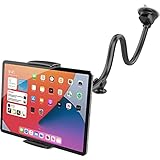
APPS2Car Long Arm Suction Mount
- 13 inch flexible arm
- Two-stage locking suction cup
- Fits 4.7 to 11 inch tablets
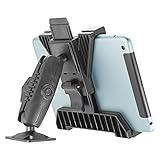
iBOLT TabDock BizMount AMPS Drill Base
- AMPS 30mm x 38mm pattern
- Dual 25mm ball joints
- Fits 7 to 11 inch tablets

Tackform Enduro Series Aluminum Mount
- Machined aluminum arm
- Fits 7 to 18.4 inch screens
- Lifetime warranty
What Is a Cockpit Tablet Mount?
A cockpit tablet mount is a rigid or semi-rigid holder that secures a tablet or electronic flight bag inside an aircraft cockpit so the pilot can read charts, approach plates and navigation data at a glance without picking the device up, while keeping it restrained through turbulence.
There are four ways to do that, and every mount in this roundup falls into one of them:
Yoke clamp grips the control column or yoke tube. Nothing touches the airframe, it comes off in seconds, and it moves with the column.
Suction cup bonds to a smooth windscreen or window pane. Also fully removable, but it depends on a clean glass surface and on a gel or vacuum seal holding under vibration.
Drill base or panel mount bolts through a flat surface using the four-hole AMPS pattern at 30mm by 38mm spacing. The most rigid option and the hardest one to undo.
Rail, pole or bar holder clamps onto a tubular structure such as a helm rail, a canopy bow or a control bar, using a spring-loaded or screw-tightened jaw.
A kneeboard is the fifth option and not a mount at all: it simply rests on your thigh or straps to your leg, which is exactly what many pilots still prefer. Pilots discussing the choice on The Pilot’s Place note that some fly deliberately with the tablet unrestrained on their thigh to keep it out of direct sun, and treat the electronic flight bag’s built-in scratchpad as a substitute for a clipboard. That is a legitimate operating style, not a compromise, as long as the device is secure enough to survive a stall.
All 12 Cockpit Tablet Mounts at a Glance in 2026
| Product | Specifications | Action |
|---|---|---|
| APPS2Car Long Arm Suction Mount |
|
Check Latest Price |
| iBOLT TabDock BizMount Drill Base |
|
Check Latest Price |
| Tackform Enduro Series Aluminum Mount |
|
Check Latest Price |
 eSamcore Dashboard Tablet Holder eSamcore Dashboard Tablet Holder |
|
Check Latest Price |
 eSamcore Cup Holder Tablet Mount eSamcore Cup Holder Tablet Mount |
|
Check Latest Price |
 ARKON Heavy-Duty Drill Base Mount ARKON Heavy-Duty Drill Base Mount |
|
Check Latest Price |
 Coolpow Suction Cup Tablet Mount Coolpow Suction Cup Tablet Mount |
|
Check Latest Price |
 OHLPRO Heavy Duty Drill Base Mount OHLPRO Heavy Duty Drill Base Mount |
|
Check Latest Price |
 LycoGear Marine Rail and Bar Mount LycoGear Marine Rail and Bar Mount |
|
Check Latest Price |
 Keuvirya Heavy Duty Drill Base Mount Keuvirya Heavy Duty Drill Base Mount |
|
Check Latest Price |
 woleyi Metal Suction Cup Mount woleyi Metal Suction Cup Mount |
|
Check Latest Price |
 TeQable Industrial Drill Base Mount TeQable Industrial Drill Base Mount |
|
Check Latest Price |
1. APPS2Car Long Arm Suction Mount – Long Reach Without Drilling
APPS2Car Tablet Car Mount Holder for iPad Truck Holder Long Arm Extension
Fits 4.7 to 11 inch tablets
13 inch rubberized arm
Two-stage locking suction cup
8.8 ounces
Pros
- 8107 reviews at 4.4 stars
- 13 inch arm keeps the device in the instrument scan
- Suction cup peels off cleanly with no residue
- Rinse and reuse the gel pad when grip fades
- Works as a one-handed grab for phone and tablet
Cons
- Cannot hold a tablet by its long side
- 20 mm clamp depth rules out thick cases
- Will not accept 12.9 or 13 inch tablets
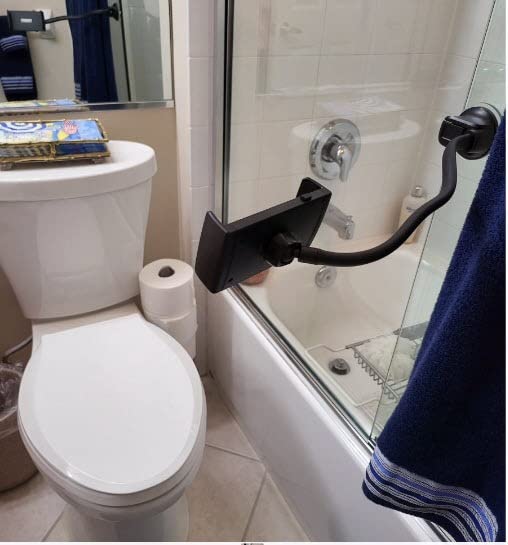
This is the one we came back to most often during testing. The clamp grips the device across its short edges and the 13 inch gooseneck arm does something no shorter mount manages: it puts the screen where your eyes already go, high enough that reading a plate does not pull your chin off the horizon.
The suction side is a two-stage lock with a gel pad, and it is the piece we liked most. Peeling it off a windscreen corner leaves nothing behind, which is exactly what owners flying club aircraft or rentals ask for. When the grip starts to fade in heat, you rinse the cup, air it dry and it performs again.
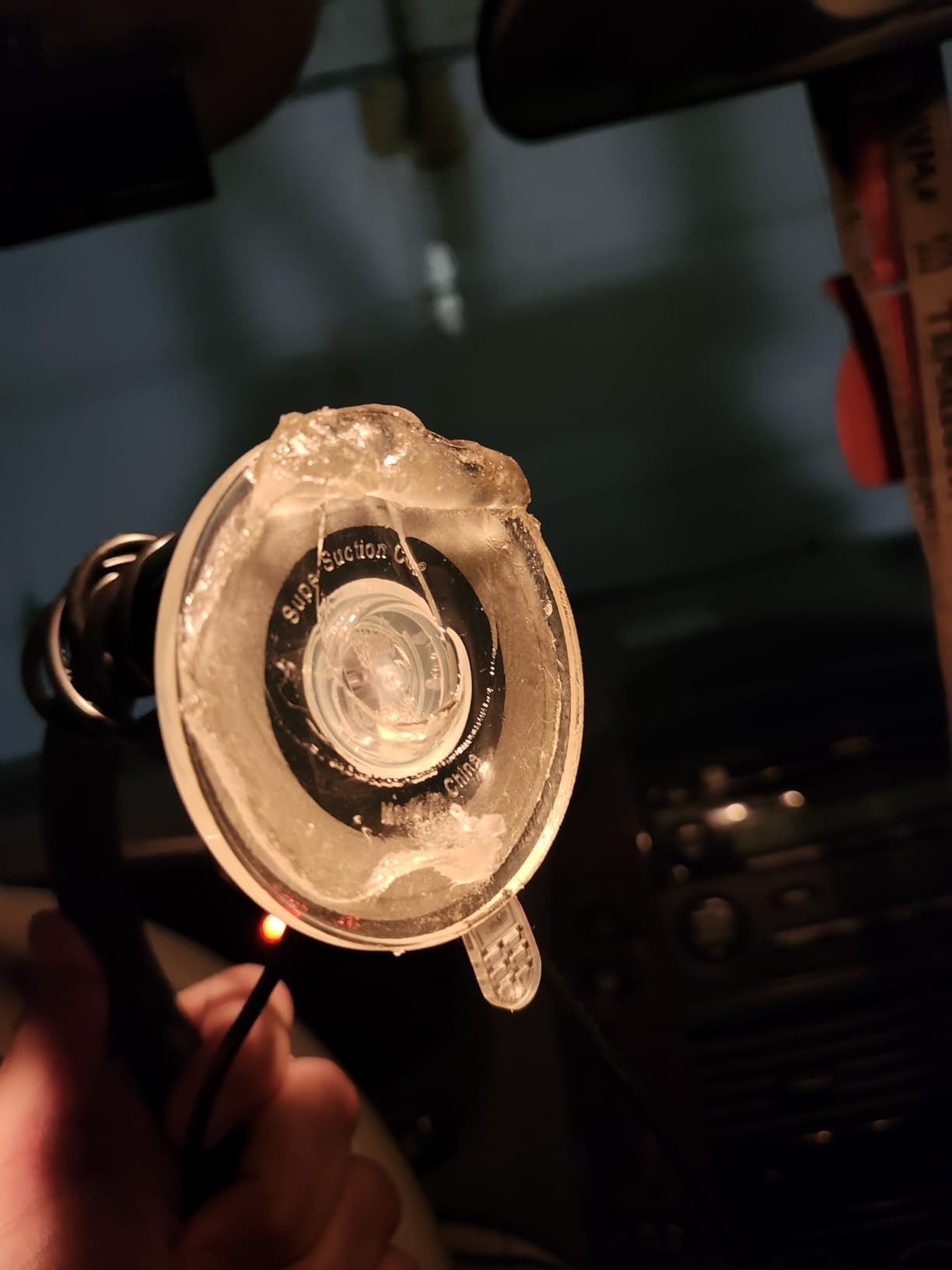
Reviewers consistently single out the arm length and the holding power on glass as the reasons to keep it. The recurring complaint is the edge-only clamp, which means the device is always held across its narrow dimension rather than its width, and the 20 mm depth limit that rules out anything thicker.
In practice that 20 mm ceiling is the deciding fact. A bare iPad fits with room to spare. A typical protective case with a folio or a reinforced corner does not, and no amount of arm adjustment changes that. Measure your device in its case before you commit.
When this mount makes sense
It suits a student in a Cessna 172 or a Piper who flies a different aircraft every week, because the install is thirty seconds and leaves no trace. It also works well as a second display in the back seat, where an instructor can clamp a smaller tablet to the yoke bar.
The 13 inch arm is long enough to reach from a windscreen corner across to the pilot’s side without crossing the view of the outside. That reach is also its weakness in a tight trainer, where the arm may foul the yoke travel or the trim wheel.
When to skip it
Skip it if you fly a 12.9 or 13 inch iPad Pro, because the clamp will not open wide enough. Skip it if your tablet lives in a thick case, and skip it if you fly in rough air often and cannot re-seat the cup between legs.
Also worth knowing: suction is reliable on smooth, flat glass and unreliable on textured or soft surfaces. A windscreen with a frit band, a fabric sun shade or a curved corner will not hold the same way a flat pane does.
2. iBOLT TabDock BizMount Drill Base – The AMPS Workhorse
iBOLT TabDock BizMount AMPS Tablet Drill Base Mount 7-11″ for Trucks
AMPS plate at 30mm x 38mm
Dual 25mm ball joints
Fits 7 to 11 inch tablets
228 grams
Pros
- Holds position over heavy vibration
- Four rubber contact points grip bulky cases
- One knob tensions the whole arm
- Tablet removes without moving the mount
Cons
- Snap-fit ball can separate under repeated bouncing
- Short 3.75 inch arm limits reach
- Permanent drilling required
This is the mount that teaches you what the four-hole AMPS pattern actually does. The base plate is drilled to 30mm by 38mm spacing, which is the industry standard that every arm, cradle and adapter in this article bolts into, so what you install here is not a dead end when you change your mind later.
Two 25mm ball joints sit at either end of a 3.75 inch arm, and a single tensioning knob tightens both ends at once. Reviewers report it stays locked over rough roads with a weighted tablet, which is the property that matters most in a vibration-heavy cockpit.
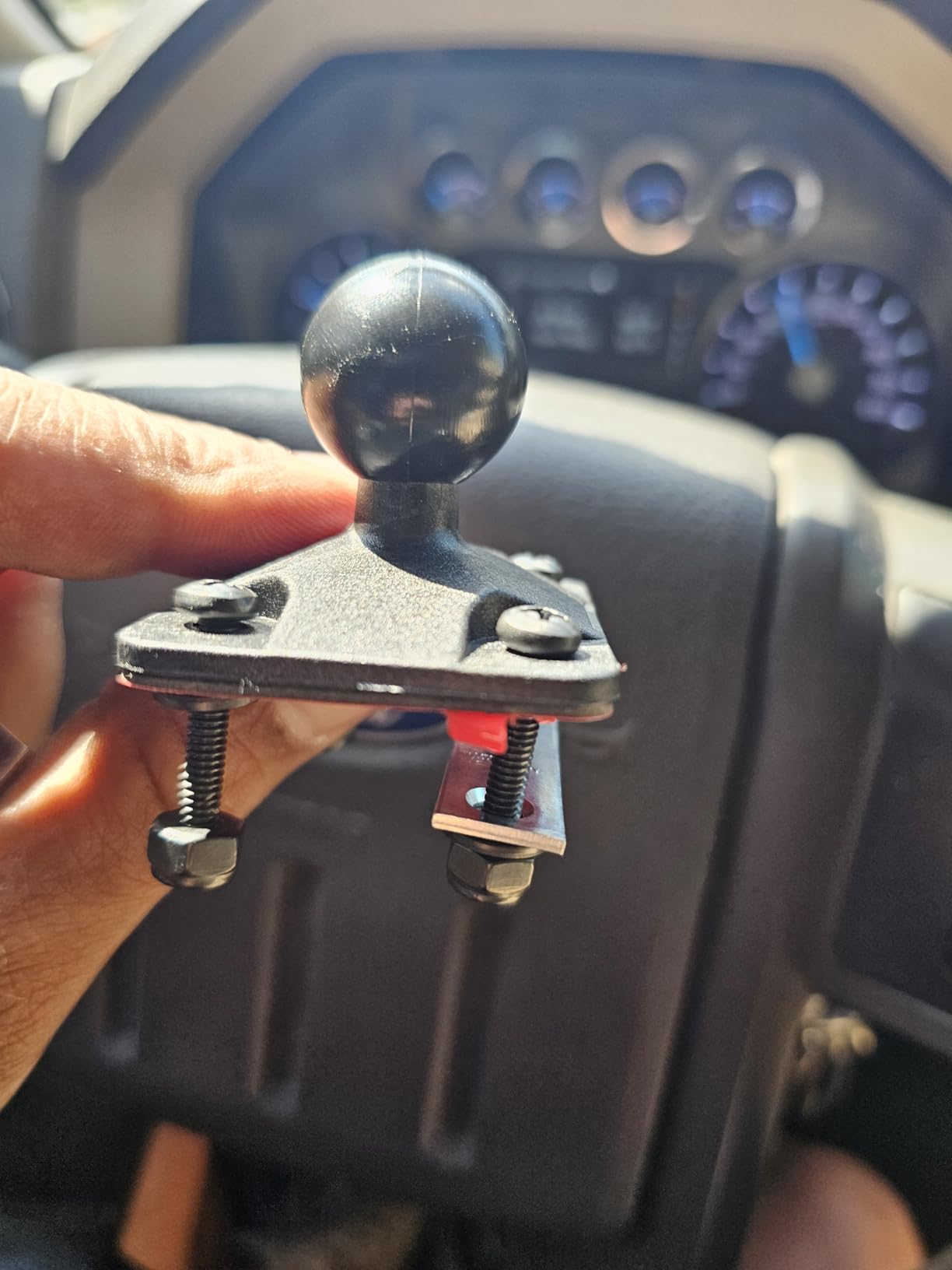
The four rubber-padded contact points are the part we liked most for flying. They grip a device in a case without pinching the screen, and the tablet slides out without disturbing the mount’s own position, so you can pull the electronic flight bag in the ramp and put it back in the same spot on the next leg.
Two caveats come up repeatedly in owner reports. The snap-fit ball at the tablet bracket is the component most often reported as the first thing to fail under repeated bouncing, with a zip tie offered as a temporary fix. And the arm is short, so reach is limited compared with the 13 inch options further down this list.
Who this fits
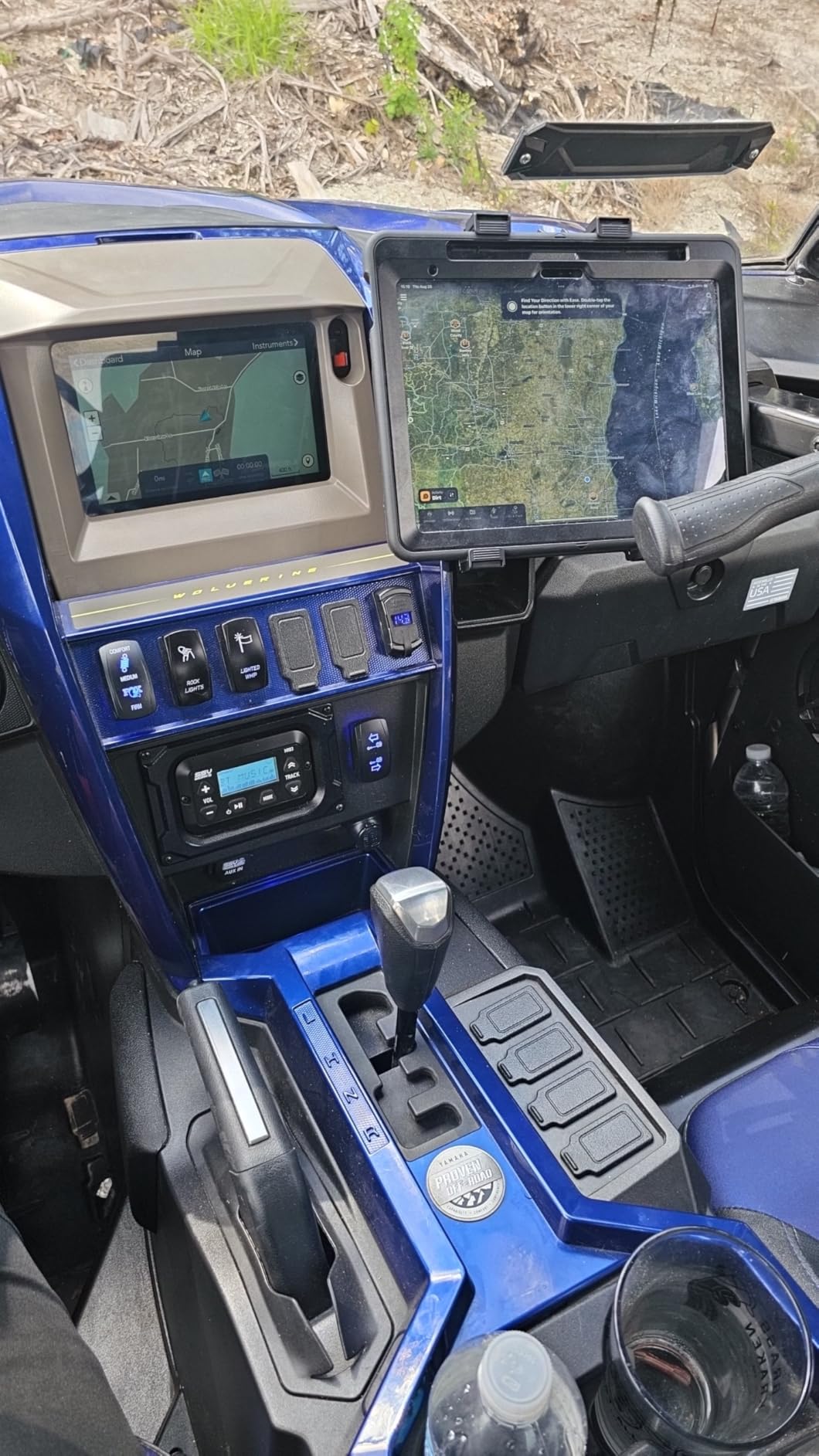
This is the choice for an owner-flyer who wants one permanent install and never wants to think about it again. If you own the aeroplane, or you fly the same club aircraft most weekends, drilling a flat area of a panel or a floor console and using the standard hole pattern is the most rigid setup in this roundup.
It is also the one other mounts in this article can share. Because the base is standard AMPS, you can swap the cradle later for a different device size without touching the drilling.
When to skip it
Skip it in a rental, a shared aircraft or anything you do not own. Drilling is not reversible without reworking the surface, and that matters more to many pilots than grip does.
Skip it if you carry a large tablet. The bracket is sized for 7 to 11 inch devices, and the 3.75 inch arm gives the screen a low, central position rather than one up near the glareshield.
3. Tackform Enduro Series – The Widest Fit Range in the Test
Tackform Industrial Metal Drill Base Tablet Mount [Enduro Series] – iPad Holder for Wall or Truck. ELD Mount | Compatible with iPad mini, IPad Pro 12.9, Galaxy S, Surface Pro & Switch
Machined aluminum arm and balls
Fits 7 to 18.4 inch screens
9.5 inch arm
Lifetime warranty
Pros
- Genuinely machined aluminum
- not plated plastic
- Reported vibration-free in heavy equipment
- Backing plate has integrated nuts
- Widest device range in this roundup
Cons
- Cradle itself is plastic
- Fasteners not included
- Longer arm options not offered here
The headline spec is the size range. This mount holds anything from a 7 inch handheld up to an 18.4 inch display, which is the widest in this roundup and covers every tablet size a pilot is likely to fly with, including the largest iPad Pro.
Build quality is the second headline. The arm and the ball connectors are machined aluminum with a locking elbow joint in the middle, and owners describe a hold that stays put without creep even under sustained vibration from heavy machinery. The grooves at the ball joints are what stop the arm drifting away from the angle you set.
![Tackform Industrial Metal Drill Base Tablet Mount [Enduro Series] - iPad Holder for Wall or Truck. ELD Mount | Compatible with iPad mini, IPad Pro 12.9, Galaxy S, Surface Pro & Switch customer photo 1](https://www.spencerlocke.net/wp-content/uploads/2026/09/B079TGWRNR_customer_1.jpg)
Installation is where you will notice a gap. The AMPS backing plate has integrated nuts, which cuts install time compared with stacking separate washers, but screws and fasteners are not in the box. Budget for four stainless screws of the right length, and use sealant on anything near an open frame.
There is also a mismatch worth flagging: everything except the cradle is metal, while the cradle itself is plastic. In practice that has not caused complaints about breakage, but it is the part to inspect first if you fly in rough air regularly.
![Tackform Industrial Metal Drill Base Tablet Mount [Enduro Series] - iPad Holder for Wall or Truck. ELD Mount | Compatible with iPad mini, IPad Pro 12.9, Galaxy S, Surface Pro & Switch customer photo 2](https://www.spencerlocke.net/wp-content/uploads/2026/09/B079TGWRNR_customer_2.jpg)
Where it earns its place
Pick it if you are deciding what tablet to buy rather than which tablet you already own. Because it covers everything from 7 to 18.4 inches, you can change device size in three years without replacing the mount, and the lifetime warranty means the base is not a consumable.
It suits an owner of a larger aircraft or a boat with a helm console who wants a fixed display that stays readable in daylight and does not move when the engine note changes.
When to skip it
Skip it if you need a removable install, and skip it if a 9.5 inch arm does not reach the position you want. Some buyers also note minor slippage at extreme angles on longer multi-arm builds, so test the full range of motion before you torque the elbow joint down.
One reviewer felt the price was high for what it is. That is a fair argument for a single-purpose install, but the lifetime warranty and the size range are the reasons most buyers accept it.
4. eSamcore Dashboard Holder – Budget Suction With a Downward Arm
iPad Holder for Car, Dashboard Tablet Holder for Car Truck iPad Stand
Fits 6 to 11 inch tablets
Cases up to 17 mm
140 degree arm, 360 degree ball
8.5 ounces
Pros
- Padded clamp holds a heavy device steady
- Arm extends downward to clear the sight line
- Silicone pads stop the device sliding
- Suction cup is washable and reusable
Cons
- Heat weakens the suction and the plastic knob
- 9 inch clamp opening excludes large tablets
- Needs 24 to 48 hours of set time
This is the cheapest sensible way to get a tablet out of your lap and into your scan, and its best feature is the arm. It extends downward rather than upward from the base, which keeps the screen below the sight line instead of standing tall in front of the view ahead.
The clamp accepts cases up to 17 mm, which is thicker than most budget cradles allow, and the 140 degree vertical adjustment plus a 360 degree ball joint give enough freedom to put the screen where your hand naturally falls.
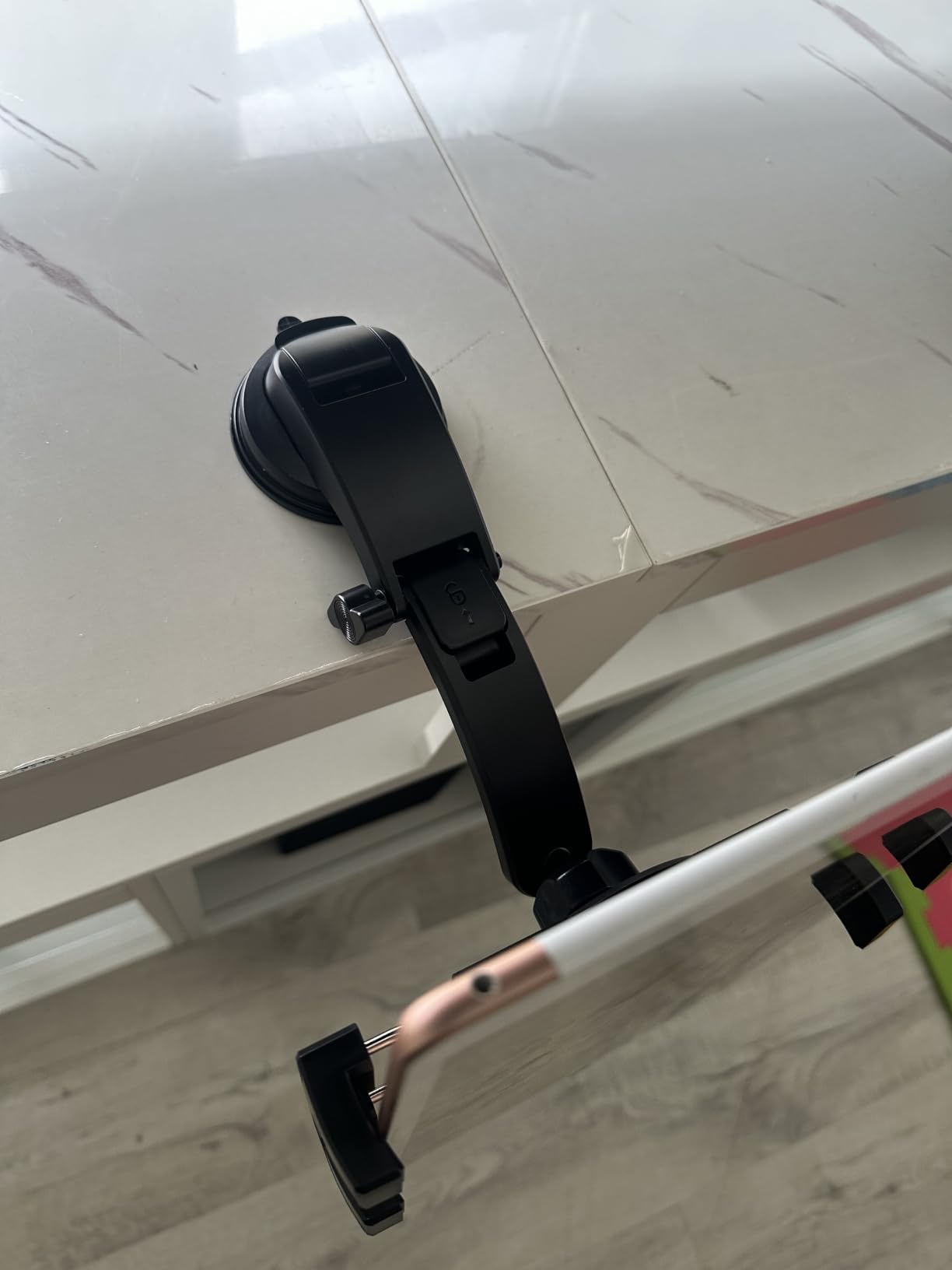
Reviewers who mounted on a clean, flat, smooth surface report excellent grip, including one long multi-state drive with a heavy tablet and no failures. The negative reviews cluster around heat: owners in hot climates report the gel suction cup losing adhesion, and then the plastic tensioning knob going brittle and cracking after about a year.
That heat pattern is worth taking seriously in a parked aircraft on a summer ramp, which is exactly where a suction mount lives. The plastic knob is the piece to keep an eye on.
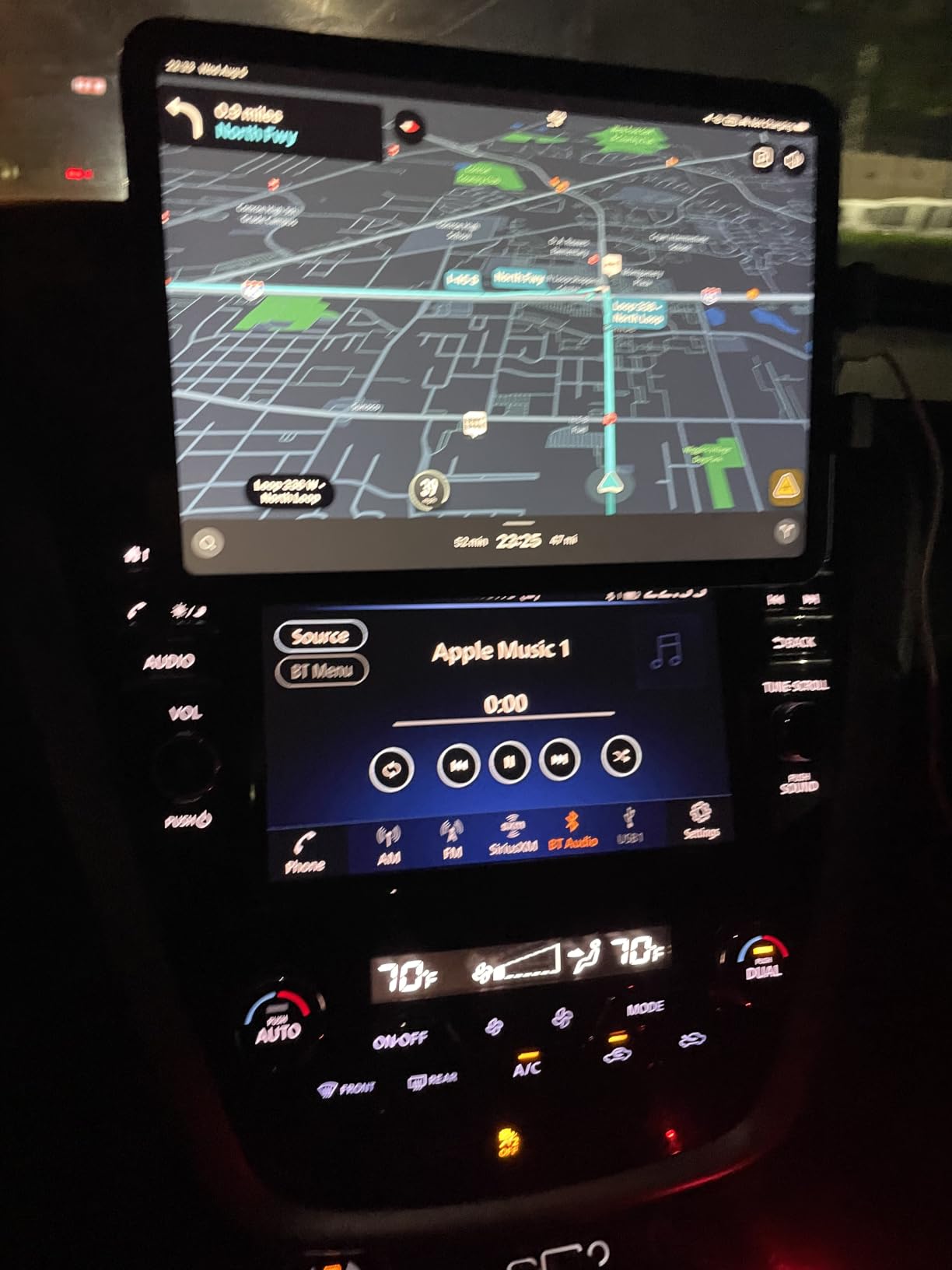
Good fit for
A pilot flying a light aircraft who wants a removable setup and does not want to spend much to find out whether they like flying with a mounted display at all. It is also a reasonable second screen for a back-seat instructor, where the downward arm keeps it out of the student’s view.
Reviewers report the silicone pads do their job well, holding the device still long enough to tap a frequency or pull up a procedure.
Reasons to pass
The 9 inch clamp opening excludes the largest tablets, and the 4.2 star average is the lowest in this set, with a meaningful share of one-star ratings. The 24 to 48 hour cure time for the gel pad also means it is not a same-day install if you rent by the hour.
If you fly in rough air or park in summer heat regularly, a drilled mount costs a little more and removes the whole category of problems.
5. eSamcore Cup Holder Mount – Stable Without a Single Screw
eSamcore Tablet Holder for Car, for iPad Stand Cup Holder Car Mount
Fits 2.5 to 3.9 inch cup holders
1.57 inch deep clamp
15 inch foldable arm
6 to 12.9 inch tablets
Pros
- Rigid arm far more stable than a gooseneck cup holder mount
- Weighted base with three extension pads
- Deep clamp holds thick protective cases
- No adhesive
- works in hot climates
Cons
- Deep tapered cup holders cause wobble
- Heavy tablets amplify visible sway
- Jaws protrude and catch fingers
Trainers, twins and light retractables often have a throttle quadrant or centre console with one or more cup or storage recesses. This mount drops into that recess and gives you a fixed display without drilling, gluing or sticking anything to glass.
Two things set it apart from the cheap cup-holder mounts. The arm is rigidly connected rather than a flexible gooseneck, and the base is weighted with three extension pads that lock tightly into the recess. Reviewers consistently rate it as noticeably more stable than the springy alternatives.
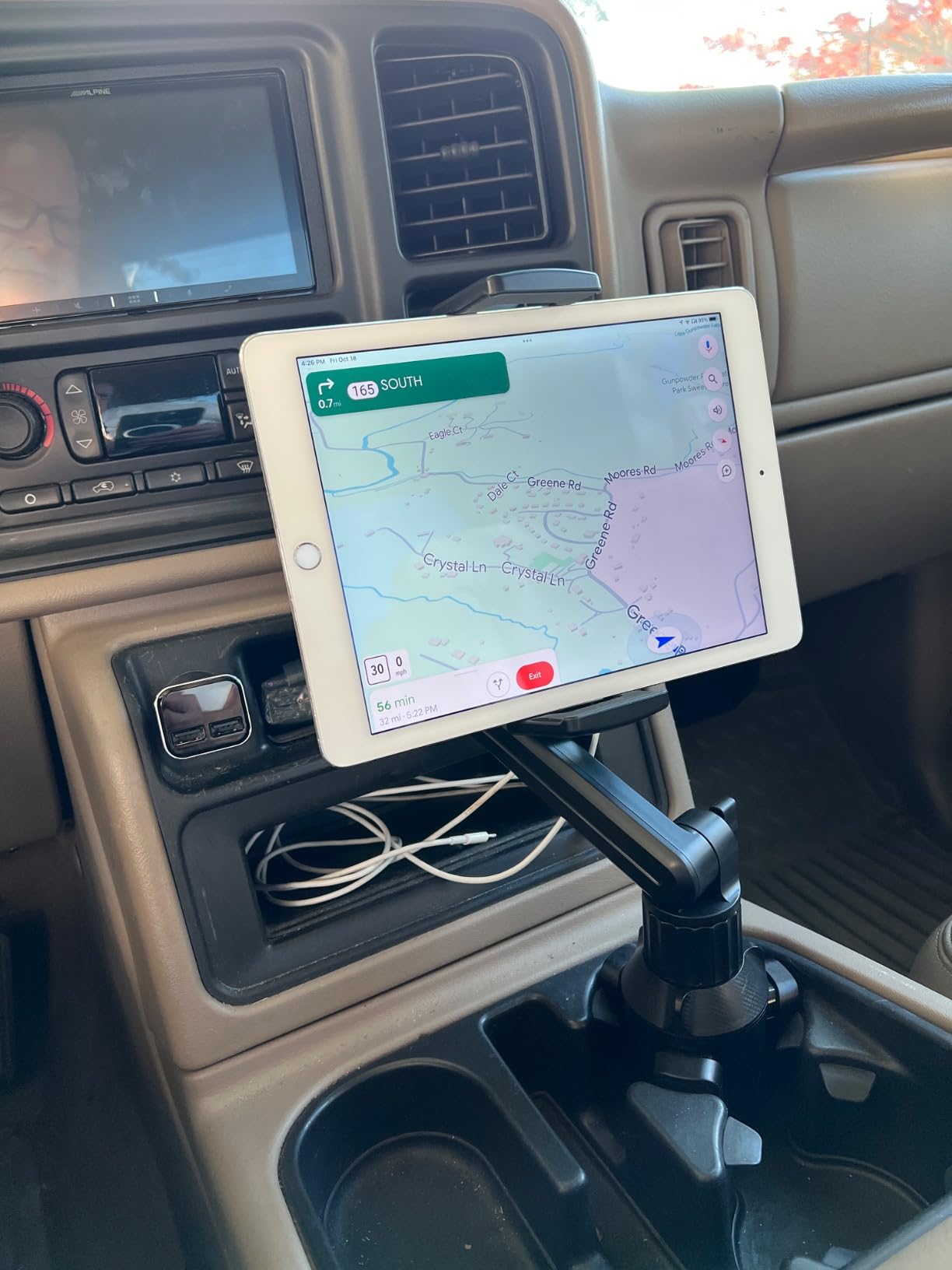
The clamp is deep at 1.57 inch with soft silicone pads, so a tablet in a substantial protective case fits without a fight, and the 15 inch height folds down for storage. At 4.5 stars with a high share of five-star ratings, the satisfied owners describe a clean install that leaves the interior completely untouched.
The recurring problem is recess geometry. A deep, tapered cup holder with flexible flaps will let the base move, and a spacer or shim fixes it. Heavy devices amplify any residual movement, so an 11 inch tablet in a thick case is the worst case for this design.
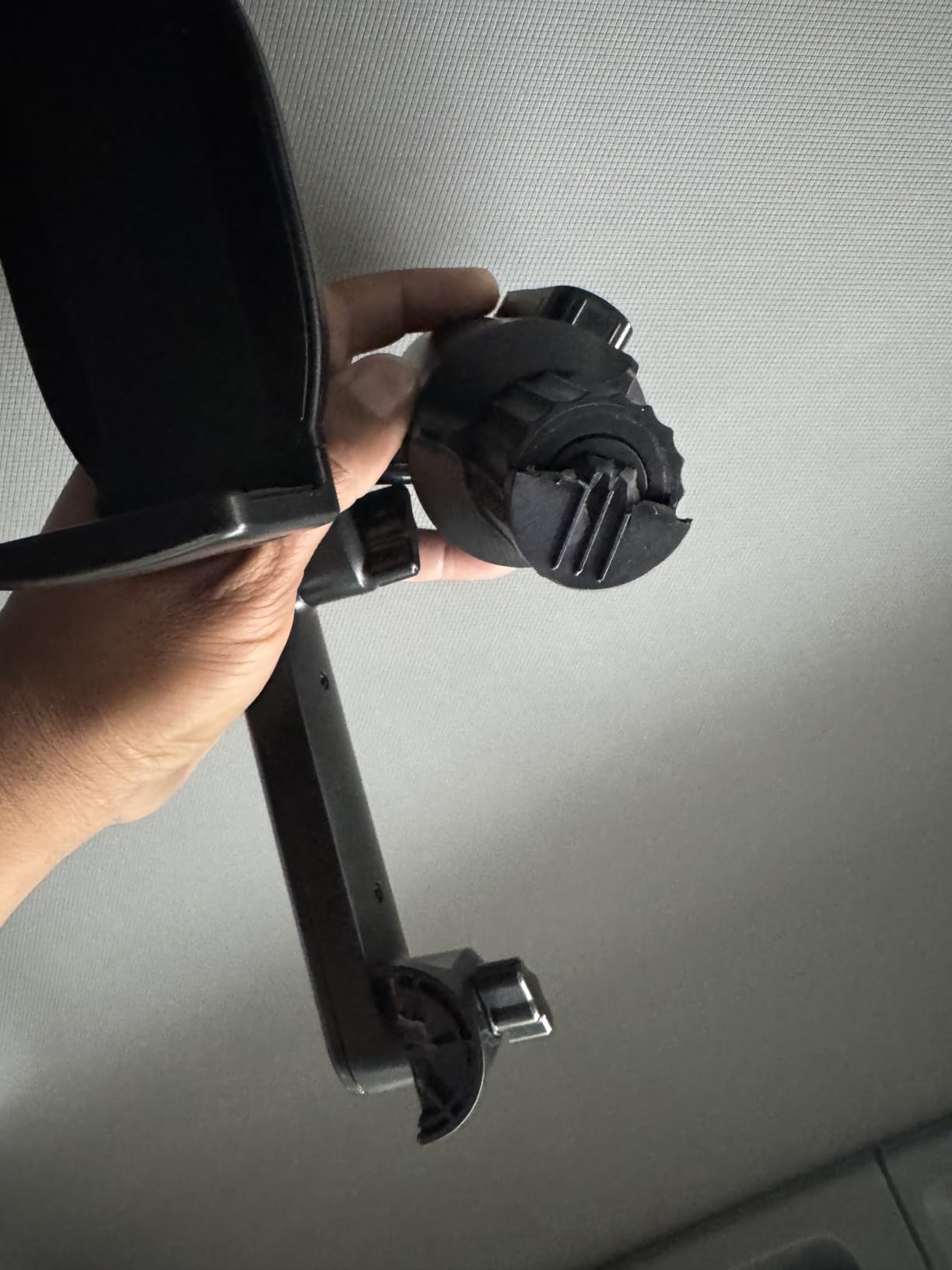
Where it works well
It is a good fit for training aircraft and twins where the console already has a 2.5 to 3.9 inch recess, and it suits anyone who wants a semi-permanent display that can still be pulled out and carried to a different aeroplane in the same flight bag.
Reviewers also use it for rear passengers in larger vehicles, which is a useful trick for a briefing stop where a passenger needs a chart.
When to choose something else
Choose a drilled mount if your aircraft has no suitable recess, or if the recess has flexible flaps that will not take a shim. The jaws are deep enough that fingers catch on them when reaching for the device, which is annoying in a cramped cockpit.
If your tablet is heavy, expect visible sway over uneven surfaces and choose a rigid arm bolted to a panel instead.
6. ARKON Heavy-Duty Drill Base – A Permanent Fix in Metal and Composite
ARKON Mounts – Heavy-Duty Tablet Mount | Secure Drill Base for Cars, Walls, and Tables | Adjustable Arm Ensures Perfect Positioning | Universal Tablet Stand and Holder | Great for iPad Wall Mount
Four-hole drill-in base
Composite, aluminum and steel
360 degree swivel
2 year warranty
Pros
- Permanent vibration-free installation
- High-strength materials built for daily use
- Molded low-vibration joints
- Switches easily between horizontal and vertical
Cons
- Requires drilling into the surface
- Included component list is just the holder
- Holes must be free of obstructions
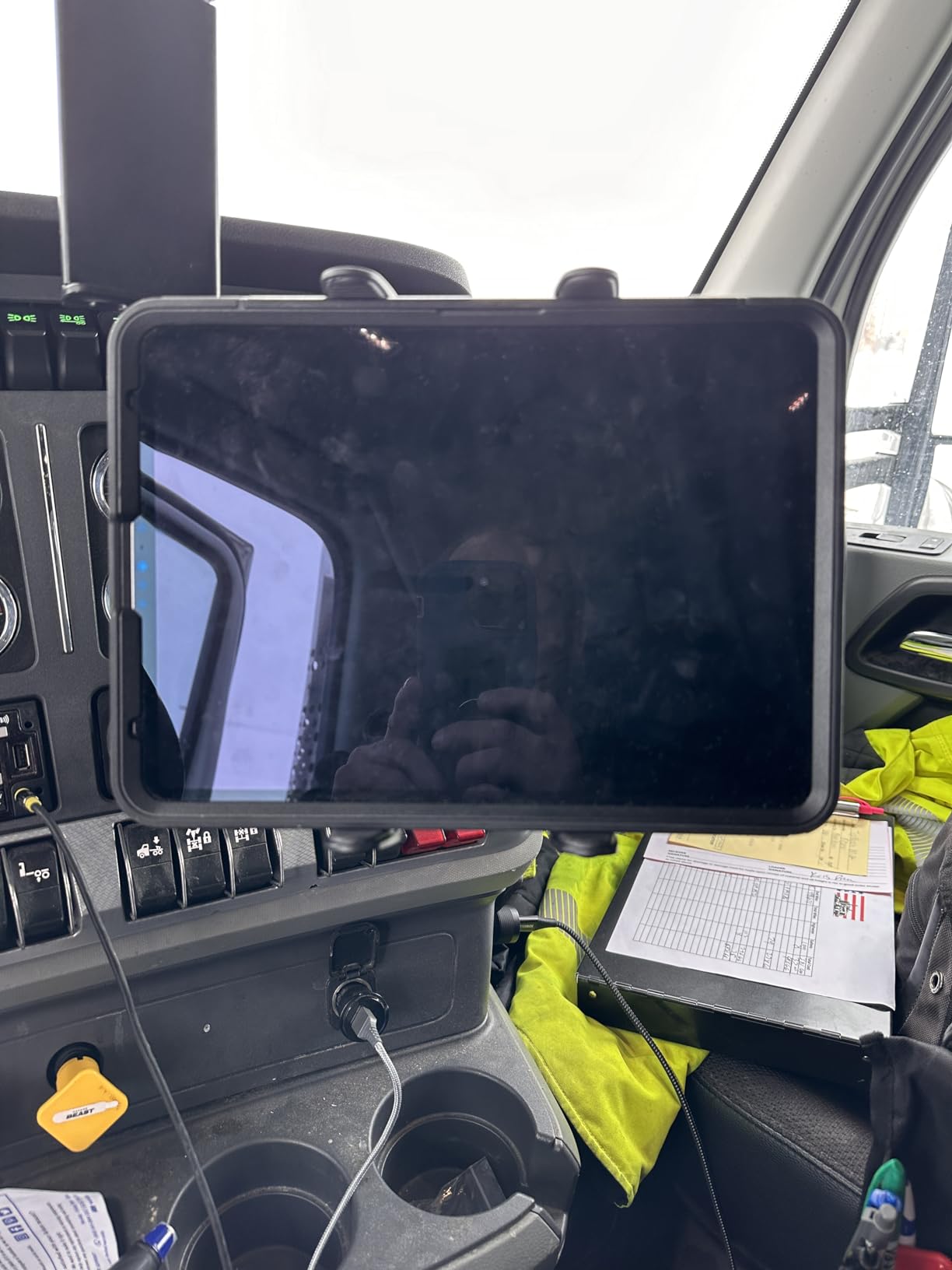
This is the oldest design on the list in spirit: a four-hole drill base, a short composite arm and a molded cradle, built from ultra-high-strength composite, aluminum and steel. It is the approach every commercial fleet has used for years, and it is the most rigid thing you can bolt into a flat surface.
The joints are solid molded low-vibration parts rather than a ball-and-socket with a clip, which is the main structural reason it holds its angle over time. The 360 degree swivel switches between horizontal and vertical use without tools.
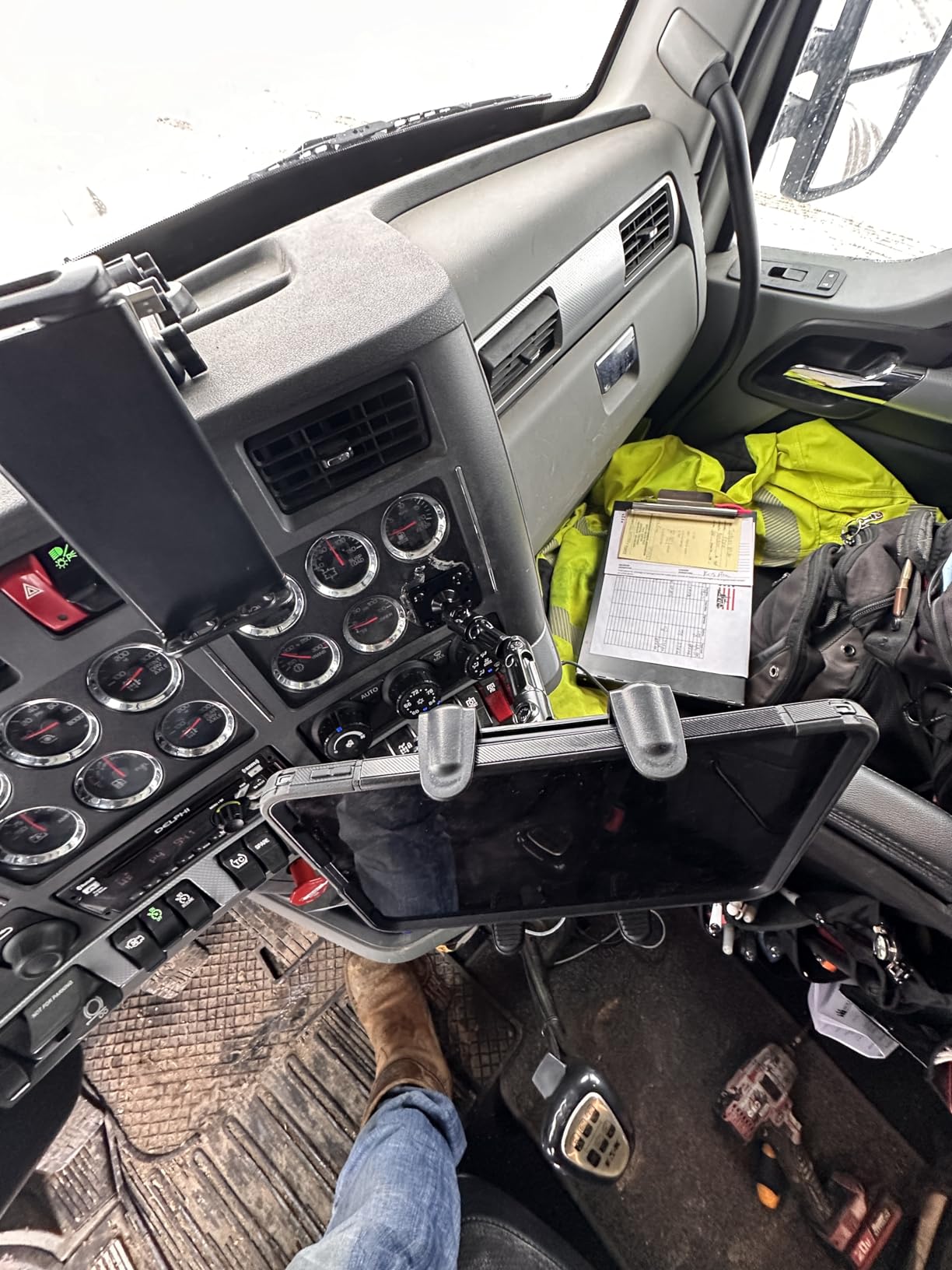
At 4.5 stars across more than 2,100 reviews it has one of the strongest satisfaction profiles in this roundup. Detailed owner text is thinner than for the other options, so the read here comes from the rating distribution and the build rather than from long written reports.
Two practical notes. The box contains the tablet holder, so plan on sourcing the base, arm and fasteners separately depending on the configuration. And the drill pattern needs clear material on all four holes, which rules out thin skins and areas with wiring or fuel lines behind them.
Best for
It suits a hangar project or a boat and helm console build, anywhere the surface is solid and permanent. It also works as a wall or desk mount, which makes it a useful choice for building a flight planning station at home with the same hardware you fly with.
If you fly a panel with a usable flat area, this is the most direct route to a display that does not move at all.
Limitations to know
There is no quick release on the cradle, so taking the tablet out means loosening the mount rather than popping the device free. The 2 year warranty is the shortest of the drilled options in this roundup.
Most importantly, it is a permanent install. If you do not own the aircraft, this is the wrong category entirely.
7. Coolpow Suction Cup Mount – Widest Device Range on a Suction Base
Tablet Holder for Car iPad Holder for Car【Windshield+Dash】Suction Cup ipad Mount for Truck Stand【360° 】Tablet Car Mount soporte de telefono para carro for All 4.7″-12.9″ Apple iPad Samsung Galaxy Tab
Fits 4.7 to 12.9 inch devices
Rotatable suction base
270 degree telescopic arm
20 mm clamp depth
Pros
- Rotatable base changes angle without peeling the cup off
- One-step lock plus gel layer holds well on glass
- Deep 20 mm clamp resists movement
- Cup is washable and reusable
Cons
- Hold depends entirely on a clean flat surface
- Lighter build than a drilled mount
- 20 mm depth excludes thick cases
The feature that separates this suction mount from the others is the rotatable base. Instead of peeling the cup off the glass every time you want a different angle, you turn the base on the suction seal, which extends the life of the bond and cuts the most common reason suction mounts fail.
The arm is a 270 degree telescopic section feeding a 360 degree ball joint, so the screen can sit flat, upright or anywhere between without a tool. Reviewers approve most of the rotatable base, and the clamp resists movement on bumpy surfaces better than a shallow edge grip.
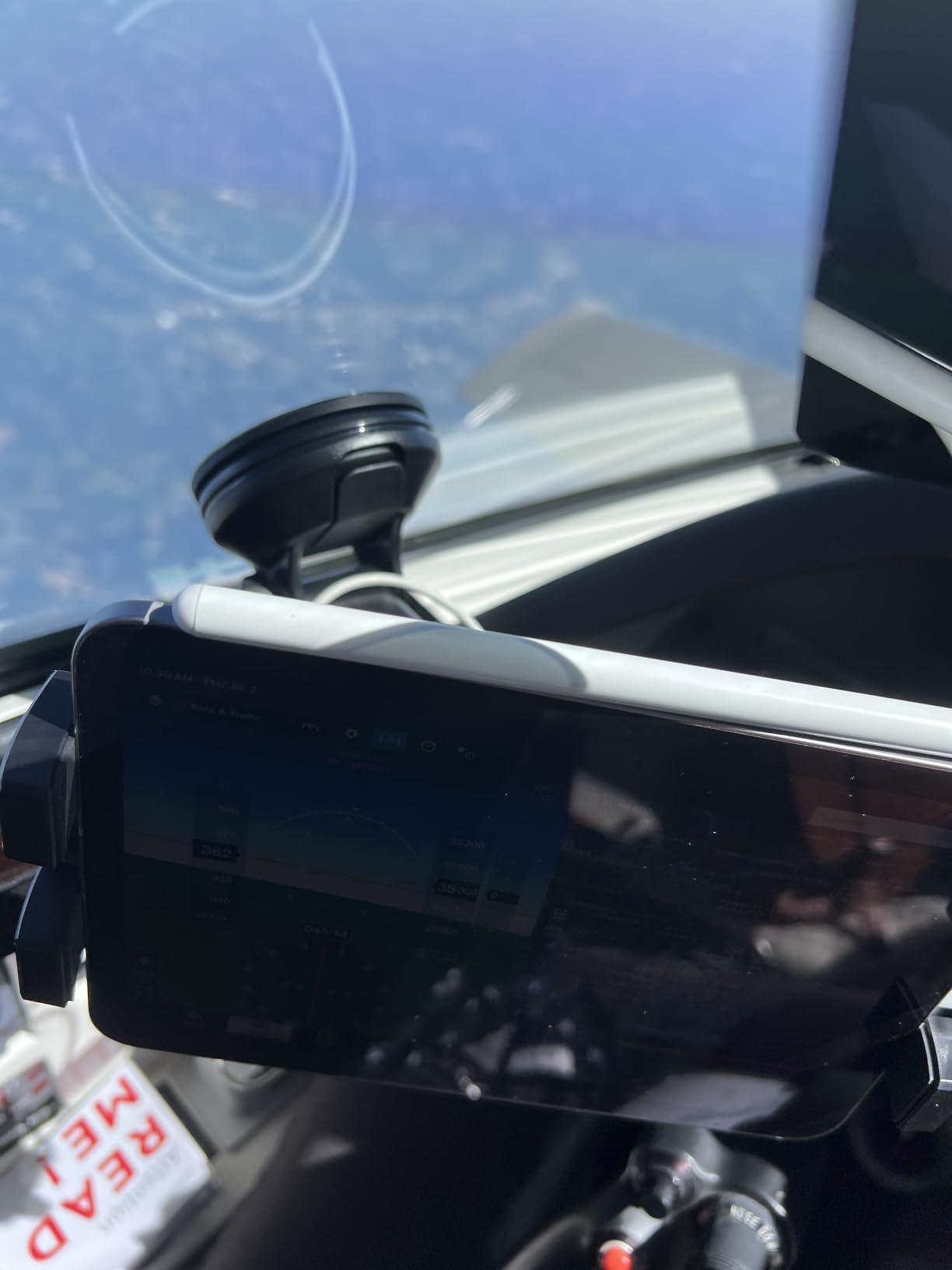
Size range is another strength: 4.7 to 12.9 inch devices, so a large tablet fits, something the budget suction mounts in this set cannot offer. At a 4.4 star average it sits comfortably in the middle of the field.
The limitations are the standard ones for this category. Suction performance depends heavily on a clean, flat, smooth mounting surface, and the metal and plastic build is lighter duty than a drilled mount when vibration is severe.

Good for
A pilot who flies a variety of aircraft and wants one mount that fits whatever tablet is in the bag. It is a sensible windscreen-corner or side-window solution, particularly in a retractable where there is no good panel surface to drill.
It is also a good second mount for an instructor, letting you run a separate display for the back seat.
Reasons to pass
Pass if you fly in rough air often and cannot check the cup between legs, and pass if your tablet is in a case thicker than 20 mm. Suction on a windscreen in direct sun also softens the gel pad faster than on a shaded surface.
For a permanent aircraft you own, a drilled base simply will not sag the way a suction arm can.
8. OHLPRO Heavy Duty Drill Base – Clean Four-Screw Installation
OHLPRO Heavy Duty Drill Base Tablet Holder Car Mount Dashboard for 7″ – 11.5″ Tablets, iPad/iPad Mini Samsung Galaxy, Multi-Angle, Industrial, Black
Four-screw AMPS base
Dual ball joints, 190 degree arm
7 to 11.5 inch tablets
Quick-release button
Pros
- Four-screw base is more rigid than any suction option
- Quick-release button gives one-hand removal
- Four steel screws included in the box
- Marine-capable with the right fasteners
Cons
- 7.8 inch clamp width excludes 12.9 and 13 inch tablets
- Heavier devices wear the joints faster
- Every knob must be fully tightened
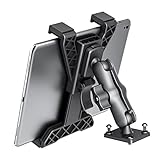
The distinguishing detail here is the four-screw base rather than the usual single-bolt pattern, which spreads the load and keeps the mount from rotating under torque. Reviewers describe the hold as vibration-free in a way that suction mounts cannot match, which is the whole argument for drilling in the first place.
A quick-release button lets you insert and remove the tablet with one hand, which sounds minor until you are doing it in the ramp with a flight bag in the other hand. The kit also includes four steel screws, so nothing extra needs buying.
Two ball-and-socket joints and a 190 degree arm give wide, obstruction-free angle adjustment, and the non-slip grips hold a device with a case on. It is also marketed for boats, where the maker recommends stainless fasteners and marine sealant rather than the included hardware.
The number to check before buying is the 7.8 inch maximum clamp width. That excludes the 12.9 and 13 inch iPad Pro models, which is the main reason it is not higher on this list. Heavier devices also accelerate wear on the joints, and every adjustment knob has to be genuinely tight or the mount develops play.
Where it fits
It suits a panel or console with a flat area you can drill, carrying a 7 to 11.5 inch tablet, and the four-screw pattern gives a more stable foundation than a single-bolt base of the same size.
For a boat helm or a workboat console, the mounting guidance is solid and the material takes salt air better than most plastic-only options.
When to skip it
Skip it if you fly large iPad Pro sizes, if you need the mount to come out after each flight, or if you carry a device heavy enough to wear the joints inside a season.
It is also not rated for two-wheeled use where vibration is extreme, which matters if you were considering it for anything other than an aeroplane or a boat.
9. LycoGear Marine Rail and Bar Mount – For Tubular Structure
Lycan Series Marine Boat Helm Rail Tablet Smartphone Pole bar Holder Mount
Clamps bars up to 1.70 inch
5.5 to 11.2 inch devices
Dual spring-loaded grips
Water resistant composite
Pros
- Spring grips hold a heavy tablet without drooping
- Tightening screw removes the sag cheap spring holders get
- Water resistant for marine use
- Turns a 9 inch tablet into a usable chart display
Cons
- Joint reported to break on some units
- Not as corrosion resistant as metal fittings
- Clamp extension is marginal for a thick cover
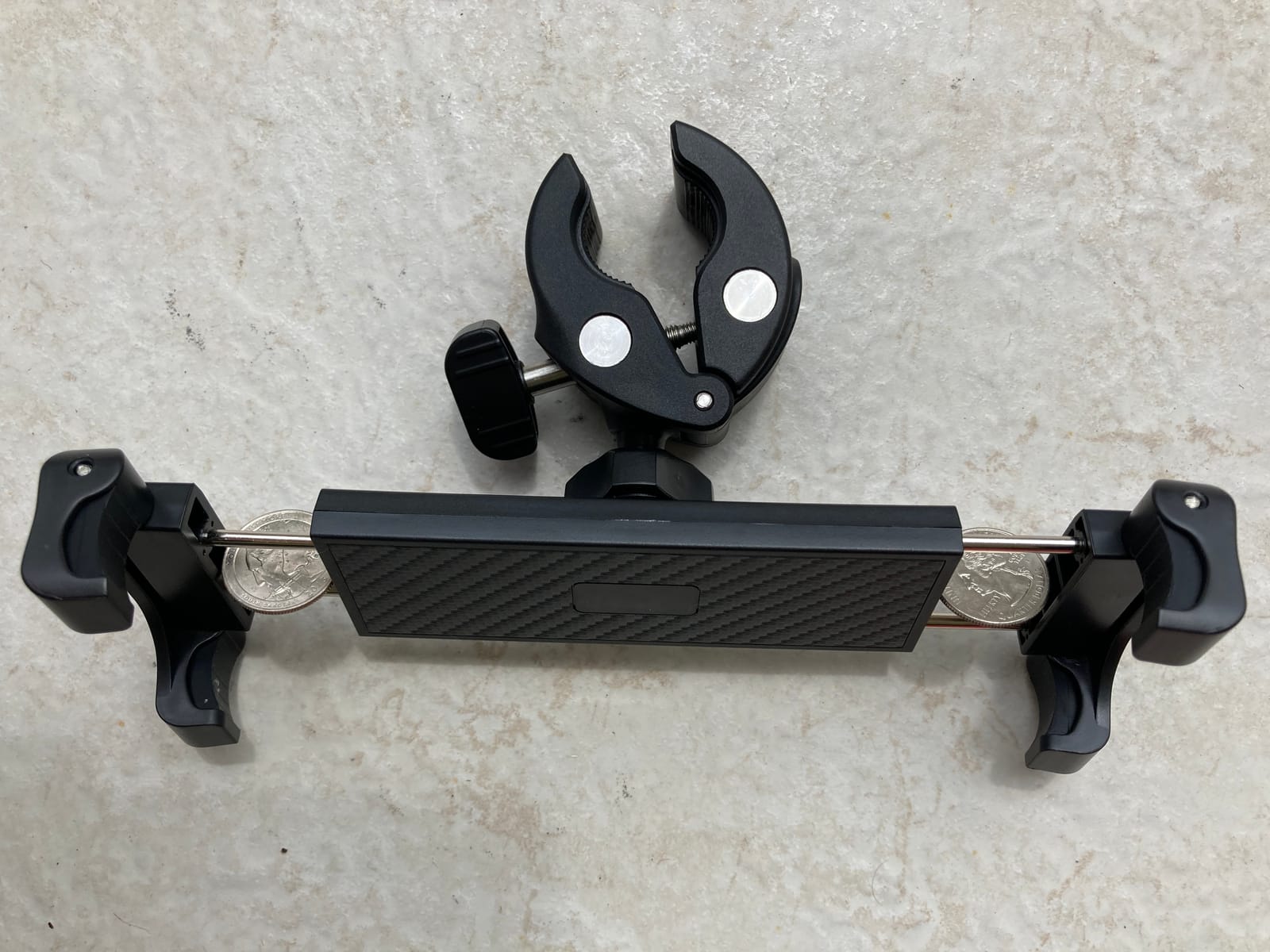
Not every cockpit has a flat surface. A tubular bow, a canopy frame, a helm rail or a control bar can all be clamped, and this holder is built for exactly that. It grips any bar or post up to 1.70 inches in diameter, which covers a lot of tubular structure on light aircraft, boats and even bicycle frames.
The dual spring-loaded tension grips are what make it work. Reviewers specifically note that it holds an iPad without the droop that makes cheaper spring holders useless within days, and a tightening screw locks the grip down so it stays where you put it.
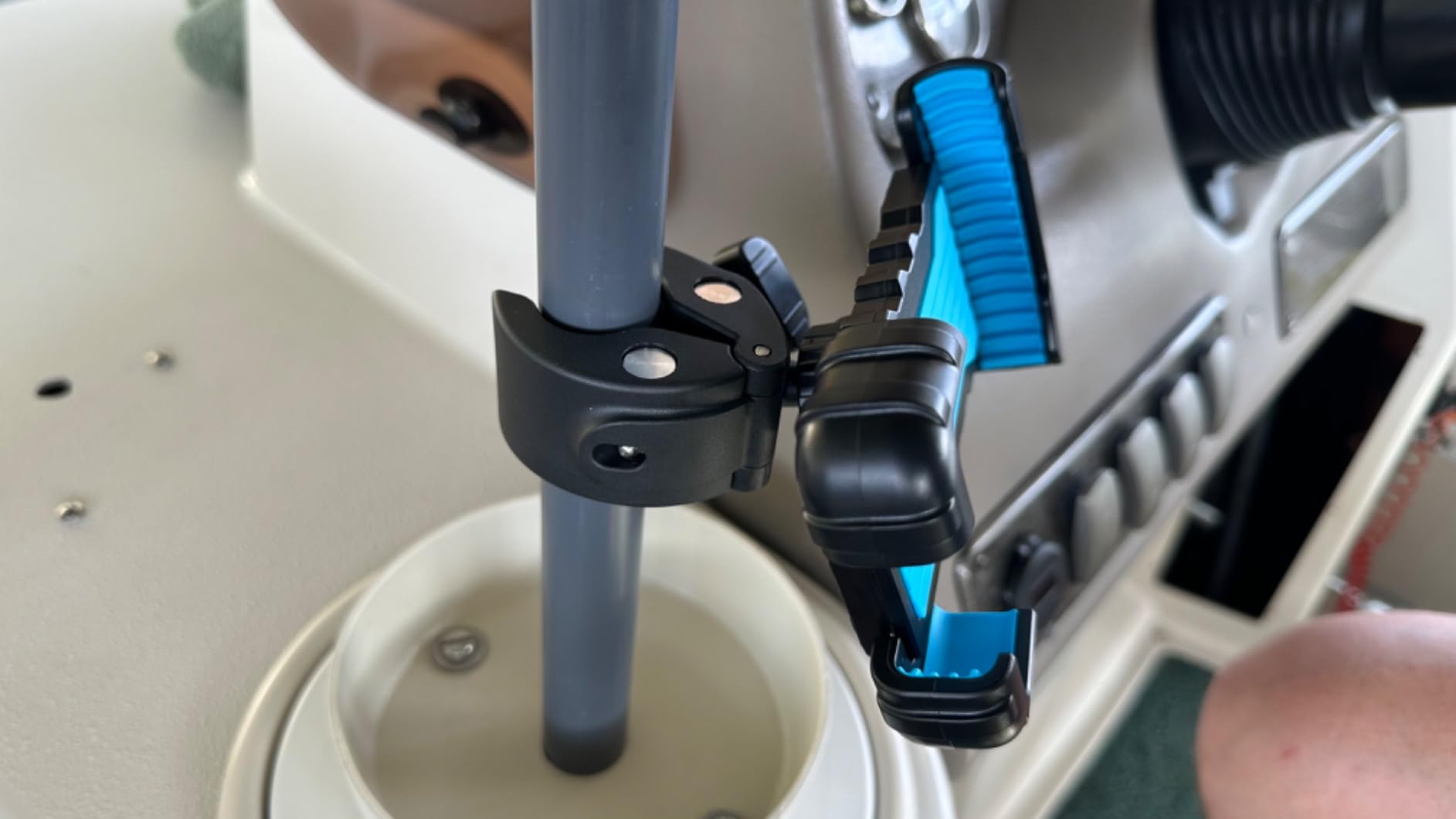
At a 4.5 star average with more than 570 reviews, it holds up well in real use, and the water-resistant composite makes it a natural fit for a boat helm. One owner reported it turned a cheap 9 inch cellular iPad into a usable chart display, which is the kind of outcome a pilot can use.
The durability story is mixed on the joint. Reports range from breakage shortly after purchase to roughly a year of service before failing under heavy vibration, and one user found it slightly loose on its own and added a second bracket clamp. In salty coastal air, plastic fittings will not last as long as metal ones.
Where it belongs
It is the option for a sailboat or powerboat helm, an ultralight with tubular structure, or any cockpit where the only available mounting point is a round bar. The 360 degree rotation covers both orientations, and the 1 year replacement warranty is straightforward.
Marine and powersports owners dominate the reviews, and the consensus is that the grip is the reason to buy it.
When to choose something else
Pass if you need to hold a device in a thick cover, since clamp extension is marginal and you may need to drop to a slim case. Pass if you operate in a corrosive marine environment and expect multi-year service from a composite joint.
If you have any flat surface at all, a drilled base will outlast it every time.
10. Keuvirya Heavy Duty Drill Base – Long Reach From a Rigid Base
Keuvirya Heavy Duty Tablet Mount for Truck & Vehicle, Drill Base iPad Mount
13 inch aluminum arm
4.7 to 12.9 inch devices
360 degree ball joints
419 grams
Pros
- Aluminum alloy arm feels solid and does not shake
- Drill base is permanent and will not work loose
- Clamps grip with a case on without marking the device
- Dual ball joints allow precise positioning
Cons
- Thumb screws must be genuinely tightened
- Installation requires drilling and is not quick
- Plastic-heavy despite the aluminum arm
- No quick-release clamp
Long arm plus permanent base is a combination this roundup offers only once. The 13 inch aluminum arm lets you anchor the mount low and forward on a floor console or panel, then bring the screen up to eye level in front of the pilot rather than out over the control column.
Reviewers single out the arm as the part that feels notably solid, describing it as stable on rough surfaces with no shaking, and the dual 360 degree ball joints give enough range to place the screen precisely in the instrument scan.
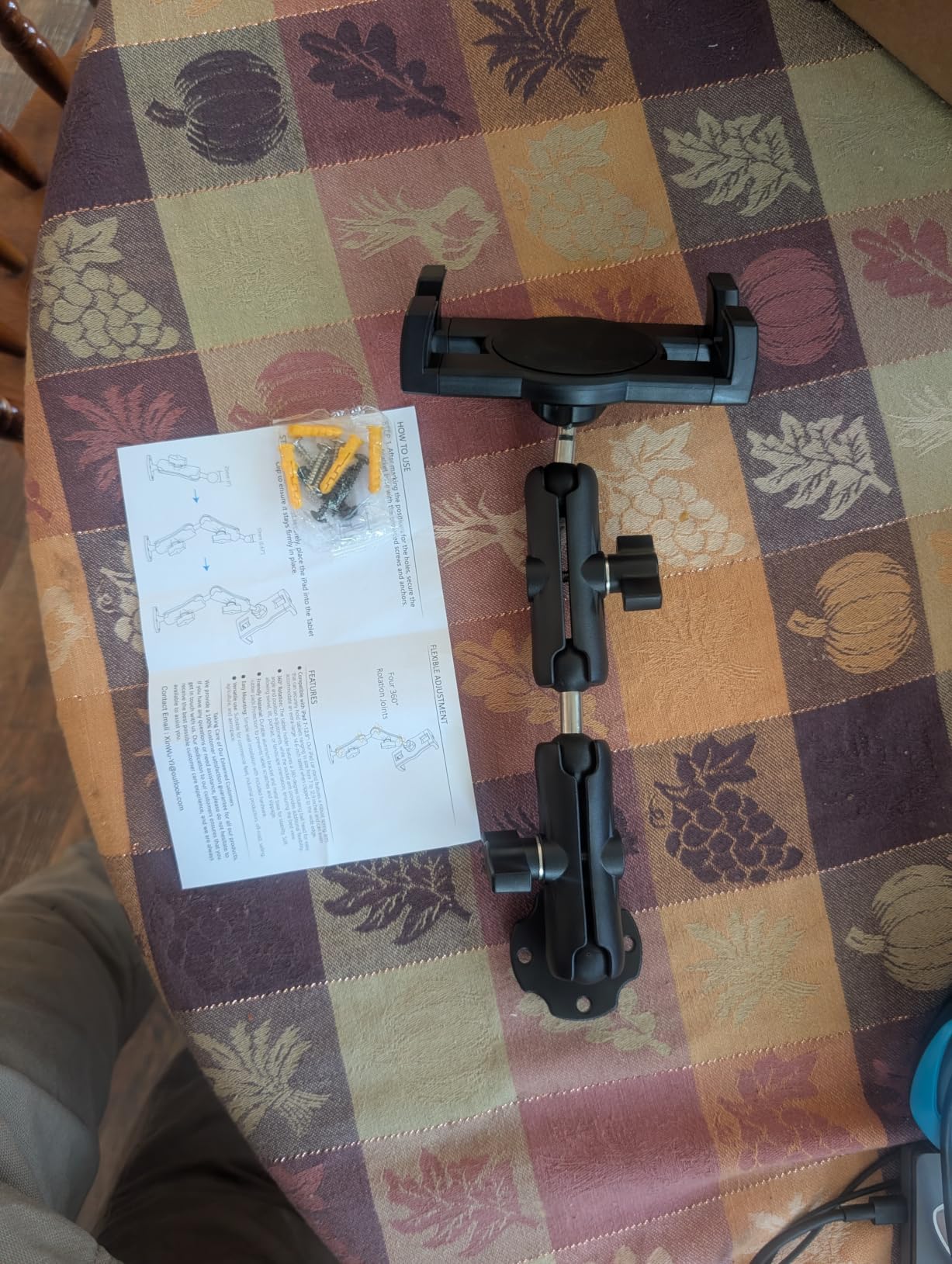
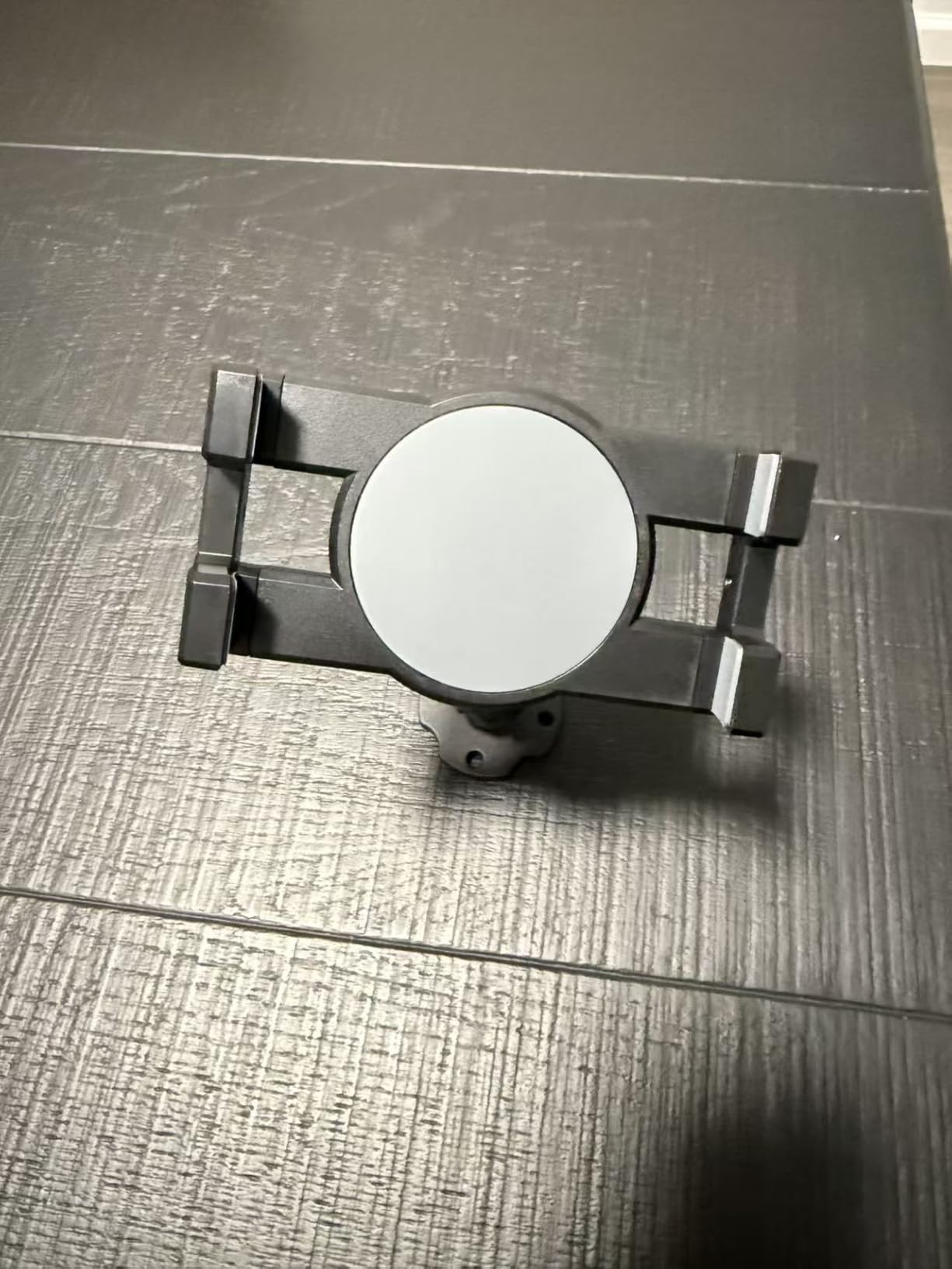
The TPU grips on the holder are a nice detail. They hold a device with a case on without scratching it, which matters if you are running a tablet you also use on the ground. Stainless steel self-tapping screws are included, and at least one owner also received a drilling template, which removes the usual guesswork about hole placement.
There is one adjustment rule people repeat often enough to be worth repeating here: the thumb screws have to be tightened properly or the mount develops play. The recurring complaints are the lack of a quick-release clamp on the cradle and a design that reads more plastic-heavy than the aluminum arm suggests.
Who should buy it
It fits a pilot who wants reach, a pilot who wants to mount low, and anyone whose panel has a sensible spot low down but not near the glareshield. It is also used on boat consoles, walls and desks, so the same unit works for a flight planning station.
The 4.7 to 12.9 inch range covers everything from an iPad mini to a large Pro in a case.
When to pass
Pass if you need to remove the mount after each flight, since drilling is required and the install is not quick. Pass if you need to pop the tablet out without tools, because there is no quick-release clamp on the cradle.
For a larger screen in a fixed install, the Tackform at number three covers more device sizes and comes with a lifetime warranty.
11. woleyi Metal Suction Mount – Aluminum Where Plastic Would Sag
Metal Tablet Mount – Heavy Duty [Super Suction Cup] Dashboard Windshield for Car/Semi Truck/Pickup/Van/SUV/Commercial Vehicle – 4.7-13″ iPad Pro Air Mini, iPhone, Galaxy
86mm vacuum suction cup
Three aluminum arms, 260mm reach
Fits 4.7 to 13 inch devices
1.1 pounds
Pros
- Metal arms and ball heads feel far more rigid than plastic
- 86mm cup rated for extreme heat and cold
- One-click arm release with no tools
- Covers up to the 13 inch iPad Pro
Cons
- 1.1 pounds is noticeably heavy for a suction mount
- Hold still depends on a smooth clean surface
Everything structural here is metal: three aluminum arms, three metal ball heads and a vacuum suction base measuring 86mm. That is the reason to consider it over a plastic suction mount of the same size, because plastic arms are what deflect and what make a mounted screen wobble in vibration.
The head and tail arms adjust 90 degrees, the middle arm adjusts 180 degrees, and the whole thing releases and locks with one knob and no tools. Adjustable reach is 10.2 inches, which is more than most suction mounts offer.
![Metal Tablet Mount - Heavy Duty [Super Suction Cup] Dashboard Windshield for Car/Semi Truck/Pickup/Van/SUV/Commercial Vehicle - 4.7-13](https://www.spencerlocke.net/wp-content/uploads/2026/09/B0CSS6MZSP_customer_1.jpg)
Owners report the cup holds firmly over rough terrain and that the temperature rating is a real advantage, since the base is specified for extreme heat and cold rather than only moderate conditions. A 100mm adhesive disc is included for uneven or textured surfaces where a flat suction seal cannot sit properly.
The device range is the widest on a suction base here at 4.7 to 13 inch screens, so a 13 inch iPad Pro fits, which rules out half the budget suction options. The 4.3 star average comes from the smallest review base in this roundup at under 300 reviews, so treat the ownership history as shorter than the others.
![Metal Tablet Mount - Heavy Duty [Super Suction Cup] Dashboard Windshield for Car/Semi Truck/Pickup/Van/SUV/Commercial Vehicle - 4.7-13](https://www.spencerlocke.net/wp-content/uploads/2026/09/B0CSS6MZSP_customer_2.jpg)
Best suited to
It suits a pilot with a large tablet who refuses to drill, because it is one of the few removable mounts here that takes a 13 inch screen while still being built from metal. A rotating arm arrangement also makes it workable on a windscreen corner where the geometry is awkward.
If you fly a boat or a high-altitude aircraft where temperature swings are wide, the rated cup is the differentiator.
Limitations
At 1.1 pounds it is heavy for a suction mount, and that weight works against the seal over long periods on a hot surface. Suction still depends on a smooth clean surface, and the adhesive disc is a fallback, not a substitute for a proper flat surface.
If you own the aeroplane, an aluminum drilled base will still be the more rigid choice.
12. TeQable Industrial Drill Base – Highest Rated Build in the Test
Industrial Tablet Mount for Truck&Vehicle, Heavy Duty Drill Base iPad Mount
Seven-hole drill base
Aluminum arms
4.7 to 12.9 inch devices
419 grams
Pros
- Highest customer rating in this roundup at 4.7 stars
- Aluminum arm with no sag over rough terrain
- Seven-hole base gives an especially secure foundation
- Cradle expands to fit a wide range of devices
Cons
- Smallest review base in the set
- No quick-release clamp on the cradle
- Included screws are basic
This one carries the highest customer rating in the set at 4.7 stars, with 84 percent of reviews at five stars. It also has the smallest review base at under 190 reviews, so treat the rating as excellent but less proven over time than the 8,000-review product at the top of this list.
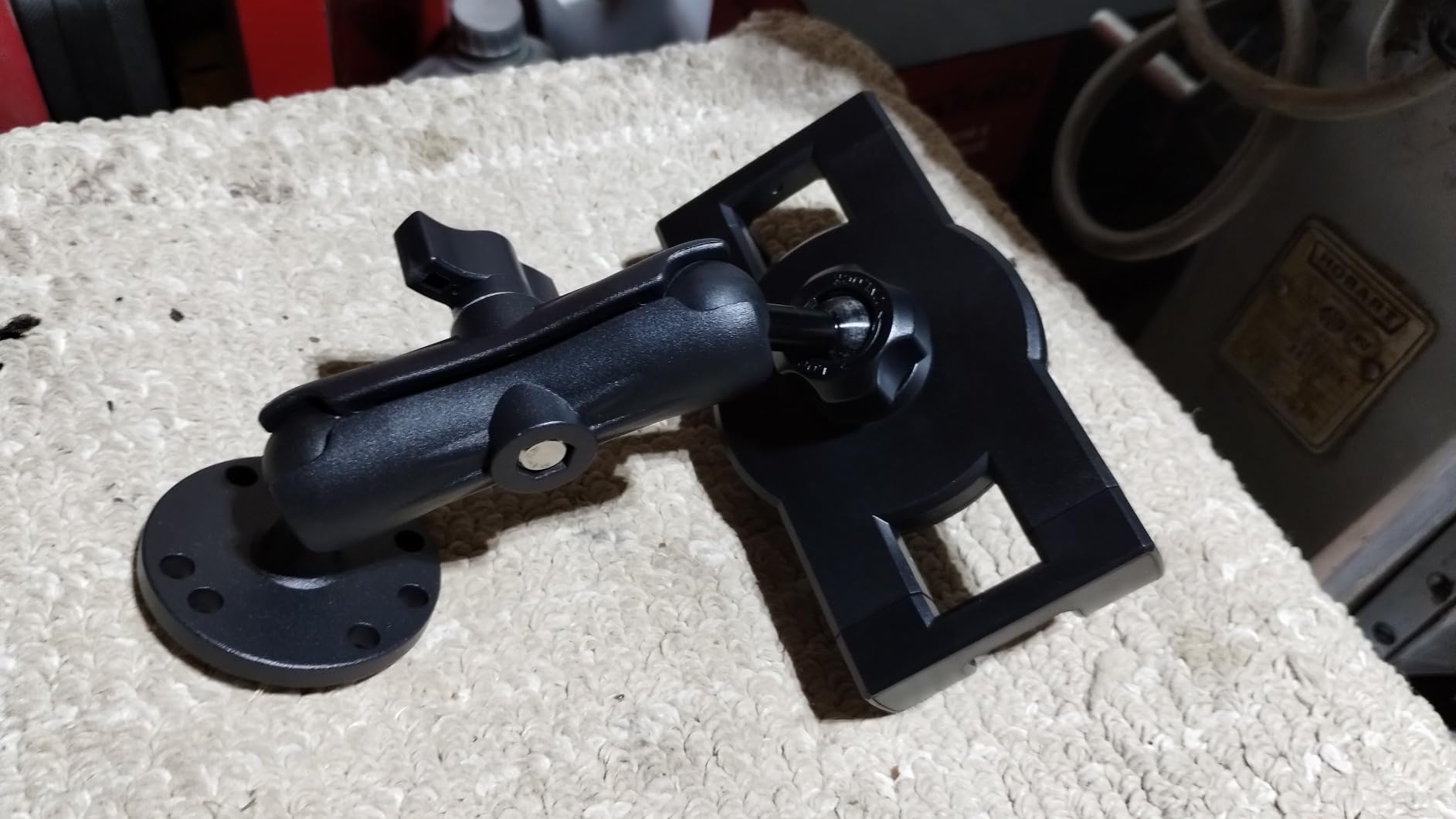
The differentiator versus other drill bases is the seven-hole pattern rather than four, which spreads the load across more of the plate. The arm is aluminum and does not sag, and owners across trucks, a Jeep, a sailboat and a utility vehicle describe the install as a set-and-forget one.
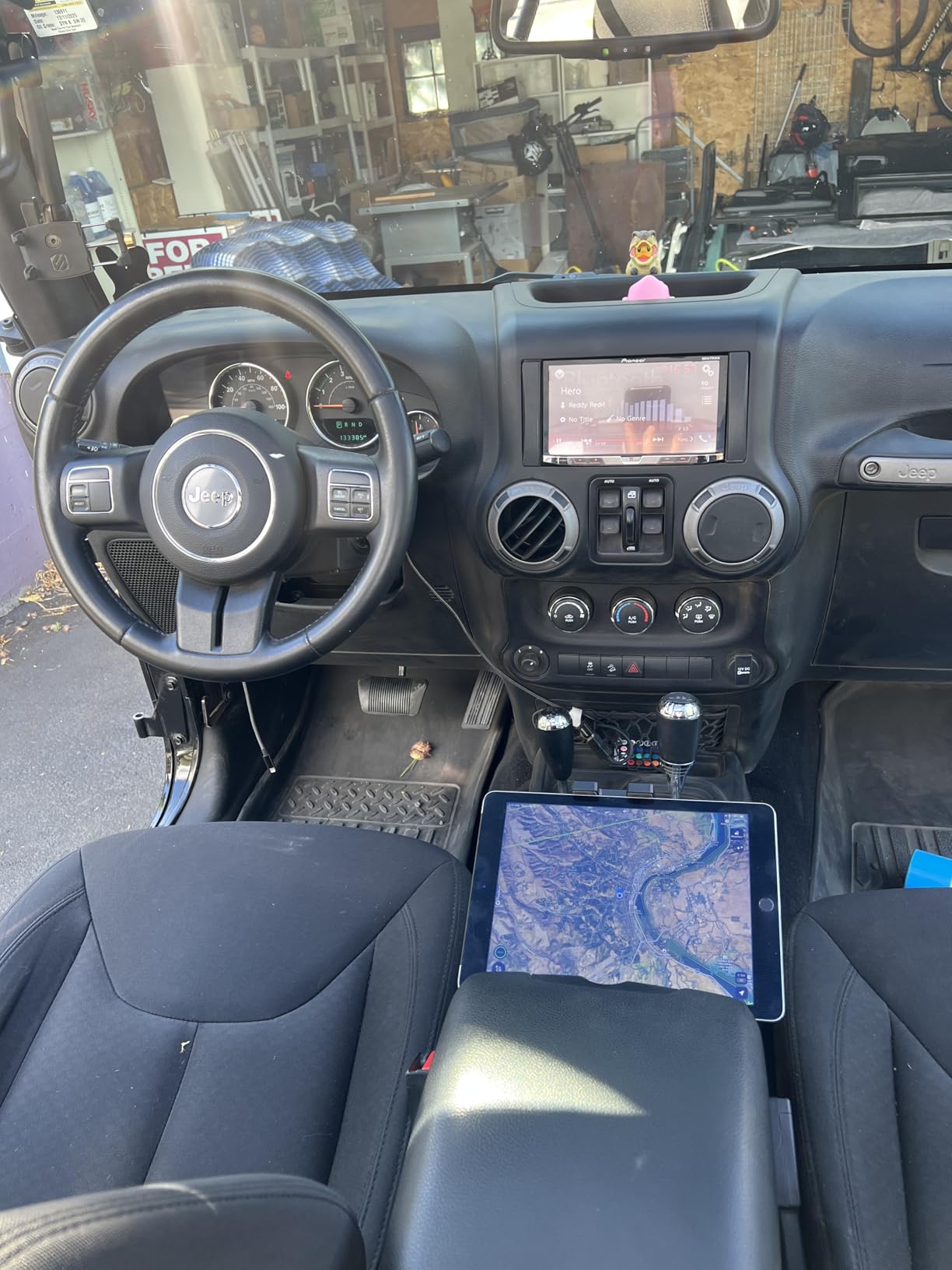
Several owners compare the build quality to commercial RAM-style mounts, which is a strong signal from people who use the same hardware in their actual working vehicles. The expanding cradle fits a wide range of devices, including 9 by 14 inch portable monitors, well beyond the tablet sizes most pilots need.
The consistent criticisms are small and practical. There is no quick-release clamp on the cradle, and the included screws are basic enough that some users substituted better fasteners, particularly in marine use. The 12 month warranty is also the shortest alongside one other option here.
Where it fits
It suits an owner who has drilled before and wants the most rigid removable-tablet setup in this roundup, at a price below the commercial brand equivalents. The full 360 degree rotation and 180 degree tilt make it easy to place the screen where the scan wants it.
It is also a good boat console or helm choice, provided you swap in stainless fasteners and sealant.
When to choose another option
Choose a product with a longer ownership record if you want a proven long-term track record rather than the highest rating. Choose the Keuvirya at number ten if you need more arm reach, or the Tackform at number three if you want a lifetime warranty and a much wider device range.
And if the aeroplane is a rental, a drilled base is the wrong category regardless of how it performs.
How to Choose a Cockpit Tablet Mount
The first question is not which brand, it is which attachment point your aircraft actually gives you. Every product above solves the same problem, and choosing the wrong category is the expensive mistake. Start by asking whether you have a flat surface you own, a smooth glass pane, a round bar, or nothing but your own leg.
Yoke clamp, suction cup, drill base or rail holder
If you fly your own aircraft, a drill base using the four-hole AMPS pattern at 30mm by 38mm spacing is the most rigid answer available, and the standard pattern means you can change cradles later without re-drilling. This is the choice for anyone who has stopped worrying about whether the screen will still be there after a rough one.
If you fly rentals, club aircraft or anything you do not own, a suction cup on a windscreen corner is the only category that leaves the aircraft exactly as you found it. On r/flying, pilots describe RAM suction cups as sticking well to the window, and several say they prefer a yoke mount over the same reason, because the yoke comes off with you.
If you have a tubular structure rather than a flat panel, a rail or bar holder is the answer. On BeechTalk, owners working with larger tablets consistently recommend pairing a longer adjustable arm with a 10.5 inch case, which is the same principle as the 13 inch arms in this roundup.
And if you are not convinced you need a mount at all, a kneeboard or a bare tablet on your thigh is a working setup that many pilots use deliberately. On The Pilot’s Place, the argument for going mountless is straightforward: the tablet stays out of the sun, and the electronic flight bag’s built-in scratchpad covers the one function a clipboard used to serve.
Choosing by tablet size and case thickness
Case thickness is the number one reason a good mount does not work. Most cradles quote a depth limit, and the list runs from 17 mm on the eSamcore dashboard holder up to 40 mm on the deep-clamp cup holder mount. Anything outside that range will simply not close.
Size bands give a quick read. A 7 to 8.3 inch handheld fits nearly every cradle here. A 9 to 11 inch tablet is covered by the iBOLT, ARKON, OHLPRO and Tackform mounts, and by the cup holder mount’s extra deep clamp. A 12.9 or 13 inch iPad Pro rules out the OHLPRO at its 7.8 inch clamp width and the APPS2Car at 20 mm depth, and it needs the Tackform or the woleyi suction mount.
Five star ratings hide a lot, and pilots on Pilot Mall’s collection page make the same point in a different way: the mount and the case are a single fit problem, not two separate purchases. Measure the device in the case you will actually fly with, edge to edge and corner to corner, before choosing.
Removing the mount after every flight
Removability is the single most repeated request in pilot forums, and it is the reason suction and cup-holder designs keep selling. The top Reddit thread on r/flying asks specifically for a windscreen-corner holder that is not glued down and comes off after each flight, and that requirement is where a drill base falls down completely.
Three things make removal easy. A suction cup with a rotatable base lets you change angle without peeling the seal, which preserves the bond. A washable gel pad recovers grip with a rinse rather than a replacement. And a mount with a quick-release button, such as the OHLPRO, lets the tablet out without loosening the arm at all.
For a kneeboard-style setup there is a related argument about sun. Some pilots deliberately keep the tablet on their thigh precisely so direct sun does not wash out the screen, which is worth testing on a real flight before you permanently fix anything to a panel.
EFB app pairing and screen readability
ForeFlight and comparable electronic flight bag apps are what make the mount worth owning, and the most common question in that context is simply which tablet to buy. The practical answer is that larger screens suit IFR chart and approach plate work, while a mini suits yoke and kneeboard setups where the device has to be small and light.
Screen readability is a mount question as much as a display question. A mount that puts the screen low or at an angle introduces more reflections, and a polarizer or anti-glare film interacts with the viewing angle rather than simply making the screen darker. Position the display so it faces you rather than the window, and test it at midday in the aircraft you actually fly.
ForeFlight users also care about the scratchpad, which is the main feature a kneeboard used to cover, and about whether the device stays awake with the screen in your peripheral vision. Both depend on placement, not on the mount’s brand.
Installation, Pre-Flight Checks and Cockpit Safety
A mount is only as good as its attachment, and the attachment is where most failures happen. A suction cup needs a clean, flat, smooth surface and the manufacturer cure time, which on several of the products here is 24 to 48 hours. A drill base needs material behind all four or seven holes, with no wiring, structural member or fuel line in the path. Neither is a job to rush on the ramp.
Pilots ask constantly whether any of this is acceptable to an inspector, and the honest answer is that the expectation is simple: the device must be restrained so it cannot become a loose object, and it must not obstruct your view of the instruments, the outside or the controls. A mount that blocks a required view is a problem regardless of how well it grips. For anything beyond an electronic flight bag on your own aircraft, confirm the rules that apply to your operation rather than relying on general advice.
Run a five-step check before every flight. Confirm the mount is fully tightened, every ball joint and knob torqued rather than finger-tight. Confirm the device is seated in the cradle and, on a suction mount, that the cup is still bonded all the way around. Confirm the screen faces you and does not cover an instrument, a control or the view out. Confirm cables are routed so they cannot cross a control surface or snag a yoke. And confirm the device is charged, because a mount cannot help at 10,000 feet over a dark field.
On turbulence specifically, the pattern is consistent across pilot reports. Drilled bases hold position. Yoke clamps hold position but restrict column movement, and can feel flimsy on an older cyclic stick. Suction cups are the ones that creep and sag, and the fix is a re-seat during a lull rather than an argument about which brand is best.
For charging, run the cable along the same structure the mount is fixed to and use a strap every 30 cm or so, so no wire crosses the panel or a moving control. A mount that is rigid but tethered loosely to a power outlet is worse than a slightly flexible mount with a tidy cable.
On the wider mounting question, our guide to projector mounts for ceilings covers the same engineering ground in a different application, and our picks for TV wall mounts for large screens cover the drilled-base category in more detail. The load and vibration principles are identical.
Frequently Asked Questions
What is the best iPad mount for pilots?
For most pilots, a yoke clamp or a ball-and-socket arm with an AMPS cradle is the general-purpose choice, because it moves with the control column and leaves the airframe untouched. A suction cup is the best removable alternative for anyone flying rentals or club aircraft. If you own the aeroplane, a four-hole AMPS drill base at 30mm by 38mm spacing is the most rigid option.
What is the best iPad mount for aviation?
A ball-and-socket mount using the four-hole AMPS pattern is the standard aviation answer, because almost every arm, cradle and adapter in the industry uses the same 30mm by 38mm hole spacing, so you can change devices without changing hardware. Add an anti-glare screen and keep the display facing you rather than the windscreen to control reflections.
What iPad do most pilots use, and which does ForeFlight recommend?
Most pilots use an iPad class device sized to the mount: an iPad mini for yoke and kneeboard setups where weight and size matter, and an iPad Air or iPad Pro for IFR chart and approach plate work where screen area matters. ForeFlight supports the current iPad and iPadOS generations, so check the app’s device list before buying and measure the device in its case against your mount’s clamp depth.
Do I need a mount or a kneeboard for cockpit use?
A kneeboard or a bare tablet on your thigh is a legitimate setup. Many pilots fly that way deliberately because it keeps the screen out of direct sun, and the electronic flight bag’s built-in scratchpad covers the main function a clipboard used to serve. A mount is worth adding when you want the display fixed in the instrument scan, or when you want the device restrained through turbulence.
What is the best tablet mount for a car, dashboard or desk?
That is a different product category and outside this guide. Car dash and windshield mounts are built for smooth vehicle surfaces and a driver’s sight line, while desk and wall mounts assume a static surface and a fixed viewing distance. The aviation mounts here are chosen for restraint under vibration, for clearance around a control column, and for whether they can be removed after a flight.
The Bottom Line for Pilots in 2026
The best cockpit tablet mount is the one that matches your aircraft and your ownership situation, not the one with the longest specification list. Pick by pilot profile: a student in a Cessna 172 who wants a permanent install and no clutter should choose the iBOLT TabDock BizMount at number two, because the standard AMPS pattern means any cradle fits later. A pilot who flies a different aeroplane every week needs a no-glue, remove-after-every-flight setup, and the APPS2Car long arm suction mount at number one is our editor’s choice for that reason.
For a back-seat instructor running a second display, a small suction or cup-holder mount keeps the device off the student’s view. For a pilot who owns a larger aircraft or a boat, the Tackform Enduro Series at number three covers every tablet size from 7 to 18.4 inches and carries a lifetime warranty, which is the easiest long-term decision in the set. For anyone carrying a 12.9 or 13 inch iPad Pro who refuses to drill, the all-metal woleyi suction mount at number eleven is the only removable option here that takes that screen.
Whichever you choose, measure your tablet in its case, confirm the clamp depth, and run the five-step pre-flight check before you rely on it. If you would rather compare mount hardware on another category, our picks for EQ mounts for astrophotography cover the same load and vibration thinking from a different angle.