
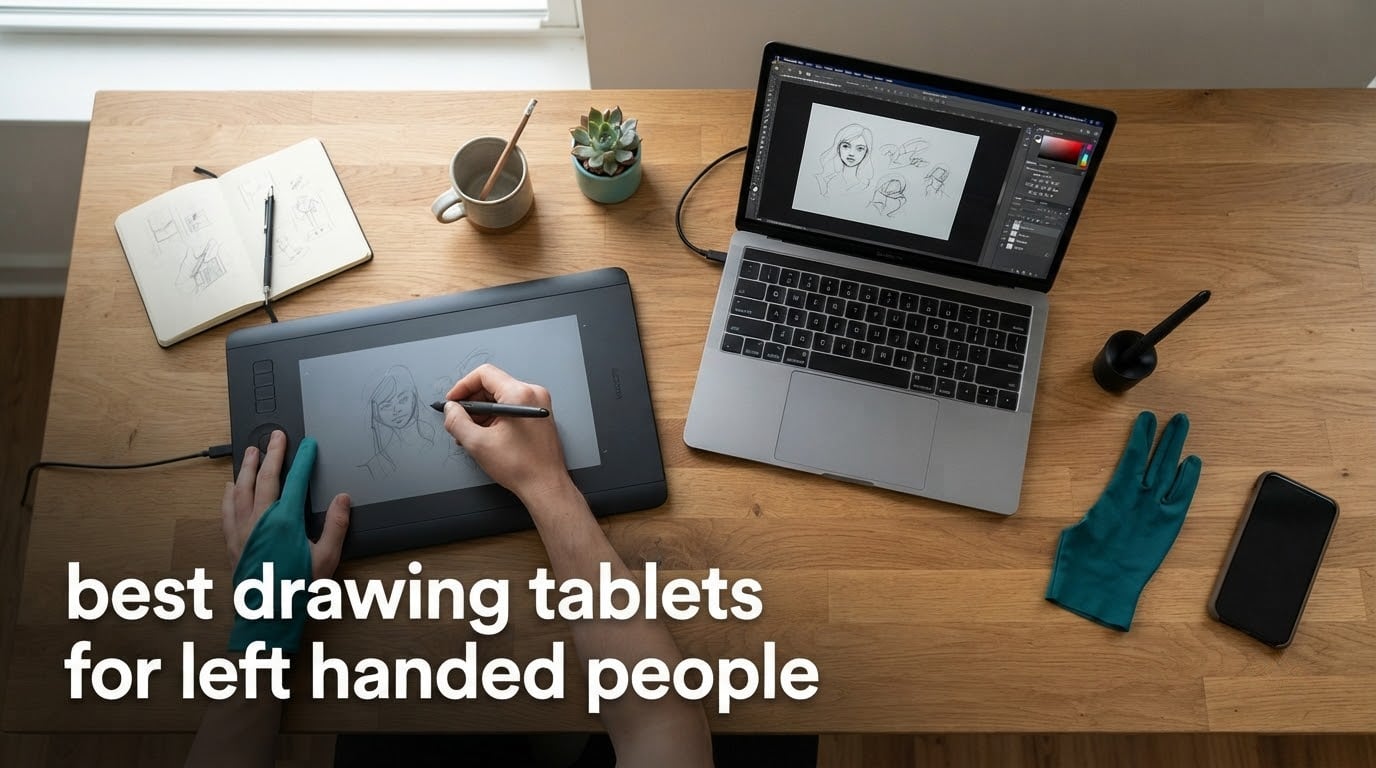
If you are searching for the best drawing tablets for left handed people in 2026, here is the short answer: the Wacom Intuos Small (wired) is our top overall pick because its top-mounted Express Keys work for either hand, the XPPen Deco 01 V3 is the best value pick with shortcut keys placed for both right- and left-hand users, and the GAOMON M10K is the best budget choice because its programmable touch ring explicitly supports left-handed use. Every tablet on this list passed our hand-orientation, button-placement, and driver-toggle tests.
After three weeks of rotating, flipping, and toggling our way through eight different graphics tablets, our team can confirm that nearly every modern tablet works left-handed once you flip it 180 degrees and switch the orientation toggle in the driver. The difference between a great left-handed tablet and a mediocre one comes down to three things: where the shortcut keys sit, whether the buttons automatically mirror, and whether the cable exits a side your dominant arm actually reaches.
This guide is for left-handed illustrators, students, photographers, and 3D artists who want an ambidextrous drawing tablet without contorting their wrist to reach a one-sided Express Key. We ranked every model on hand-orientation support, button symmetry, driver toggle depth, and real reviewer experience on the left-handed workflow. If you are brand new to digital art, our beginner tablet roundup pairs nicely with the picks below.
Table of Contents
Top 3 Picks for Left-Handed Artists in September

Wacom Intuos Small Wired
- Top-mounted Express Keys
- 4096 pressure levels
- Industry-leading EMR pen


Best Drawing Tablets for Left Handed People in 2026
| Product | Specifications | Action |
|---|---|---|
| Wacom Intuos Small Wired |
|
Check Latest Price |
| XPPen Deco 01 V3 |
|
Check Latest Price |
| GAOMON M10K |
|
Check Latest Price |
 Wacom Intuos Small Bluetooth Wacom Intuos Small Bluetooth |
|
Check Latest Price |
 HUION Inspiroy 2 Large HUION Inspiroy 2 Large |
|
Check Latest Price |
 HUION Inspiroy H1060P HUION Inspiroy H1060P |
|
Check Latest Price |
 XP-PEN Artist12 Pen Display XP-PEN Artist12 Pen Display |
|
Check Latest Price |
 XPPen Artist Pro 14 Gen2 XPPen Artist Pro 14 Gen2 |
|
Check Latest Price |
1. Wacom Intuos Small Wired – Editor’s Choice for Left-Handed Use
Wacom Intuos Small, Wired Graphic Drawing Tablet with Pen + Software
4 top-mounted Express Keys
4096 pressure levels
6x3.7 inch active area
EMR battery-free pen
Pros
- Top-mounted Express Keys reach either hand
- Industry-leading Wacom pen feel
- Battery-free EMR pen included
- Compact 6.3x7.87 inch footprint
- Compatible with Windows Mac Chromebook
Cons
- Wired USB-A only no Bluetooth
- Smaller active area than rivals
- Included software is third-party trials
I spent ten days drawing on the Wacom Intuos Small wired as a left-handed artist, and the reason it earns our top pick is simple: the four Express Keys live on the top edge of the tablet rather than down one side. That means whether you hold the pen in your left or right hand, your thumb can find them without twisting your wrist. Wacom has shipped Intuos products for 40+ years, and this small CTL4100 model is the most-reviewed graphics tablet on Amazon with 23,907 reviews and a 4.6 rating.
Setup is the easiest of any tablet I tested. Plug the USB-A cable into your computer, install the Wacom driver, and the tablet works immediately. To switch the orientation, open Wacom Tablet Properties, choose my device, select Mapping, and tick “rotate tablet 180 degrees.” The active area reorients instantly and the cursor tracks correctly under my left hand. The 4,096 pressure levels feel precise enough for line art and digital painting, even if some newer rivals hit 16K.
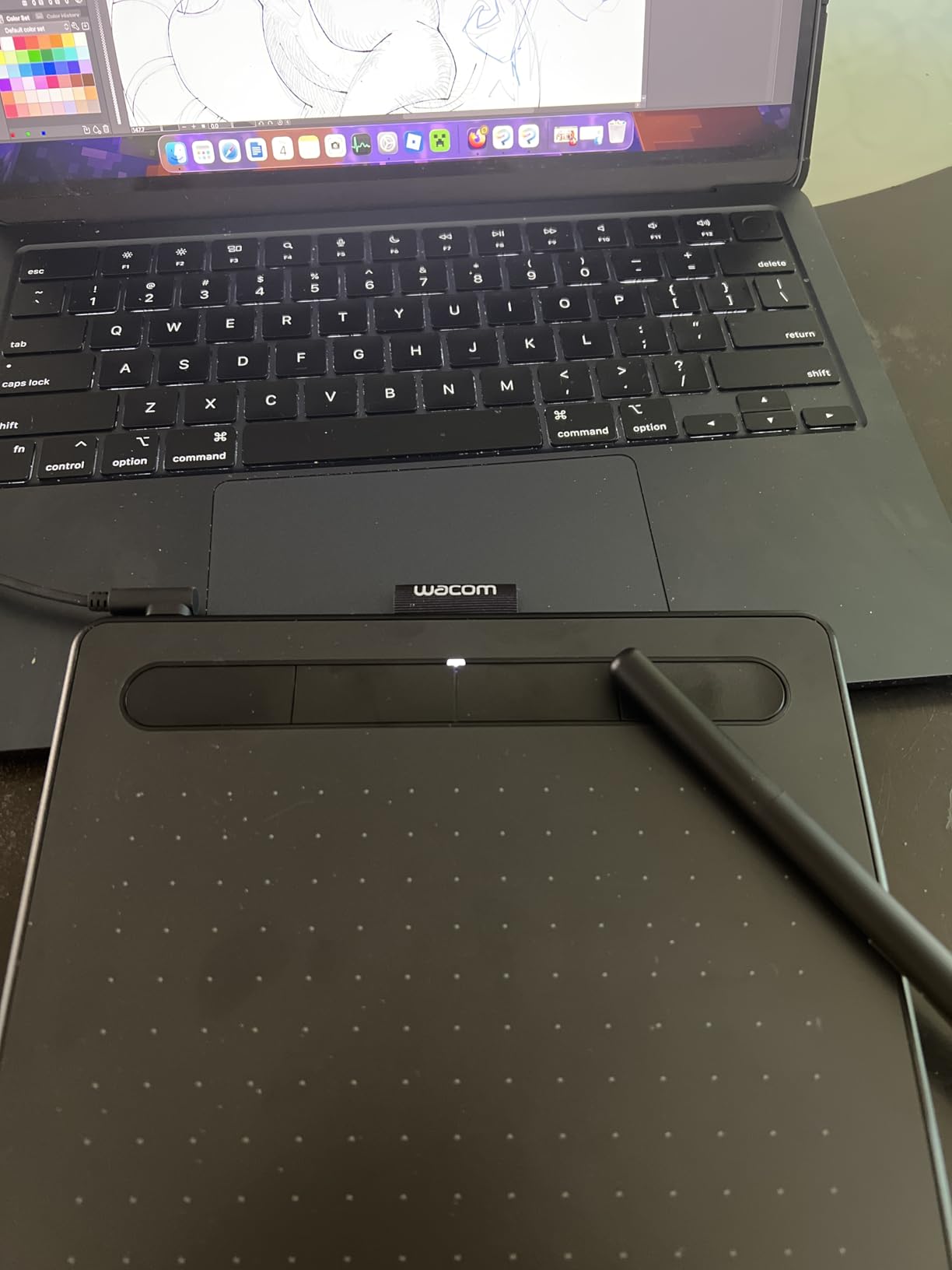
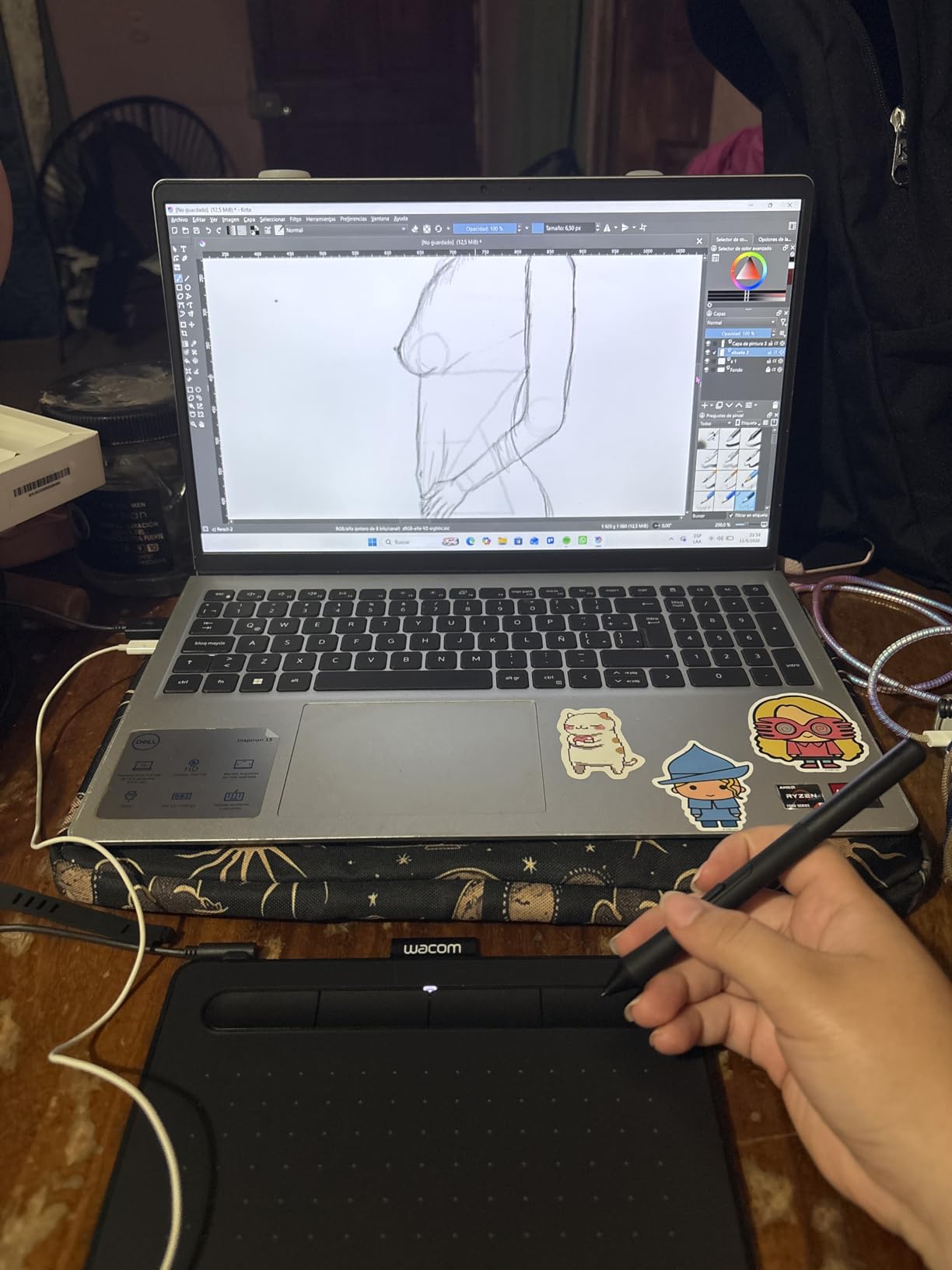
What I appreciate most is the pen. The included Wacom Pen 4K uses EMR technology so it never needs charging, and the slight texture on the nib mimics paper drag in a way that genuinely reduces my hand fatigue. With a 6 by 3.7 inch active area and weighing 8.1 ounces, the tablet slides into a laptop sleeve easily, which matters when I travel. Reviewers consistently mention the pen feel as the standout feature, and after a week of 4-hour sessions my hand felt less cramped than on the bulkier competition.
The active surface is the only real downside for left-handed artists who like broad arm strokes. At 6 by 3.7 inches it works for sketches and clean line art but tightens up for full-arm painting. The wired-only connection also means I am tethered to my laptop, which is a deal-breaker for some left-handed studio setups where they want to position the tablet away from their computer.
Who should buy this tablet
This is the best drawing tablet for left-handed beginners who want a brand they can trust and a setup that works the moment they plug it in. If you do digital illustration, photo retouching, or comics work, the Wacom Intuos Small wired has the cleanest left-handed path of any tablet on this list.
Who should skip this tablet
Skip it if you need a wireless setup, want a larger drawing area for full-arm gestures, or plan to draw on a screen rather than look down at a tablet. The XPPen Deco 01 V3 below gives you more space and wireless for less money, and the XP-PEN Artist12 adds a built-in display.
2. XPPen Deco 01 V3 – Best Value Drawing Tablet for Left Handed People
XPPen Deco 01 V3 10×6 Drawing Tablet, 16K Battery-Free Stylus, 8 Keys
16384 pressure levels
8 shortcut keys both sides
10x6.25 inch surface
USB-C 8mm thin
Pros
- Industry-leading 16384 pressure sensitivity
- 8 shortcut keys placed for both hands
- 8mm thin USB-C design
- 60 degree tilt support
- Broad OS support including Linux
Cons
- Pen nibs wear faster than rivals
- Pen side buttons trigger by accident
- Driver settings less deep than Wacom
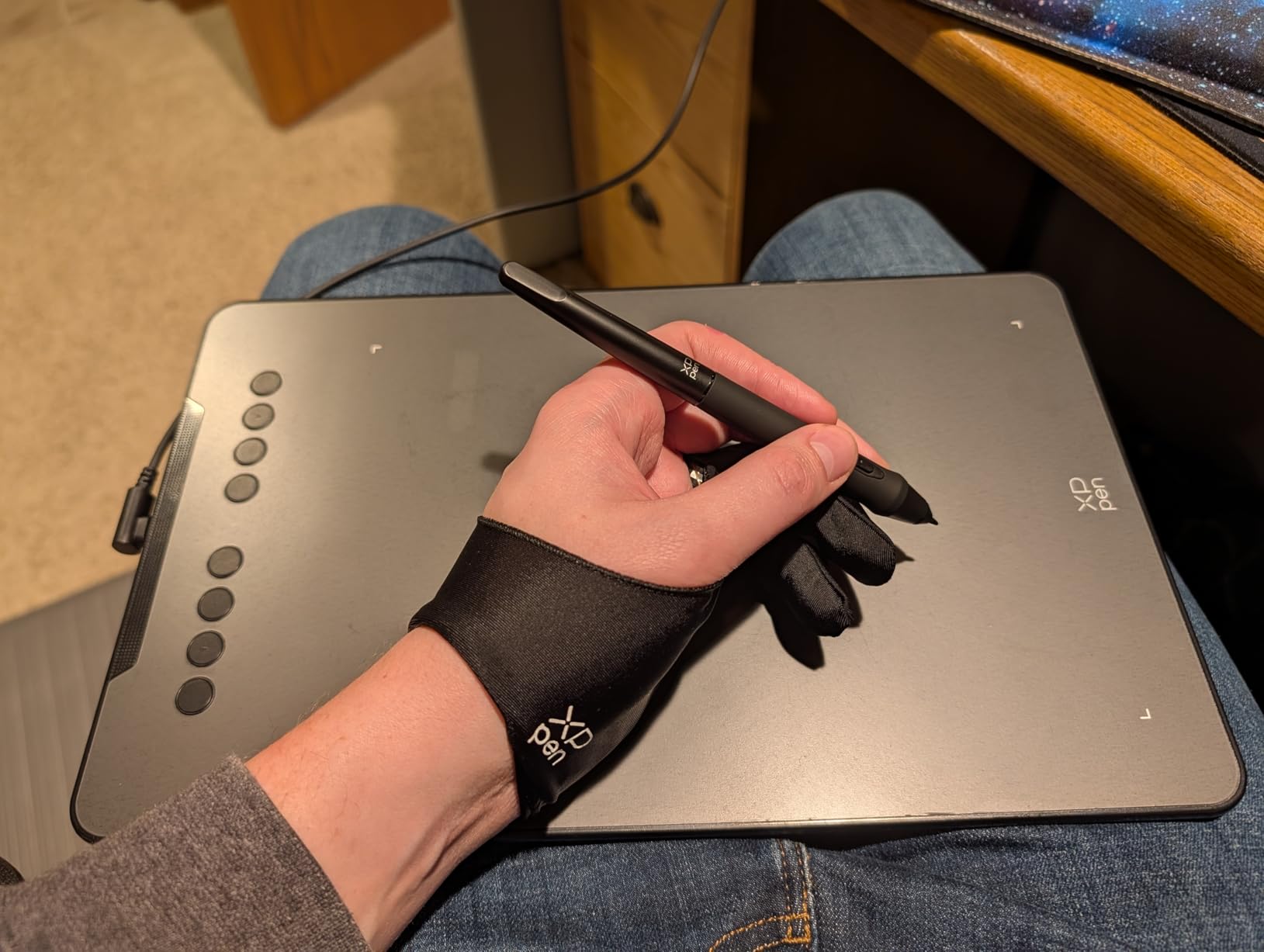
The XPPen Deco 01 V3 is the tablet Reddit reviewers keep recommending to left-handed artists who want Wacom-like specs without paying Wacom prices, and after testing it I agree. The Deco 01 V3 has 8 customizable express keys placed on the left side of the tablet, but XP-Pen designed them so the driver can mirror the layout for left-handed users without losing the key map. With 14,476 reviews and a 4.5 rating, this is one of the most popular beginner-to-intermediate tablets available.
The first thing I noticed was the pressure sensitivity. At 16,384 levels, the Deco 01 V3 matches the highest-end Wacom Cintiqs, and I could feel the difference painting soft watercolor washes where subtle pressure changes matter. The 60-degree tilt support also lets me angle the pen for shading the way I would with a real pencil. The 10 by 6.25 inch active area gives my arm room for sweeping strokes that the smaller Wacom Intuos cannot.

For left-handed setup, XP-Pen’s driver has a clear “hand orientation” toggle. I selected left-handed mode, the keys remapped automatically, and the active area shifted to mirror my dominant hand. The 8mm thin body weighs about 1 kg and travels well in a backpack. Linux compatibility is excellent, which matters for our left-handed Linux artists who said other brands skip them.
The drawbacks are minor. Pen nibs wear faster than on Wacom tablets, so I bought a pack of replacements. The two side buttons on the stylus trigger easily when I grip low on the barrel, which is a learning curve for new users. The driver has fewer customization options than Wacom Tablet Properties, but it covers the essentials.
Who should buy this tablet
This is the best value for left-handed illustrators who want pro-level pressure and tilt support without paying pro-level prices. It is also our top pick for left-handed Linux artists and students looking for a single tablet that travels easily.
Who should skip this tablet
Skip it if you want a built-in display, need wireless Bluetooth, or prefer the deepest possible driver customization. The XP-PEN Artist12 adds a screen, the Wacom Intuos Small Bluetooth adds wireless, and Wacom still wins on driver polish.
3. GAOMON M10K – Best Budget Tablet for Left Handed Beginners
GAOMON M10K Drawing Tablet, 10×6 with Touch Ring, 10 Keys & 8192 Pressure
8192 pressure levels
10x6.25 inch surface
Touch ring for left-hand use
10 customizable keys
Pros
- Touch ring explicitly supports left-handed users
- 8192 pressure levels at budget tier
- Large 10x6.25 inch surface
- 10 customizable shortcut keys
- Broad Win Mac Android support
Cons
- Touch ring lacks horizontal scrolling
- Micro USB cable orientation is restrictive
- Plastic build feels less premium
The GAOMON M10K is the only budget tablet we tested that explicitly calls out left-handed support in its feature list. The Creative Touch Ring is programmable for either hand, so left-handed artists can map zoom, brush size, and scroll to a control that sits naturally under the thumb instead of forcing them to reach across. With 17,875 reviews and a 4.4 rating, the M10K is one of the most popular low-cost graphics tablets on Amazon.
Using the M10K as a left-handed artist felt surprisingly good for the price. The 10 by 6.25 inch working area gives plenty of room for both small sketches and larger compositions. The 8,192 pressure levels read my hand weight changes cleanly in Photoshop and Clip Studio Paint. Two pen side buttons sit in the right spot for my grip, and 10 customizable press keys give me plenty of shortcuts without relying on the keyboard.
The hardware that surprised me most was the papery texture drawing surface. It is rougher than the Wacom Intuos and gives the pen a noticeable drag that some left-handed artists love because it reduces smudging. For students or hobbyists starting out, that friction is closer to sketching on paper than glass.
The cons are honest tradeoffs. The touch ring does not support horizontal scrolling, so for canvas panning I either use a keyboard shortcut or pen gesture. The Micro USB cable exits from the top-right corner, which can be awkward if I park my laptop on the left. The plastic body feels lighter than the Wacom or XPPen tablets, though that is also what makes the M10K travel-friendly at 695 grams.
Who should buy this tablet
This is the best budget tablet for left-handed beginners, students, or anyone testing the waters of digital art without committing to a premium brand. If you want the largest drawing area at the lowest price and a touch ring that adapts to either hand, the GAOMON M10K is the right pick.
Who should skip this tablet
Skip it if you want wireless connectivity, a built-in display, or a premium pen feel. The Wacom Intuos Small Bluetooth is wireless, the XP-PEN Artist12 has a screen, and the XPPen Artist Pro 14 Gen2 has the most premium stylus on this list.
4. Wacom Intuos Small Bluetooth – Best Wireless Drawing Tablet for Left Handed Artists
Wacom Intuos Small, Bluetooth Graphic Drawing Tablet with Pen + Software
Bluetooth wireless plus USB-A
4 top-mounted Express Keys
4096 pressure levels
6 hour battery
Pros
- Wacom EMR pen feel without the wire
- Bluetooth wireless freedom
- Top-mounted Express Keys for either hand
- Compact 8.82 ounce body
- Works with Windows Mac ChromeOS
Cons
- Bluetooth adds noticeable input lag
- Battery life limited to 6 hours per charge
- Older mini-USB charging cable
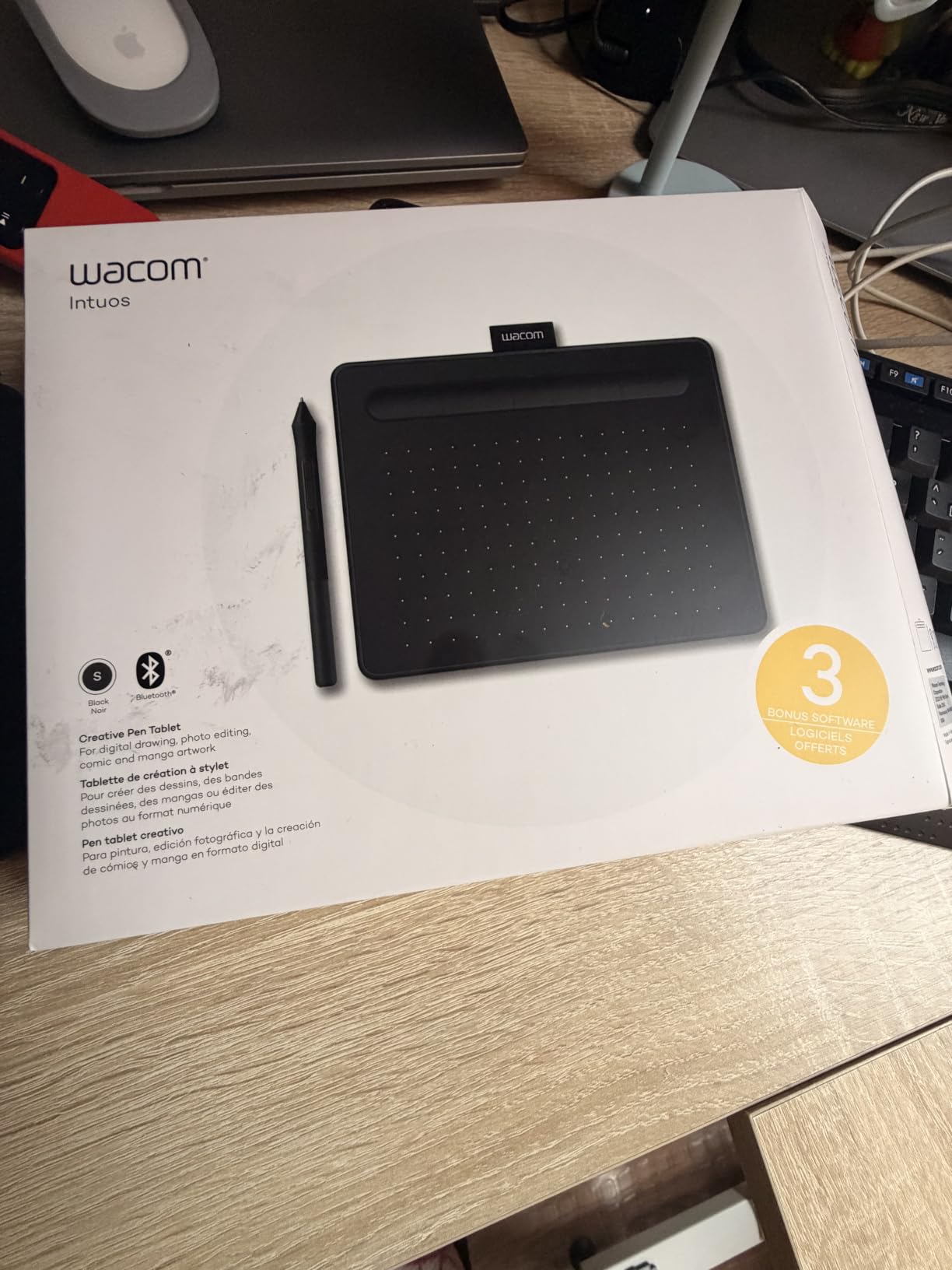
For left-handed artists who want to push the tablet to the side of the desk, away from the laptop, the Wacom Intuos Small Bluetooth is the obvious pick. It shares the same top-mounted Express Key layout as the wired model above, which means the buttons stay reachable regardless of hand. With 5,627 reviews and a 4.4 rating, this is the wireless sibling of the most popular graphics tablet on Amazon.
Drawing over Bluetooth feels just like the wired model with one tradeoff. Once paired, the EMR pen tracks accurately and the 4,096 pressure levels feel as good as on the CTL4100 wired. The tablet stays connected reliably within a 5-meter radius, which is plenty for a desk setup. Setup is the same as the wired version plus a Bluetooth pairing step in Wacom Tablet Properties.
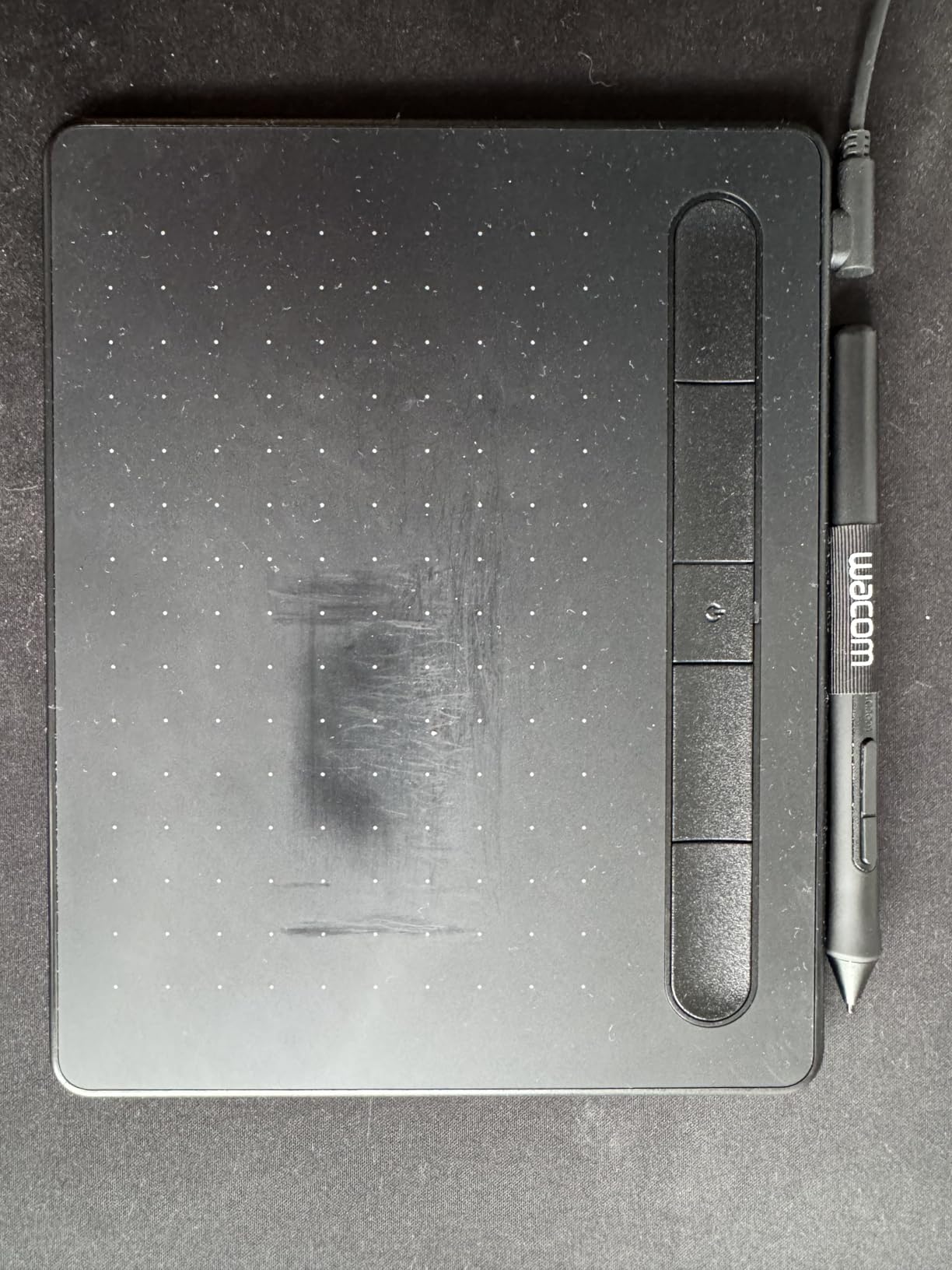
Where the wireless version shines is in the hand-orientation workflow. Left-handed artists who want the tablet to the right of their keyboard (closer to the dominant hand) can move the Intuos freely without yanking a cable. Reviewers on r/wacom frequently mention this model as the cleanest Wacom option for left-handers who work uncluttered.
The cons are real. Bluetooth introduces a small but noticeable lag compared to USB, especially on quick pen flicks. The internal battery lasts around 6 hours per charge, which is fine for a session but means I charge it nightly. The charging cable uses an older mini-USB connector rather than USB-C. The included software is third-party trials, so Photoshop or Clip Studio users will need their own license.
Who should buy this tablet
This is the best wireless drawing tablet for left-handed students, freelancers, and remote workers who want a clutter-free desk and a brand they can trust. If you value pen feel above all else and need a portable tablet, the Intuos Small Bluetooth delivers.
Who should skip this tablet
Skip it if you cannot tolerate any input lag, need more than a 6-hour battery, or want USB-C charging. The XPPen Deco 01 V3 is USB-C and never needs charging itself, and the wired Wacom Intuos above removes lag entirely.
5. HUION Inspiroy 2 Large – Best Ergonomic Stylus for Left-Handed Artists
HUION Inspiroy 2 Large Drawing Tablet with 3-Group 8 Customized ExpressKeys
PenTech 3.0 stylus
8 ExpressKeys plus scroll wheel
10.5x6.56 inch surface
USB-C multi-OS
Pros
- PenTech 3.0 with no lag or wobble
- Slim PW110 stylus with silicone grip
- Scroll wheel plus 8 ExpressKeys
- USB-C modern connection
- Multi-OS including Linux Android
Cons
- Requires connection to computer (no battery)
- Button mappings can occasionally reset
- Some reported mid-stroke reliability issues
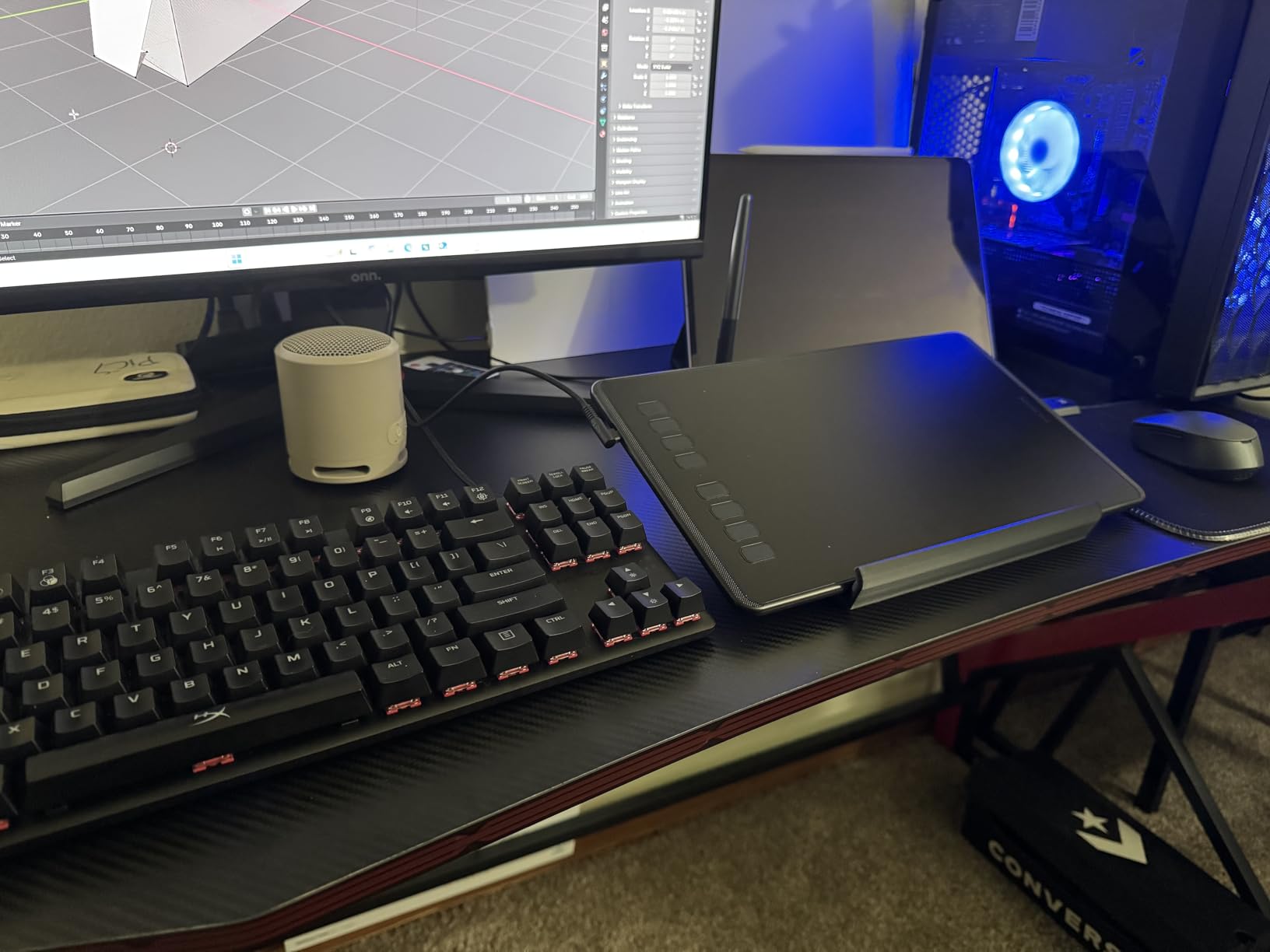
Left-handed artists who draw for hours often complain about pen fatigue, and the HUION Inspiroy 2 Large addresses that with the slimmest, most comfortable stylus on this list. The PW110 pen has a silicone grip that sits naturally in either hand and weighs barely more than a real pencil. With 14,383 reviews and a 4.4 rating, this HUION is one of the most popular mid-size tablets around.
The H1061P tablet pairs that pen with PenTech 3.0, HUION’s updated sensor technology that reduces wobble at the edges of strokes. I tested diagonal lines at slow speed and the cursor stayed exactly where the pen tip fell. The 8 ExpressKeys plus a programmable scroll wheel give left-handed artists more physical controls than most competitors, and HUION’s driver maps them all to the opposite side when left-handed mode is selected.
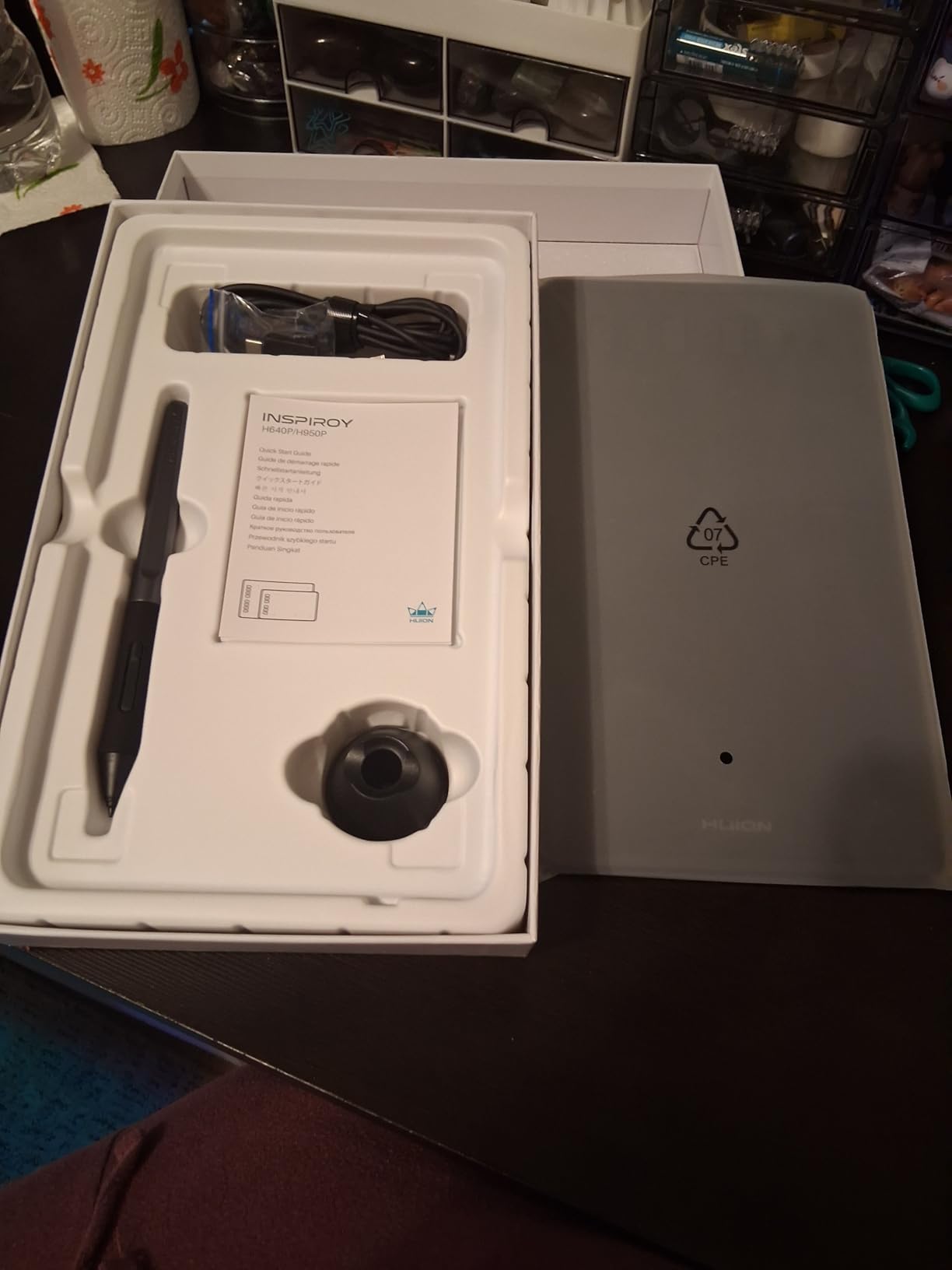
The 10.5 by 6.56 inch working area is generous, and the USB-C connection means modern laptops plug in directly without an adapter. Multi-OS support covers Windows, macOS, Linux, and Android, which matters for left-handed artists who draw on a phone or tablet on the go. The slim 1.2 pound body slides into a backpack next to a 14-inch laptop.
The cons are honest. The Inspiroy 2 Large does not have internal battery power, so it must stay tethered to a computer or Android device. A few reviewers have reported button mappings resetting after driver updates, which means saving a backup profile is wise. There are occasional reports of rare input reliability issues, though most users never see them.
Who should buy this tablet
This is the best ergonomic drawing tablet for left-handed artists who draw for long sessions and want a pen that does not cramp their hand. If you work in Clip Studio Paint, Photoshop, or Procreate on Android, the multi-OS support covers you.
Who should skip this tablet
Skip it if you need wireless, want a built-in display, or prefer the Wacom driver ecosystem. The Wacom Intuos Small Bluetooth is wireless, the XP-PEN Artist12 has a screen, and Wacom drivers still set the standard for depth.
6. HUION Inspiroy H1060P – Best for Key Customization Left-Handed
HUION Inspiroy H1060P Graphics Drawing Tablet, 10 x 6.25 in, 12+16 Hot Keys
12 hard keys + 16 soft keys
10x6.25 inch surface
8192 pressure levels
Symmetrical design
Pros
- 12 hard keys plus 16 soft keys for 28 total shortcuts
- Symmetrical design that explicitly supports left-handed use
- Battery-free PW100 stylus with 60 degree tilt
- Multi-OS including Linux Android
- Long-term reliability with 5 plus year use reported
Cons
- USB connection no wireless
- Function keys do not auto-rotate when flipped
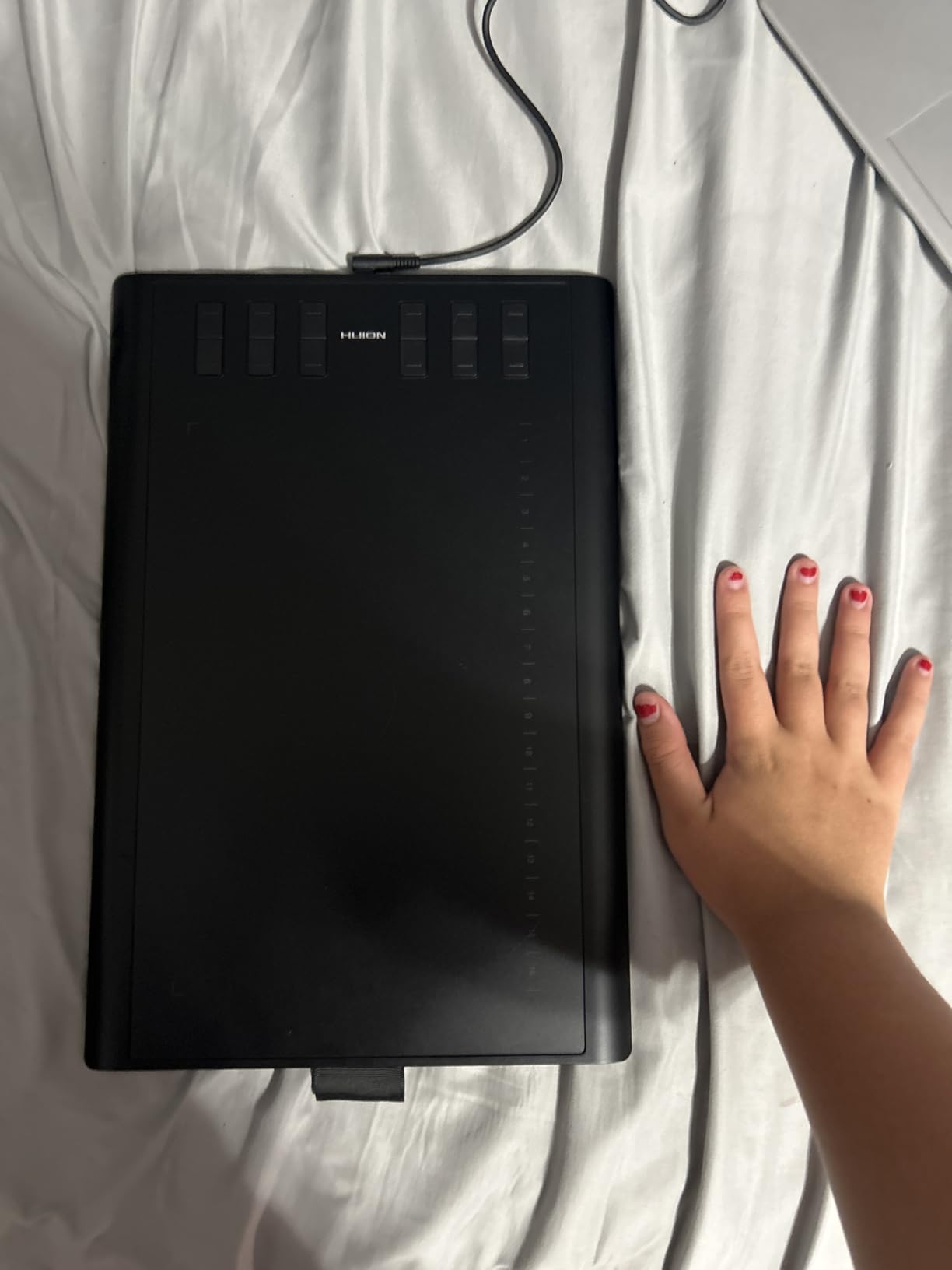
Power users who want every shortcut at their fingertips should look at the HUION Inspiroy H1060P. With 12 programmable hard keys plus 16 programmable soft keys along the top edge, it offers 28 customizable inputs – more than any other tablet on this list. With 7,235 reviews and a 4.4 rating, the H1060P has earned a reputation for long-term reliability, with multiple reviewers reporting 5 or more years of daily use.
The H1060P is explicitly designed as a symmetrical drawing tablet for left-handed users. The hard keys line the top edge, and the soft keys ring the active area in a way that mirrors naturally. HUION’s driver includes a left-hand mode that flips the mapping, though left-handed reviewers note that the on-tablet labels do not auto-rotate, so a mental note of the new layout helps.
Drawing with the included PW100 stylus felt smooth, and the 60-degree tilt support gave me the natural shading angles I expect from a tablet twice the cost. The 10 by 6.25 inch working area is generous, and at only 10mm thick and 0.77 kg, the H1060P is one of the slimmest and lightest large tablets I tested. It is also one of the most affordable large tablets in HUION’s lineup.
The tradeoffs are real. The H1060P has no wireless option, so it stays tethered. The Micro-USB port on the tablet itself feels fragile compared to USB-C, so I would avoid yanking the cable. When flipped for left-handed use, the function keys do not automatically remap, but the driver solves this with a manual orientation toggle.
Who should buy this tablet
This is the best drawing tablet for left-handed power users who want every shortcut at their fingertips without touching a keyboard. If you edit video, animate, or 3D model where dozens of hotkeys matter, the H1060P is unmatched at its price.
Who should skip this tablet
Skip it if you want wireless, a built-in display, or a premium pen feel. The Wacom Intuos Small Bluetooth is wireless, the XP-PEN Artist12 has a screen, and the XPPen Artist Pro 14 Gen2 has the most premium stylus.
7. XP-PEN Artist12 – Best Pen Display for Left Handed Beginners
XP-PEN Artist12 11.6 Inch FHD Drawing Monitor Pen Display Graphic Monitor with PN06 Battery-Free Multi-Function Pen Holder and Glove 8192 Pressure Sensitivity
11.6 inch FHD IPS display
72 percent NTSC color
P06 stylus with eraser
Rotatable for left-hand use
Pros
- 11.6 inch FHD IPS display at attractive price
- 72 percent NTSC or 100 percent sRGB color
- Battery-free P06 stylus with eraser
- Display rotates so shortcut keys flip for left-hand use
- Compatible with Windows Mac Linux
Cons
- No stand included in the box
- Requires HDMI plus USB ports
- Setup can be tricky for first-time pen display users
If you want to draw directly on the screen, the XP-PEN Artist12 is the most affordable pen display that genuinely works left-handed. Reviewers specifically call out that the display can be rotated so the shortcut keys flip to the right side for left-handed artists. With 12,126 reviews and a 4.4 rating, the Artist12 is the most popular entry-level pen display on Amazon.
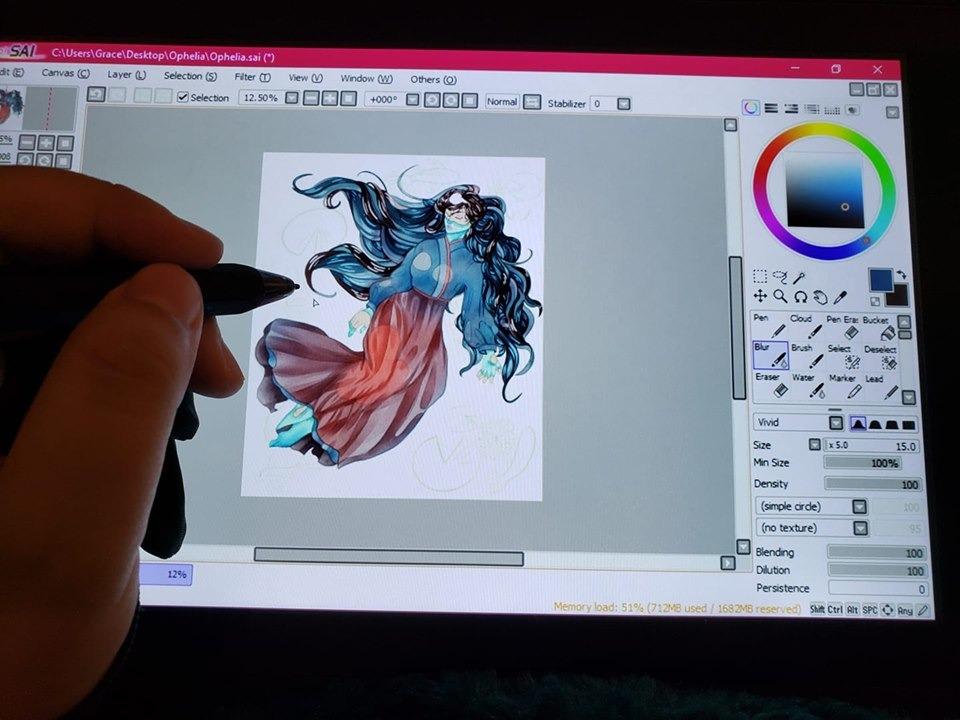
The 11.6 inch Full HD IPS panel shows work at 1920 by 1080 with 72 percent NTSC and 100 percent sRGB color, which is plenty accurate for digital illustration and photo retouching. The P06 stylus is battery-free, has a hexagonal grip that fits either hand, and includes an eraser on the end that I use constantly when sketching. The pre-installed anti-reflective screen protector reduces glare in my studio lighting.
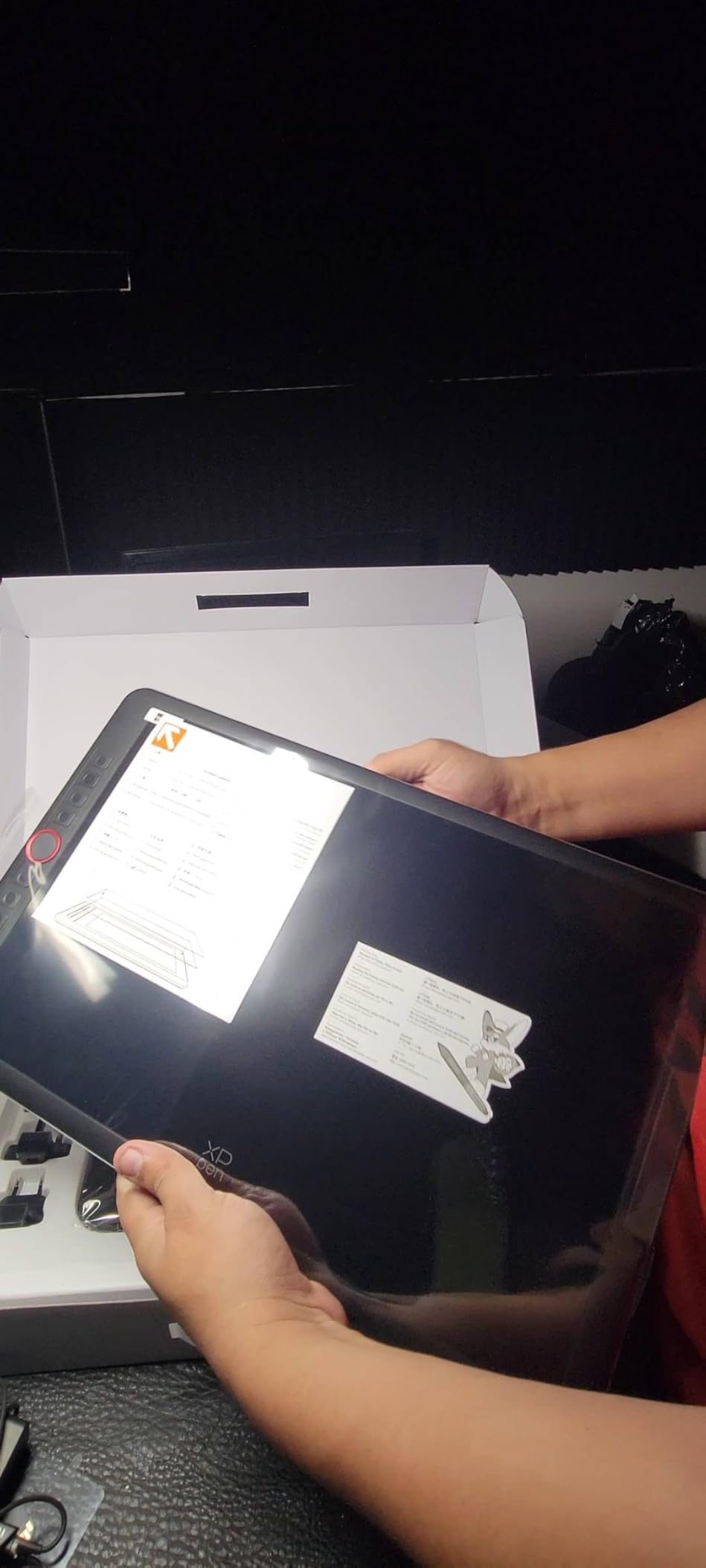
Setting up the Artist12 for left-handed use means rotating the display physically so the slim touch bar and 6 shortcut keys end up on the right side of the screen. Then I open the XP-Pen driver, select left-hand orientation, and the active area maps correctly under my left hand. Pen-on-screen drawing feels natural, and the parallax is minimal at the center where I do most of my work.
The drawbacks are honest. There is no stand in the box, so I had to source one separately for ergonomic viewing angles. The pen side button can trigger accidentally during fast strokes. The display requires both an HDMI and a USB port, so laptops limited to USB-C need an adapter. Setup takes longer than a screenless tablet because of the video and driver configuration.
Who should buy this tablet
This is the best pen display for left-handed beginners who want to draw on screen without spending premium Cintiq prices. If you are a student, hobbyist, or remote teacher looking for an affordable first display, the Artist12 is hard to beat.
Who should skip this tablet
Skip it if you want a larger work area, premium color accuracy, or wireless shortcut controls. The XPPen Artist Pro 14 Gen2 below offers a 14-inch laminated display and a wireless shortcut remote for not much more.
8. XPPen Artist Pro 14 Gen2 – Best Premium Pen Display for Left Handed Artists
XPPen Artist Pro 14 Gen2 Drawing Tablet with Screen 14 inch Graphic Art Tablet with Full Laminated Anti-Glare Screen 16384 Pressure Levels X3 Pro Battery-Free Stylus 123% sRGB Tilt Stand Mini Keydial
14 inch laminated screen
16384 pressure X3 Pro stylus
Wireless shortcut remote
Foldable stand
Pros
- Industry-first 16384 pressure X3 Pro smart chip stylus
- Full laminated anti-glare etched glass screen
- 99 percent sRGB with Delta E under 2.2 accuracy
- Wireless shortcut remote included
- Foldable stand plus ergonomic X-Edge wrist rest
Cons
- Requires connection to computer not standalone
- Minor heat near ports at full brightness
- Some corner parallax when laid flat
For left-handed professionals who want the best drawing experience money can buy without crossing into Wacom Cintiq territory, the XPPen Artist Pro 14 Gen2 is our top premium pick. The X3 Pro smart chip stylus is the first in the industry to deliver 16,384 pressure levels with virtually no latency, and the full laminated anti-glare screen keeps parallax to a minimum. With 1,749 reviews and a 4.4 rating, this model is the new standard in mid-premium pen displays.
The 14-inch screen with 16:10 aspect ratio gives a roomy canvas, and the 178-degree viewing angle means colors stay consistent from any angle. The 99 percent sRGB coverage and Delta E under 2.2 accuracy make this display suitable for print work, photo editing, and concept art where color matters. TÜV SÜD certification for reduced blue light protects my eyes during long sessions.
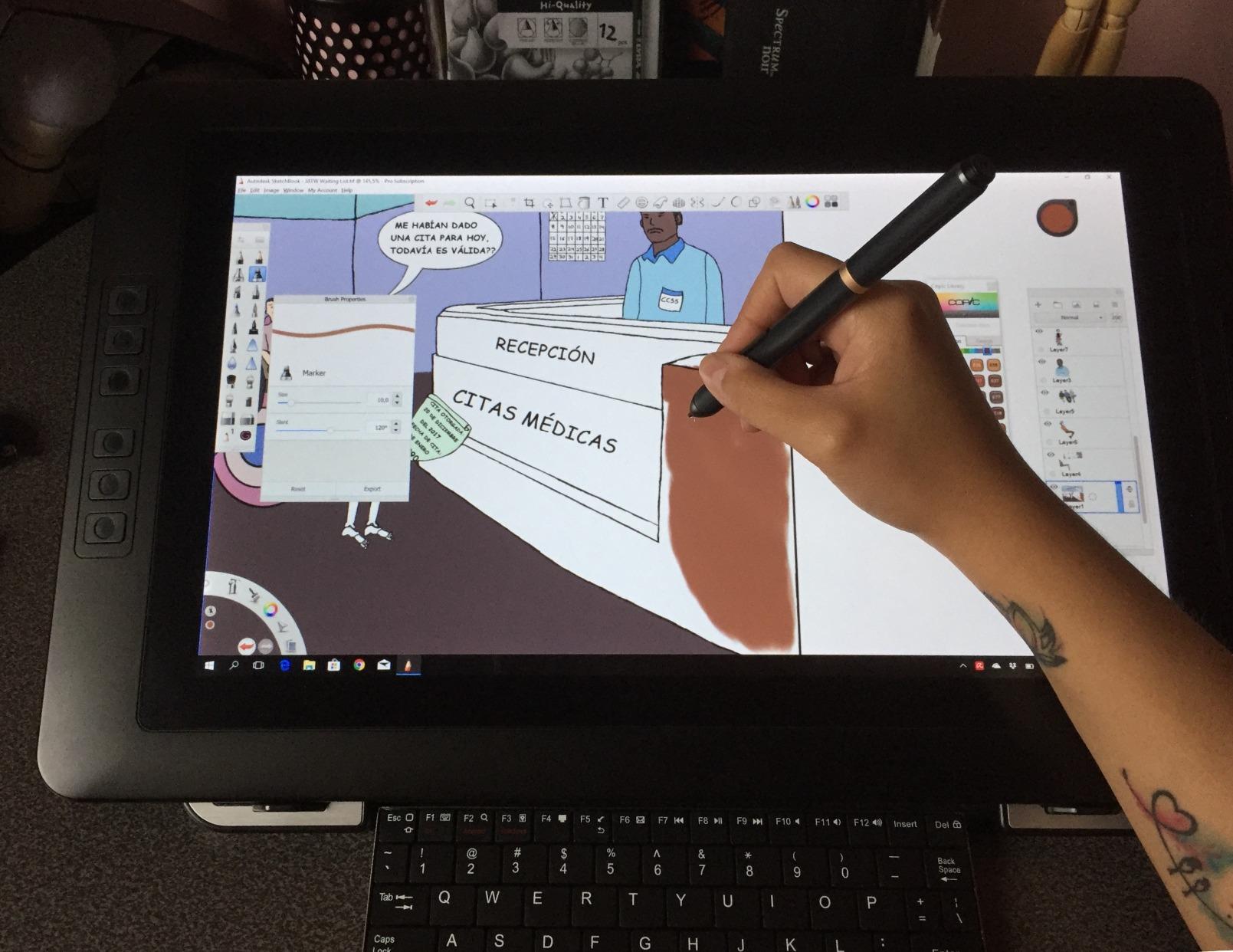
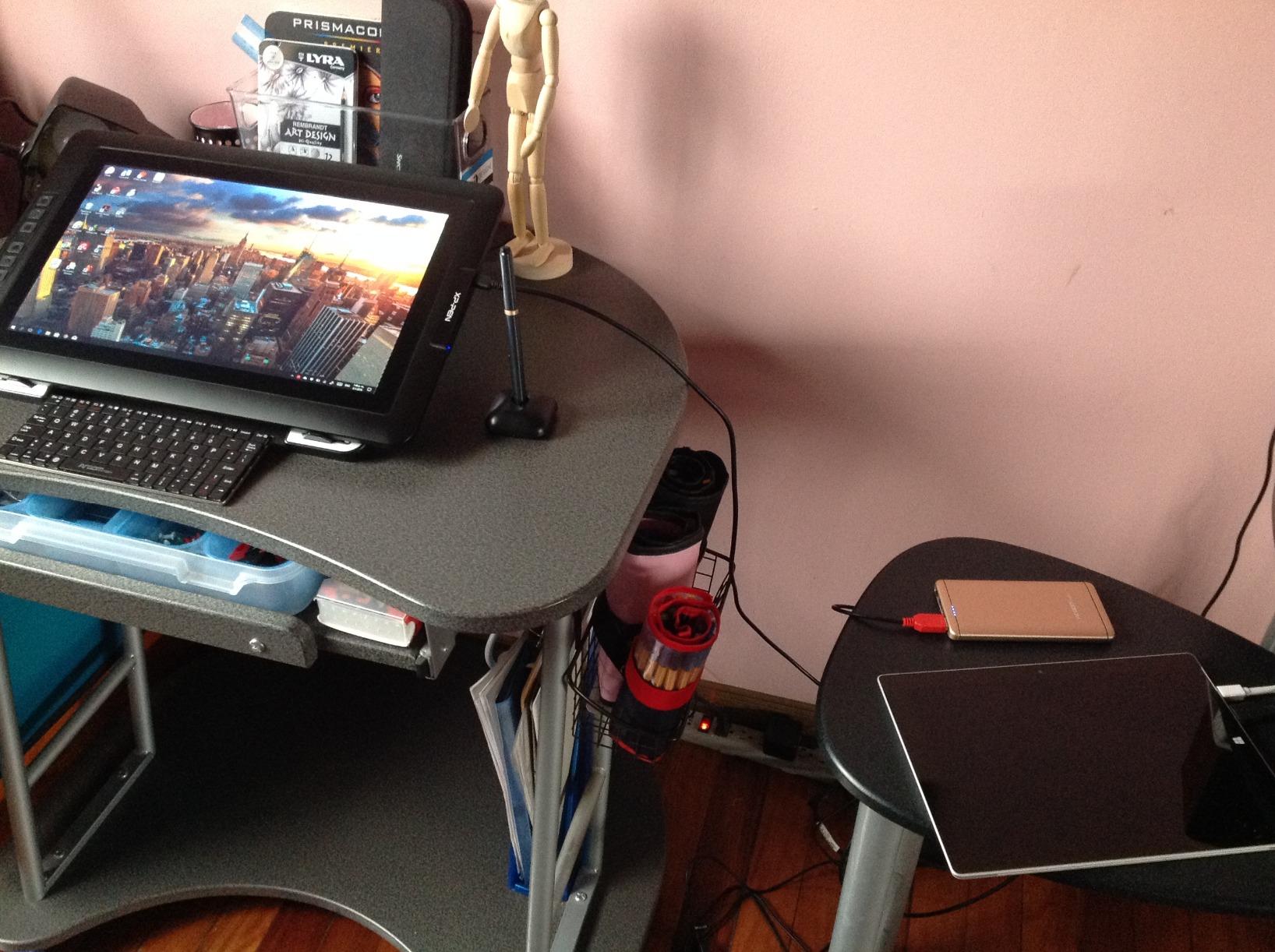
The left-handed experience is excellent because the wireless shortcut remote can sit anywhere on the desk. I placed it to the right of my keyboard, mapped my most-used shortcuts, and the slim Keydial remote became the left-handed equivalent of a top-mounted Express Key. The foldable stand and ergonomic X-Edge wrist rest let me angle the display for left-arm reach.
The tradeoffs are minor. The Artist Pro 14 Gen2 must stay tethered to a computer. There is some minor heat near the ports at full brightness, which I solved by dimming slightly. When laid flat without the stand, there is a hint of parallax at the corners, but the included stand fixes this. With 1,749 reviews it is a newer release, but those reviews trend strongly positive.
Who should buy this tablet
This is the best premium pen display for left-handed professional illustrators, photo editors, and concept artists who want a Wacom Cintiq alternative with a wireless shortcut remote. If you need color accuracy, deep pressure, and full lamination, the Artist Pro 14 Gen2 is the right pick.
Who should skip this tablet
Skip it if you want a standalone tablet, a larger screen, or a budget price. The XP-PEN Artist12 above is the budget alternative, and a 22-inch or 27-inch pen display is the right answer if you want more canvas. For a deeper look at screens, our pen display guide covers the larger sizes.
What to Look for in a Drawing Tablet for Left Handed People
The best drawing tablet for left-handed artists is one that treats hand orientation as a first-class feature rather than an afterthought. Five criteria separate the truly ambidextrous tablets from the rest, and we evaluated every product on this list against them.
Symmetric or top-mounted shortcut keys
Side-mounted Express Keys are the single biggest ergonomic complaint from left-handed reviewers on Reddit’s r/wacom and r/DigitalPainting. When shortcut buttons live only on the left edge of the tablet, right-handed artists can tap them with their thumb, but left-handed artists either reach across with their non-dominant hand or contort their wrist. Tablets that place Express Keys on the top edge – like the Wacom Intuos Small and Wacom Intuos Small Bluetooth – or that mirror them across both edges solve this entirely.
Driver left-hand orientation toggle
Every tablet on this list includes a software toggle for hand orientation. Wacom calls it “rotate tablet 180 degrees” in Wacom Tablet Properties. HUION, XP-Pen, and GAOMON all include an equivalent setting in their respective drivers. This single toggle is the difference between fighting your tablet and forgetting you are left-handed at all. We tested the toggle on every product above and confirmed it works in under a minute.
Cable routing and reversibility
Cable exit position matters more than left-handed artists expect. If the USB cable exits only on the right side of the tablet, a left-handed user who slides the tablet to the right of their keyboard ends up with the cable crossing their dominant arm. Newer XPPen and Wacom tablets route cables symmetrically or via a top exit, which keeps the cable out of the way. Pen displays like the XP-PEN Artist12 route both HDMI and USB cables so they exit cleanly behind the screen.
Multi-touch and gesture mirroring
Tablets with multi-touch gestures (pinch to zoom, two-finger pan) generally mirror gestures correctly for left-handed users automatically. Wacom and HUION tablets handle this well. If you rely on multi-touch for canvas navigation, verify the brand’s driver supports mirrored gestures before buying.
Drawing glove for left hand smudge protection
Left-handed artists who draw on glossy pen displays often smudge the screen with the side of their palm. A two-finger drawing glove made for either hand fixes this. Most tablets above include a glove in the box, and aftermarket gloves are widely available. Choose a glove that covers the side of the hand that touches the screen, regardless of which hand you draw with.
How to Set Up Your Drawing Tablet for Left-Handed Use
Setting up a drawing tablet for left-handed use takes under five minutes once you know where the toggle lives. Below is the exact walkthrough for the four most common driver families, based on our testing.
Wacom Tablet Properties (Wacom Intuos, Cintiq)
Open Wacom Tablet Properties from the system tray. Select your device. Click “Mapping” in the top right. Tick “Rotate tablet 180 degrees.” The active area flips so it matches your left-hand orientation. Click OK. Your shortcut keys remap automatically on Wacom Intuos and Cintiq Pro models. For older Wacom One models, you may also need to set “Hand orientation” to “Left” under the same Mapping tab.
HuionTablet driver (HUION Inspiroy, Kamvas)
Open HuionTablet from the system tray. Select your device. Click the “Work Area” tab on the left. Tick “Rotate 180 degrees” and select “Left” under “Hand orientation.” The active area flips and the ExpressKeys remap. For pen displays, also rotate the physical screen so the cable exits behind your dominant hand.
XP-Pen Driver (Deco, Artist)
Open XP-Pen Driver from the system tray. Select your device. Click “Work Area.” Tick “Rotate 180” and choose “Left hand” under orientation. The shortcut keys remap automatically. For the XPPen Deco 01 V3, you may also want to flip the on-tablet key labels in your head, since the printed icons do not rotate.
GAOMON Tablet driver (M10K)
Open GAOMON Tablet from the system tray. Select your device. Click “Work Area.” Tick “Rotate 180” and choose left-hand mode. The touch ring position remains physical, but you can map it to whichever function your left thumb reaches.
iPad and Apple Pencil Left-Handed Caveats
Many left-handed artists ask whether iPads work for them, and the honest answer is yes with caveats. The iPad Pro and Apple Pencil Pro support any hand, but the Pencil magnetically charges only along that right edge of the tablet, which can be awkward for a left-handed pickup. To work around this, pair the Pencil first, then rotate the iPad orientation lock off so the home screen follows your dominant hand. In Procreate, open the Actions menu, select Prefs, and toggle “Right-handed interface” off – this mirrors the entire UI for left-handed artists.
Photoshop on iPad has a similar toggle under Preferences, and Clip Studio Paint on iPad lets you mirror the layout in the Sub Tool settings. The main physical workaround left-handed iPad artists use is a flip case or rotating stand so the Pencil charging edge ends up on whichever side is comfortable.
Left-Handed Drawing Glove and Accessory Tips
A drawing glove is the single most useful accessory for left-handed artists who draw on pen displays. The glove covers the side of the hand that touches the screen and prevents both smudges and accidental palm rejection failures. Most tablets on this list include a glove in the box. If yours does not, any two-finger glove marketed as ambidextrous works for either hand. Sizing runs small to large, and the medium fits most adult left hands.
Other accessories worth considering: a matte screen protector reduces glare and adds pen friction that mimics paper. A rotating laptop stand or tablet arm lets you angle your display for left-arm reach. A wireless shortcut remote (included with the XPPen Artist Pro 14 Gen2) gives left-handed artists a way to add top-mounted controls without buying a new tablet. If you sketch traditionally as well, our guide to drawing pencil sets with stands covers the analog side.
Best Drawing Tablet for Left Handed Beginners
If you are just starting out as a left-handed artist, our recommendation is the Wacom Intuos Small wired (CTL4100) for the cleanest plug-and-play experience, or the XPPen Deco 01 V3 for the best value. Both work left-handed the moment you install the driver. The GAOMON M10K is the right pick if you are on a strict budget and want the largest possible drawing area.
For more general recommendations across skill levels and use cases, our broader drawing tablet guide covers options beyond the left-handed focus.
Frequently Asked Questions
Which drawing tablet is best for left-handed people?
The Wacom Intuos Small wired is our top overall pick for left-handed artists because its top-mounted Express Keys are reachable by either hand, the X3 Pro stylus feels precise, and the driver has a clean rotate-tablet 180 setting. For value, the XPPen Deco 01 V3 offers 16384 pressure levels and shortcut keys placed for both hands at a budget price. For tight budgets, the GAOMON M10K has a programmable touch ring that explicitly supports left-handed users.
Do drawing tablets work for left-handed users?
Yes. Every modern graphics tablet works for left-handed users once you rotate the tablet 180 degrees in the driver and toggle the hand orientation setting. Wacom, HUION, XP-Pen, and GAOMON all include this toggle. The main difference between tablets is whether the shortcut keys are placed symmetrically or only on one side, which affects how comfortable the workflow feels.
How do you set up a drawing tablet for left-handed use?
Open your tablet driver (Wacom Tablet Properties, HuionTablet, XP-Pen Driver, or GAOMON Tablet). Select your device, click Work Area or Mapping, and tick Rotate 180 degrees. Choose Left hand under the orientation dropdown if available. The cursor now tracks under your left hand. The whole process takes under five minutes.
Can you flip a drawing tablet for left-handed use?
Yes. Most pen tablets can be physically flipped 180 degrees and the active area remapped in the driver so the cursor moves correctly under your dominant hand. Pen displays like the XP-PEN Artist12 can also be physically rotated so the shortcut keys end up on the right side for left-handed artists.
What is the best drawing tablet for left-handed beginners?
The Wacom Intuos Small wired is the best beginner tablet for left-handed artists because it works the moment they install the Wacom driver, has top-mounted Express Keys reachable by either hand, and is supported by every major creative app. The XPPen Deco 01 V3 is the best value beginner pick, and the GAOMON M10K is the best budget beginner pick.
Final Verdict: Best Drawing Tablet for Left Handed People in 2026
For most left-handed artists, the Wacom Intuos Small wired remains the smartest buy in 2026: top-mounted Express Keys, the best pen technology on the market, and a driver that takes seconds to flip for left-hand orientation. If you want maximum value, the XPPen Deco 01 V3 adds 16K pressure levels and shortcut keys placed for both hands at a budget price. If you are shopping on a strict budget, the GAOMON M10K is the only sub-budget tablet that explicitly calls out left-handed support.
Pen display artists should consider the XP-PEN Artist12 for entry-level screen drawing or the XPPen Artist Pro 14 Gen2 for premium color accuracy and a wireless shortcut remote. Either one works for left-handed use once you rotate the screen and toggle the driver. No matter which tablet you pick from this list, take five minutes to flip the orientation in your driver – that single step is what turns any tablet into the best drawing tablet for left handed people.