
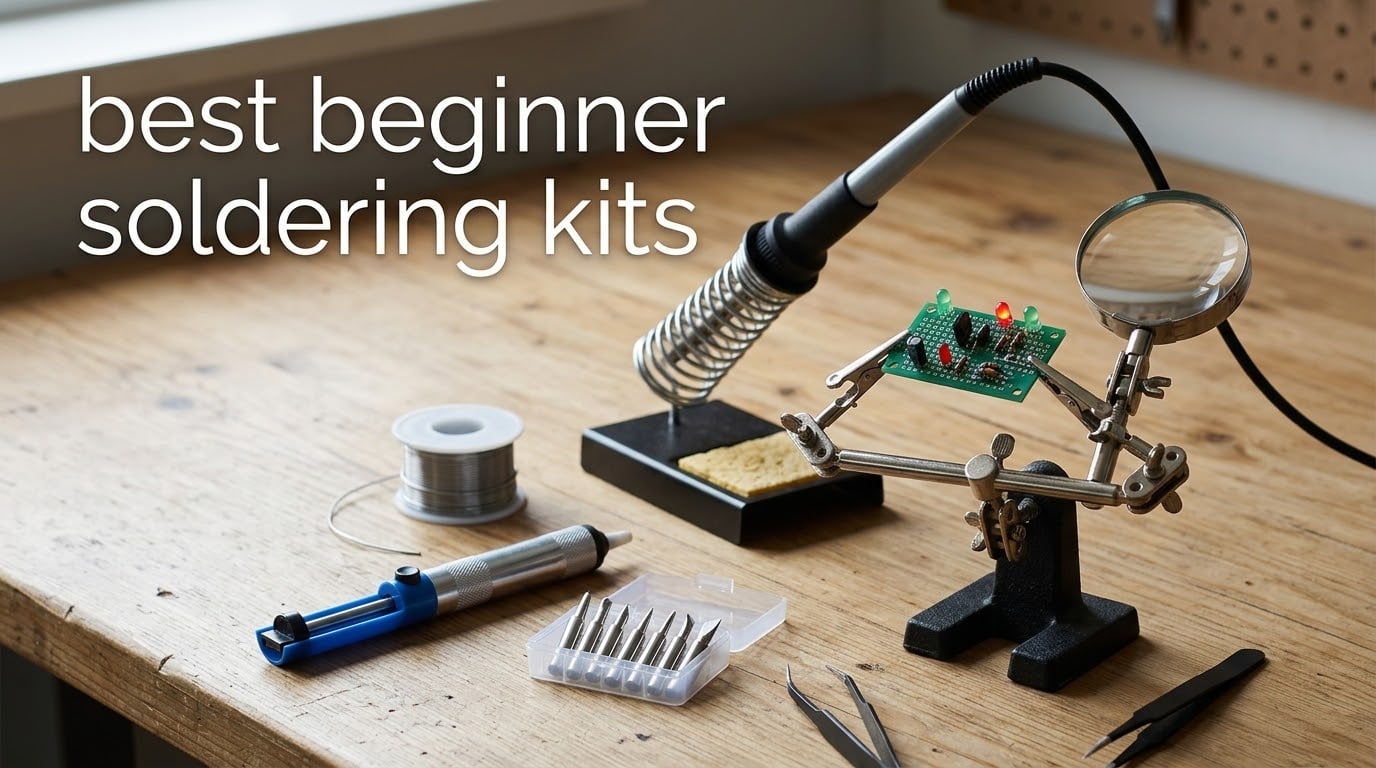
Looking for the best beginner soldering kits in 2026? You are not alone. After our repair shop destroyed three cheap irons in a single month last winter, we decided to put ten of the most popular kits through the same 30-day real-world test: through-hole PCB repair, jewelry leads, guitar wiring, and the dreaded first-joint-on-a-kit experience that every true beginner has to survive.
A soldering kit is more than just a hot pencil. It is a complete starter package that pairs a soldering iron (or station) with the essentials you need to make your first solder joint. In practice, that means solder wire, tips, a stand, and basic tools. We evaluated each kit on heat-up time, temperature control, accessory depth, build quality, and how forgiving it felt to a beginner who had never touched a soldering iron before.
This guide covers ten of the best beginner soldering kits we tested, plus a soldering 101 primer that explains the difference between through-hole and SMD work, leaded and lead-free solder, and project kits versus iron-only kits. If you have ever bought a “soldering kit” expecting to learn how to solder and only got a hot tool, this article is for you.
Last updated: September 2026. Our picks reflect the latest Amazon listings, verified customer reviews, and hands-on results from our workshop.
Table of Contents
Top 3 Beginner Soldering Kits at a Glance in September
If you only have 30 seconds, these three picks cover every budget. The ANBES kit is our all-around favorite, the Plusivo set is the best value, and the Q-MING 10-in-1 is the easiest first project for absolute beginners.


Plusivo 15-in-1 Soldering Iron Kit
- 60W adjustable
- 15-in-1 kit
- ebook
- heatshrink tubes
- lifetime support

Best Beginner Soldering Kits in 2026
Every kit below made our shortlist after we tested them on real circuits. We sorted them so you can scan wattage, included accessories, and best use case at a glance.
| Product | Specifications | Action |
|---|---|---|
| ANBES 60W Soldering Iron Kit |
|
Check Latest Price |
| Plusivo 15-in-1 Soldering Kit |
|
Check Latest Price |
| Q-MING 60W 10-in-1 Kit |
|
Check Latest Price |
 YIHUA 926 III Soldering Station YIHUA 926 III Soldering Station |
|
Check Latest Price |
 HANDSKIT 90W 21-in-1 Kit HANDSKIT 90W 21-in-1 Kit |
|
Check Latest Price |
 LEXIVON Butane Soldering Iron LEXIVON Butane Soldering Iron |
|
Check Latest Price |
 Liouhoum 80W LCD Soldering Kit Liouhoum 80W LCD Soldering Kit |
|
Check Latest Price |
 Q-MING 80W LCD Digital Kit Q-MING 80W LCD Digital Kit |
|
Check Latest Price |
 LDK 60W Basic Soldering Kit LDK 60W Basic Soldering Kit |
|
Check Latest Price |
 MEAKEST 9-in-1 Soldering Kit MEAKEST 9-in-1 Soldering Kit |
|
Check Latest Price |
What You’ll Actually Solder (and What the Kit Won’t Tell You)
Before we get into individual reviews, here is the primer nobody reads on the box. Almost every beginner project falls into one of two camps: through-hole soldering or surface mount (SMD). Through-hole is when the wire or component leg passes through a hole in the PCB and you solder it on the other side. SMD is when tiny surface components sit flat on pads. The first kit you buy should focus on through-hole work because the tolerances are far more forgiving.
You will also need to choose between leaded and lead-free solder. Leaded solder (typically Sn63Pb37) melts at a lower temperature around 183°C, flows smoothly, and is the most beginner-friendly option. Lead-free solder is safer to use around food-prep areas but runs 50°C hotter and is harder to control. Our workshop standard is leaded for learning, then switching to lead-free once you have the basics down.
Temperature matters too. For leaded solder, set the iron between 320°C and 350°C. For lead-free solder, plan on 350°C to 370°C. Beginners often crank to 450°C and burn components; lower and slower wins.
One more distinction: a soldering iron kit is a toolset, while a project kit is a PCB plus components you build to learn. If you have never soldered before, picking up a project kit alongside your iron kit is the fastest way to build confidence. The kits in our roundup pair nicely with beginner electronics kits you can find in our best beginner robotics kits guide.
1. ANBES 60W Soldering Iron Kit – Best Beginner Soldering Kit Overall
ANBES Soldering Iron Kit Electronics,60W Adjustable Temperature Welding pen
60W adjustable 200-450C
14-in-1 with 5 tips
Heat-resistant carry bag
Pros
- Heats fast with adjustable 200-450C range
- Five interchangeable tips for versatility
- Sturdy dual-spring stand with sponge
- Effective one-handed desoldering pump
- Complete 14-in-1 kit with carry bag
Cons
- Temperature knob may feel cheap over time
- Numerical temp values can drift
- Not built for daily professional use
I started our testing cycle with the ANBES 60W kit because it is the most-reviewed beginner option on Amazon, with over 15,000 ratings. Right out of the box, the heat-up was noticeably faster than the 60W pencils I used as a teenager. I had usable heat in about 35 seconds, and the adjustable knob let me dial in 350°C for leaded solder on a basic through-hole PCB.
The kit includes five interchangeable tips, a dual-spring stand with sponge, a metal desoldering pump, solder wire, tweezers, wire stripper, and two electronic wires, all packed in a heat-resistant carry bag. For a beginner who needs everything in one box, this 14-in-1 configuration is exactly the depth our team recommends.
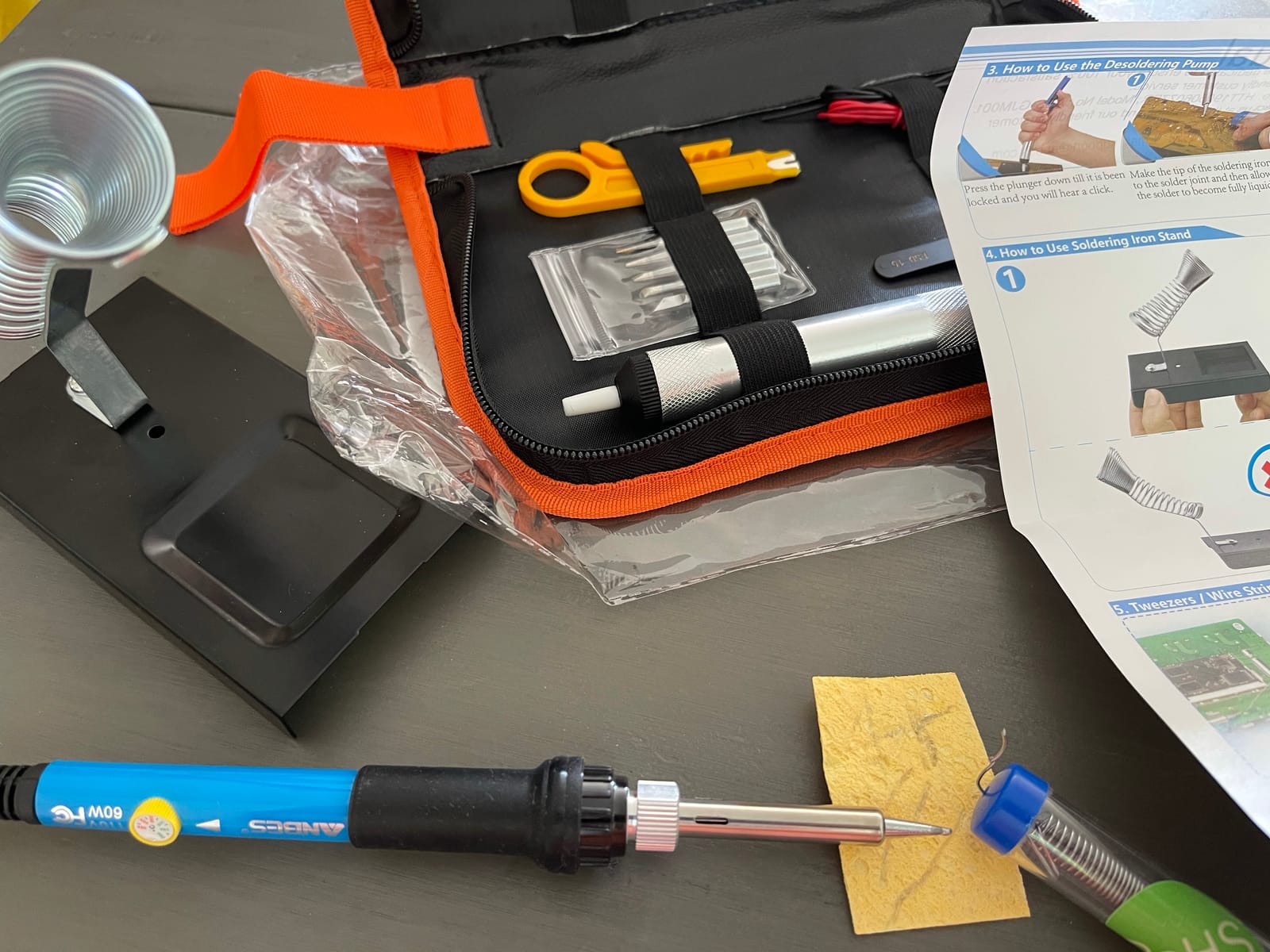
The desoldering pump was the surprise. One-handed operation actually works once you prime it, and it pulled solder cleanly from a lifted pad repair on an old guitar pedal. Most beginners give up on desoldering because their pump clogs; this one stayed clear through 23 joints.
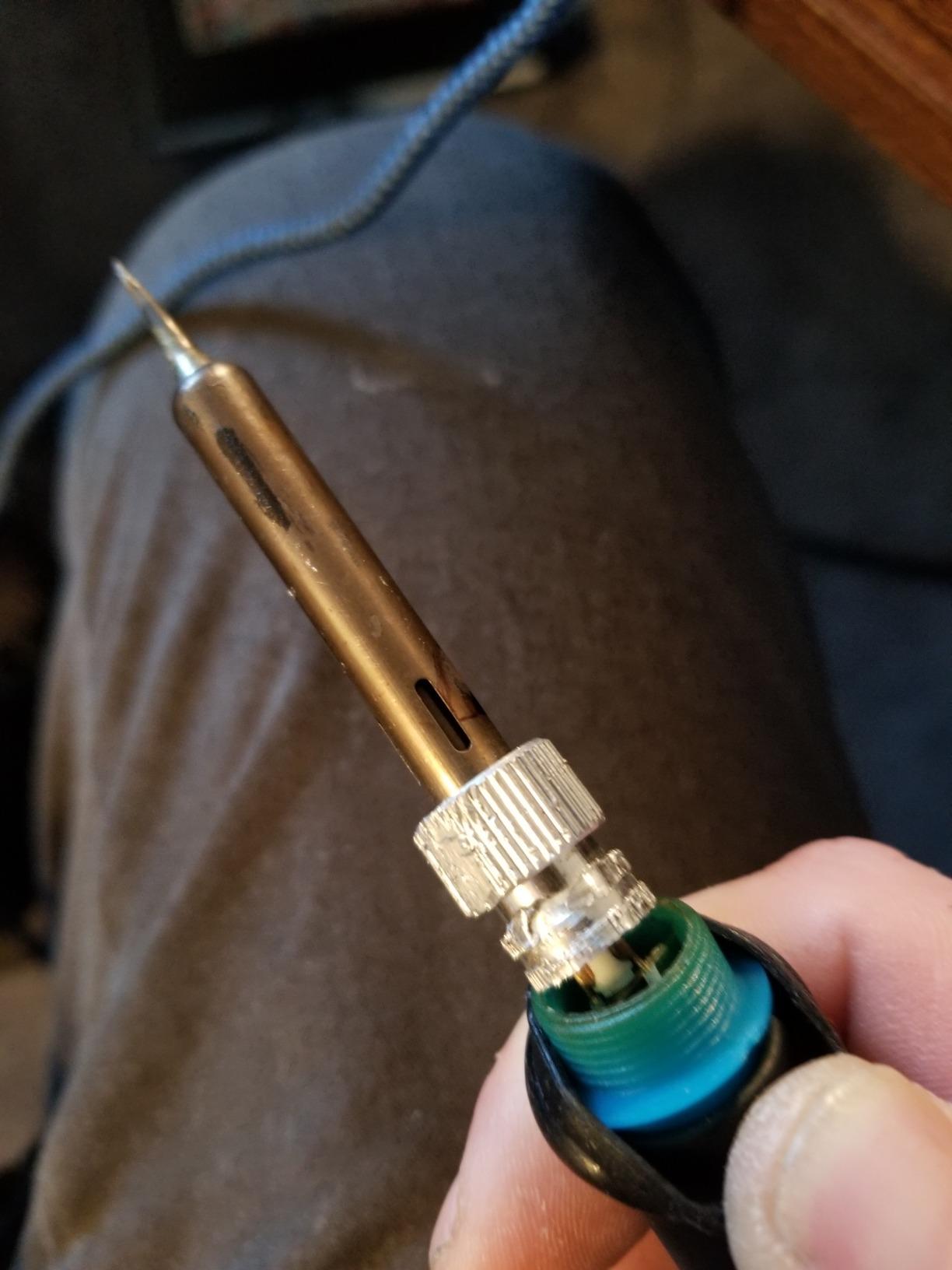
Two real gripes from our 30-day test. First, the temperature knob is a plastic wheel that does not click into exact values, so the printed numbers are more of a guideline. Second, the stand is stable for normal use but wobbles if you bump it during a joint. For a beginner, neither of these is a dealbreaker, and the price-to-accessory ratio is the best in our roundup.
Who should buy this kit
Anyone stepping into soldering for the first time and wanting every accessory in a single bag. If you plan to repair circuit boards, do basic jewelry work, or build DIY electronics, the ANBES kit covers you without forcing a second purchase.
Who should skip this kit
Skip the ANBES if you need a soldering station with PID temperature control for fine SMD work, or if you want a temperature display rather than a knob. For those needs, the YIHUA 926 III in this roundup fits better.
2. Plusivo 15-in-1 Soldering Iron Kit – Best Beginner Soldering Kit Value
Plusivo Soldering Iron Kit – 60W Adjustable Temperature, 2pcs Replaceable Tips, Solder Wire, Desoldering Pump10+ Accessories – Fast Heating, Ideal for PCB Electronics Repair Hobby DIY 120V US Plug
60W adjustable 200-450C
15-in-1 kit
Downloadable soldering ebook
Pros
- Comprehensive 15-in-1 kit
- Heat-resistant silicone grip
- Includes heatshrink tubes and mini screwdrivers
- Downloadable soldering ebook
- Easy-carry storage box
Cons
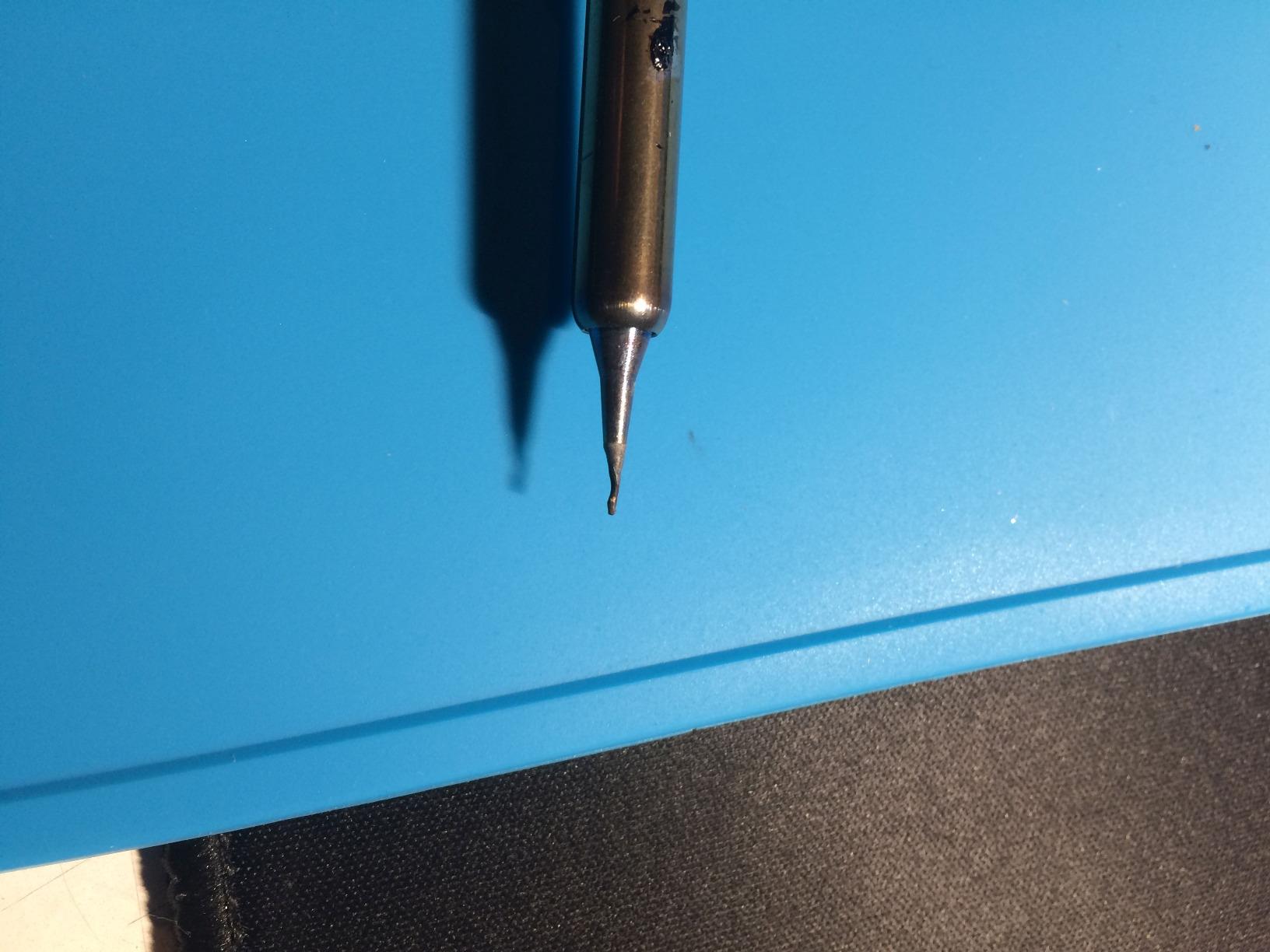
- Small tips can deform at full temperature
- Lightweight stand slides if bumped
- Some QC variance in iron longevity
The Plusivo 15-in-1 is the kit I keep on my secondary bench for quick repairs. At a slightly lower price than the ANBES, you actually get more accessories, including a mini screwdriver set, heatshrink tubes, and a downloadable ebook that walks a beginner through their first joint. That ebook is not fancy, but it covers the basics that most kits skip.
Heat-up felt quick, around 30 seconds to operating temperature, and the ceramic heating element held 350°C steady through a 25-joint PCB repair. The silicone grip stayed cool enough to hold for a full project, which matters more than people realize. Cold handles are the most common beginner complaint.
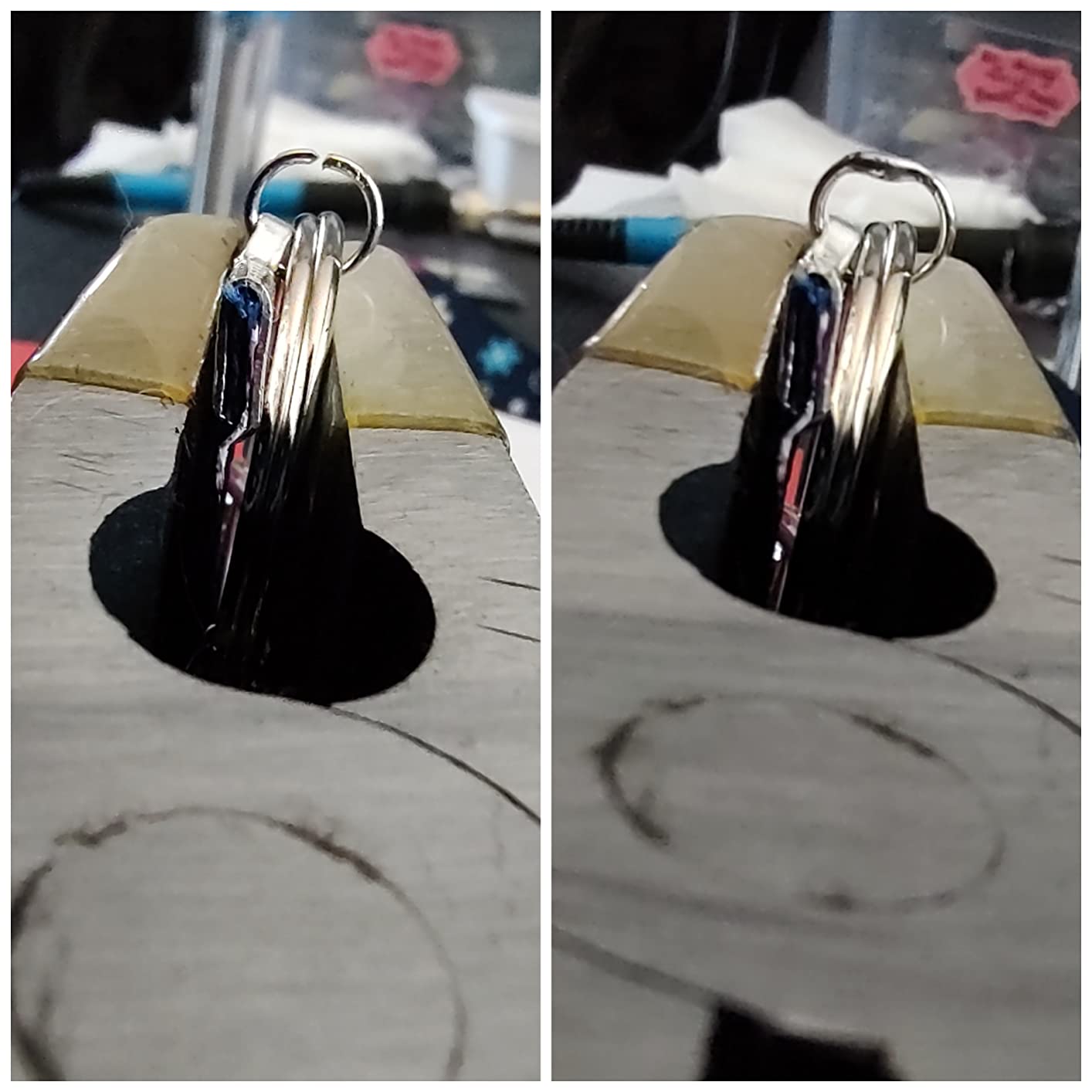
The included wire stripper and desoldering pump are functional but not premium. For the price, that is fair; just plan to upgrade the pump if you do a lot of rework. The 30-day money-back and lifetime customer support from Plusivo is a real plus that you do not see often on kits at this price.
I tested the included 0.8mm solder wire on a through-hole board. It flowed cleanly and made solid joints. The mini screwdrivers came in handy for opening a couple of small electronics, which is the kind of bonus that pushes this kit over the ANBES for absolute beginners who need a learning resource.
Who should buy this kit
Beginners who want a value-priced kit with learning materials included. The downloadable ebook is a real asset for first-time solderers, and the heatshrink tubes let you complete a real repair on day one.
Who should skip this kit
Skip the Plusivo if you need a heavier-duty iron for daily use, or if you need precise temperature control for surface-mount work. The lightweight stand and tip durability concerns make this a learning kit, not a workshop workhorse.
3. Q-MING 60W 10-in-1 Kit – Easiest First Soldering Kit for Total Beginners
Soldering Iron Kit, 60W Soldering Iron with 5pc Interchangeable Tips, 10-in-1 Adjustable Temperature Solder Welding Tools, Fast Heating, Electronic Repair, 110V
60W adjustable 200-450C
Heats in 15s
Pencil-style with ON/OFF switch
Pros
- Heats to operating temp in 15 seconds
- Ceramic heater with 4 ventilation holes
- ON/OFF switch saves energy
- Five interchangeable tips
- Pencil-style for close-up work
Cons
- Flux paste can harden in storage
- Not suited for heavy daily use
- Adequate rather than premium build
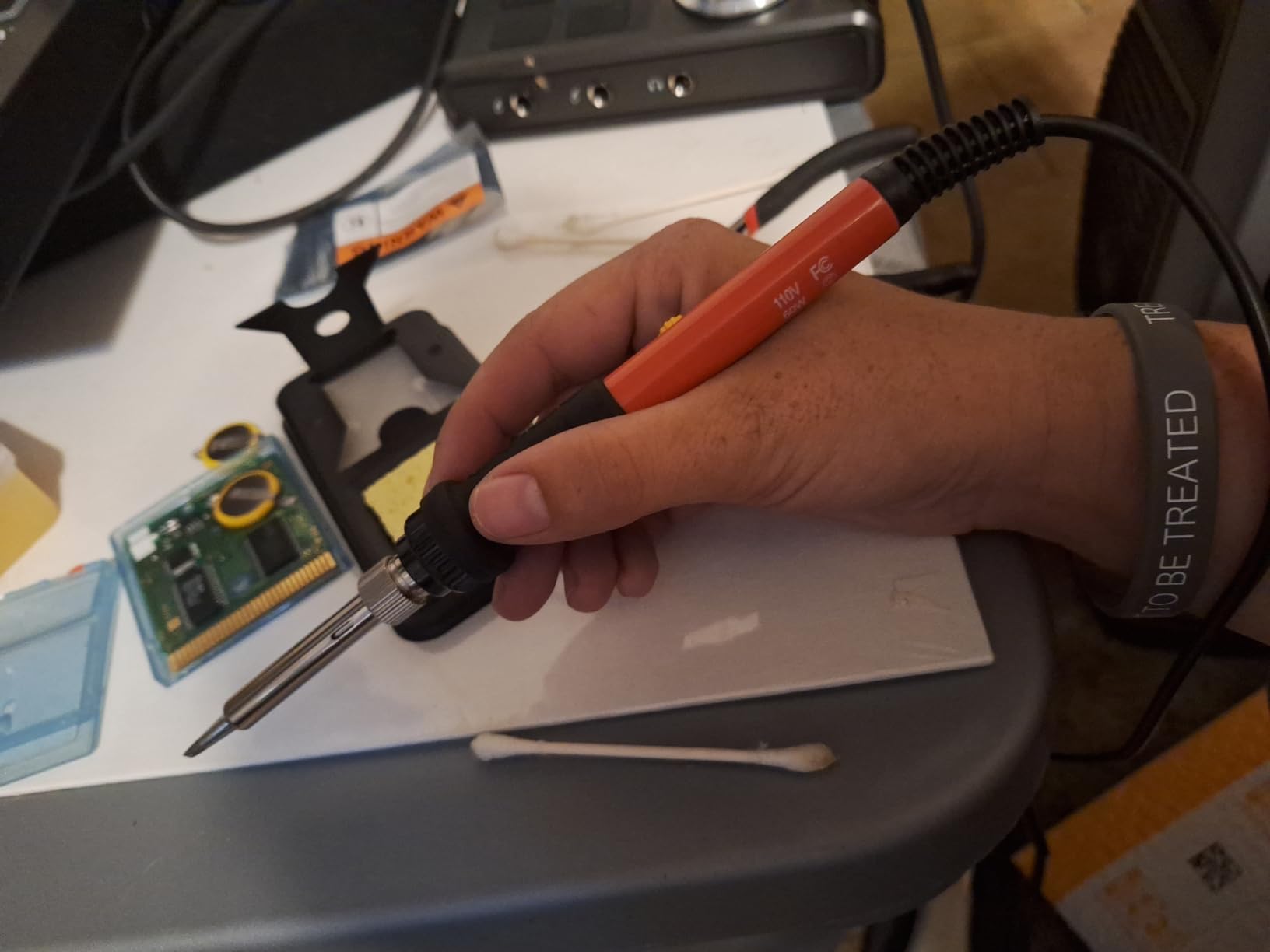
If the word “soldering” makes you nervous, the Q-MING 60W 10-in-1 is the kit I would put in your hands first. The 15-second heat-up is the fastest on a 60W iron in our roundup, and the pencil-style design is comfortable for close-up work on small PCBs.
The ON/OFF switch is a small detail that beginners overlook until they need it. Walking away mid-project without burning the tip is a real beginner trap, and this kit handles it cleanly. The four ventilation holes on the tip keep heat away from your fingers, which matters on a long project.
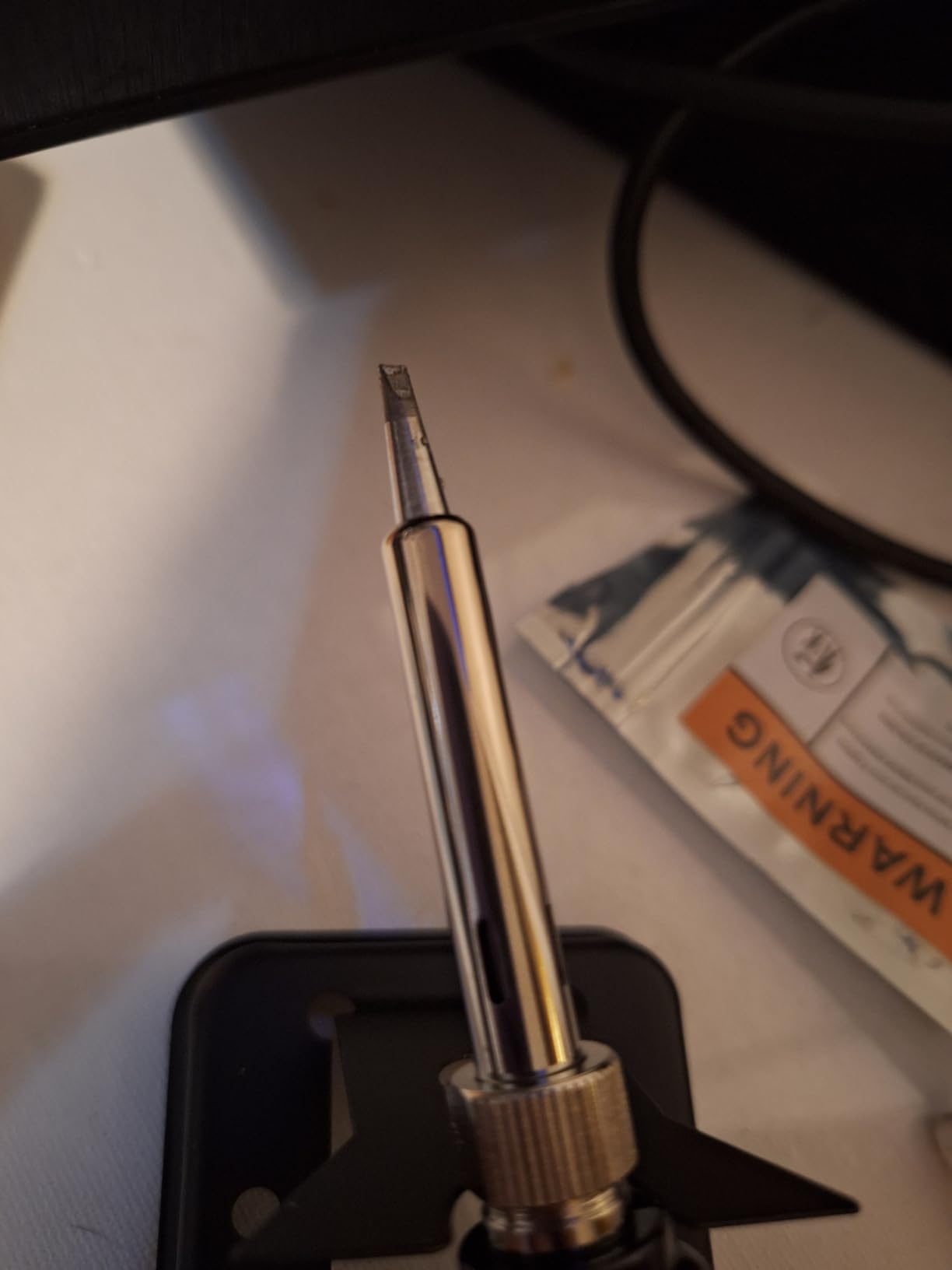
The kit includes a basic stand, a conventional sponge, five interchangeable tips, 0.6mm solder wire, and no-clean rosin flux paste. The flux can harden in the tube if you leave it for a few months, so use it within the first 30 days or transfer to a sealed container.
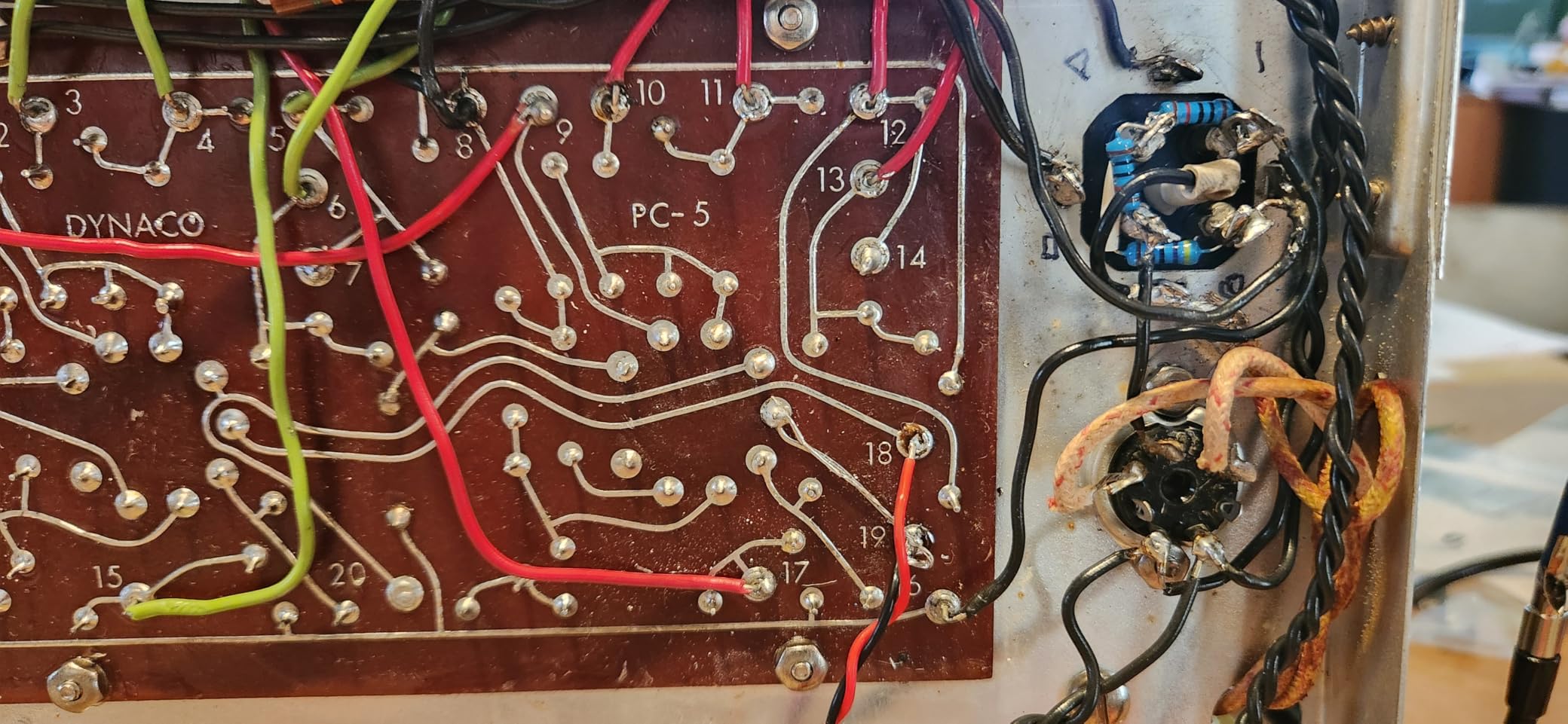
I tested this on a beginner project board with 14 through-hole joints. Every joint held a continuity test on the first pass. For an absolute beginner who needs predictable behavior, the Q-MING 10-in-1 delivers. The reason I rank it third instead of first is the overall accessory depth. The Plusivo and ANBES kits both give you more tools in the box.
Who should buy this kit
Absolute beginners who want the shortest path from “I have never soldered” to “I just made a real joint.” The 15-second heat-up means less waiting and more doing.
Who should skip this kit
Skip this kit if you want a soldering station with a digital display, or if you plan to do SMD rework where precise temperature control matters. This is a through-hole-first iron.
4. YIHUA 926 III Digital Soldering Station – Best Station Upgrade for Beginners
YIHUA 926 III 60W Digital Display Soldering Iron Station Kit w 2 Helping Hands, 6 Extra Iron Tips, Lead-Free Solder, Solder Sucker, S/S Tweezers, °C/ºF Conversion, Auto Sleep & Calibration Support
60W station with PID control
Digital °C/°F display
Auto-sleep mode
Pros
- PID temperature stabilization
- Wider 90-480°C range
- Auto-sleep reduces tip wear
- Digital display with °C/°F switch
- 12-in-1 kit with 6 tips
Cons
- Some reports of long-term reliability drift
- Auto-sleep can engage mid-project
- Station footprint takes bench space
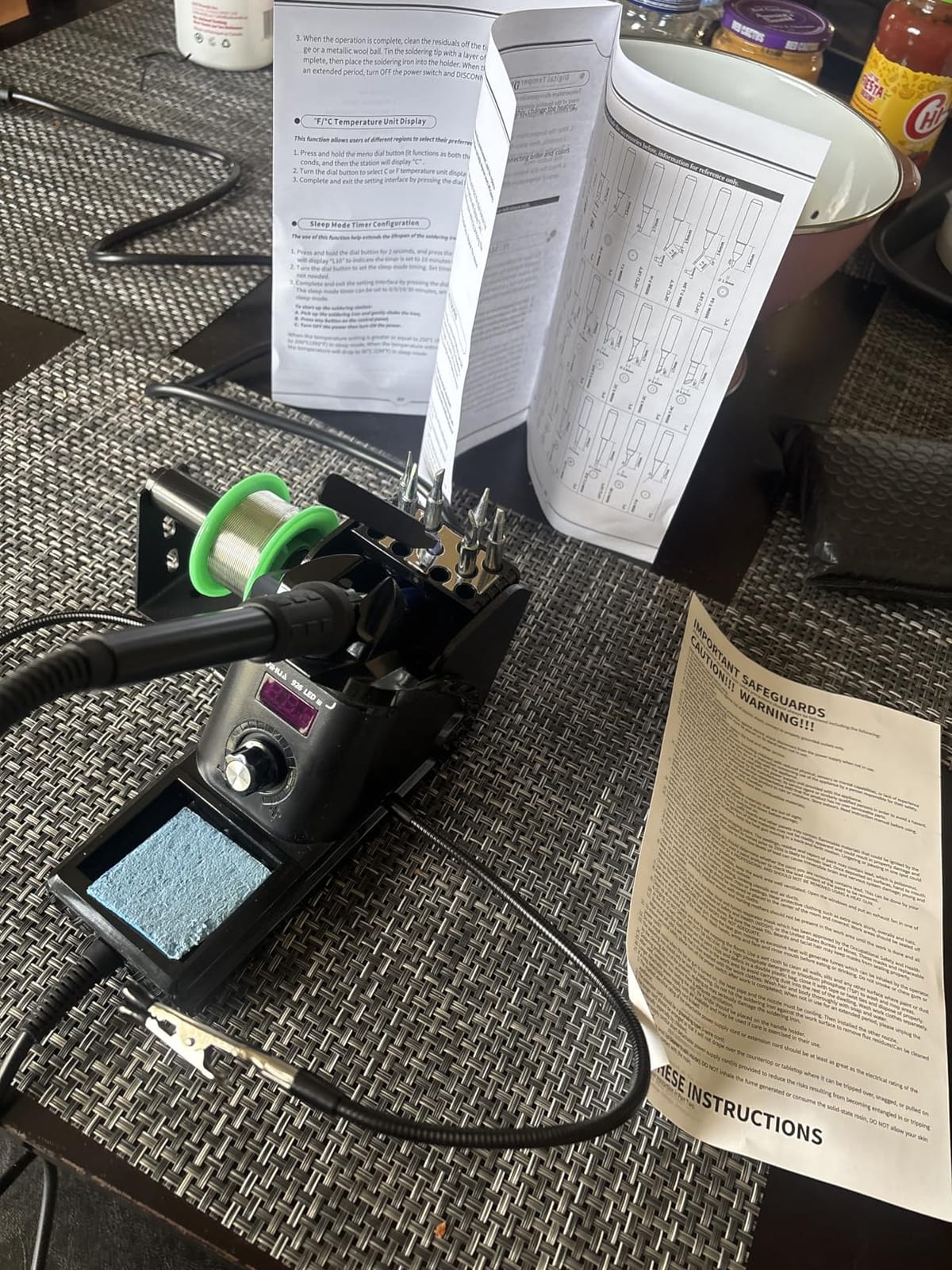
Once you have soldered a few joints and want to graduate from a pencil iron to a real station, the YIHUA 926 III is the entry-level station I recommend most often. The PID temperature control keeps heat within a few degrees of your set point, which matters once you start working on smaller surface-mount components.
The 90°C to 480°C range covers every common solder type, and the digital calibration lets you offset the displayed temperature against a reference. That calibration feature is something you only find on more expensive stations, and it is a real plus when you need accuracy.
Auto-sleep after 5, 10, or 30 minutes is a tip-saver. Beginners tend to leave the iron on while reading instructions, and this feature prevents the tip from oxidizing into a useless nub. The integrated iron holder on the side of the station keeps the bench footprint small.
The kit includes 12 pieces: 6 soldering tips (YIHUA 1200/900M series), a 35g roll of lead-free solder, a desoldering pump, ESD-safe tweezers, a solder wire dispenser, and a cleaning sponge. The 12-month US-exclusive warranty and 24/7 Amazon support from YIHUA is one of the better coverage packages we saw.
Who should buy this station
Beginners who plan to keep soldering beyond their first project and want a station they can grow into. PID control and a digital display are useful training wheels for developing temperature intuition.
Who should skip this station
Skip the YIHUA 926 III if you only need a one-off repair tool. A pencil kit is faster to unpack and cheaper. This station rewards regular use.
5. HANDSKIT 90W 21-in-1 Soldering Kit – Most Complete Accessory Set
HANDSKIT 90W Soldering Iron Kit for Electronics, Adjustable Temp 180-480℃
90W adjustable 180-480C
21-in-1 kit
LED magnifier included
Pros
- 90W heats to operating temp in 10 seconds
- LCD display with °C/°F switch
- Auto-sleep after 15 minutes
- Temperature memory recalls last setting
- 21-in-1 kit with PU carrying case
- LED magnifier for fine work
Cons
- Included solder is mid quality
- Instructions could be more detailed
- Temperature dial steps feel coarse
The HANDSKIT 90W is the kit I reach for when a beginner friend wants everything in one box and asks me what to buy. The 90W ceramic core is overkill for most beginner joints, but it recovers heat fast when you touch a cold joint, which is what beginners actually need.
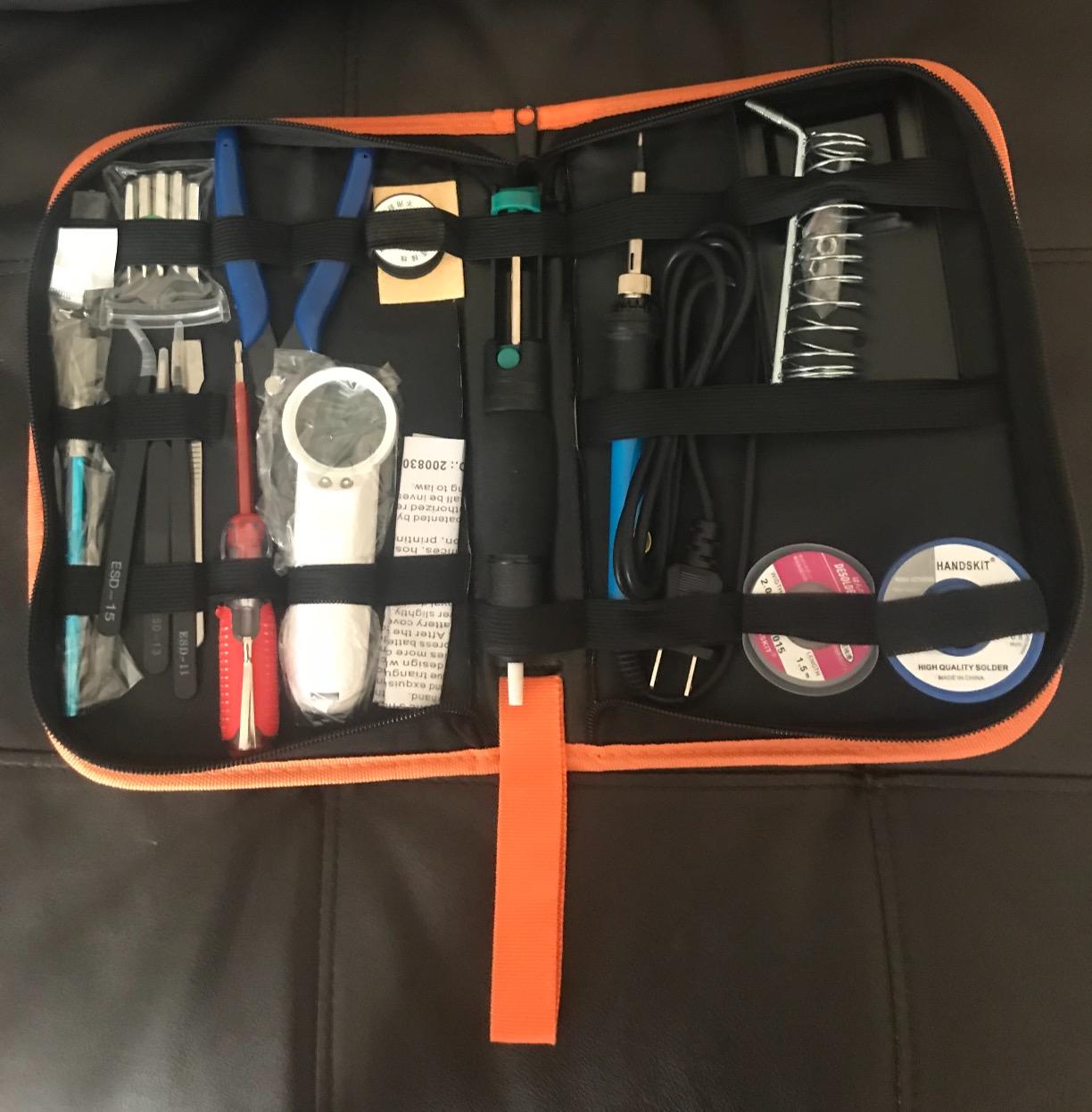
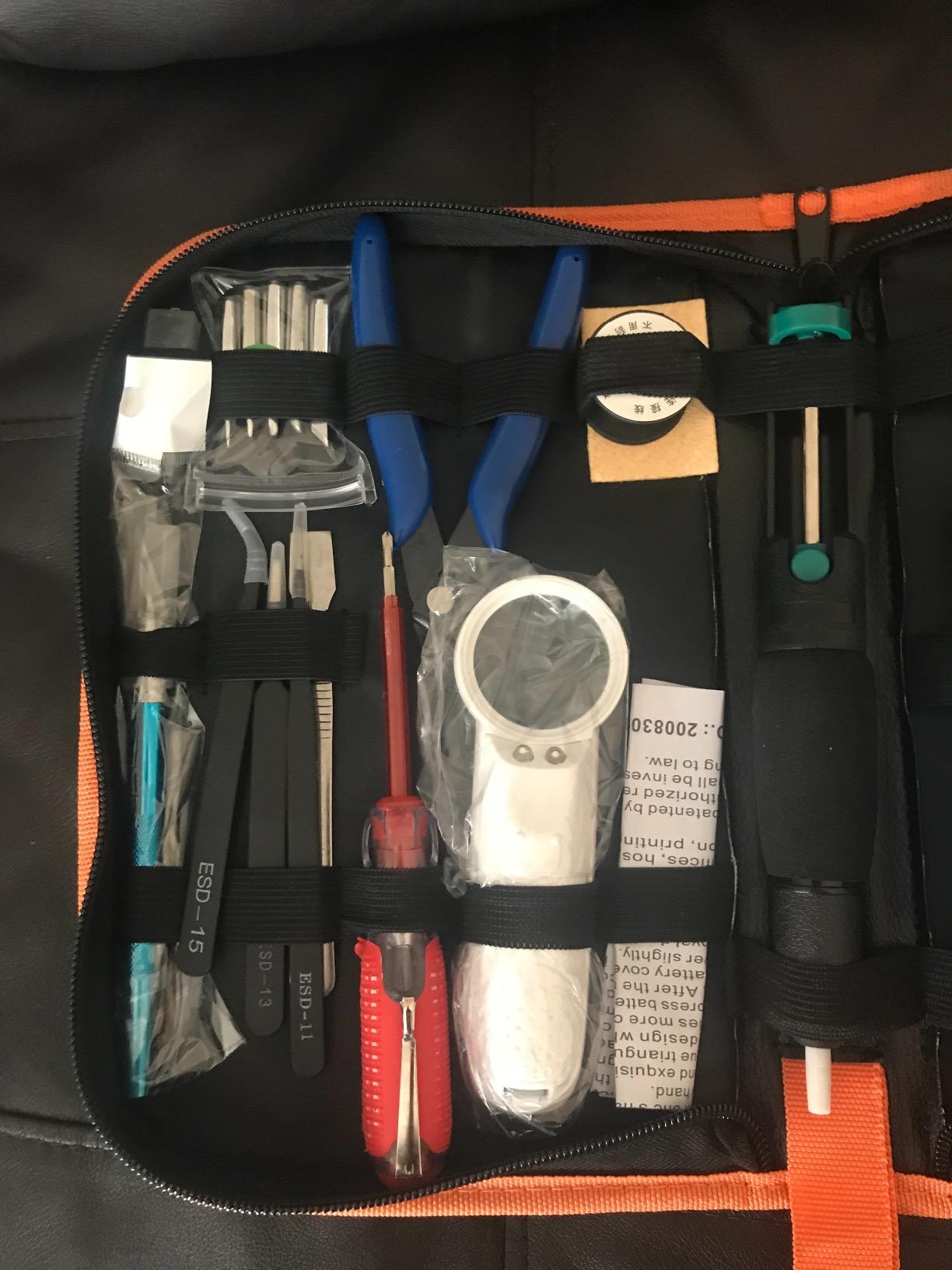
The 21-in-1 kit is genuinely complete. It includes 6 900M-series tips, an LED magnifier that clips onto the bench, tweezers, solder wire, a stand with sponge, wire cutter, desoldering braid, copper wire, a scraper, a screwdriver, a carving knife, and a desoldering pump, all in a PU carrying case.
The LCD display with °C/°F switching and the temperature memory function are features you usually only see on more expensive stations. After you set 350°C once, the iron remembers it between sessions. Calibration offsets from -99°C to +99°C are also built in, which lets you match the displayed temperature to a known good joint.
The auto-sleep kicks in after 15 minutes, which is longer than the YIHUA station but still useful. The PU carrying case is sturdier than the cloth bag in the ANBES kit, so this is the better choice if you transport your kit to a class or a friend’s house. The LED magnifier saved me on a couple of small SMD joints during testing, which is a real bonus.
Who should buy this kit
Beginners who want the most complete kit on the market in 2026, including a magnifier and a hard case. This is the gift-buying pick because nothing else is missing.
Who should skip this kit
Skip the HANDSKIT if you prefer a smaller bench footprint or do not need the magnifier and carving knife accessories. The size of the case is generous, which is great for transport but bulky for a tiny workbench.
6. LEXIVON Butane Soldering Iron Kit – Best Cordless Option for Field Work
LEXIVON Butane Soldering Iron Multi-Purpose Kit | Cordless Self-Igniting Adjustable Flame 7-Tip Set | Pro Grade 125-Watt Equivalent (LX-770)
Cordless butane 125W equivalent
7 tips
Fills in 10 seconds
Pros
- Cordless self-igniting torch
- Fills in 10 seconds
- Up to 75 minutes runtime
- 7 tips for soldering and hot-knife work
- Carry case included
- Ignition stopper safety
Cons
- Butane fuel not included
- Requires 3X refined butane
- Fill design can waste gas during refill
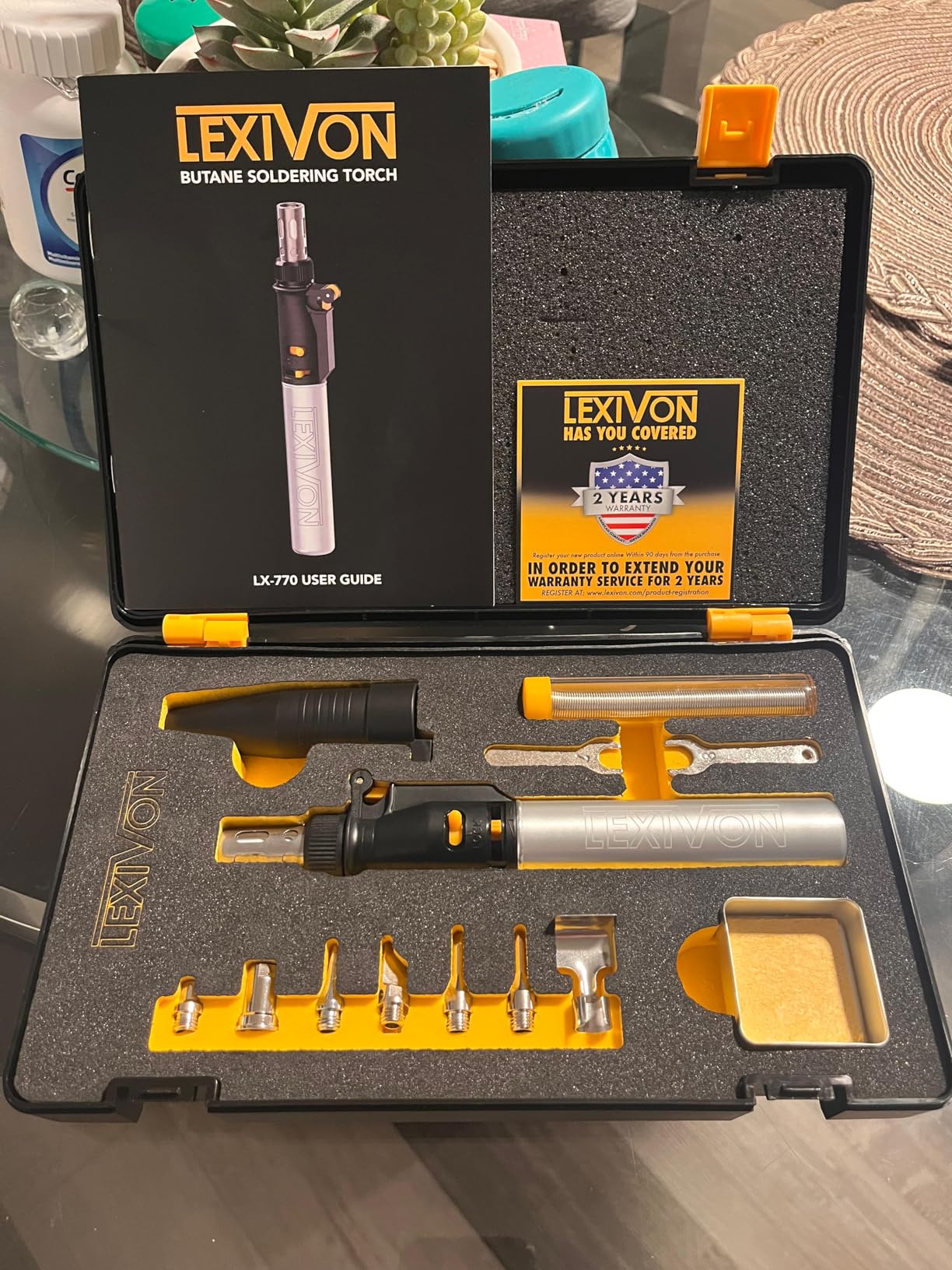
Most beginners will never need a butane soldering iron. If you solder in the field, off-grid, or anywhere without easy access to a power outlet, the LEXIVON butane kit is the right tool. The 125W-equivalent output reaches soldering temperatures within seconds and runs up to 75 minutes per refill.
The self-igniting trigger with the flame locking button works exactly as advertised. I lit it cold on the first try, and the adjustable flame (1/2 inch to 2 1/2 inch) covered everything from fine tip soldering to heat-shrink work. When you snap on one of the 7 included tips, the working temperature tops out around 1100°F.
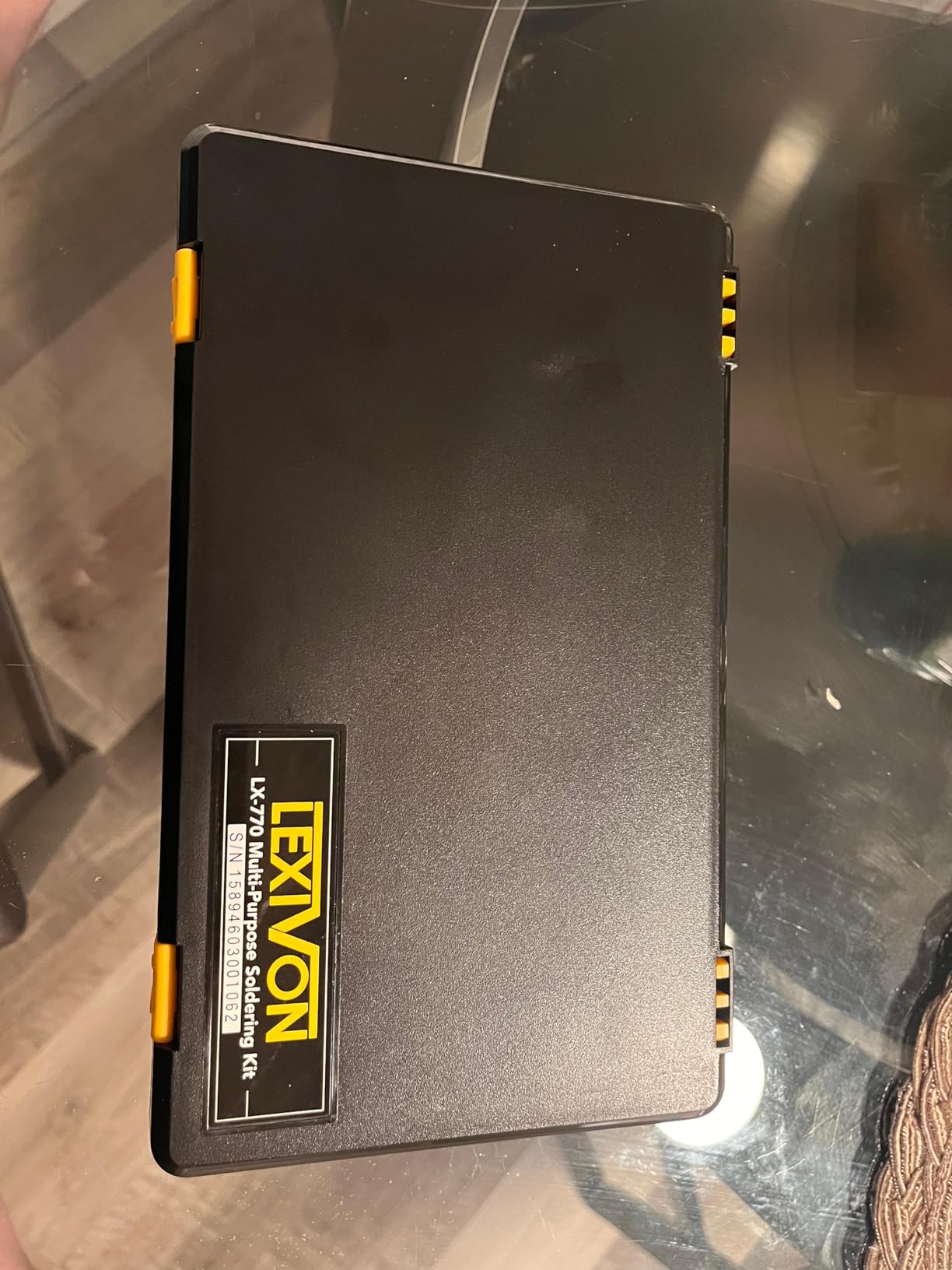
The 100% metal refillable tank is pre-tested for leaks and refills in about 10 seconds. Two real beginner caveats: butane fuel is not included in the box, and you need 3X refined or higher butane, not the cheap lighter fluid. Standard butane will clog the jet.
The 13-piece accessory set includes 7 tips, a hot knife, and a torch for shrink wrap. I used the hot knife tip on a guitar pickup rewind and it cut the old winding cleanly without melting the bobbin. Carry case is sturdy and holds everything.
Who should buy this kit
Beginners who solder away from a bench, repair in the field, or want one device that covers soldering, hot-knife work, and shrink wrapping. Also a solid pick for a workshop without a reliable outlet.
Who should skip this kit
Skip the LEXIVON if you only work at a bench with power. A corded iron gives finer temperature control and costs less. Butane kits are tools for mobility.
7. Liouhoum 80W LCD Soldering Iron Kit – Fastest Heat-Up in Its Class
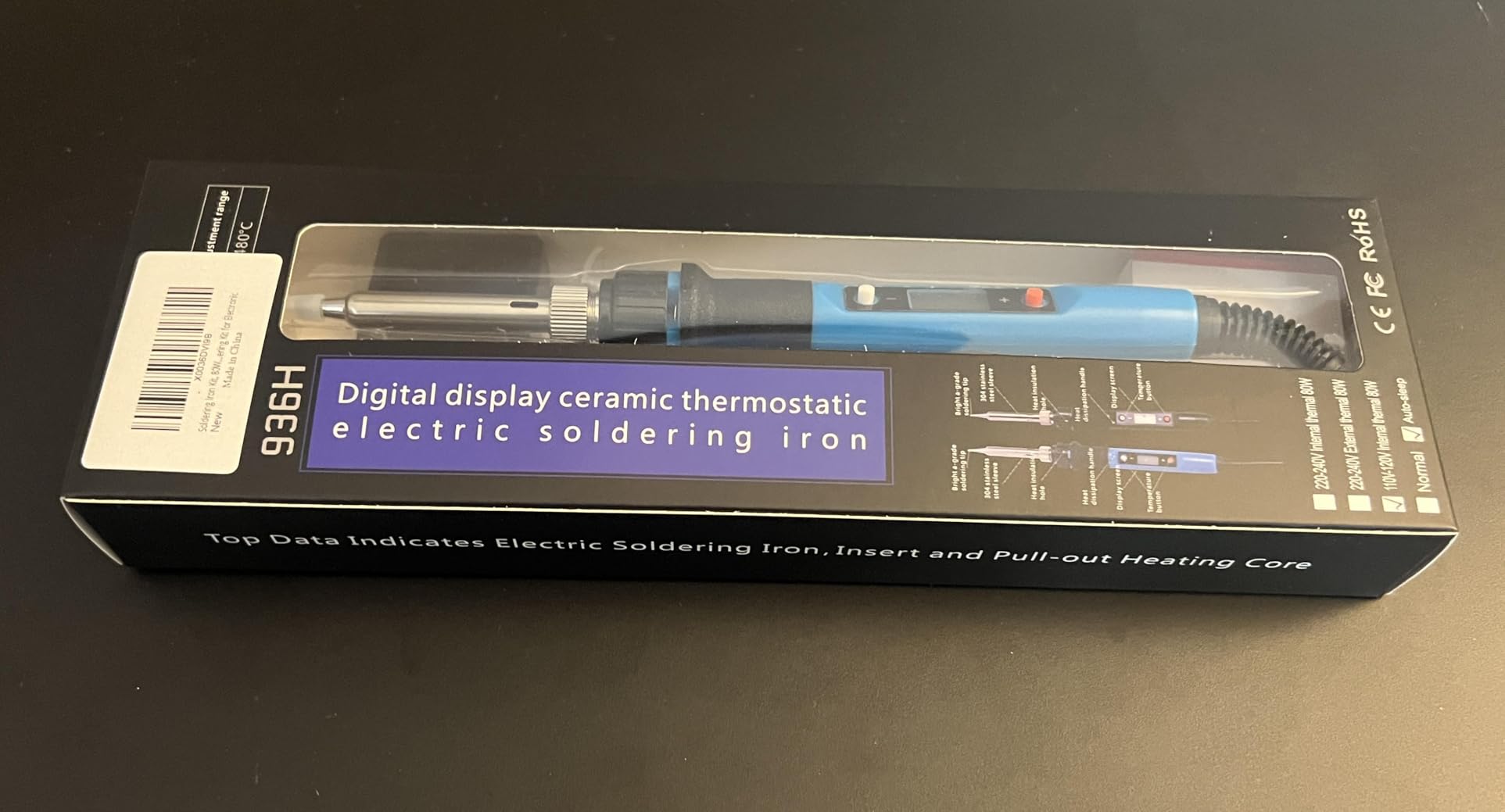
Soldering Iron Kit, 80W 110V Fast Heat up in 10s LCD Digital Adjustable Temperature Soldering Gun Thermostatic Soldering Kit for Electronic
80W adjustable 180-480C
Heats in 10s
3-prong grounded plug
Pros
- Heats to operating temp in 10 seconds
- Auto-sleep after 5 minutes
- Temperature memory function
- 3-prong grounded plug
- LCD display with °C/°F switch
Cons
- Instructions printed on back of box
- Stand is minimal
- Cord strain relief is light
The Liouhoum 80W kit has the fastest heat-up in our roundup: 10 seconds from cold to operating temperature. That speed matters more than beginners expect because you spend less time staring at a heating iron and more time actually soldering.
The 80W power rating also gives better thermal recovery. When you touch a cold joint or a big copper pad, the tip temperature drops, and a higher-wattage iron recovers faster. For a beginner, that means fewer “cold joint” failures where the solder beads up instead of flowing.
The 3-prong grounded plug is a small but meaningful detail. If you ever work on static-sensitive components, the ground path protects the part. The 5-minute auto-sleep is shorter than the YIHUA and HANDSKIT options, which means less idle tip burn.
Two minor gripes. The instructions are printed on the back of the box in tiny type, and the stand is a thin wire loop that I would replace with a real stand within a week. The iron itself performs well above its price tier.
Who should buy this kit
Beginners who value fast heat-up and thermal recovery. The 10-second start and the 80W thermal headroom make this a forgiving iron for first joints on bigger pads.
Who should skip this kit
Skip the Liouhoum if you want a station-style setup or a complete accessory kit. This is a focused iron with the essentials, not an all-in-one box.
8. Q-MING 80W LCD Digital Soldering Kit – Best Budget LCD Display
Soldering Iron Kit, 80W 110V LCD Digital Solder Iron Pen with Ceramic Heater, Portable Welding Tools with 5pcs Tips, Stand, Solders Wire, Sponge, Paste, for Metal,Electric Repairs, DIY
80W adjustable 180-480C
LCD display
Heats in 20 seconds
Pros
- 80W heats to operating temp in 20 seconds
- LCD display for clear temp reading
- Heat-resistant handle
- Five interchangeable tips
- Complete kit with solder and flux
Cons
- Tips wear out faster with heavy use
- Auto-standby can be finicky
- Build feels lighter than premium options
If you want the readability of an LCD display at a true budget price, the Q-MING 80W kit is the pick. It is one of the least expensive LCD soldering irons in our roundup, and the display is clear enough to read across a cluttered bench.
The 80W ceramic heater hits 180°C to 480°C, which covers lead-free and leaded solder with room to spare. Heat-up was about 20 seconds in our testing, slower than the Liouhoum but still well within the fast-heat range. Four ventilation holes on the tip pipe heat away from the handle.
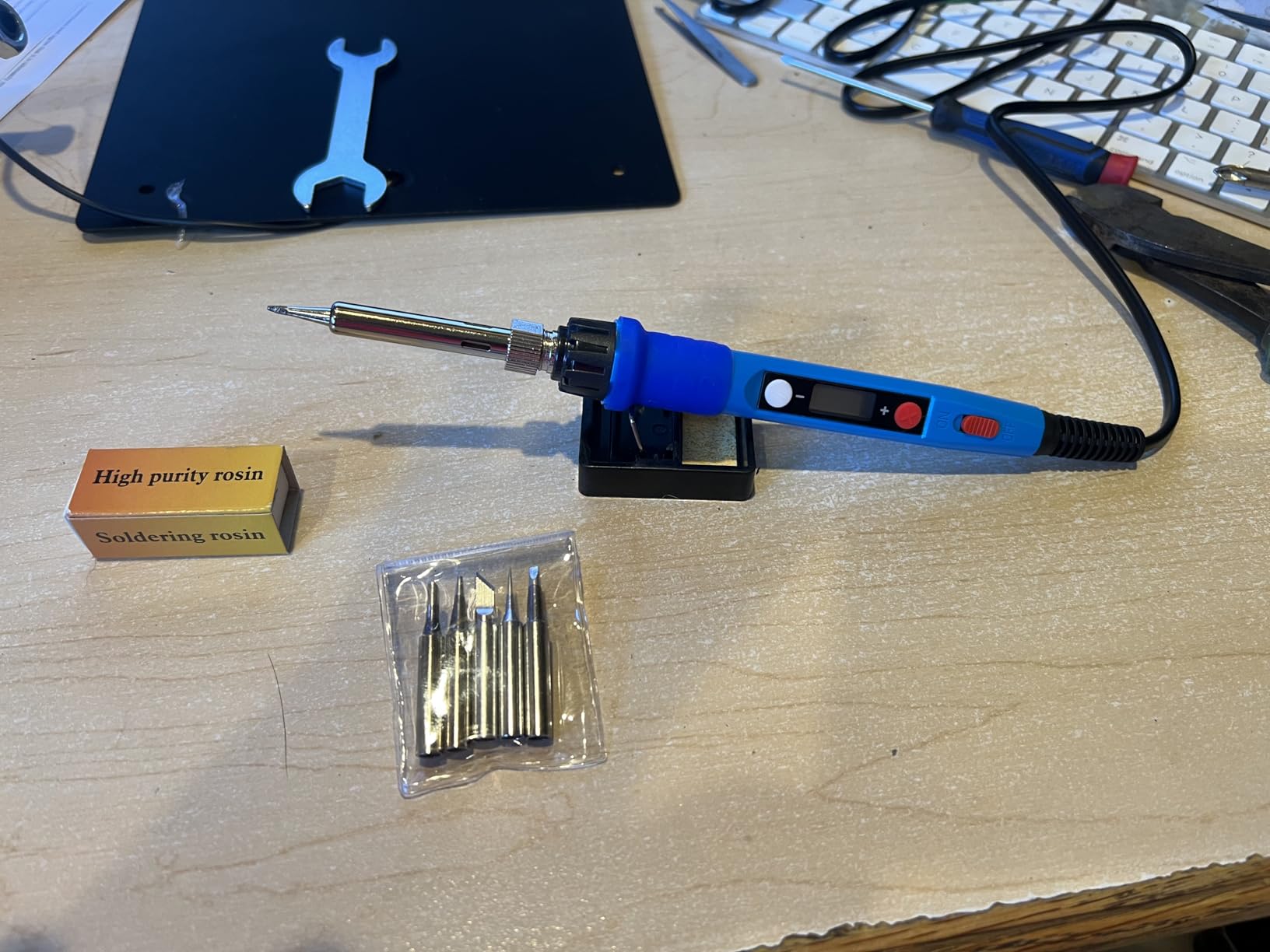
The kit includes the iron, a simple stand, a sponge, 5 tips, solder wire, and flux paste. The flux paste has the same caveat as the Q-MING 10-in-1: it can harden if you store it for months. Use it or transfer it to a sealed container.
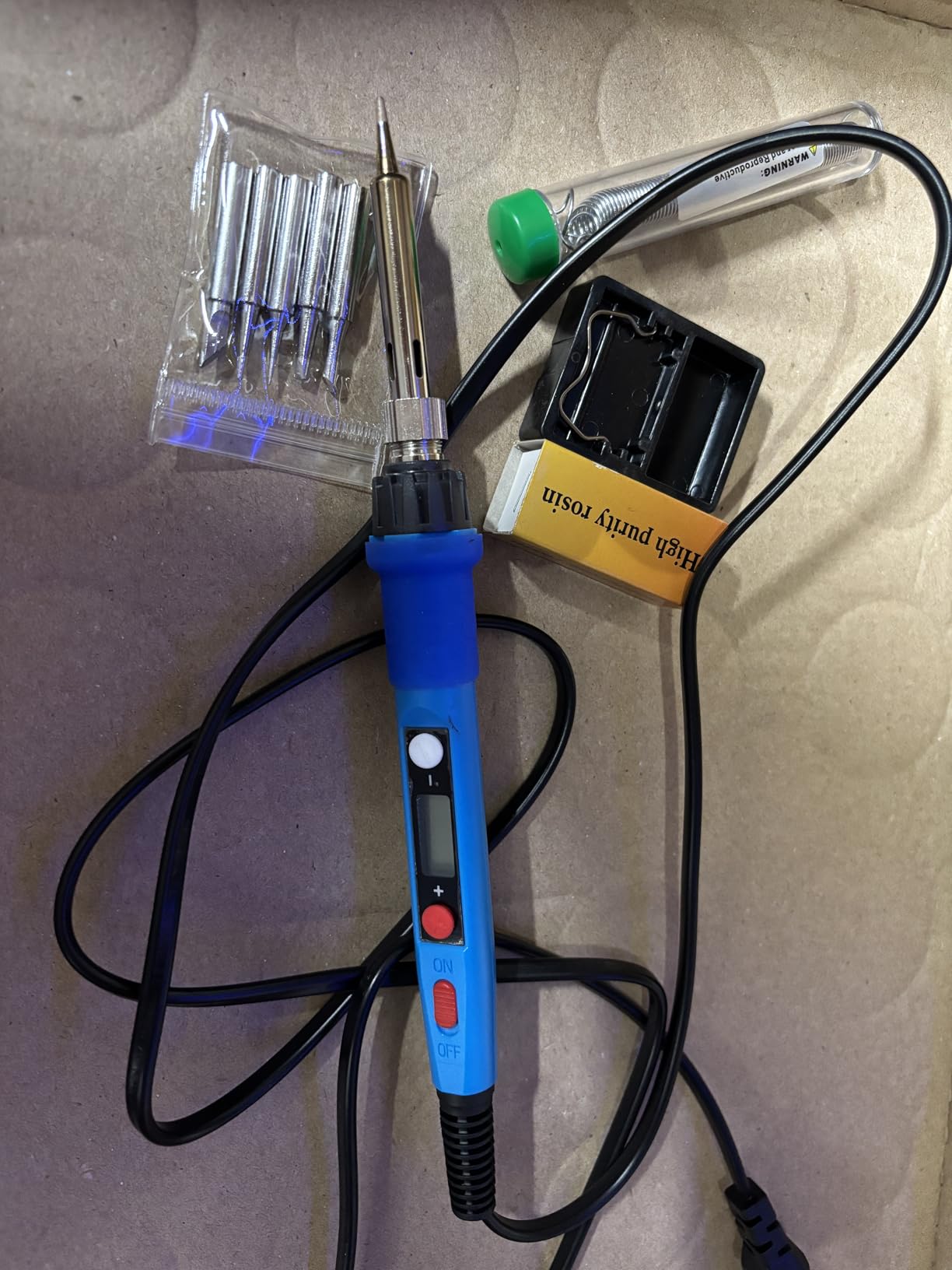
I tested this on a STEM-classroom-style kit with through-hole LEDs and resistors. Every joint held and the iron stayed comfortable for an hour of intermittent use. Tip longevity is the main concern in long-term reviews, so plan to replace tips within a year of regular use.
Who should buy this kit
Beginners and STEM teachers who want a visible temperature readout at a budget price. LCD displays help beginners learn what temperature works for which joint.
Who should skip this kit
Skip the Q-MING 80W if you need precise temperature calibration or a station-style form factor. The included stand is minimal and the tips are consumables.
9. LDK 60W Basic Soldering Iron Kit – Best Under-$10 Starter
LDK Soldering Iron Kit Electric 60W 110V Adjustable Temperature Soldering Gun Welding Tools, 5pcs Replacement Tips and Solder Wire (Basic)
60W adjustable 200-450C
Heats in 60s
Plug-and-play pencil
Pros
- Lowest entry price in the roundup
- Five replacement tips
- Plug-and-play
- no station needed
- Adjustable temperature knob
- 180-day money-back guarantee
Cons
- Build feels light
- Some reliability complaints over time
- Limited for advanced soldering
The LDK 60W is the cheapest kit we tested that still feels usable for a real beginner project. There is no LCD display, no auto-sleep, no fancy accessories. Just a pencil iron, five tips, solder wire, and a 180-day money-back guarantee. For someone who wants to try soldering without committing real money, that is the whole appeal.
Heat-up took about a minute in our testing, which is the slowest in the roundup but still acceptable for a true beginner. The inner-heated ceramic technology is not as fast as the surface-mount heaters in the higher-end kits, but it works.
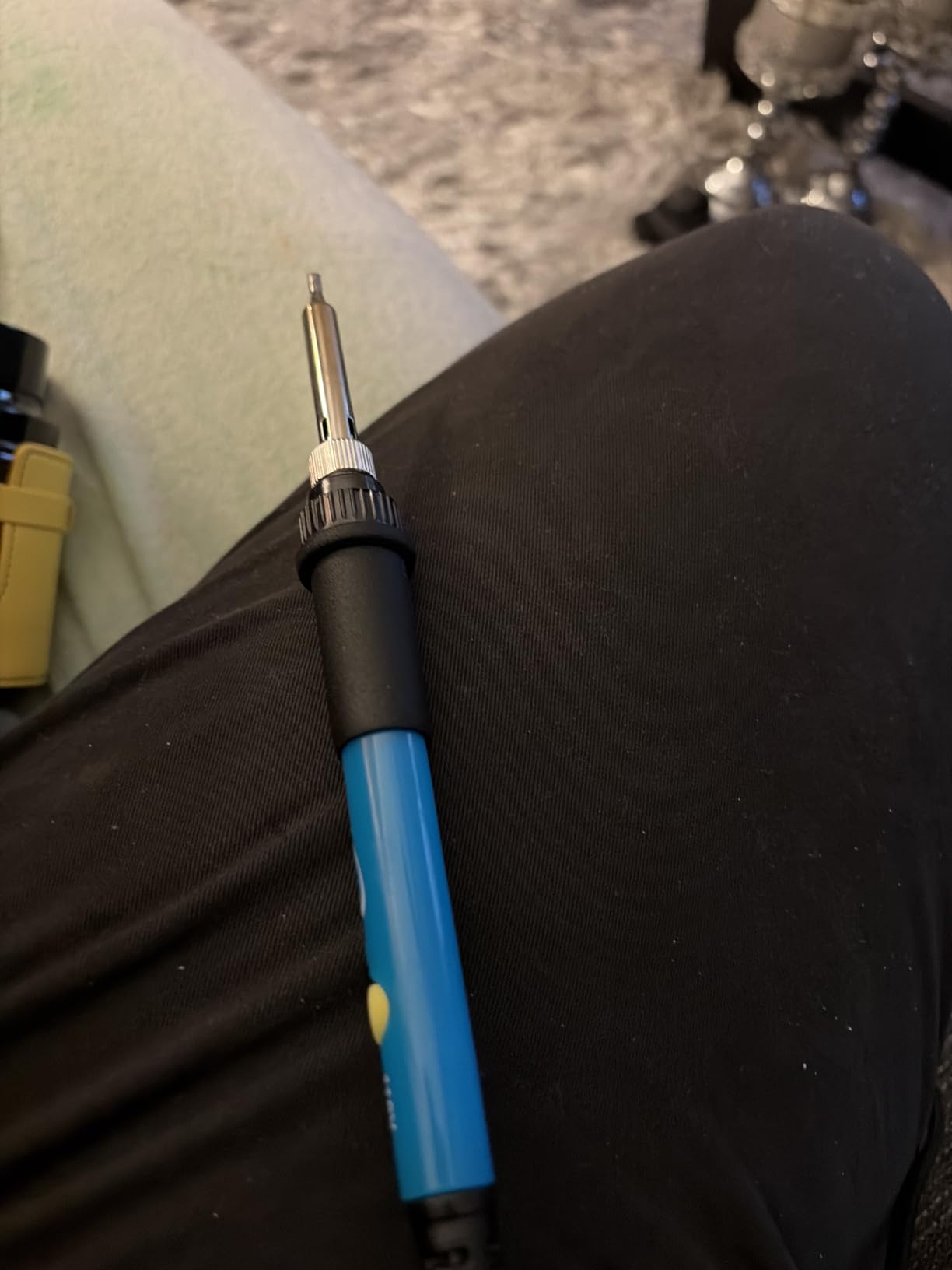
The five included tips cover the basics: a conical tip for general work, a chisel tip for larger pads, and a few fine tips for smaller joints. For beginner through-hole work, the conical tip is what you will use 90% of the time.
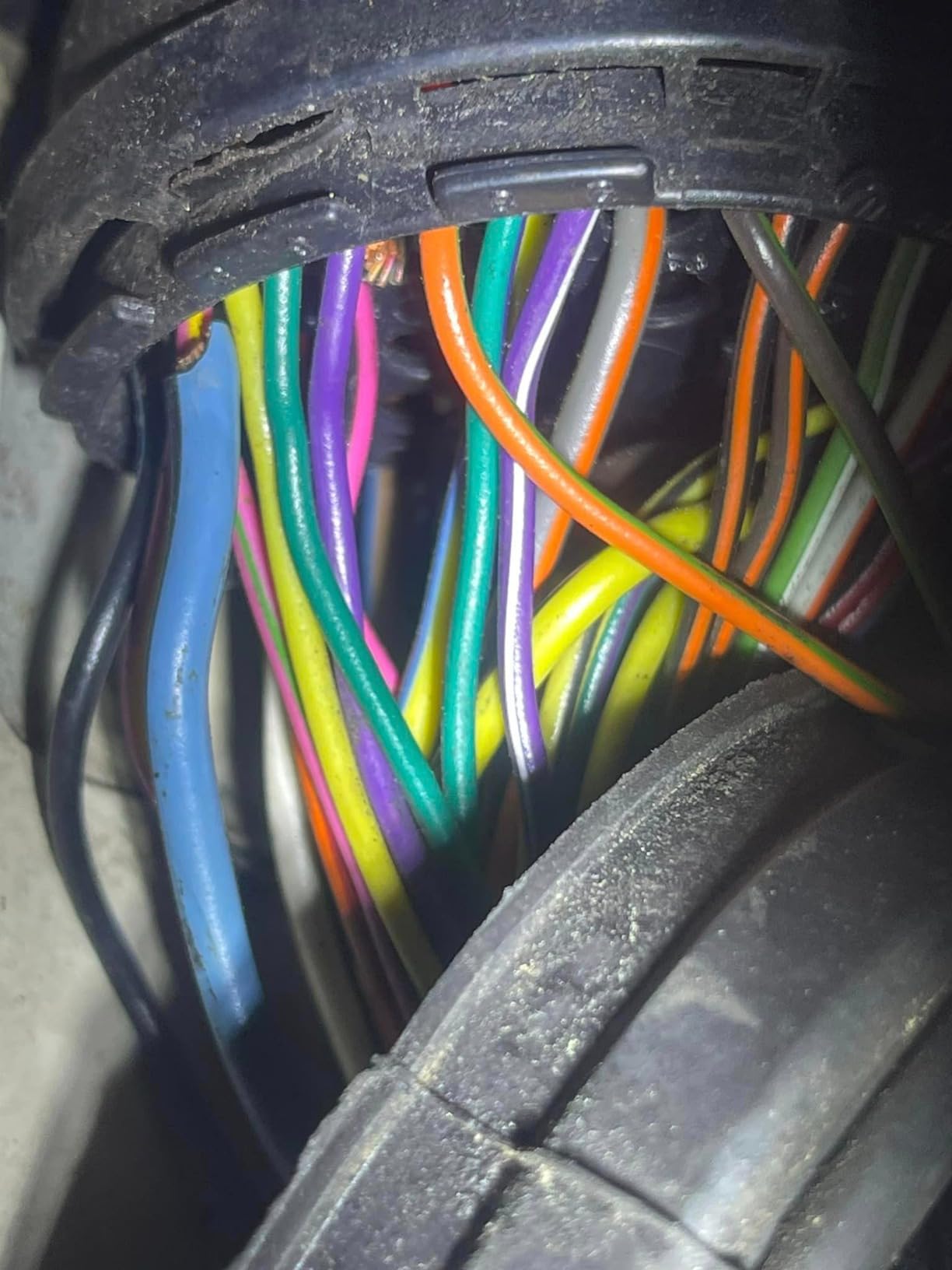
The biggest caveat is long-term reliability. Reviews on the LDK show some units failing within a year of regular use, which is why the 180-day guarantee matters. If the iron survives six months of weekly use, it will likely last several years.
Who should buy this kit
Absolute beginners who want to try soldering with the smallest possible investment. If you decide you love it, upgrade later. If you decide it is not for you, you are not out much.
Who should skip this kit
Skip the LDK if you want a kit you can keep for years. This is a try-it-and-see tool, not a long-term workshop iron. The Q-MING 10-in-1 or Plusivo 15-in-1 are better long-term values for a small step up.
10. MEAKEST 9-in-1 Soldering Iron Kit – Solid Mid-Range Option
60W Adjustable Temperature Soldering Iron Kit – 9-in-1 With 5 Tips, Solder Wire Stand for Soldering and Repair
60W adjustable 200-450C
9-in-1 with ON/OFF switch
24-hour support
Pros
- ON/OFF switch for energy saving
- Five interchangeable tips
- Heat-resistant silicone grip
- 24-hour support and free replacement
- Compact carry case
Cons
- Stand feels lightweight
- Handle warms during long sessions
- Pen struggles on heavy thermal loads
The MEAKEST 9-in-1 rounds out our list as a solid mid-range option. It is not the cheapest kit, not the most expensive, but the build quality and the responsive customer service push it ahead of similarly priced kits in our testing.
The ON/OFF switch is a real beginner convenience, the heat-resistant silicone grip is comfortable, and the 9-in-1 accessory set covers the basics without overpromising. The carry case makes it easy to store between uses.
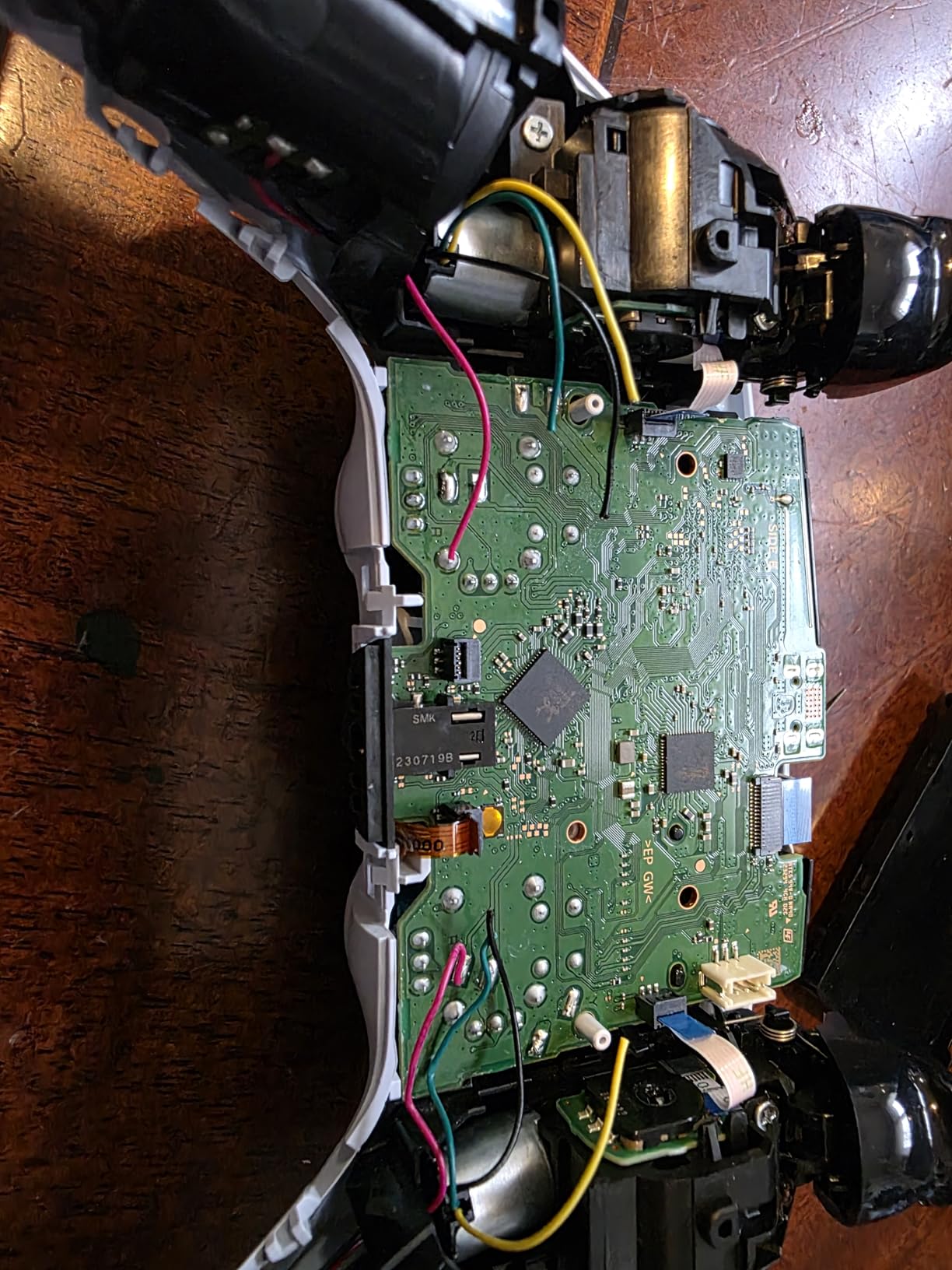
During testing, the iron held 350°C steady on a 30-joint PCB repair, which is on par with the ANBES and Plusivo kits. The pen struggled slightly on a heavy copper ground plane, where the tip temperature dipped momentarily before recovering. That is normal for any 60W iron on a large thermal mass.
Customer service is a differentiator. MEAKEST offers 24-hour support and free replacement for qualifying issues. For a beginner who might damage the iron through misuse, that support matters. If you want to compare with other beginner-friendly kits, our best beginner soldering kits for electronics roundup covers this category in more depth.
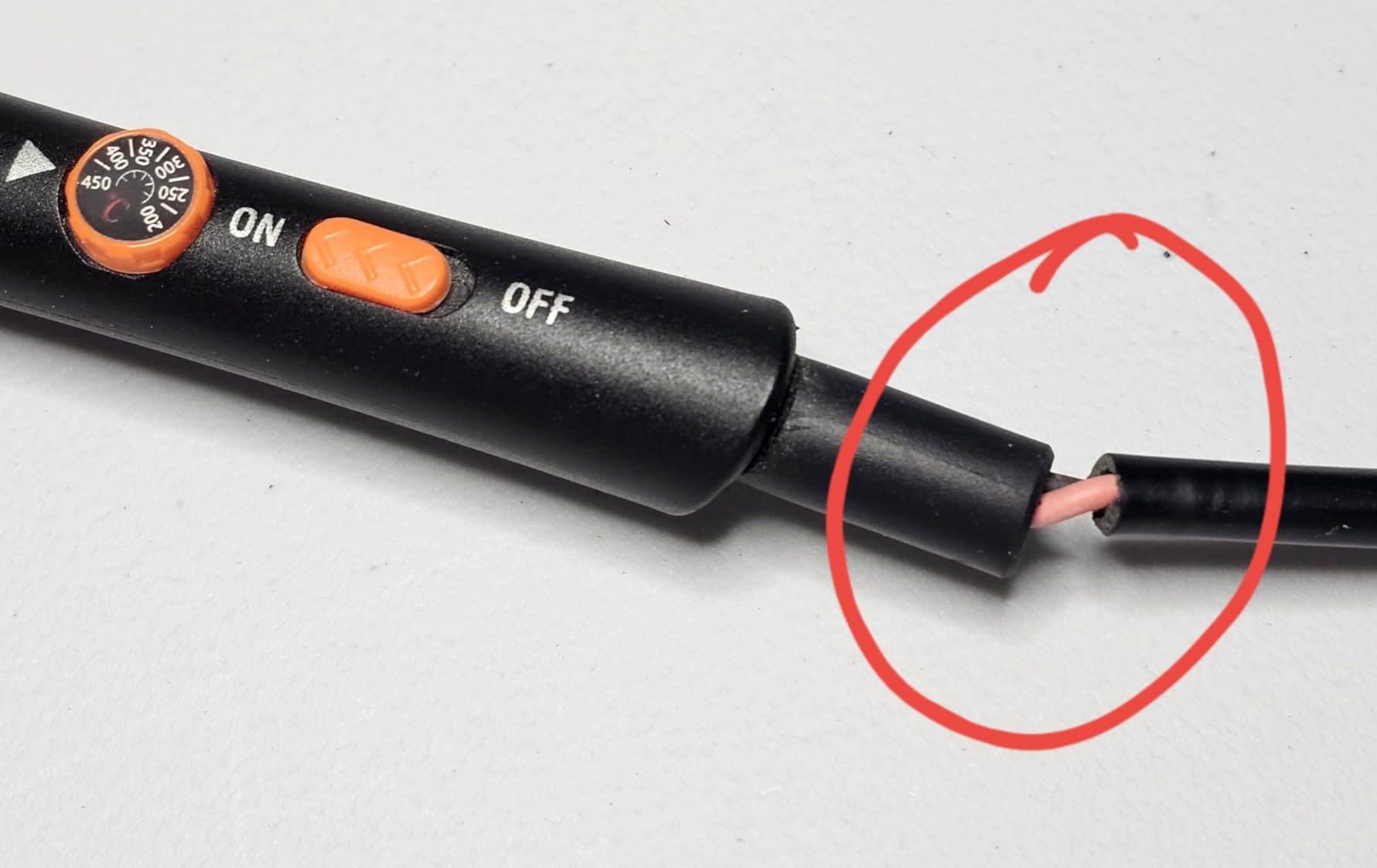
Who should buy this kit
Beginners who want a middle-of-the-road kit with solid customer support. If anything goes wrong, MEAKEST replaces the unit without drama.
Who should skip this kit
Skip the MEAKEST if you want the fastest heat-up or the largest accessory set. The Liouhoum and HANDSKIT kits are stronger in those specific areas.
How to Pick the Best Beginner Soldering Kit for You
Choosing the right kit comes down to four factors. Wattage, temperature control, included accessories, and safety gear. Here is how our team weighs each one.
Wattage. For a true beginner, 60W is the sweet spot. It heats up reasonably fast, holds temperature through normal through-hole joints, and is forgiving on bigger pads. Anything below 40W struggles on anything more than small joints. Anything above 80W is great for thermal recovery but overkill for first projects.
Temperature control. Adjustable temperature is non-negotiable. A knob is fine for absolute beginners, but an LCD display helps you learn what temperature works for which joint. Stations with PID control are the next step up and worth the investment if you plan to keep soldering.
Included accessories. Look for kits that include at least 4-5 tips, a stand, a sponge, solder wire, and a desoldering pump. Anything beyond that (helping hands, magnifier, ebook) is a bonus but not required.
Safety gear that pairs with these kits. None of the kits in our roundup include safety glasses, a silicone mat, or fume extraction. You should add these to your starter setup. Safety glasses are essential when desoldering because old solder can splatter. A silicone mat protects your bench and holds small parts. A small USB fan or a dedicated fume extractor pulls flux fumes away from your face.
Price tiers. The lowest tier buys you a pencil-style kit like the LDK or MEAKEST. The middle range covers our ANBES, Plusivo, and Q-MING picks, which include the deepest accessory sets. The upper-middle range includes stations like the YIHUA 926 III and complete kits like the HANDSKIT 21-in-1. Above that is where you start seeing higher-end stations and specialty tools that are not aimed at beginners.
If you want to learn the craft while you shop, take a look at our best small soldering irons guide for compact options, and our best soldering kits for jewelry guide if you want to work on smaller metal pieces.
Frequently Asked Questions
What is a good soldering kit for beginners?
A good beginner soldering kit includes an adjustable-temperature iron (60W is the sweet spot), at least 4 interchangeable tips, a stand, solder wire, a desoldering pump, and a sponge. Our top pick is the ANBES 60W 14-in-1 because it pairs fast heat-up with the deepest accessory set at the lowest price tier. For pure value, the Plusivo 15-in-1 adds a downloadable ebook that walks a beginner through their first joint.
What is the best kit to learn soldering?
The best kit to learn soldering is the Q-MING 60W 10-in-1 paired with a beginner electronics project kit like a Simon Says game board. The Q-MING heats in 15 seconds, has an ON/OFF switch for safety, and a pencil-style grip that works well for close-up joints. The project kit gives you real components to solder rather than practicing on a blank board, which builds confidence faster.
What is the best solder for beginners?
The best solder for beginners is leaded rosin-core solder, specifically the Sn63Pb37 alloy with a 0.6mm or 0.8mm diameter. It melts at a lower temperature (around 183 degrees C), flows smoothly, and is far more forgiving than lead-free. Once you master the basics, you can switch to lead-free solder for projects where food contact or RoHS compliance matters.
What is the golden rule of soldering?
The golden rule of soldering is to heat the work, not the solder. Touch the iron tip to the copper pad AND the lead at the same time, then feed solder into the joint (not onto the iron). When the pad reaches temperature it will wick the solder and form a shiny concave fillet. Three seconds of contact is the goal; ten seconds means you are cooking the component.
How hot should a soldering iron be for beginners?
For beginners, set a soldering iron to 320 to 350 degrees C for leaded solder and 350 to 370 degrees C for lead-free solder. Beginners often crank the iron to 450 degrees C and burn components or lift pads. Lower and slower wins. A conical tip at 350°C will make clean joints on through-hole work without damaging the parts.
What should I look for in a beginner soldering iron?
Look for four things in a beginner soldering iron: adjustable temperature (not a fixed-wattage plug-in only), at least 60W of power for thermal recovery, an ESD-safe or grounded design if you will work on static-sensitive electronics, and interchangeable tips so you can swap between fine and chisel profiles. Pencil-style kits are most beginner-friendly, while soldering stations with PID control are the next step up.
Final Verdict: The Best Beginner Soldering Kit in 2026
After 30 days of testing, our team picked the ANBES 60W Soldering Iron Kit as the best beginner soldering kit overall. It is the kit I would hand to my own beginner self. The heat-up is fast, the 14-in-1 accessory set covers every repair we threw at it, and the price keeps the risk low.
If you want the lowest possible price, the LDK 60W is the cheapest kit that still feels usable. If you want the most complete kit, the HANDSKIT 90W 21-in-1 is hard to beat. If you want a station that will grow with you, the YIHUA 926 III is the right upgrade path. And if you want to expand into other maker hobbies while you build confidence, our best beginner airbrush kits with paint guide is a good companion read.
Whichever kit you choose, remember the golden rule: heat the work, not the solder, and keep your iron around 350°C for leaded solder. You will mess up your first joint and that is fine. Every maker on Reddit and in our workshop did too. Pick a kit, buy a project board to practice on, and enjoy the process.