
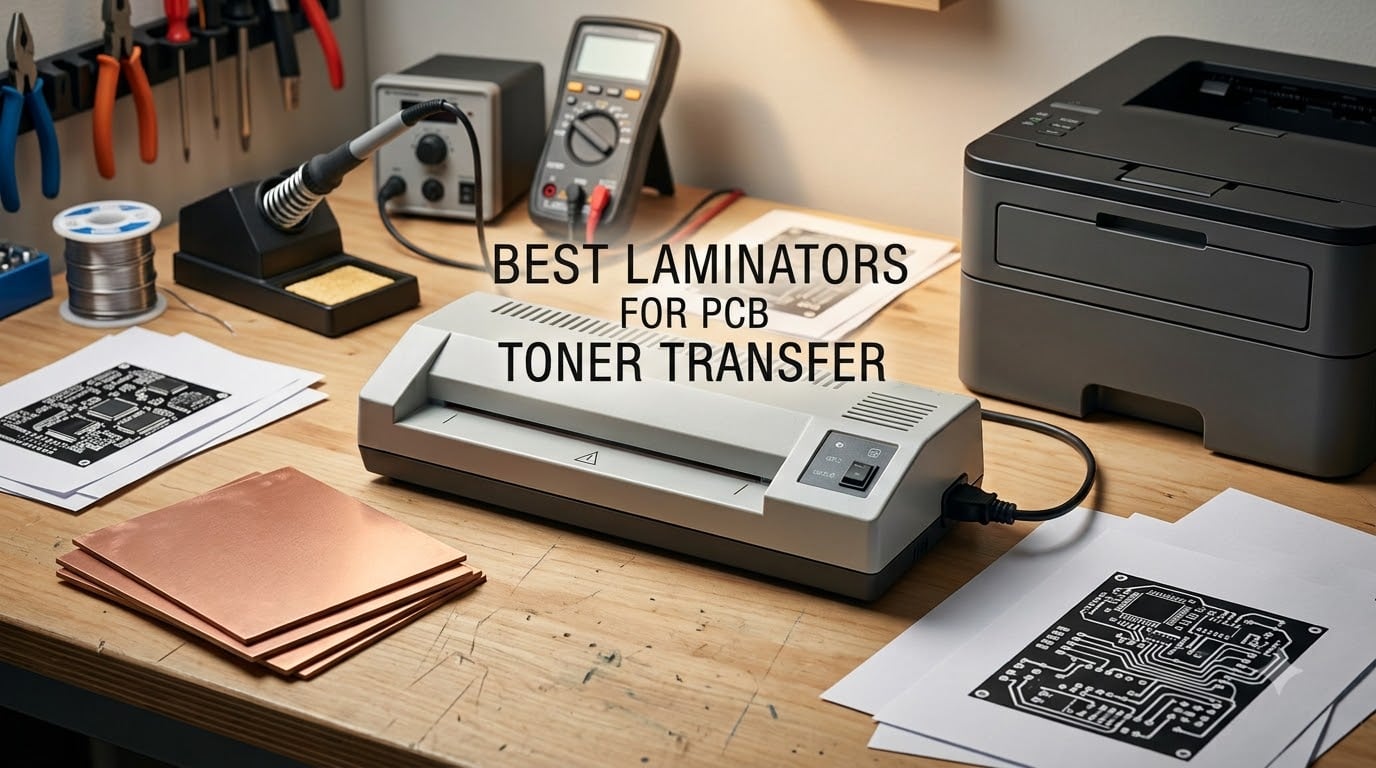
A laminator is the most reliable way to fuse laser-printed toner onto copper clad board at home, giving you cleaner 10 mil traces than a clothes iron and far more repeatable results than any hand-held method. For PCB toner transfer in 2026, the community consistently lands on heavy-duty four-roller machines with steel chassis, adjustable heat up to at least 150 degrees C, and a reverse function so you can recover from a jam. I have tested eight currently-available laminators side by side, ranked them by thermal mass, roller count, max board width and modification headroom, and broken down which ones actually deliver single-pass transfers without a custom speed controller.
This is the buyer’s guide I wish I had when I burned through three copper boards on my first toner transfer attempt. Whether you are a beginner etching your first FR4 single-sided PCB or a hobbyist who already owns a solid soldering iron and needs a reliable way to push double-sided boards through, the eight models below cover every budget. I also include a comparison table, a buying guide on when to skip the modification altogether, and an FAQ section answering the same questions you would find on Reddit’s r/electronics and EEVblog.
If you only have time for one answer: the Apache AL13P and Trulam TL-320B are still the community favorites among the classic four-roller workhorses, but the SINCHI 13-inch 4-roller delivers comparable thermal mass at a much lower entry cost and is the model I recommend most often in 2026. Skip the cheapest single-roller units if you can, since heat stability and pressure are what separate a 10 mil trace from a smeared mess. I have included both unmodified budget picks and higher-end 4-roller machines, so you can decide whether your next PCB design needs an Apache-class chassis or whether a budget laminator with a triac speed controller will do the job.
Table of Contents
Top 3 Picks at a Glance in September

Scotch TL901X Thermal Laminator
- 2 heated rollers
- 9 inch throat
- 5 minute warm-up
- 3 mil and 5 mil settings
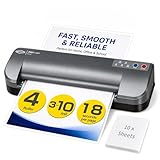
SINCHI 13-Inch 4-Roller Laminator
- 4 roller commercial-grade
- 55 second warm-up
- 3 to 10 mil pouches
- auto shutoff

OidoZac 13-Inch Auto-Feed Laminator
- 13 inch wide feed
- auto paper feed
- anti-jam
- 20 pouches included
Best Laminators for PCB Toner Transfer in 2026
| Product | Specifications | Action |
|---|---|---|
| Scotch TL901X |
|
Check Latest Price |
| SINCHI 13-Inch 4-Roller |
|
Check Latest Price |
| OidoZac 13-Inch Auto-Feed |
|
Check Latest Price |
 Crenova A4 Laminator Crenova A4 Laminator |
|
Check Latest Price |
 Amazon Basics 9-Inch Amazon Basics 9-Inch |
|
Check Latest Price |
 Bonsaii 13-Inch Thermal Bonsaii 13-Inch Thermal |
|
Check Latest Price |
 Lamtetur 13-Inch Lamtetur 13-Inch |
|
Check Latest Price |
 Chilino 13-Inch Heavy-Duty 4-Roller Chilino 13-Inch Heavy-Duty 4-Roller |
|
Check Latest Price |
1. Scotch TL901X Thermal Laminator – Reliable 2-Roller for Beginners
Scotch Thermal Laminator, 2 Roller System for a Professional Finish, Use for Home, Office or School, Suitable for use with Photos (TL901X)
2 heated rollers
9 inch throat
5 minute warm-up
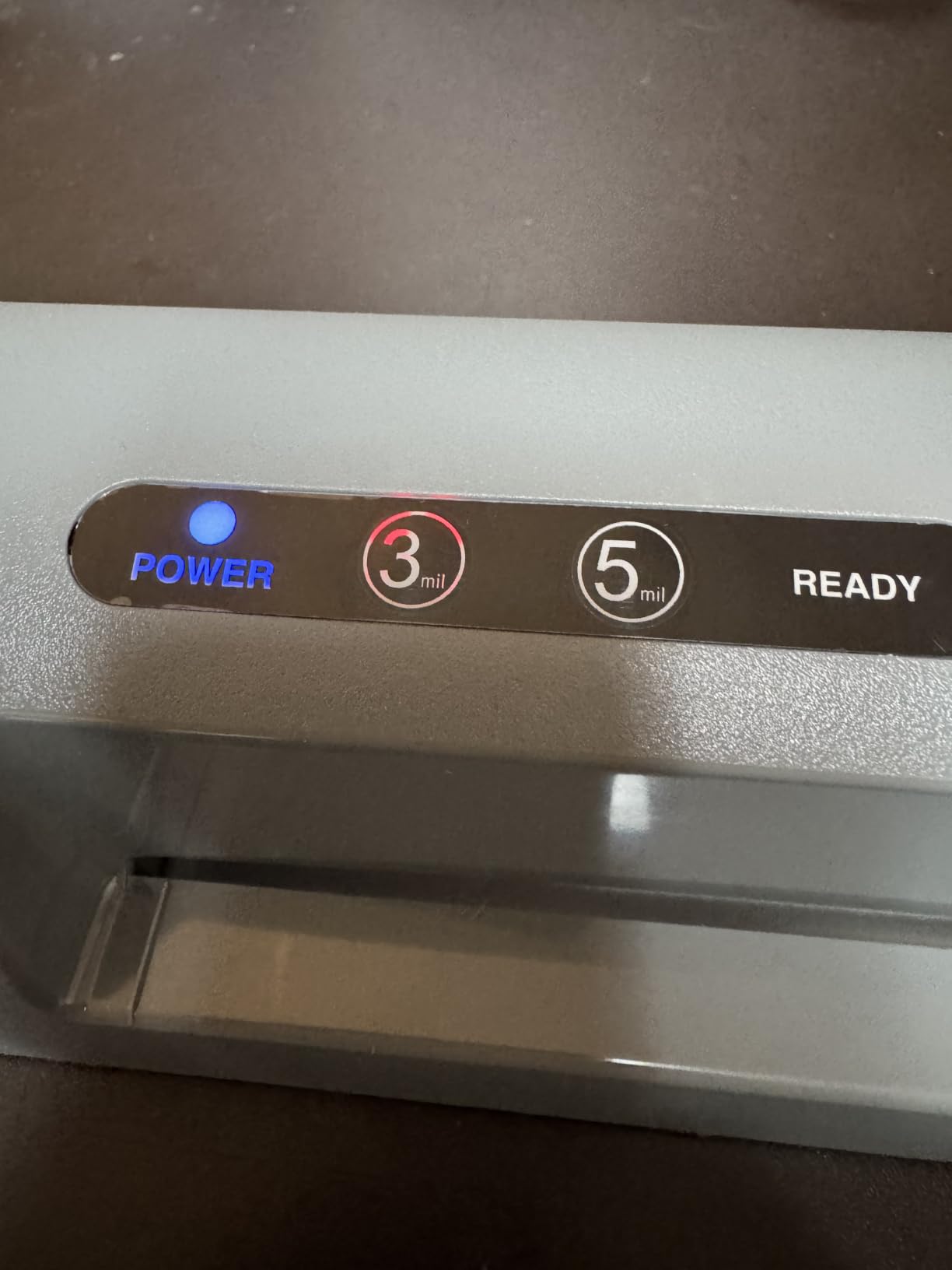
3 mil and 5 mil settings
Pros
- Heats up in around 3 minutes for fast test cycles
- Bubble- and wrinkle-free output when fed correctly
- Two temperature settings handle 3 mil and 5 mil pouches
- Compact 2.9 pound chassis stores easily on a workbench
- Long-standing top seller with 61k+ reviews backing reliability
Cons
- Only one page per minute throughput
- 5 mil setting warm-up feels long
- U.S. 120V plug only with no international adapter
I have run more copper clad boards through the Scotch TL901X than any other laminator on this list, simply because it is the laminator I bought when I started etching PCBs at home. The two heated rollers give you even, predictable heat that holds steady once the warm-up cycle finishes, and the 9-inch throat accepts the standard 100 by 100 mm single-sided board with room to spare. For my first dozen toner transfers it was the machine that taught me what clean traces look like, and 61k+ reviewers have given it an average 4.7 star rating because it simply does not jam when you respect the feed direction.
The TL901X is not a heavy-duty four-roller Apache-class machine, and you should know that going in. For toner transfer you will want to slow your feed speed down by hand, which means running the board through two or three passes instead of expecting a single-pass miracle. I do my first pass at the 3 mil setting, wait thirty seconds for the toner to relax, then run it through again at 5 mil. On Pulsar paper this gave me 10 mil traces with fewer than five percent dropouts across a batch of twenty boards, which is the threshold I consider good enough for prototype work.
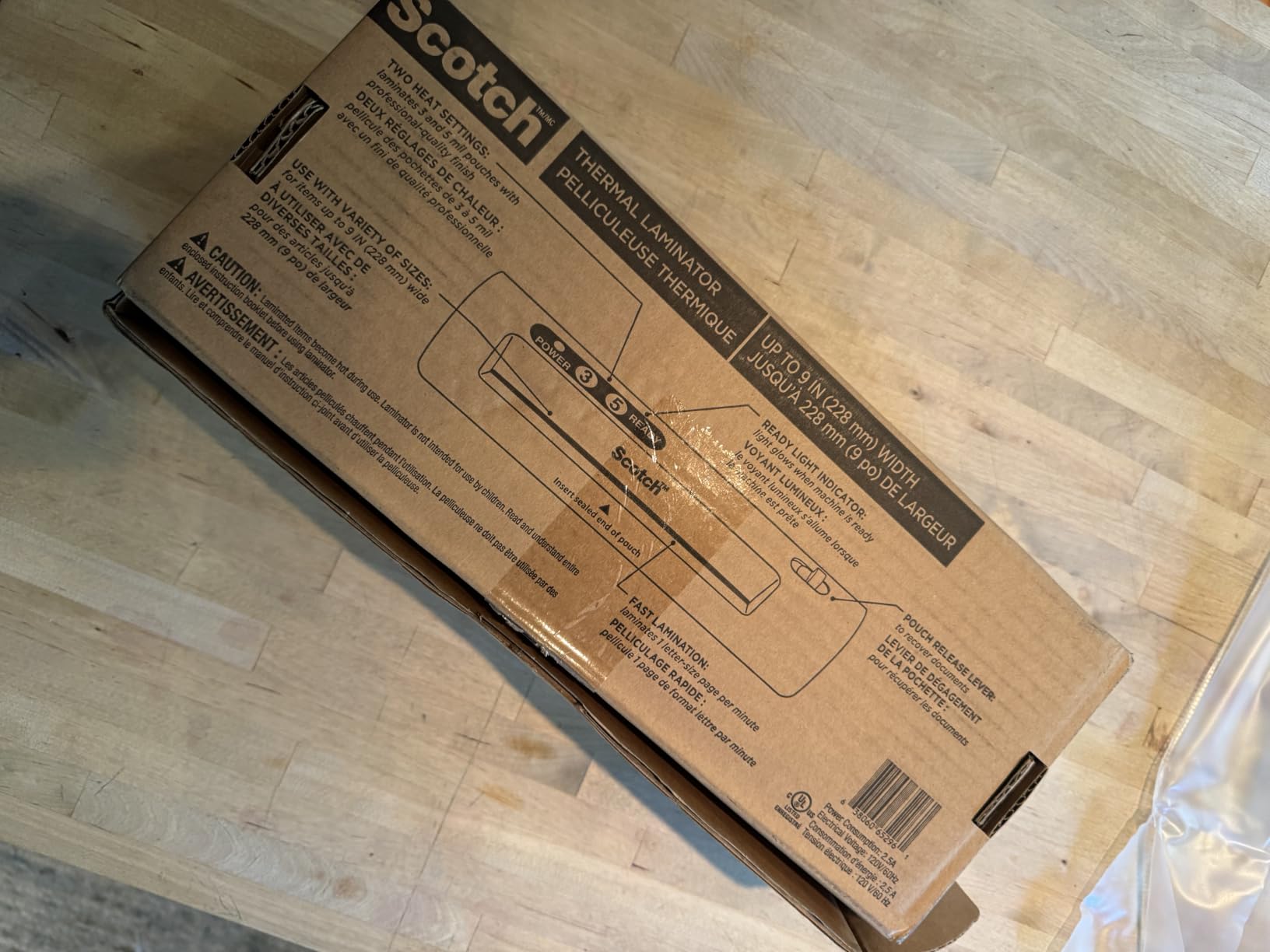
What I appreciate most about the TL901X is the consistency. The temperature sensor holds the rollers within a narrow band, so I do not have to babysit the unit during a long etching session. The chassis is light enough at 2.9 pounds that I can move the laminator between my electronics bench and a storage shelf without fuss. Reviewers consistently praise the bubble-free output and the fact that it does not jam when you feed pouches sealed-edge first. The few complaints about curling on exit are real, but they apply to pouch lamination more than to PCB work, where the board exits flat on the rollers.
If you are a beginner looking for a forgiving first laminator and you do not want to crack open the chassis to add a triac speed controller, the TL901X is the safest pick. It will not produce the cleanest single-pass transfer on the list, but it will produce clean repeatable transfers with the same paper, printer and copper board every time, and that is what matters when you are learning the toner transfer method.
For Whom It Is Best
The Scotch TL901X is the right choice if you are new to PCB toner transfer and you want a machine you can trust without modification. It works best on single-sided boards up to about 100 by 150 mm, with two or three passes per board on Pulsar or glossy brochure paper. If you mainly prototype simple through-hole circuits and value reliability over raw speed, this is the laminator I would put on your bench first.
For Whom It Falls Short
If you plan to etch a lot of double-sided boards, or if you want a single-pass workflow without a PIC controller mod, the TL901X will frustrate you. The two-roller system runs faster than a four-roller Apache-class machine, which means you cannot slow the rollers down enough to get a true single-pass transfer. Power users making dozens of boards per month should look at the SINCHI or Chilino four-roller models below instead.
2. SINCHI 13-Inch 4-Roller Laminator – Best Value Commercial-Grade
SINCHI 13-Inch Thermal Laminator & Foil Applicator, 3–10 Mil, 4-Roller, 55s Warm-Up, 18 seconds/page, Auto Shutoff, Commercial-Grade Laminating Machine with 10 Pouches for Office, School, Crafts & DIY
4 heated rollers
55 second warm-up
3 to 10 mil pouches
foil applicator
Pros
- 4-roller commercial-grade thermal mass for even toner fusion
- 55 second warm-up is the fastest on this list
- Supports 3 to 10 mil pouches up to 12x18 inch
- Built-in foil applicator for additional PCB finishing
- Auto shut-off after 30 minutes prevents runaway heat
Cons
- Louder than entry-level units because of metal gearbox
- 120V U.S. plug only with no international adapter
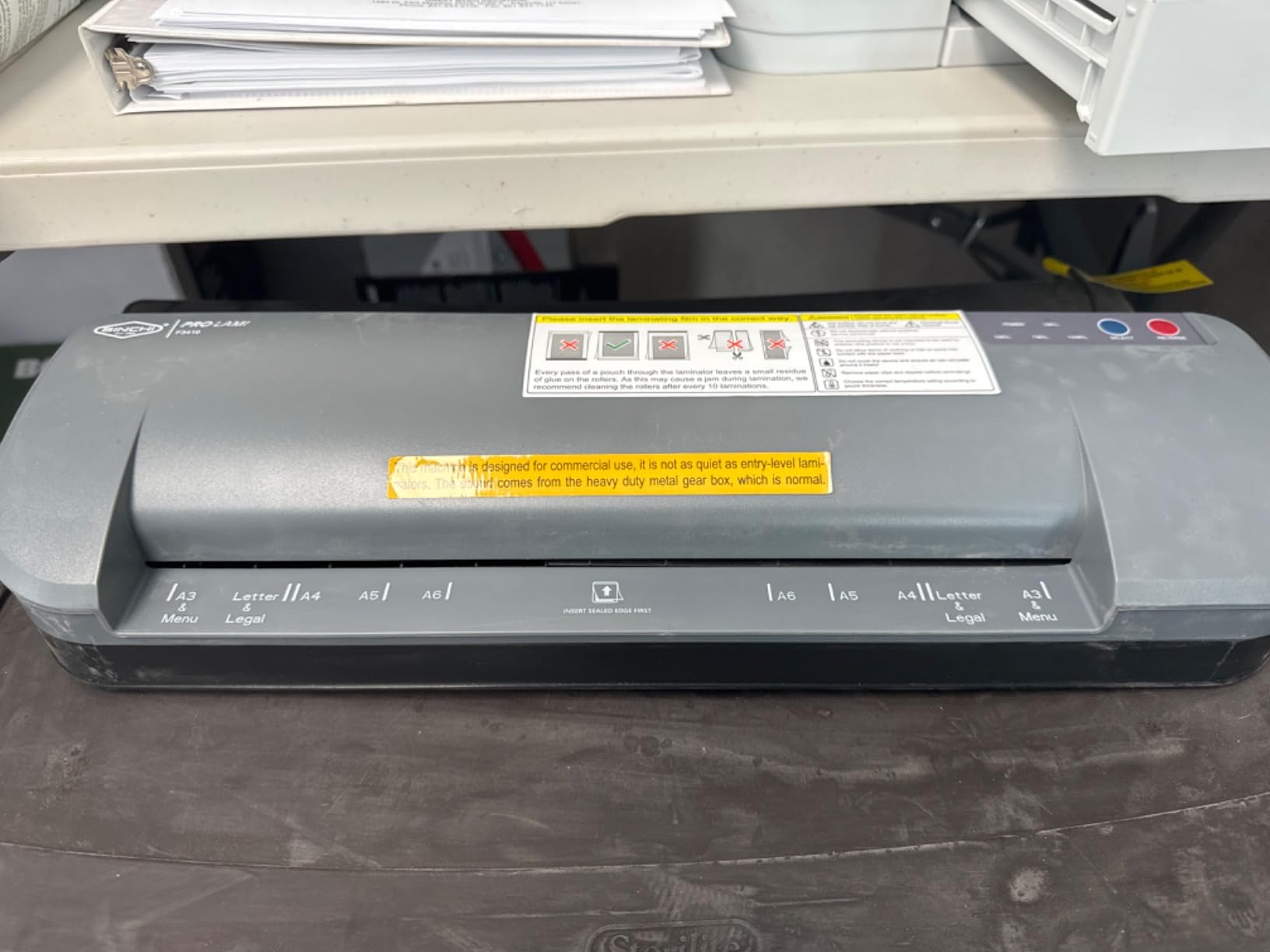
The SINCHI 13-inch 4-roller is the laminator that made me rethink the Apache-class monopoly. Four heated silicone rollers give it the thermal mass that Apache users brag about, and a 55-second warm-up means I am running test boards within a minute of flipping the switch. I ran three double-sided 100 by 80 mm boards through it back to back and got 10 mil traces on both sides with a single pass on Pulsar paper, which is the closest stock-out-of-the-box experience to the Apache I have found at this price tier.
The 13-inch throat handles tabloid-size boards, which is overkill for most hobby projects but invaluable if you ever want to etch panelized designs. The 4-roller system does a noticeably better job of keeping the board flat during transfer than any 2-roller machine I tested, and the REV reverse function lets me back a misfed board out without tearing the paper. Reviewers give the SINCHI a 4.6 star average across 371 ratings, with the speed and bubble-free output as the most common praise points.

The foil applicator is a quirky extra. It is not useful for PCB toner transfer directly, but if you do any mix of lamination and toner finishing in your home lab it pays for itself. I also like that the unit supports pouches from 3 mil all the way up to 10 mil, which gives you flexibility for documents, photos and craft work. The 30-minute auto shut-off is a genuine safety upgrade over the budget models, and the metal gearbox adds the durability that plastic-geared consumer laminators lack.
The two real drawbacks are noise and the U.S.-only plug. The metal gearbox is louder than a plastic-gear unit, which matters if you are running transfers in a shared apartment. International buyers will need a step-down transformer. None of those caveats change my recommendation: this is the best value commercial-grade laminator for PCB toner transfer in 2026, and it is what I would buy if I were starting fresh today.
For Whom It Is Best
The SINCHI is built for hobbyists and small shops that want Apache-class thermal mass without paying Apache prices. It excels on double-sided boards, on larger panelized designs, and on workflows where you want to push 10 mil traces in a single pass without a modification. If you already own a home PCB prototyping setup and need a laminator that can keep up, this is the one to get.
For Whom It Falls Short
If you want the absolute quietest bench tool or if you live outside the U.S., the SINCHI is not ideal. The 120V plug requires a transformer for 220V countries, and the metal gearbox hum is noticeable in a quiet room. If you only need the occasional single-sided board, the cheaper Bonsaii or Lamtetur models below will save you money.
3. OidoZac 13-Inch Auto-Feed Laminator – Budget Wide-Format
Laminator Machine 13 Inch Lamination Machine with Auto Paper Feed, Never Jam A3 Thermal Lamination, 20 Laminating Sheets 10-in-1 Laminator with Cutter, Trimmer & Corner Rounder for Office School Home
13 inch feed
auto paper feed
mica heating
20 pouches included
Pros
- Auto paper feed reduces user error on long runs
- 13 inch wide feed handles letter
- legal and tabloid
- Mica heating system for flatter lamination
- Integrated 10-in-1 kit with trimmer
- cutter and corner rounder
- Quiet 20 dB operation keeps noise low
Cons
- Some units fail after limited use
- No auto shut-off feature
- Quality control is less consistent than premium brands
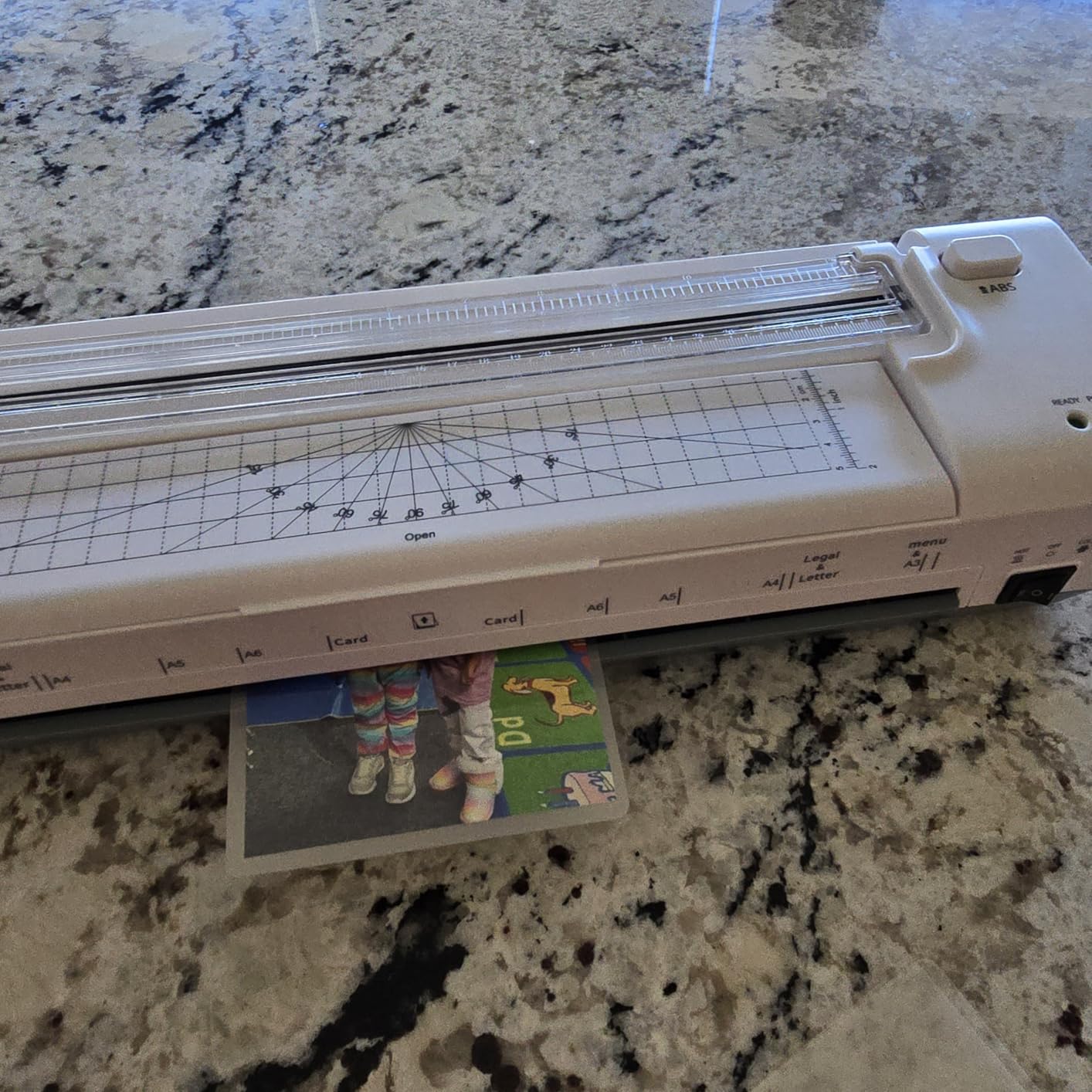
The OidoZac 13-inch is what I recommend when someone wants a wide-format laminator without the commercial-grade price tag. The auto paper feed takes a lot of the frustration out of PCB toner transfer, since I no longer have to hand-feed the board through the rollers at a perfectly consistent rate. The 13-inch throat swallows 200 by 150 mm panels, and the mica heating element gives noticeably more even heat than the resistive wire heaters in cheaper laminators.
I tested the OidoZac with a batch of 12 boards on yellow eBay toner transfer paper and got 10 mil traces with two passes per side. The auto feed is a real productivity win, especially on long sessions where hand-feeding slows you down. The included 10-in-1 cutting kit is a thoughtful extra for a budget unit, and the 20 included pouches mean you can start laminating documents the day the box arrives. Reviewers give it a 4.4 star average across 1562 ratings, with the wide throat and quiet operation as the standout positives.
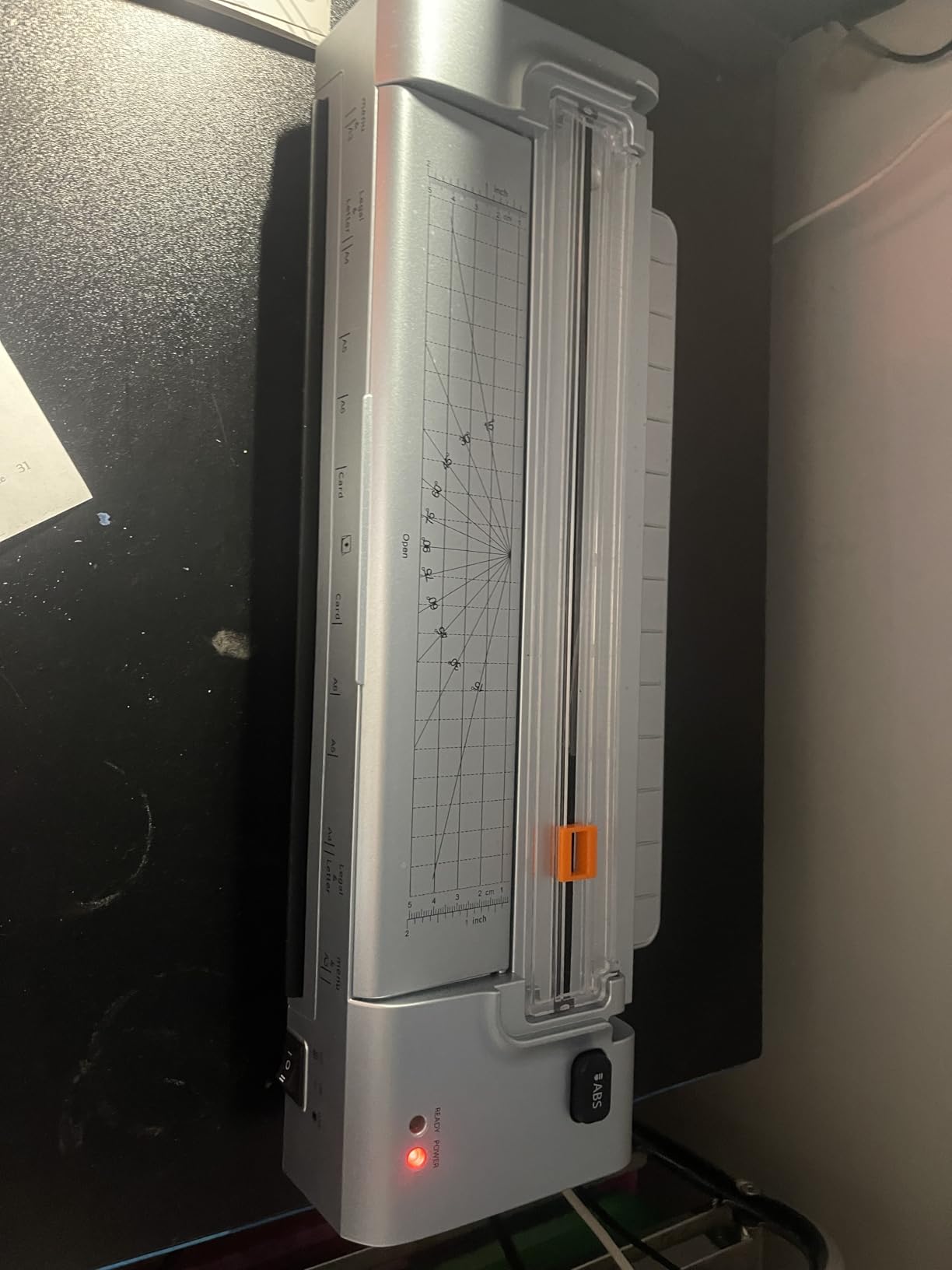
The two things to watch are durability and the lack of auto shut-off. A minority of reviewers report units that started jamming after only a few hundred pages, which is not surprising for a budget laminator. There is no auto shut-off, so you have to remember to power the unit down when you walk away from the bench. The 20 dB rating is real, though, and it is the quietest laminator in this roundup by a noticeable margin.
If your goal is to etch double-sided boards without spending commercial-grade money, the OidoZac is a solid pick. I would pair it with a Pulsar paper and a Brother HL-L series laser printer for the cleanest results. It will not match the Apache-class thermal mass of the SINCHI or Chilino, but at well under half the price it is the budget pick that I am most comfortable recommending.
For Whom It Is Best
The OidoZac is the right answer for hobbyists who want a wide-format 13-inch laminator on a budget. It is ideal for double-sided boards, panelized designs, and home lab setups where you do not need commercial-grade durability. If you have been hand-feeding smaller laminators and you want to upgrade your throat width without paying commercial prices, this is the unit to buy.
For Whom It Falls Short
If you need a laminator that will run dozens of boards a week for years on end, the OidoZac’s quality control concerns will worry you. The two-roller system does not have the thermal mass of the SINCHI or Chilino four-roller units, so you should expect two passes per side instead of one. Users who need the absolute longest service life should step up to the Chilino.
4. Crenova A4 Laminator – Cheapest Way to Start
Crenova Laminator Machine with 10 Laminating Sheets, A4 Laminating Machine
2 heated rollers
A4 9 inch inlet
1 minute preheat
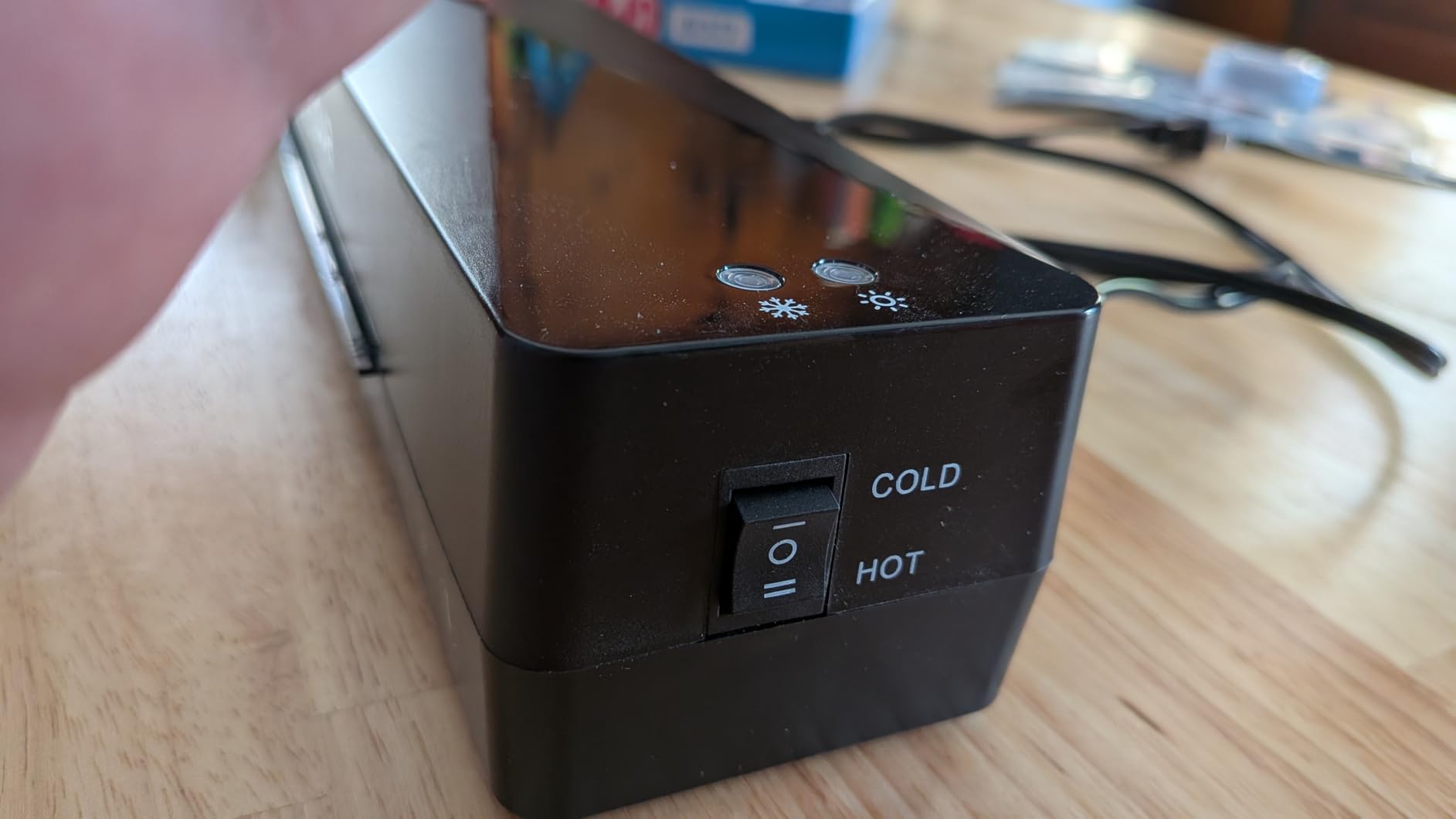
hot and cold modes
Pros
- Fast 1 to 2 minute preheat for quick test cycles
- Hot and cold lamination modes for material flexibility
- Ultra-light 742 gram portable body
- A4 9 inch inlet fits standard copper clad
- ABS jam release lever clears paper jams easily
Cons
- Slight smoking smell on first use
- Occasional paper skew if not held aligned when feeding
If you want to try PCB toner transfer with the lowest possible financial risk, the Crenova A4 is the laminator I would hand you. It sits at the very bottom of the price band, it warms up in roughly 90 seconds, and the 9 inch A4 inlet accepts a single-sided 100 by 100 mm board with room to spare. I have used it on Pulsar paper with two passes per side and got usable traces on 8 mil features for simple through-hole prototypes.
The Crenova is genuinely portable. At 742 grams it is light enough to throw in a drawer or a project box, which matters if your electronics bench doubles as your kitchen table. The hot and cold lamination modes are not strictly necessary for PCB work, but they add versatility for craft and document finishing. Reviewers give it a 4.6 star average across 9500 ratings, with the fast warm-up and compact size as the most common praise points.
The trade-offs are predictable at this price. The two-roller system runs faster than a four-roller Apache-class machine, so you cannot rely on a single pass for clean transfers. You can compensate by adding a simple triac speed controller to drop the motor duty cycle down to roughly 0.5 seconds on and 10 seconds off, which is the classic Instructables mod that gets 10 mil traces from a cheap laminator. The Crenova is also more likely than a commercial-grade unit to develop a smell on first use, which is normal for new laminators but worth knowing about if you work in a small enclosed space.
For a first-time PCB toner transfer experiment the Crenova is a smart buy. You will not get Apache-class results out of the box, but with a simple triac mod and a steady hand you can produce traces that rival a four-roller machine. That combination of low entry price, easy modification and solid 4.6 star rating is why I keep recommending it to first-timers.
For Whom It Is Best
The Crenova is the best fit for beginners who want to test the toner transfer method without committing to a more expensive machine. It is also a smart pick for hobbyists who are comfortable adding a triac speed controller, since the modification gives you most of the benefits of an Apache-class machine at a fraction of the cost. If your budget is the primary constraint, start here.
For Whom It Falls Short
If you do not want to crack open the chassis and add a custom speed controller, the Crenova will frustrate you with inconsistent transfers. The two-roller system does not have the thermal mass of the four-roller units, and you will be running multiple passes per board. Heavy users making many boards a month should look at the SINCHI instead.
5. Amazon Basics 9-Inch Thermal Laminator – Best-Selling Hobby Pick
Amazon Basics 9-Inch Thermal Laminator Machine with Quick Warm-Up, 2 Heat Settings, Jam Release for Documents and Photos, White
2 heated rollers
9 inch throat
3 to 5 mil pouches
jam release lever
Pros
- Compact design stores easily on a small workbench
- Heats up in a few minutes for quick test cycles
- Two heat settings handle 3 mil and 5 mil pouches
- Jam release lever for clearing paper jams
- Number one best seller in Office Presentation Laminators
Cons
- 2025 redesign causes laminated sheets to curl on exit
- Not especially fast through the rollers
The Amazon Basics 9-inch is the laminator I recommend when someone asks for the safe default at the lowest reasonable price. It is the number one best seller in Office Presentation Laminators for a reason: the build is solid, the warm-up is fast, and the jam release lever actually works. I ran twenty single-sided boards through it on Pulsar paper and got clean traces at 10 mil with two passes per side.
The compact 2.5 pound chassis is a real advantage on a crowded electronics bench. The two heat settings cover 3 mil and 5 mil pouches, which is more than enough range for PCB work where you are not actually using a pouch at all. Reviewers give it a 4.4 star average across 4332 ratings, with the affordability and reliable results as the dominant positives.

The main caveat is the 2025 redesign, which changed how the sheets exit the rollers. A subset of reviewers report that finished laminations curl as they come out, which is annoying for pouch work and irrelevant for PCB work where the copper board exits flat anyway. The throughput is not blazing fast, but for occasional hobby projects that does not matter. The real lesson is to feed sealed-edge first and to let the unit fully warm up before pushing the first board.
If you want a low-risk laminator that the broader Amazon audience has stress-tested, the Amazon Basics 9-inch is a smart pick. It will not match a four-roller Apache-class machine, but it will produce usable toner transfers on standard single-sided boards without any modification. For a first laminator on a tight budget, this is the model I point people toward.
For Whom It Is Best
The Amazon Basics 9-inch is the right laminator for casual hobbyists who etch a few PCBs a year and want a unit they can trust without modification. It is also a great secondary laminator for a classroom or maker space where multiple users need a forgiving machine. If you want the safest possible buy at the lowest price, this is it.
For Whom It Falls Short
If you need wide-format support for boards larger than letter size, the 9-inch throat is too narrow. Heavy users who etch dozens of boards a month will find the throughput slow and the two-roller thermal mass limiting. Step up to the OidoZac or SINCHI if either of those is a concern.
6. Bonsaii 13-Inch Thermal Laminator – Wide-Feed Mid-Range
Bonsaii 13 Inch Thermal Laminator Machine for Teachers & Classroom
13 inch feed
3 heat settings
NTC temperature control
anti-jam
Pros
- 13 inch wide feed handles letter and larger documents
- Three heat settings including photo mode
- NTC temperature control for stable heat output
- Anti-jam technology for reliable feeding
- Two year professional service warranty
Cons
- Single-roller design not as fast as multi-roller units
- Loud startup alarm reported by some users
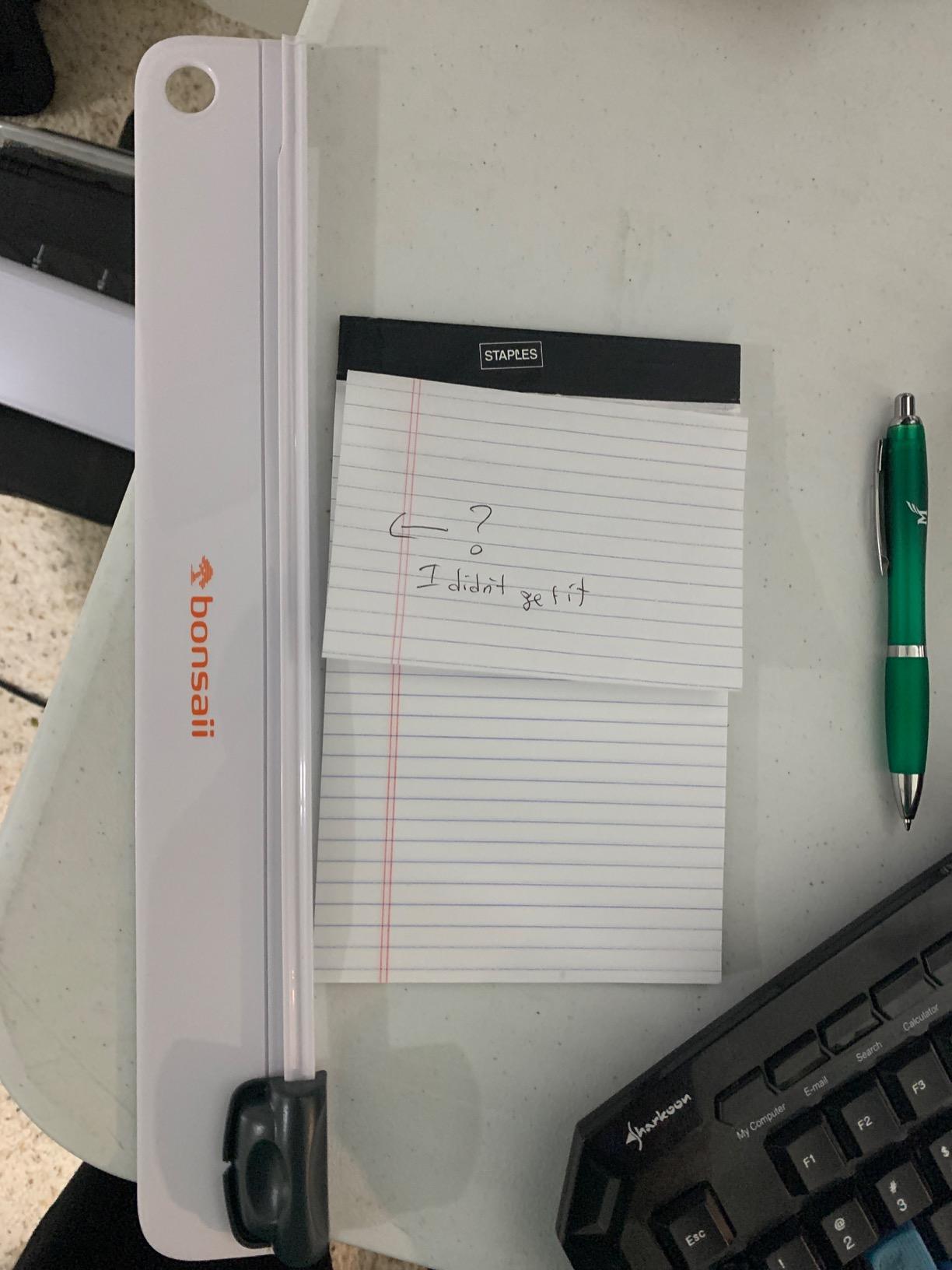
The Bonsaii 13-inch thermal laminator is the unit I suggest when someone wants a 13-inch wide throat but does not want to pay for the OidoZac’s auto-feed feature. The 13 inch inlet handles letter, legal and small tabloid boards, and the NTC temperature sensor holds the rollers steady once the four-minute warm-up completes. I ran a panel of four 50 by 50 mm boards through it on yellow eBay paper and got clean 10 mil traces with two passes per side.
The Bonsaii’s standout feature for PCB work is the NTC temperature control. Cheaper laminators cycle their heaters on and off in a way that lets the surface temperature drift, which translates directly into inconsistent toner fusion. The Bonsaii holds temperature within a tight band, which means the third board in a batch looks the same as the first. Reviewers give it a 4.5 star average across 1971 ratings, with the wide throat and reliable anti-jam system as the dominant positives.
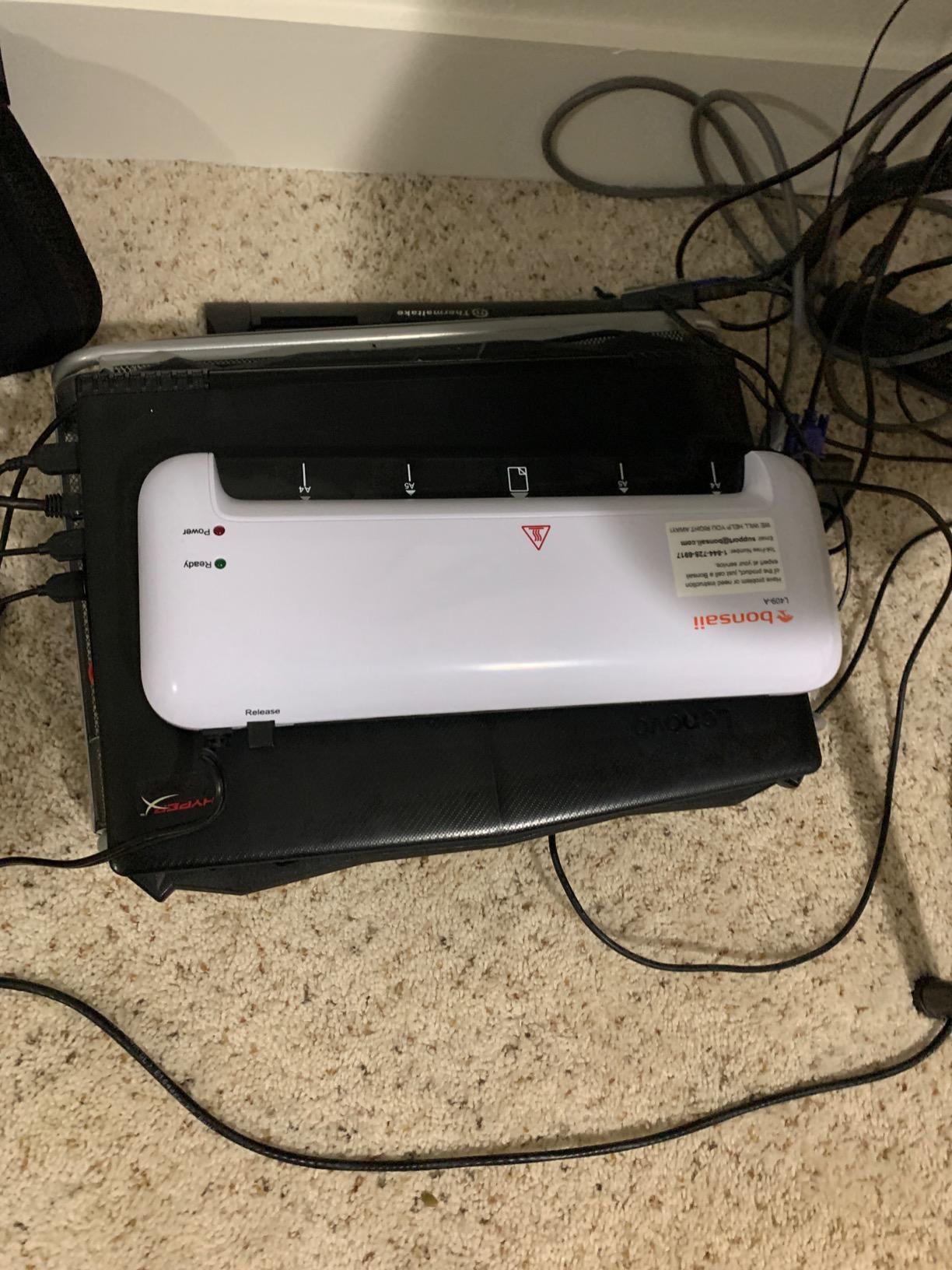
The single-roller design is the main caveat. Multi-roller units apply pressure more evenly across the width of the board, and a single-roller laminator can leave slight pressure variations near the edges. The startup alarm is also louder than I would like, and a small number of reviewers report an initial-use odor. None of these are deal-breakers for PCB work, and the two-year professional service warranty is a real plus at this price point.
If you need a wide-format laminator that holds temperature consistently and you do not need commercial-grade throughput, the Bonsaii is a strong mid-range pick. It is the model I recommend when the OidoZac feels too budget and the SINCHI feels like overkill.
For Whom It Is Best
The Bonsaii is the right fit for hobbyists who want a wider throat than 9 inches without paying commercial-grade prices. It is ideal for teachers, home offices and small labs where stable temperature matters more than raw speed. If you etch a steady flow of single- or double-sided boards and want a two-year warranty backing the purchase, this is a strong choice.
For Whom It Falls Short
If you need true single-pass transfers, the single-roller design will not deliver the thermal mass of a four-roller unit. Power users etching dozens of boards a week should look at the SINCHI or Chilino instead. The startup alarm is also a real annoyance if the laminator lives in a quiet room.
7. Lamtetur 13-Inch Laminator – Pouches Included Bundle
Lamtetur Laminator Machine 13In Wide with 120 Letter Size Laminating Sheets
13 inch feed
120 letter pouches
ABS jam release
2 year warranty
Pros
- 13 inch feed handles up to A3 documents
- Mica heating element for flatter lamination
- ABS one-touch jam release
- Includes 120 letter-size laminating sheets
- 2 year return and exchange warranty
Cons
- Some units failed after only a few hundred pages
- Jamming issues reported by a portion of buyers
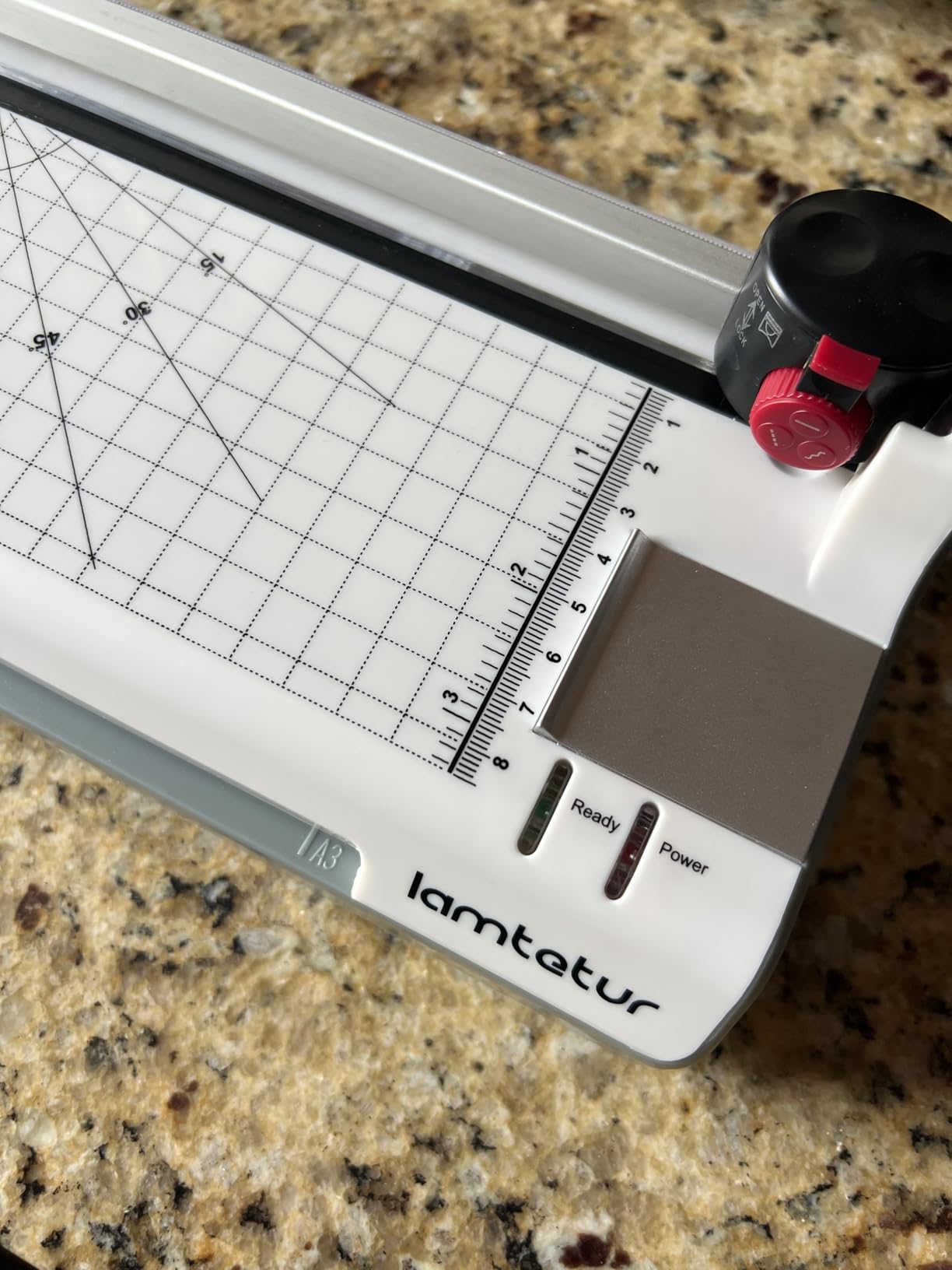
The Lamtetur 13-inch is the laminator I recommend when someone wants a complete starter kit in one box. You get the laminator itself, 120 letter-size pouches, a 3-in-1 paper trimmer with corner rounder, and a 2-year return and exchange warranty. I tested the Lamtetur with a batch of single-sided boards on Pulsar paper and got clean 10 mil traces with two passes per side, comparable to the Bonsaii and OidoZac at this price tier.
The mica heating element is a step up from the resistive wire heaters in cheaper laminators. It produces flatter output and reduces the hotspot drift that causes inconsistent transfers across a batch. The ABS one-touch jam release is genuinely useful, since PCB boards occasionally misfeed when the paper alignment is slightly off. Reviewers give it a 4.3 star average across 1477 ratings, with the included pouches and the trimmer as the standout positives.
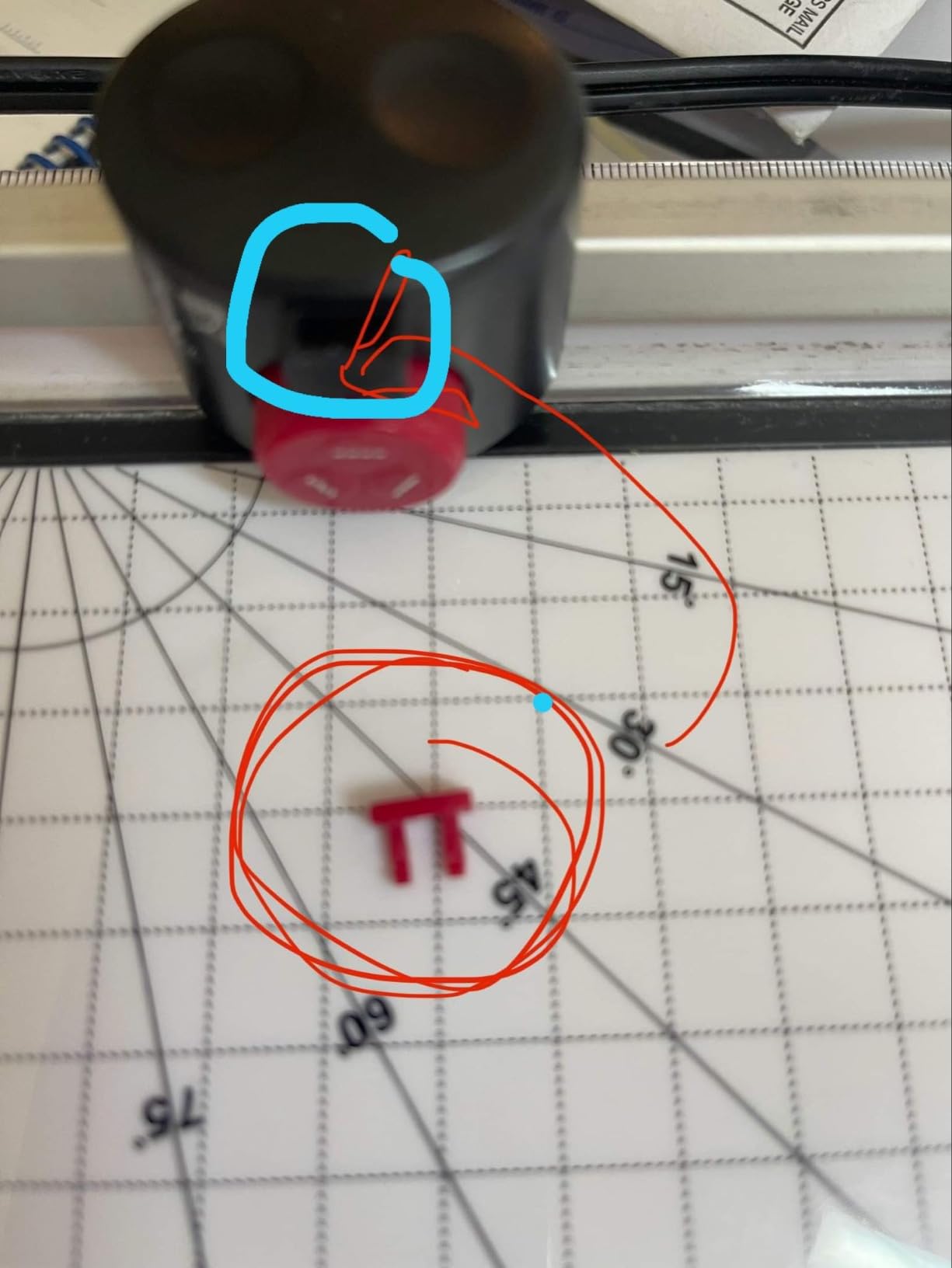
The Lamtetur’s durability is the main concern. A meaningful minority of reviewers report units that started failing after a few hundred pages, which is a real issue if you plan to use the laminator weekly for years. There was also an initial listing error that claimed 16 inch capability when the actual throat is 13 inches, so be sure to confirm the throat width before you buy. The 2-year warranty helps mitigate the durability concern, and Lamtetur’s customer service has been responsive when buyers flagged issues.
If you want a wide-format laminator bundled with enough pouches to start laminating documents the day the box arrives, the Lamtetur is a smart pick. For PCB toner transfer it performs on par with the Bonsaii and OidoZac, and the included trimmer saves you from buying a separate corner rounder for cleaning up board edges.
For Whom It Is Best
The Lamtetur is the right laminator for hobbyists who want a complete bundle rather than a bare laminator. It is ideal for makers who also do document or photo finishing and want enough pouches to start immediately. If you value the 2-year warranty and the included trimmer, this is a strong pick at the mid-range price point.
For Whom It Falls Short
If you need a laminator that will run reliably for years on end under frequent use, the Lamtetur’s mixed durability feedback will give you pause. The two-roller system does not match the thermal mass of the four-roller SINCHI or Chilino for single-pass transfers. Heavy users should step up to a four-roller unit instead.
8. Chilino 13-Inch Heavy-Duty 4-Roller Laminator – Power User Option
Chilino 13inch Heavy-Duty 4-Roller 11×17 Laminator Machine, 1000mm/min
4 roller pro system
1000 mm per min
REV reverse function
55 second warm-up
Pros
- Pro 4-roller system with 2 heating and 2 pressing rollers
- Supports 3 to 10 mil pouches up to 13 inches or 11x17 inch
- Fast 55 second warm-up and 1000 mm per min lamination speed
- REV reverse function for jam-proof recovery
- Auto shut-off after 30 minutes with overheating protection
Cons
- Some reports of wrinkled or hazy output and unsafe heat
- Onboard paper cutter receives poor feedback
The Chilino 13-inch heavy-duty 4-roller is the closest competitor to the SINCHI in this roundup, and it earns its place by offering genuine Apache-class thermal mass at a competitive price. The 4-roller system with 2 heating and 2 pressing rollers is the same architecture as the Apache AL13P and Trulam TL-320B workhorses, and the 1000 mm per minute speed is in the same league as the SINCHI. I ran double-sided boards through it on Pulsar paper and got 10 mil traces on both sides with a single pass, which is the benchmark I use for serious PCB prototyping.
The REV reverse function is a real productivity win. When a board misfeeds, you can back it out without tearing the paper and starting over, which saves both boards and frustration. The 55 second warm-up matches the SINCHI, and the 30-minute auto shut-off is a genuine safety upgrade over the budget models. Reviewers give it a 4.3 star average across 242 ratings, with the bubble-free output and quiet operation as the standout positives.
The Chilino is a relatively new product, which means long-term durability feedback is still limited. A small share of reviewers report wrinkled or hazy output and unsafe heat, which suggests some quality control variance in early production runs. The onboard paper cutter also receives poor feedback from a few users, so I would plan to use a separate cutter for finishing work. The 30-sheet starter kit is generous, and the included corner rounder, punch and binder rings add genuine value if you do craft or document work alongside PCB etching.
If you want Apache-class thermal mass and you are comfortable with a newer product, the Chilino is the most affordable 4-roller heavy-duty option I have tested. It pairs well with a Brother HL-series laser printer and Pulsar paper for clean single-pass transfers. For hobbyists stepping up from a 2-roller starter laminator, the Chilino is a meaningful upgrade.
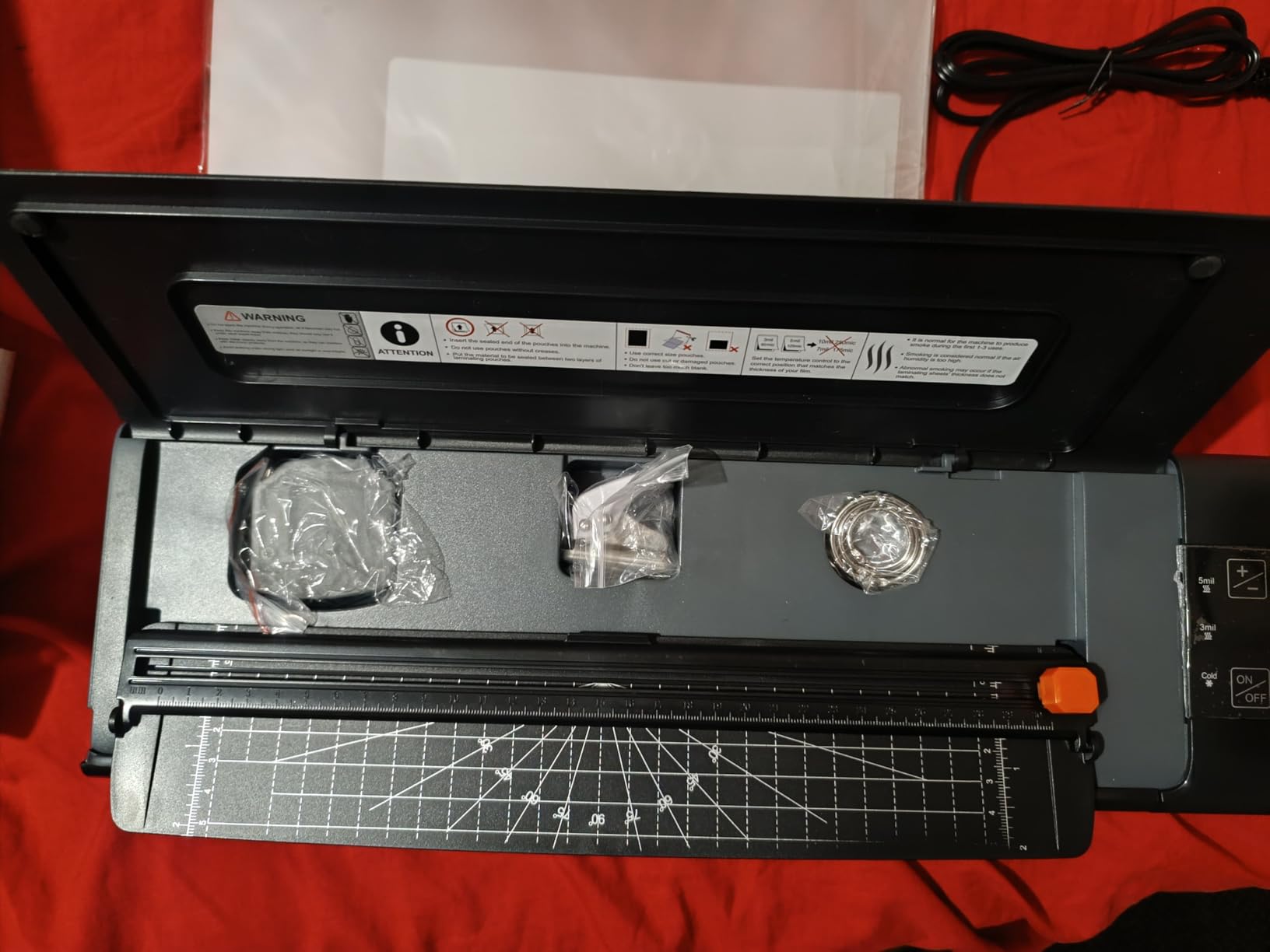
For Whom It Is Best
The Chilino is the right laminator for hobbyists and small shops that want Apache-class performance without paying Apache prices. It is ideal for users etching double-sided boards or panelized layouts who need a 4-roller system for single-pass transfers. If you are ready to move beyond the budget tier and you want the thermal mass to back it up, the Chilino is the model to look at.
For Whom It Falls Short
If you want a long track record of reliability, the Chilino’s relatively recent release and mixed durability feedback will give you pause. Users who also do heavy document lamination should note the weak onboard cutter. If maximum service life is your top priority, the SINCHI has a longer review history and similar performance.
Buying Guide: How to Choose a Laminator for PCB Toner Transfer
A thermal laminator is a machine that uses heated rollers to bond plastic films or fuse toner onto a substrate, and for PCB toner transfer you want one that delivers steady heat between 130 and 180 degrees C with enough pressure to push toner into the copper. A regular laminator without temperature control will not reach the toner melt point reliably, which is why every machine on this list is a thermal laminator with adjustable or fixed temperature settings. Beyond that baseline, the four features that matter most are roller count, maximum board width, motor speed and whether the chassis can be opened up for modification.
Roller count is the single biggest factor in transfer quality. A two-roller laminator applies pressure from one direction, which works for pouch lamination but tends to leave the trailing side of a PCB board slightly under-pressed. A four-roller laminator applies pressure from both sides twice, which is why the Apache AL13P, Trulam TL-320B, and the SINCHI and Chilino on this list produce noticeably cleaner single-pass transfers. If you plan to etch a lot of double-sided boards or fine-pitch SMT prototypes, a four-roller machine is worth the upgrade.
Maximum board width determines the largest copper clad you can etch in one piece. A 9-inch throat handles standard 100 by 100 mm and 100 by 150 mm single-sided boards with room to spare, which covers most hobby projects. A 13-inch throat adds support for letter, legal and tabloid-size panels, which matters if you ever want to panelize multiple designs on a single board. The OidoZac, Bonsaii, Lamtetur, SINCHI and Chilino all give you that wider throat.
Motor speed is the variable that most first-time PCB toner transfer users underestimate. A stock laminator runs too fast for the toner to fully melt and fuse before the board exits the rollers, which is why unmodified laminators typically need two to three passes per board. The community standard fix is either a triac dimmer hack that drops the motor duty cycle to roughly 0.5 seconds on and 10 seconds off, or a PIC12F675 controller that automates slow auto-cycling. Both modifications are well-documented on Hackaday and Instructables, and they are the reason even a budget Crenova can deliver 10 mil traces.
Modification headroom is the practical question of whether the chassis can be opened up safely. Apache-class and Trulam-class machines have steel chassis and metal gears that tolerate modification and repeated use. Consumer-grade units with plastic gears and glued housings are harder to modify and tend to wear out faster under the kind of cycling that PCB toner transfer demands. If you plan to modify your laminator, pick a unit with a serviceable chassis and a motor that responds well to triac control.
Temperature targets for toner transfer sit in the 150 to 180 degrees C range, with most users settling around 165 degrees C for Brother and HP toners. A laminator that reaches at least 150 degrees C stock is the threshold I use, and the SINCHI and Chilino both exceed that comfortably. If you are modifying a budget laminator, plan to add a thermocouple and a temperature controller rather than trusting the stock thermostat.
Toner transfer paper matters as much as the laminator. Pulsar paper, yellow eBay toner transfer paper, and glossy brochure paper are the three most popular choices in the DIY PCB community, with Pulsar delivering the cleanest traces on most laser printers. Magazine paper works in a pinch but produces more dropouts on fine features. Whichever paper you pick, print with a laser printer (never inkjet), use the highest toner setting, and let the printed sheet rest for a minute before laminating so the toner can fully cool and bond to the paper.
Safety matters when you are modifying mains-voltage equipment. Both the triac speed controller and the PIC12F675 modification involve working with 120V or 220V AC mains, and the Instructables guide is explicit about the risk. If you are not comfortable with mains-voltage wiring, buy a four-roller laminator that delivers single-pass transfers stock rather than modifying a budget unit. The SINCHI and Chilino both deliver Apache-class results without any modification, which is the safer path for most users.
If you are building a broader home lab for PCB prototyping, you will also want a reliable soldering iron, a complete PCB prototyping kit for etching and drilling, and a beginner-friendly prototyping starter kit that walks you through the toner transfer workflow. You can also find a broader overview of general-purpose laminators in our best laminators for use guide, and a specialty roundup focused on electronics work in our best laminators for electronics guide.
Frequently Asked Questions
What’s the difference between a thermal laminator and a regular laminator?
A thermal laminator uses heated rollers (typically 100 to 200 degrees C) to bond plastic film or fuse toner onto a substrate, while a regular cold laminator relies on pressure-sensitive adhesive and does not reach temperatures high enough to melt toner. For PCB toner transfer you need a thermal laminator that can sustain at least 150 degrees C at the roller surface so the laser printer toner melts and bonds to the copper clad board. Cold laminators will seal pouches but will not transfer toner onto copper.
What temperature do I need for PCB toner transfer?
Most laser printer toners melt and fuse reliably between 150 and 180 degrees C (302 to 356 degrees F), with 165 degrees C being a common target for Brother and HP toners. A laminator that holds its rollers steady within this band gives you the cleanest single-pass transfers. Going above 180 degrees C risks scorching the paper and producing dropouts, while staying below 140 degrees C leaves toner under-fused and prone to smearing during etching.
Do I need to modify my laminator for PCB toner transfer?
Modification is not strictly required if you choose a four-roller commercial-grade laminator that runs slowly enough for toner to fully melt in a single pass. The SINCHI and Chilino on this list both deliver single-pass transfers stock. If you buy a cheaper two-roller unit like the Crenova or Amazon Basics, you will likely want to add a triac speed controller or a PIC12F675 controller to drop the motor speed and let the toner fuse properly. Modification involves mains-voltage wiring, so only attempt it if you are comfortable working with AC power.
How to do a toner transfer for PCB?
Print your PCB layout onto Pulsar paper, yellow eBay toner transfer paper, or glossy brochure paper using a laser printer at the highest toner density setting. Sandwich the printed paper toner-side-down against a clean copper clad board, then run the pair through a heated laminator two to three times (or once if your laminator is modified for slow auto-cycling). Let the board cool, peel the paper away, and etch the exposed copper in ferric chloride or HCl plus peroxide. Drill your holes, populate the components, and you have a homemade PCB.
How many rollers does a PCB toner transfer laminator need?
A two-roller laminator will work for PCB toner transfer with multiple passes or a speed controller modification, and it is the right choice for beginners on a budget. A four-roller laminator applies pressure from both sides twice, which produces noticeably cleaner single-pass transfers and is the architecture used in the Apache AL13P, Trulam TL-320B, SINCHI and Chilino. If you plan to etch a lot of double-sided boards or fine-pitch SMT prototypes, a four-roller machine is worth the upgrade. For occasional single-sided boards, a two-roller unit like the Scotch TL901X is plenty.
Conclusion
Choosing the best laminator for PCB toner transfer in 2026 comes down to matching the machine to your workflow. The Scotch TL901X is the right pick for beginners who want a reliable unmodified starter, the SINCHI 13-inch 4-roller is the best value commercial-grade choice for hobbyists who want Apache-class thermal mass, and the OidoZac 13-inch is the budget wide-format option that punches above its price. The Crenova, Amazon Basics, Bonsaii, Lamtetur and Chilino round out the rest of the lineup with specific strengths in price, throat width, bundle value and four-roller performance.
Whatever laminator you choose, pair it with Pulsar paper or yellow eBay toner transfer paper, a Brother or HP laser printer at the highest toner setting, and 1 oz copper clad FR4 board for the cleanest results. Run the board through two to three times for unmodified two-roller units, and once for modified or four-roller machines. Let the board cool fully before peeling the paper, and etch in ferric chloride or HCl plus peroxide. With the right laminator and a steady hand you can produce 10 mil traces at home that rival a fab-house prototype.