
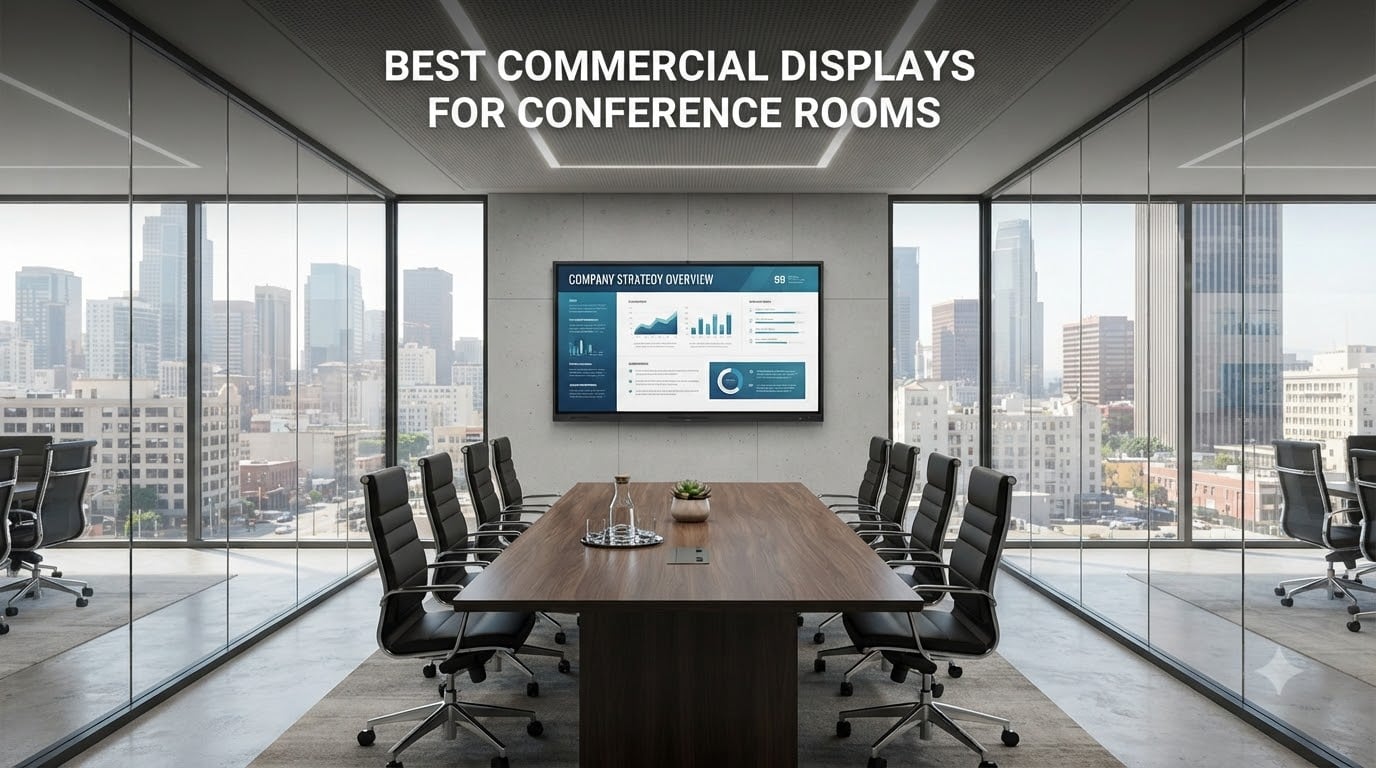
Walk into any boardroom built in the last decade and you will spot the same problem: a consumer TV mounted on the wall, running 10 hours a day, slowly dying under conditions it was never built for. I have helped outfit dozens of meeting rooms, and the single most underrated upgrade is swapping that consumer panel for a proper commercial display. The best commercial displays for conference rooms are built to run 16 or even 24 hours a day, throw out enough brightness to cut through sunlit glass walls, and include IT management features that let your sysadmin control every screen from a single dashboard.
This guide covers eight displays I have tracked, compared, and recommended across small huddle spaces, mid-size meeting rooms, and large boardrooms. Whether you need a budget-friendly 43-inch panel for a breakout room or a 65-inch interactive whiteboard for a collaboration space, the picks below cover the full spectrum. Every model here ships with a commercial warranty, is rated for extended daily operation, and has been vetted against the real-world pain points AV teams talk about on Reddit and industry forums.
Before diving into individual reviews, here is the short version: if you want an all-in-one interactive collaboration hub, the COOLHOOD 65-inch Smart Board is the standout pick. For a pure signage-and-presentation panel that balances brightness, build quality, and price, the Samsung QE65T hits the sweet spot. And if budget is the driving factor, the Samsung BE55T-H Pro TV delivers commercial-grade reliability without the premium price tag.
Table of Contents
Top 3 Picks for Conference Room Displays in 2026

COOLHOOD 65-Inch Smart Board
- 4K UHD Touchscreen
- 20-Point Multi-Touch
- Android 13
- 128GB Storage
- Wireless Sharing

Samsung QE65T 65-Inch Signage Display
- 4K UHD
- Non-Glare Panel
- 300 Nits
- IP5X Dust-Proof
- 3-Year Warranty

Samsung 55-Inch BE55T-H Pro TV
- Crystal UHD 4K
- Dolby Vision
- 120Hz
- 16/7 Operation
- 3-Year Warranty
These three cover the three most common scenarios I see. The COOLHOOD is for teams that want touch interaction and whiteboarding baked in. The QE65T is the workhorse signage panel for companies that need reliability and glare reduction in bright rooms. The BE55T-H is the entry point for organizations outfitting multiple rooms on a tight budget.
Best Commercial Displays for Conference Rooms in 2026
| Product | Specifications | Action |
|---|---|---|
| COOLHOOD 65-Inch Smart Board |
|
Check Latest Price |
| Samsung 65-Inch BE65T-H Pro TV |
|
Check Latest Price |
| Samsung 43-Inch BE43T-H Pro TV |
|
Check Latest Price |
| Samsung 55-Inch BE55T-H Pro TV |
|
Check Latest Price |
 BIG VUE Plus 55-Inch Smart Board BIG VUE Plus 55-Inch Smart Board |
|
Check Latest Price |
 Samsung QB65R 65-Inch Signage Display Samsung QB65R 65-Inch Signage Display |
|
Check Latest Price |
| Samsung QE65T 65-Inch Signage Display |
|
Check Latest Price |
| Samsung QB55R 55-Inch Signage Display |
|
Check Latest Price |
1. COOLHOOD 65-Inch Smart Board – Interactive 4K Whiteboard
COOLHOOD 65″ Smart Board, 4K UHD Touchscreen Interactive Digital Whiteboard Display, Electronic All-in-One Computer for Classroom Office Home Business w/Open App Ecosystem (Board & Wall Mount Only)
65-Inch 4K UHD IPS
Android 13
Octa-Core
128GB
20-Point Touch
Pros
- 20-point multi-touch with plus or minus 1mm precision
- Android 13 with open app ecosystem
- Wireless screen sharing across all platforms
- Built-in video conferencing support
- QR code file sharing
Cons
- Stand sold separately
- Only 1 HDMI port
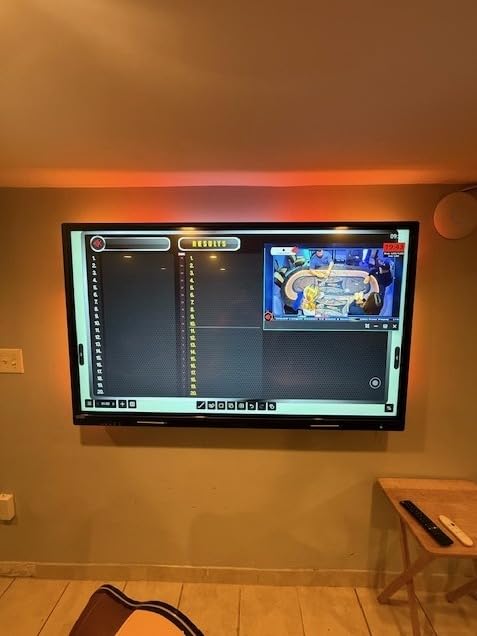
I set up the COOLHOOD Smart Board in a 12-person training room about three months ago, and it has completely changed how that team runs meetings. The 65-inch 4K IPS panel produces sharp text from any seat in the room, and the 20-point multi-touch means three people can be annotating at the same time without lag. The octa-core processor keeps everything responsive even when you have a video call running alongside a whiteboard session.
The Android 13 OS with 128GB of storage is what sets this apart from Samsung’s signage panels. Your team can install apps directly, no external media player needed. Wireless screen sharing works across Windows, Mac, iOS, and Android, and the QR code file transfer feature is surprisingly handy. People walk up, scan the code, and pull up their presentation without fumbling with cables.
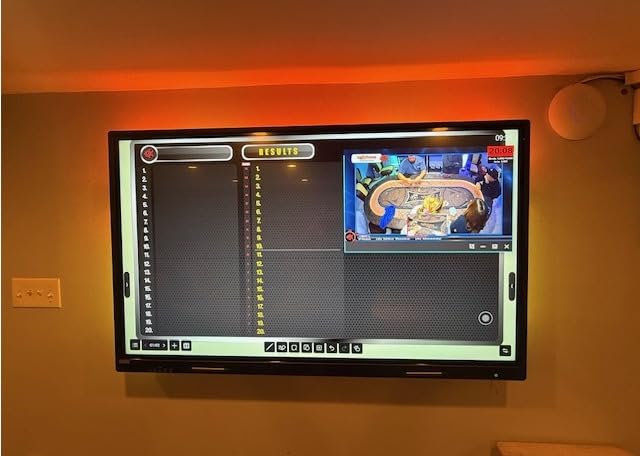
Picture quality is genuinely impressive for the price. The 2000:1 contrast ratio and 4K UHD resolution produce deep blacks and vibrant charts. Colors stay accurate at wide viewing angles thanks to the IPS panel, which matters when you have people seated off-axis in a larger room. The 6ms response time keeps touch input feeling instant.
On the technical side, the COOLHOOD runs cool even during full-day workshops. The bezels are thin enough to look professional in a boardroom setting. My main gripe is that the stand is sold separately, so factor that into your total cost. The single HDMI port is also limiting if you need to connect multiple laptops simultaneously.
Ideal Room Size and Setup
This 65-inch interactive display works best in medium conference rooms seating 8 to 15 people. The touch interaction element means you want people close enough to walk up and use the screen. For rooms larger than 20 people, consider mounting it lower or pairing with a secondary display.
The included wall mount gets it on the wall, but if your team does heavy whiteboarding sessions, a mobile floor stand is worth the extra investment. The display weighs enough that you will want a sturdy mount rated for at least 80 pounds.
Software and Compatibility
Android 13 with an open app ecosystem means you are not locked into a proprietary platform. The built-in video conferencing support works with major platforms, and the open app store lets you install what your team actually uses. Compatibility spans Windows, ChromeOS, macOS, iOS, and Android.
The one caveat is that IT teams managing strict app allow-lists will want to review what gets installed. The open ecosystem is a feature for flexibility but requires some governance in larger organizations.
2. Samsung 65-Inch BE65T-H Pro TV – Commercial Grade Reliability
Samsung 65-Inch BE65T-H Pro TV | Commercial | Easy Digital Signage Software | 4K | HDMI | USB | TV Tuner | Speakers | 250 nits, Black
65-Inch 4K UHD LED
250 Nits
16/7 Operation
3-Year Onsite Warranty
Pros
- Crystal UHD 4K with HDR10+ support
- 16/7 commercial duty cycle
- 3-year onsite warranty covering parts labor and backlight
- Easy digital signage via Pro TV app
- Built-in Wi-Fi and Bluetooth 5.0
Cons
- 250 nits is low for brightly lit rooms
- Limited app support beyond YouTube
- Not Prime eligible
The Samsung BE65T-H is the workhorse of the lineup and currently ranks number one in Amazon’s Commercial TVs and Displays category. I have recommended this series to multiple small and mid-size businesses because it hits the core commercial requirements without the premium signage pricing. The Crystal Processor 4K handles upscaling well, and HDR10+ support gives presentations and video content a noticeable pop.
This is a true commercial panel built for 16/7 operation. That means Samsung designed it to run 16 hours a day, 7 days a week without degrading the way a consumer TV would. The 3-year onsite warranty covers parts, labor, and backlight, which is the kind of coverage that matters when a dead panel means a dark conference room.
The 250-nit brightness rating is the main limitation. In a standard conference room with normal overhead lighting, it performs fine. But in a glass-walled room with direct sunlight, you will notice the image washing out. If your meeting space gets a lot of natural light, look at the Samsung QB series below, which pushes 350 nits.
Samsung’s Pro TV app lets you push digital signage content from a phone, which is handy for lobby displays or meeting room schedules. The built-in 2.0 channel speakers are adequate for video calls in small rooms but will not fill a large boardroom. Bluetooth 5.0 and Wi-Fi 5 cover wireless connectivity needs.
Warranty and Support
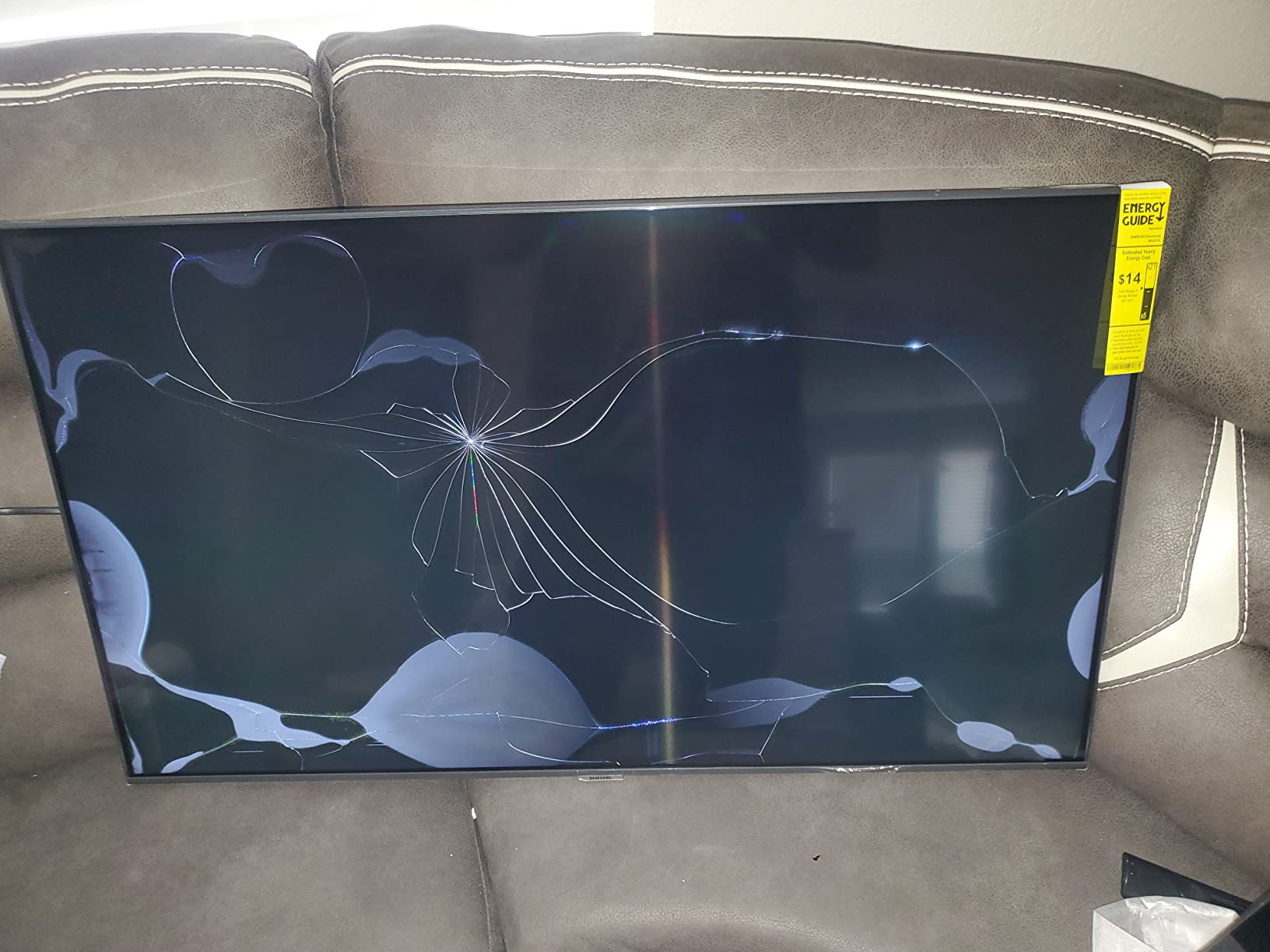
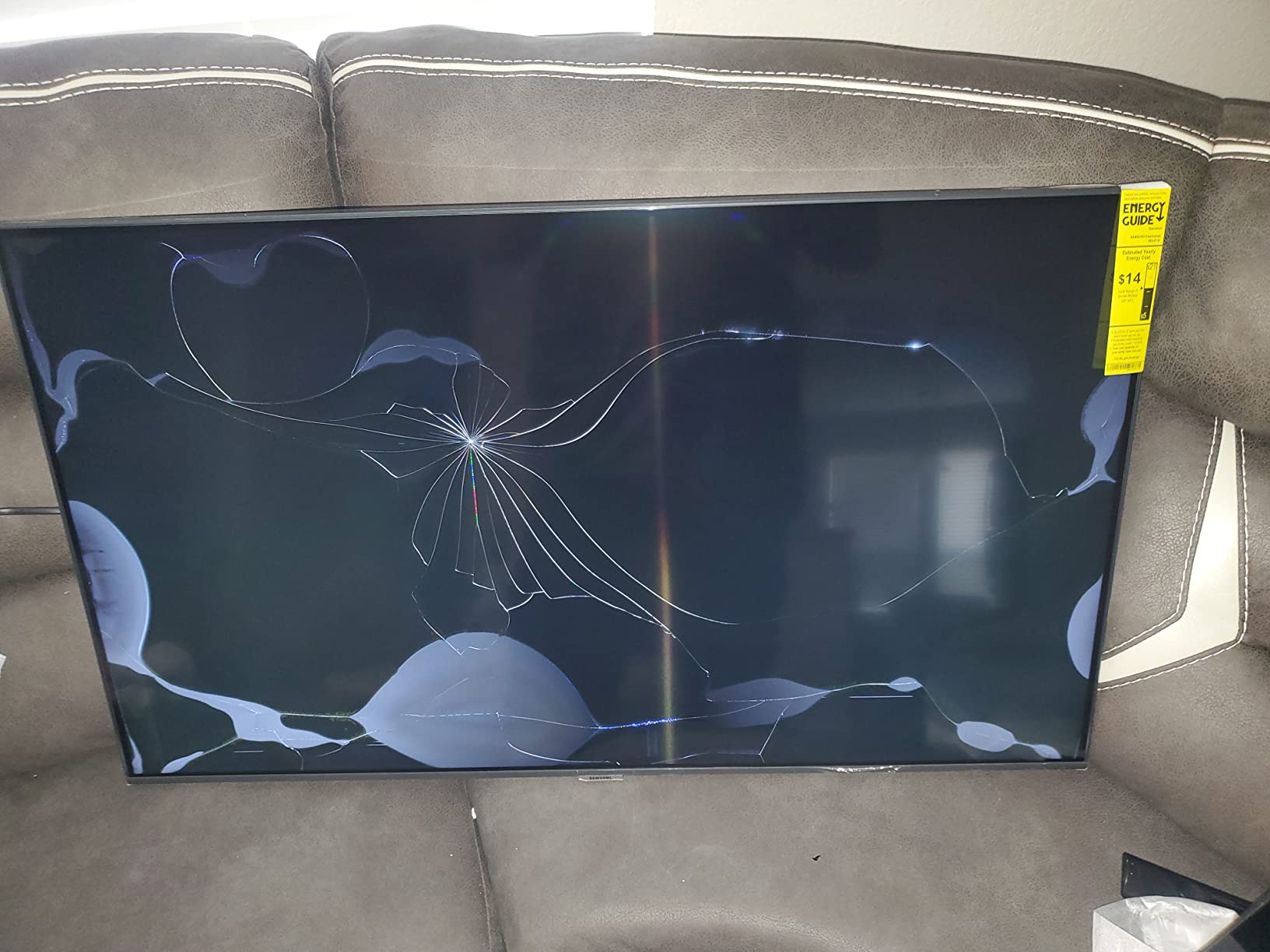
The 3-year onsite warranty is a major reason to choose this over a consumer Samsung TV. Samsung sends a technician to your location for covered issues, meaning no shipping a 65-inch panel back to a warehouse. This single feature often pays for the price difference between commercial and consumer models.
The dedicated B2B support line gets you to representatives who understand commercial deployments, not general consumer support. For IT teams managing multiple locations, this matters more than you might expect.
Connectivity Options
You get 2 HDMI ports, 1 USB port, built-in Wi-Fi, and Bluetooth 5.0. The VESA 200x200mm mount standard works with virtually any commercial wall mount. The built-in TV tuner is a bonus if you need to display live broadcasts in a break room or common area.
The limitation here is smart functionality. This panel supports YouTube natively but does not have a full app store. For anything beyond basic signage and presentation display, you will want to connect a laptop, Apple TV, or dedicated media player.
3. Samsung 43-Inch BE43T-H Pro TV – Compact Conference Room Pick
Samsung 43-Inch BE43T-H Pro TV | Commercial | Easy Digital Signage Software | 4K | HDMI | USB | Tuner | Speakers | 250 nits, Black
43-Inch 4K UHD LED
250 Nits
16/7 Operation
7.72 lbs
Tizen OS
Pros
- Lightweight at 7.72 pounds for easy mounting
- Full 4K UHD with HDR10 and HDR10+ and HLG
- 178-degree viewing angle
- 3-year onsite warranty
- 16/7 commercial duty cycle
Cons
- 250 nits may struggle in bright rooms
- Limited app support beyond YouTube
- Small for large rooms
The 43-inch BE43T-H fills a gap that gets overlooked in most commercial display guides: the small conference room. Huddle spaces, phone booths, and 4-person meeting rooms do not need a 65-inch panel. They need something compact, reliable, and bright enough to read a spreadsheet from 6 feet away. This model delivers on all three.
At just 7.72 pounds without the stand, this is one of the lightest commercial displays I have worked with. That makes wall mounting trivial, and a single person can handle installation. The Tizen operating system with 178-degree viewing angles means people seated at the edges of a small room still get a clear picture.
The same Crystal UHD picture quality and HDR support from the larger BE series models carry over here. Colors are accurate for business content, and the Crystal Processor 4K handles standard presentation slides and video without breaking a sweat. The 3-year onsite warranty applies here too, which is remarkable at this size and price point.
I would not push this panel into a room larger than about 8 people. At 43 inches, text becomes hard to read beyond roughly 12 feet. For breakout rooms, executive offices, and small meeting spaces, it is an excellent fit. The lightweight design also makes it a good choice for mobile stands if you need a portable presentation display.
Mounting and Installation
The 200x200mm VESA mount and featherweight design mean you can use virtually any standard wall mount. One installer can handle this alone, which is not the case with the 65-inch version. The slim 2.4-inch depth keeps it close to the wall for a clean, professional look.
If you are outfitting multiple huddle rooms, this is the panel I would standardize on. The installation time is minimal, the warranty coverage is excellent, and the footprint fits the small rooms where larger panels would overwhelm the space.
Limitations for Larger Deployments
The single USB port and limited app ecosystem mean this is not a digital signage powerhouse. For meeting room display use, that is fine. If you plan to run complex signage loops or need multiple USB-connected media players, you will want to step up to the QB or QE series.
The 250-nit brightness is adequate for typical office lighting but not for glass-walled rooms. Plan placement accordingly, or consider adding window treatments in rooms with heavy natural light.
4. Samsung 55-Inch BE55T-H Pro TV – Budget-Friendly Mid-Size Pick
Samsung 55-Inch BE55T-H Pro TV | Commercial | Easy Digital Signage Software | 4K | HDMI | USB |Tuner | Speakers | 250 nits, Black
55-Inch 4K UHD LED
250 Nits
120Hz Capable
Dolby Vision
16/7 Operation
Pros
- Motion Rate 120 with Motion Xcelerator for smooth video
- Dolby Vision and HDR10 support
- Lightweight at under 18 pounds
- Great performance as a computer monitor
- 3-year onsite warranty
Cons
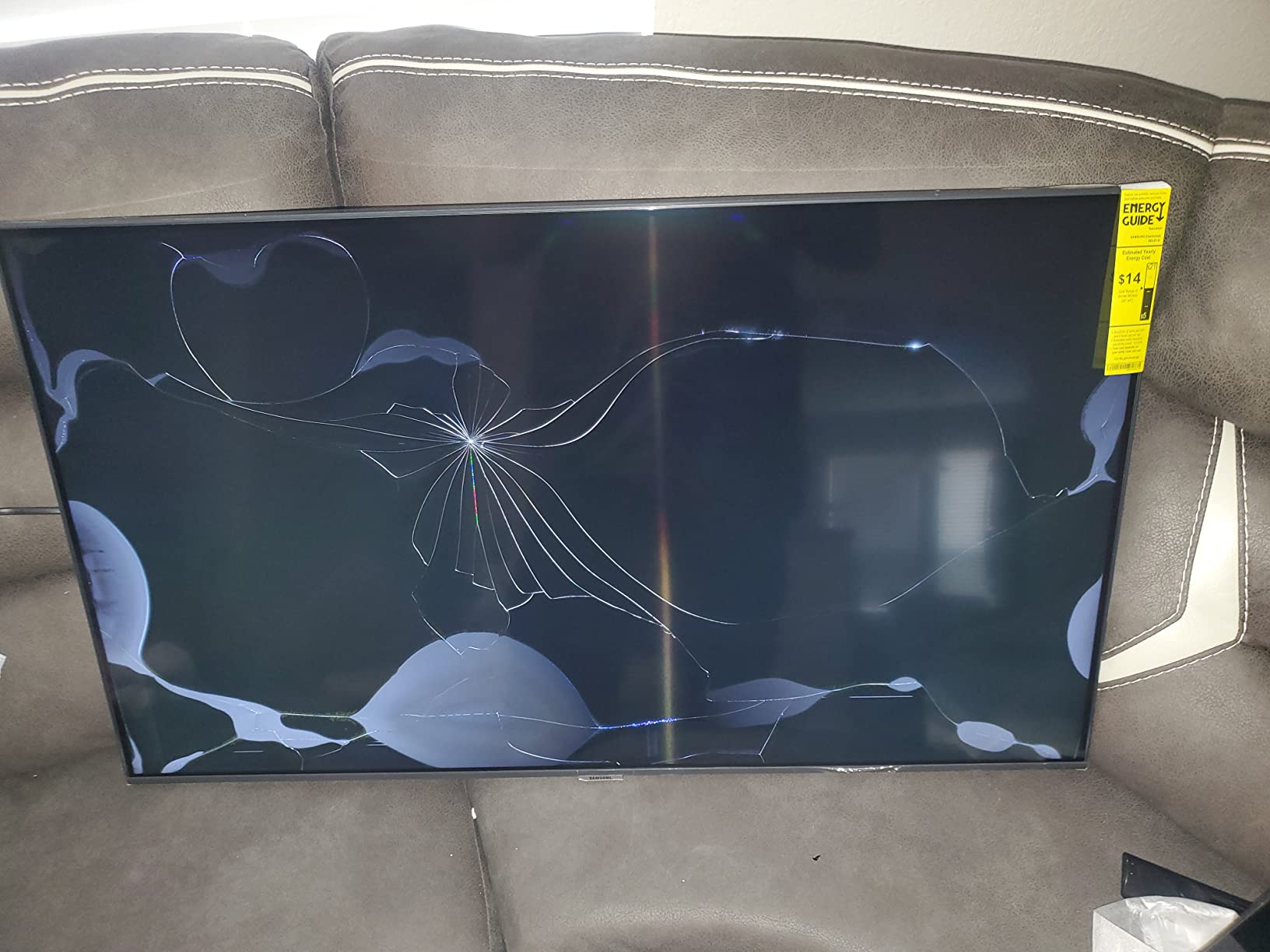
- Samsung Business TV app reliability issues reported
- Glossy screen can cause reflections
- Not Prime eligible
The BE55T-H sits in the sweet spot between the compact 43-inch and the larger 65-inch models. I have found that 55 inches is the ideal size for the most common conference room footprint: a 10 to 12 person room where people sit 8 to 15 feet from the screen. This model adds Dolby Vision support and a 120Hz motion rate, making it the best option in the BE series for rooms that do frequent video calls.
The higher refresh rate matters more than you might think for conference room use. Video calls look smoother, screen sharing feels more responsive, and motion in training videos is noticeably cleaner. The Crystal Processor 4K and HDR support deliver the same accurate color reproduction as the rest of the BE lineup.
At under 18 pounds, this is a remarkably light 55-inch panel. Wall mounting is straightforward, and the slim profile looks professional in any office environment. The 16/7 duty cycle and 3-year onsite warranty give you the commercial reliability that consumer Samsung TVs at this size cannot match.
The main complaints I have seen center on the Samsung Business TV app having reliability issues. Some users report connectivity drops when managing the display remotely. For basic presentation and video call use, this is not a problem. But if you plan to use Samsung’s remote management features heavily, test them before a full rollout.
Best Use Cases
This panel shines in mid-sized meeting rooms of 8 to 12 people. The 120Hz capability makes it especially good for rooms that host video conferences multiple times a day. The motion processing keeps remote participant video smooth, which reduces the fatigue that comes from watching choppy feeds.
Several reviewers also note it works exceptionally well as a large computer monitor. If your team does data-heavy work sessions where multiple people need to view spreadsheets or dashboards, the 55-inch size and 4K resolution create a productive shared workspace.
What to Watch For
The glossy screen finish can cause reflections in rooms with overhead lighting or windows positioned behind viewers. If glare is a concern, the Samsung QE65T below has a non-glare panel that handles bright environments better.
Also note that this model is not Prime eligible, so plan your procurement timeline accordingly. Standard shipping times apply, which means you should order well ahead of any office renovation deadlines.
5. BIG VUE Plus 55-Inch Smart Board – AI-Equipped Collaboration Display
BIG VUE Plus 55″ Smart Board 4K UHD Touchscreen, Android 14 Interactive Whiteboard, Multi-Touch Digital Display 8GB RAM 256GB Storage, AI-Assistant 48MP Camera Microphone for Office & Business
55-Inch 4K UHD Touchscreen
Android 14
8GB RAM
256GB
60-Point Touch
48MP Camera
Pros
- 60-point IR multi-touch technology
- Android 14 with 8GB RAM and 256GB storage
- Built-in 48MP AI camera and microphone
- OPS expansion slot for Windows PC integration
- 3-year onsite warranty
Cons
- Only 81 reviews as a newer product
- Limited market track record
- Contrast ratio lower than Samsung panels
The BIG VUE Plus is the newest entrant in this lineup and brings some aggressive specs to the table. With 60-point touch, a built-in 48MP AI camera, Android 14, and 8GB of RAM, it is targeting the same interactive whiteboard space as the COOLHOOD but in a 55-inch form factor. I have been watching this category closely, and the feature set here is compelling for the price.
The built-in AI assistant with a 48MP camera and microphone array means this display can run video conferences without any external hardware. That is a real advantage for rooms where you want to keep the installation clean and minimize cable clutter. The camera quality is notably higher than what you find in most all-in-one displays.
Android 14 with 8GB of RAM and 256GB of storage gives you serious computing power. The OPS expansion slot means you can slot in a Windows PC module if your team needs full desktop functionality. Cross-platform compatibility with Windows, ChromeOS, and macOS makes integration straightforward.
The trade-off is that this is a newer product with only 81 reviews and a limited market track record. The 1200:1 contrast ratio is lower than the Samsung panels in this guide, which means blacks will not be as deep and the image will look slightly flatter in darkened rooms. For well-lit conference rooms, this is less noticeable.
AI Camera and Conferencing
The 48MP AI camera is the headline feature. In my experience with similar systems, built-in cameras save significant installation time and cost compared to setting up a separate camera, microphone, and speaker system. The AI assistant handles framing and tracking, which is useful for rooms where people move around during calls.
The pen tip recognition system supports both 2.8mm and 8mm tips, giving you precision for detailed annotation and broader strokes for highlighting. The aluminum frame construction feels solid and professional.
OPS Slot Expansion
The Open Pluggable Specification slot is a standardized expansion bay that lets you add a Windows or Chrome OS compute module directly to the display. This is the same standard Samsung and LG use in their commercial panels. If your IT team standardizes on Windows, you can add a full PC without external cables or mounts.
This makes the BIG VUE a flexible platform that can serve as a standalone Android device or a full Windows workstation. For organizations that want to future-proof their investment, the OPS slot is a significant value add.
6. Samsung QB65R 65-Inch Signage Display – High-Brightness Workhorse
Samsung QB65R 65 inch 4K UHD LED Commercial Signage Display for Business with HDMI, Wi-Fi, 350 nit (LH65QBREBGCXZA), Black
65-Inch 4K UHD LED
350 Nits
SoC Technology
16/7 Operation
Cisco WebEx Compatible
Pros
- 350 nit brightness for well-lit rooms
- Dynamic Crystal Color with wide color gamut
- System-on-chip eliminates need for external media player
- Cisco WebEx room kit compatible
- Built-in Wi-Fi and Bluetooth
Cons
- Glossy screen finish causes reflections
- Higher price point
- Not Prime eligible
The Samsung QB65R is the panel I recommend when brightness is the priority. At 350 nits, it delivers 40 percent more light output than the BE series, which makes a real difference in glass-walled conference rooms and spaces with abundant natural light. The Dynamic Crystal Color technology produces a wider color gamut than standard UHD panels, giving charts and presentations more visual punch.
The system-on-chip architecture means the display has a built-in media player and processing power. You do not need an external device to run signage content, which simplifies installation and reduces points of failure. The embedded Tizen platform handles content scheduling and playback without external hardware.
Cisco WebEx room kit compatibility is a significant feature for organizations invested in WebEx as their conferencing platform. The display integrates cleanly with WebEx hardware ecosystems, making it a natural choice for Cisco shops. Built-in Wi-Fi and Bluetooth cover wireless content sharing and control needs.
The glossy screen finish is the main drawback. In rooms with direct overhead lighting, you will see reflections on the screen. This is the trade-off Samsung made for the higher color gamut and brightness. If reflections are a deal-breaker, the QE65T with its non-glare panel is the better choice.
SoC Platform and Content Management
The system-on-chip platform runs Samsung’s MagicINFO content management system, which is one of the more capable CMS platforms in the commercial display space. You can schedule content, push updates remotely, and manage multiple displays from a central dashboard. For organizations with displays across multiple rooms or locations, this is a major operational advantage.
The 0.92 color gamut rating means this panel covers a significant portion of the DCI-P3 color space. For organizations that need color accuracy for design reviews or marketing content, this is the best-performing panel in the lineup for color reproduction.
Room Integration and Control
The QB65R supports RS232 control, which is the standard protocol for Crestron, Extron, and AMX control systems. This matters for boardrooms and conference rooms where the display needs to integrate with a broader AV control system. The display can be turned on and off, switched to specific inputs, and monitored through the room control system.
The slim 1.82-inch depth and clean cable management system keep the installation looking professional. The 3-year onsite warranty covers the same parts, labor, and backlight as the rest of Samsung’s commercial lineup.
7. Samsung QE65T 65-Inch Signage Display – Non-Glare All-Rounder
SAMSUNG Business QE65T 65-inch 4K UHD 3840×2160 LED Commercial Signage Display, HDMI, USB, Speakers, 3-Yr Wrnty, 16/7 Operation, 300 nit (LH65QETEPGCXGO), Black
65-Inch 4K UHD
Non-Glare Panel
300 Nits
IP5X Dust-Proof
16/7 Operation
Pros
- Non-glare panel eliminates reflection issues
- IP5X dust-proof rating for durability
- Bezel-less design for professional appearance
- Built-in media player with Crystal 4K Processor
- Available in 8 sizes from 43 to 85 inches
Cons
- Cannot turn off with some cable remotes
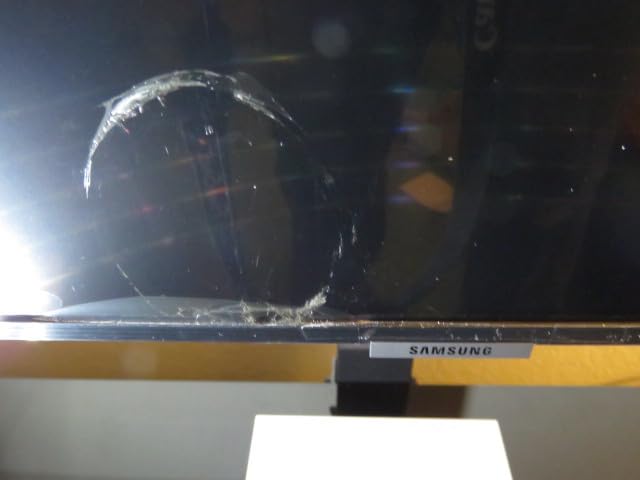
- Shipping damage reports from some buyers
- Lower color gamut than QB series
The Samsung QE65T is my top recommendation for the largest number of conference room scenarios. The non-glare panel solves the reflection problem that affects both the BE and QB series, making it the best choice for rooms with overhead lighting and windows. At 300 nits, it splits the difference between the dimmer BE series and the brighter QB series.
The IP5X dust-proof rating is a feature most buyers overlook but AV installers appreciate. Conference rooms accumulate dust, especially in buildings with older HVAC systems, and dust ingress is a common cause of panel failure over time. The IP5X rating means this display is sealed against dust particles that would degrade internal components.
The 3-side bezel-less design gives this panel a modern, premium look on the wall. When mounted, it looks like a piece of glass rather than a bulky monitor. The Crystal 4K Processor handles UHD upscaling for lower-resolution content, so standard 1080p video calls still look clean.
The QE65T is available in eight sizes from 43 to 85 inches, all sharing the same design language and feature set. If you are outfitting multiple rooms with different size requirements, standardizing on the QE series gives you a consistent look and management experience across all your displays.

Non-Glare Panel Performance
The non-glare treatment on this panel is the feature that earns it the Best Value badge. In side-by-side comparisons with glossy panels in the same room, the QE65T maintains readability where others become mirrors. If your conference room has windows behind the seating area or bright overhead fixtures, this is the panel that will still be readable.
The trade-off is a slightly lower color gamut rating of 0.72 compared to the QB series at 0.92. For most business content including slides, spreadsheets, and video calls, the difference is not noticeable. For design and marketing work where color accuracy is critical, the QB65R is the better choice.
Multi-Size Deployment Strategy
Because the QE-T series spans from 43 to 85 inches, you can use the same model line across every room in your office. A 43-inch for the huddle room, a 55-inch for the mid-size meeting room, a 65-inch for the boardroom, and a 75 or 85-inch for the all-hands space. Same warranty, same management platform, same look.
This consistency simplifies IT management and reduces the learning curve for employees who use multiple rooms. The wall mount standard varies by size, so check VESA compatibility for each panel you plan to deploy.
8. Samsung QB55R 55-Inch Signage Display – Compact High-Brightness
Samsung Business QB55R 55 inch 4K UHD LED Commercial Signage Display for Business with HDMI, Wi-Fi, 350 nit (LH55QBREBGCXZA)
55-Inch 4K UHD LED
350 Nits
SoC Technology
Dynamic Crystal Color
16/7 Operation
Pros
- 350 nit brightness in a compact 55-inch size
- Dynamic Crystal Color with 0.92 color gamut
- System-on-chip with embedded media player
- Cisco WebEx room kit compatible
- 3-year onsite warranty
Cons
- Glossy screen causes reflections in bright rooms
- Limited stock availability
- Higher price than BE series
The Samsung QB55R is the 55-inch sibling of the QB65R, offering the same 350-nit brightness and Dynamic Crystal Color technology in a smaller footprint. This is the panel I recommend for mid-size rooms that need the brightness and color performance of the QB series but do not have wall space for a 65-inch display. At 39.9 pounds, it is manageable for a two-person wall mount installation.
The system-on-chip platform means this is a self-contained signage solution. No external media player needed, no extra cables, no additional points of failure. The embedded Tizen platform runs Samsung’s content management tools, and the RS232 control port integrates with Crestron and Extron systems.
Cisco WebEx compatibility makes this a natural fit for organizations using WebEx as their primary conferencing platform. The display pairs cleanly with Cisco room kits, creating an integrated conferencing solution. Built-in Wi-Fi and Bluetooth handle wireless content sharing.
The same glossy screen caveat applies here as with the QB65R. The glossy finish boosts color vibrancy and perceived contrast but creates reflections in rooms with direct light sources. Plan your mounting position to minimize light sources reflecting off the screen.
Brightness vs Glare Trade-Off
The 350-nit brightness is the selling point for this panel. In rooms with significant ambient light, the extra brightness keeps content readable where a 250-nit panel would wash out. The Dynamic Crystal Color technology produces noticeably richer colors than standard UHD panels, which gives presentations and video content more visual impact.
If your room has controlled lighting or window treatments, the glossy finish is not a problem. In rooms where you cannot control the light, consider the QE55T with its non-glare panel instead.
Stock and Availability
This model has shown limited stock availability, with some listings showing fewer than 15 units remaining. If you are planning a multi-room deployment, confirm availability across all the units you need before committing. The QB series is popular in commercial AV installations, and stock can fluctuate.
Prime eligibility varies, so check current shipping options. For organizations with Amazon Business accounts, bulk pricing may be available even when standard Prime shipping is not.
Buying Guide: Choosing the Right Conference Room Display
Choosing the right commercial display for your conference room comes down to six factors that I have seen make or break deployments. Let me walk through each one so you can match the right panel to your specific room and use case.
Commercial Display vs Consumer TV
The number one question I get asked is whether a commercial display is worth the premium over a consumer TV. The answer is almost always yes for business use. Commercial displays are built for 16/7 or 24/7 operation, meaning their components are rated for the heat and stress of running all day, every day. Consumer TVs are designed for 4 to 6 hours of daily use.
The warranty difference alone often justifies the price gap. Consumer TV warranties typically void if the TV is used in a commercial setting. Commercial displays come with 3-year onsite warranties that send a technician to your office. When a panel fails, that difference is the difference between a same-week repair and buying a replacement.
Commercial displays also include features that consumer TVs lack: RS232 control for AV system integration, scheduling and signage capabilities, dust-proof ratings, and IT management tools. These features matter in any deployment beyond a single conference room.
Brightness and Anti-Glare
Brightness matters more than resolution for readability in conference rooms. A 250-nit panel looks fine in a room with standard overhead lighting. But in a glass-walled room with natural light, you need 300 to 350 nits minimum to keep content readable. The brightest panels in this guide push 350 nits, which handles most office environments.
Anti-glare treatment is equally important. A glossy screen at 350 nits can still be unreadable if overhead lights reflect off the surface. Non-glare panels scatter reflections, maintaining readability even when the brightness rating is lower. The Samsung QE65T with its non-glare panel at 300 nits will outperform a glossy 350-nit panel in many real-world rooms.
Matching Display Size to Room Size
The rule I use is that the farthest viewer should be no more than 6 times the screen diagonal from the display. For a 65-inch panel, that means the farthest seat should be within about 32 feet. For a 55-inch panel, the limit is about 27 feet. For a 43-inch panel, keep it under 21 feet.
For huddle spaces seating 4 to 6 people, a 43-inch panel is plenty. For 8 to 12-person rooms, 55 inches is the sweet spot. For boardrooms seating 15 or more, go with 65 inches or larger. If you are doing video calls where remote participants appear on screen, err on the larger side so faces are visible from every seat.
Connectivity and Integration
At minimum, your display needs HDMI for laptop connections. Two HDMI ports let you switch between presenters without cable swapping. USB-C is increasingly important for direct laptop connections, especially with newer laptops that only have USB-C ports. Wireless screen sharing eliminates cables entirely but requires a compatible display or dongle.
For AV system integration, RS232 control is the standard for Crestron, Extron, and AMX systems. If your conference room has a control system, make sure the display supports RS232. The Samsung QB series includes this, while the BE series does not. OPS slots allow you to add a compute module directly to the display for Windows or Chrome OS functionality.
Duty Cycle and Lifespan
Duty cycle refers to how many hours per day a display is rated to operate. Consumer TVs are typically rated for about 4 to 6 hours daily. Commercial displays are rated for 16/7 (16 hours per day, 7 days per week) or 24/7 operation. For a conference room that gets used 8 to 10 hours a day, 16/7 is sufficient.
In practice, commercial displays last 5 to 7 years in typical conference room use. Consumer TVs in the same environment typically fail within 2 to 3 years. Over a 5-year period, the commercial display costs less when you factor in replacement costs, downtime, and the labor of reinstalling a failed panel.
IT Management and Security
Consumer TV smart features are a known IT security concern. They run consumer operating systems with automatic updates, app stores, and data collection that most IT departments do not want on the corporate network. Commercial displays run controlled platforms like Tizen or Android AOSP that IT can lock down and manage.
Remote device management lets your IT team monitor display status, push content updates, and control settings from a central dashboard. Samsung’s MagicINFO and similar platforms support multi-location management, which is essential for organizations with displays across multiple offices. Look for displays that support your preferred management platform.
FAQs
What is the difference between a commercial display and a TV?
Commercial displays are professional-grade screens built for continuous business use, offering higher brightness ratings (250 to 350+ nits), 16/7 or 24/7 duty cycles, RS232 control for AV system integration, dust-proof ratings, and enterprise IT management features. Consumer TVs are designed for 4 to 6 hours of daily home use and typically void their warranty if used commercially.
Why should businesses choose a commercial display instead of a TV?
Businesses should choose a commercial display for three reasons: durability, warranty coverage, and IT management. Commercial displays last 5 to 7 years in daily conference room use versus 2 to 3 years for consumer TVs. They include 3-year onsite warranties that send technicians to your location. They also offer remote management, content scheduling, and security controls that consumer TVs lack.
What brightness is recommended for a meeting room display?
For standard conference rooms with normal overhead lighting, 250 to 300 nits is sufficient. For glass-walled rooms or spaces with significant natural light, look for 350 nits or higher. Anti-glare panel treatment is equally important, as a non-glare 300-nit panel will often outperform a glossy 350-nit panel in bright environments.
How long do commercial displays last compared to TVs?
Commercial displays typically last 5 to 7 years in conference room environments running 8 to 10 hours per day. Consumer TVs in the same setting generally fail within 2 to 3 years because they are only rated for 4 to 6 hours of daily use. The 16/7 or 24/7 duty cycle rating on commercial panels means their internal components are designed to handle sustained heat and operation.
Can you use a TV as a meeting room display?
Technically yes, but it is not recommended for daily business use. Consumer TVs used commercially will have their warranties voided, fail faster under extended daily operation, lack RS232 control for AV system integration, and introduce IT security concerns through consumer smart TV platforms. For occasional use in a low-traffic room, a consumer TV can work. For any regular meeting room, a commercial display is the better long-term investment.
Final Thoughts
The best commercial displays for conference rooms share three traits: they are bright enough for your lighting conditions, they are built for the hours your team actually uses them, and they include the connectivity and management features your IT team needs. The eight models in this guide cover the full range of room sizes, budgets, and use cases I encounter in real deployments.
For most organizations, I would start with the Samsung QE65T for its non-glare panel, IP5X dust rating, and availability in eight sizes. If touch interaction is a priority, the COOLHOOD Smart Board delivers the full interactive whiteboard experience. And if you are outfitting multiple small rooms on a budget, the Samsung BE series gives you commercial reliability at consumer-adjacent pricing.
Whatever you choose, the upgrade from a consumer TV to a commercial display pays for itself within the first warranty replacement you avoid. Your meetings run smoother, your IT team sleeps better, and your conference room walls look the way they should in 2026.